MSN/Bing Health & Fitness for Windows 8.1
Jan – Jun 2013, as UX Designer II, Applications, Media and Publishing(AMP) | Microsoft
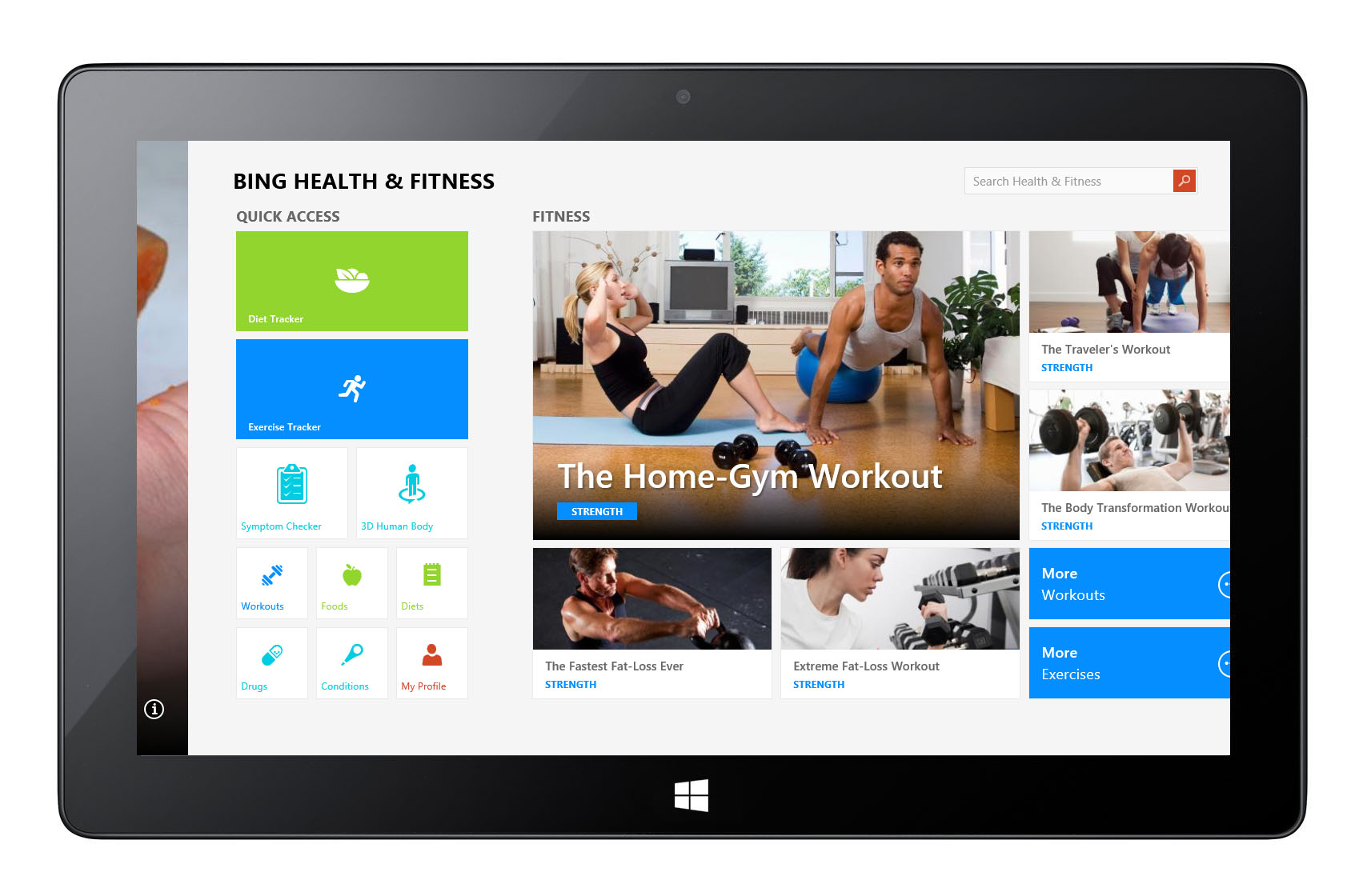

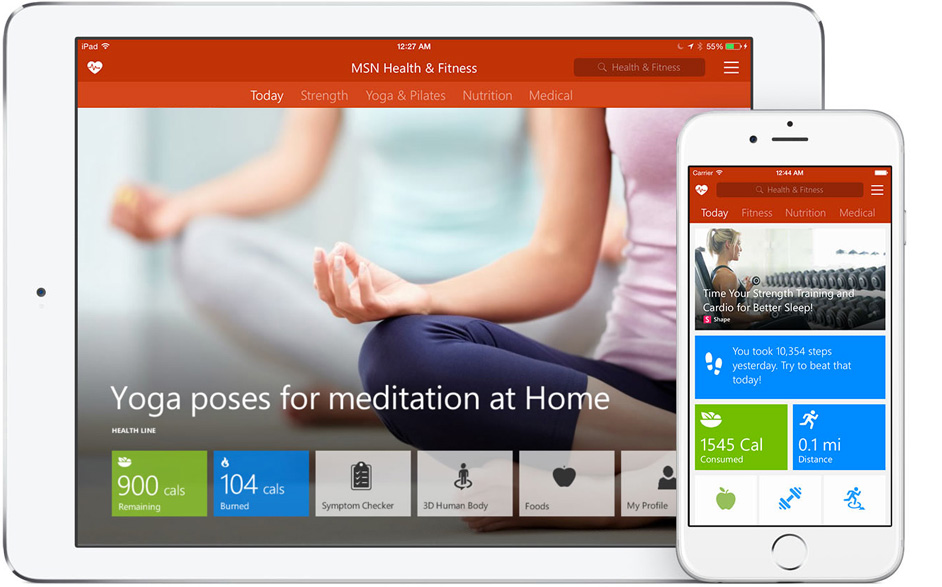
Bing/MSN Health & Fitness for Windows 8.1 was designed to help users lead healthier lives by providing personalized health and wellness content — including workouts, nutrition guidance, health tracking, and daily motivation — within an intuitive, data-rich app experience. It combined curated content with personalized features such as My Feed, Workout Plans, and Health Tracker, leveraging Windows 8.1’s design language to deliver a visually engaging, content-first experience.
Role
As lead UX designer, I defined the overall user experience, visual design, and information architecture for the Health & Fitness app. I worked closely with product management, content engineering, and developer teams to integrate rich health content, real-time data, and personalized features while maintaining clarity and ease of use across diverse user scenarios.
To deliver a rich content-consumption experience, we partnered with a fitness media studio to produce custom photos and videos tailored to the app. My focus was on optimizing the information architecture and navigation structure, ensuring users could easily discover the right content with minimal effort.
Design Goals
- Create an engaging, content-forward wellness experience that blends curated inspiration with practical tools.
- Structure diverse health content — from workouts and recipes to articles and tracker data — into intuitive browsing paths.
- Develop a design system that balances editorial storytelling with real-time user data and personalized feed content.
Windows 8 Design Principles
Throughout the project, the Windows 8 Design Principles served as the foundation for every decision—shaping layout, motion, typography, and the overall content-consumption experience. My goal was to make MSN/Bing Health & Fitness a flagship example of what a Windows 8 app could be.
The core principles included:
• Pride in Craftsmanship — Design with intention, focus on clarity and hierarchy, and ensure every pixel reflects care and refinement.
• Be Fast and Fluid — Use motion and animation to create a responsive, lightweight experience that enables effortless browsing and quick access to scores and headlines.
• Authentically Digital — Embrace digital materials—flat color, grid systems, and typography—rather than simulating real-world textures.
• Do More with Less — Prioritize the content itself; remove unnecessary chrome and decoration so users can focus on what matters.
• Win as One — Deliver a cohesive family of Bing apps, aligning navigation, layout, and design components across News, Travel, Weather, Finance, and more.
Key Design Elements
Personalized My Feed
The Home view centered around My Feed — a customizable content stream of articles, tips, videos, and tools tailored to users’ wellness interests. The feed’s adaptive structure allowed users to dive deeper into topics they cared about most.
Workout Explorer & Plans
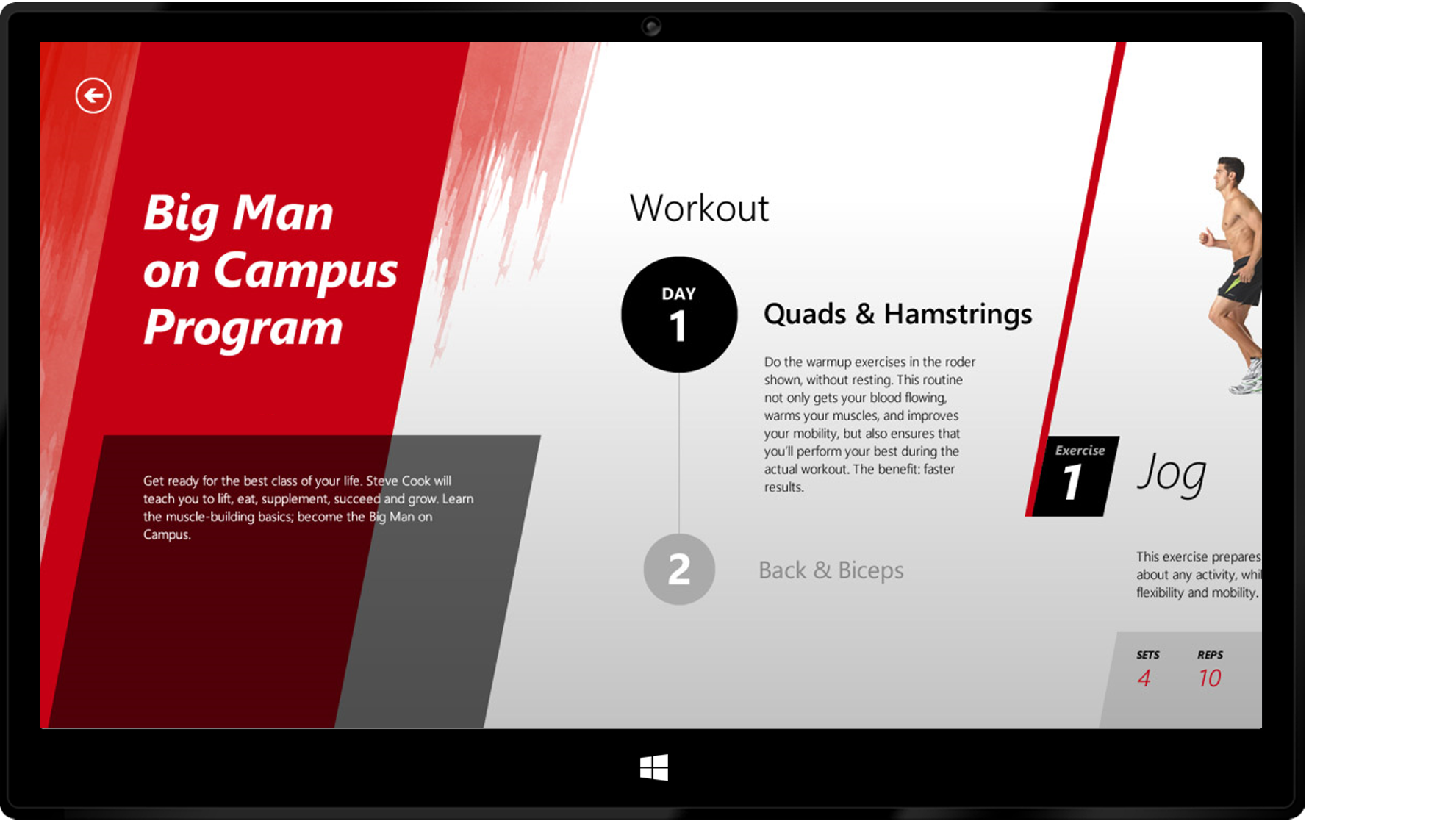
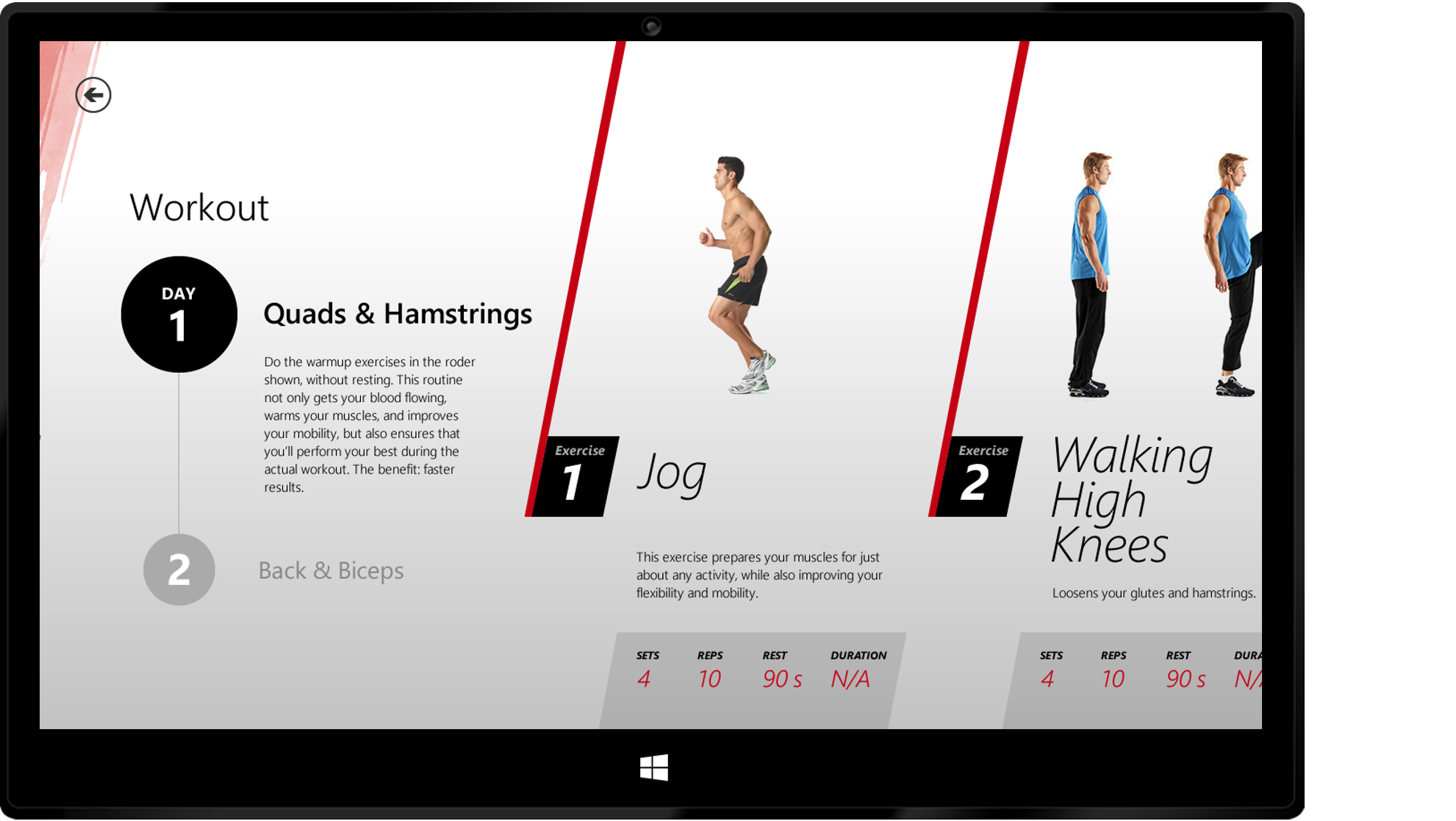
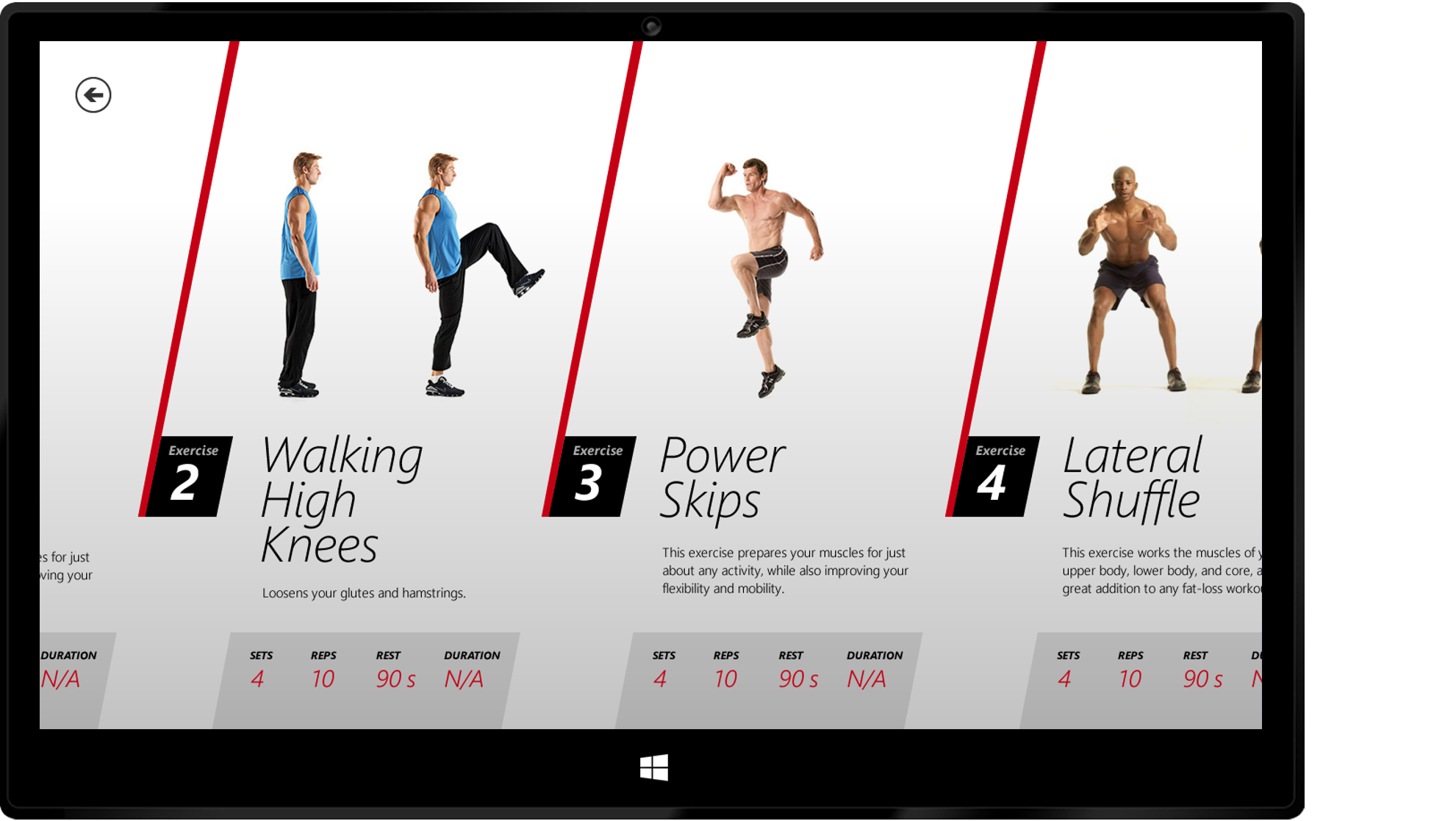
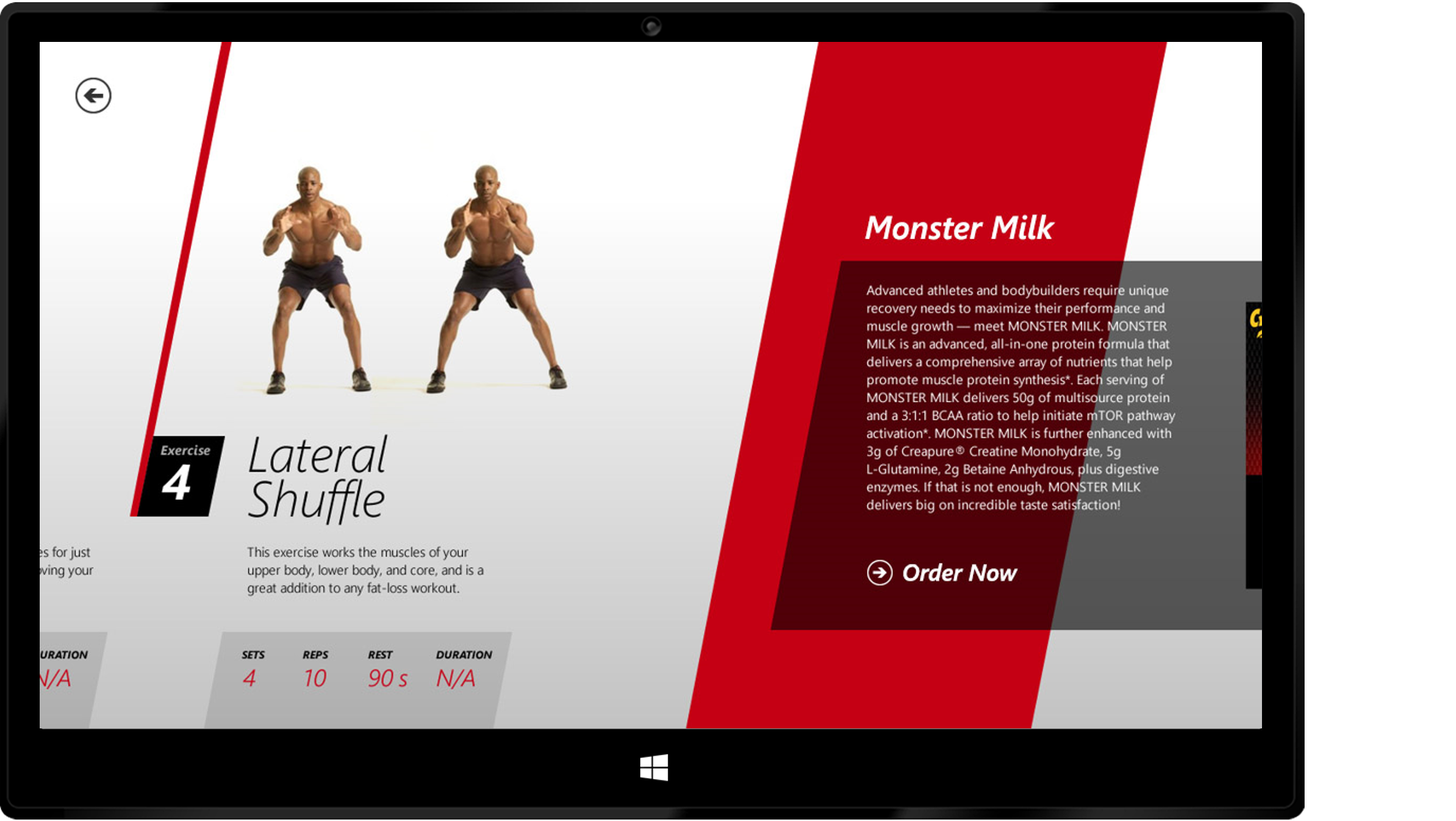
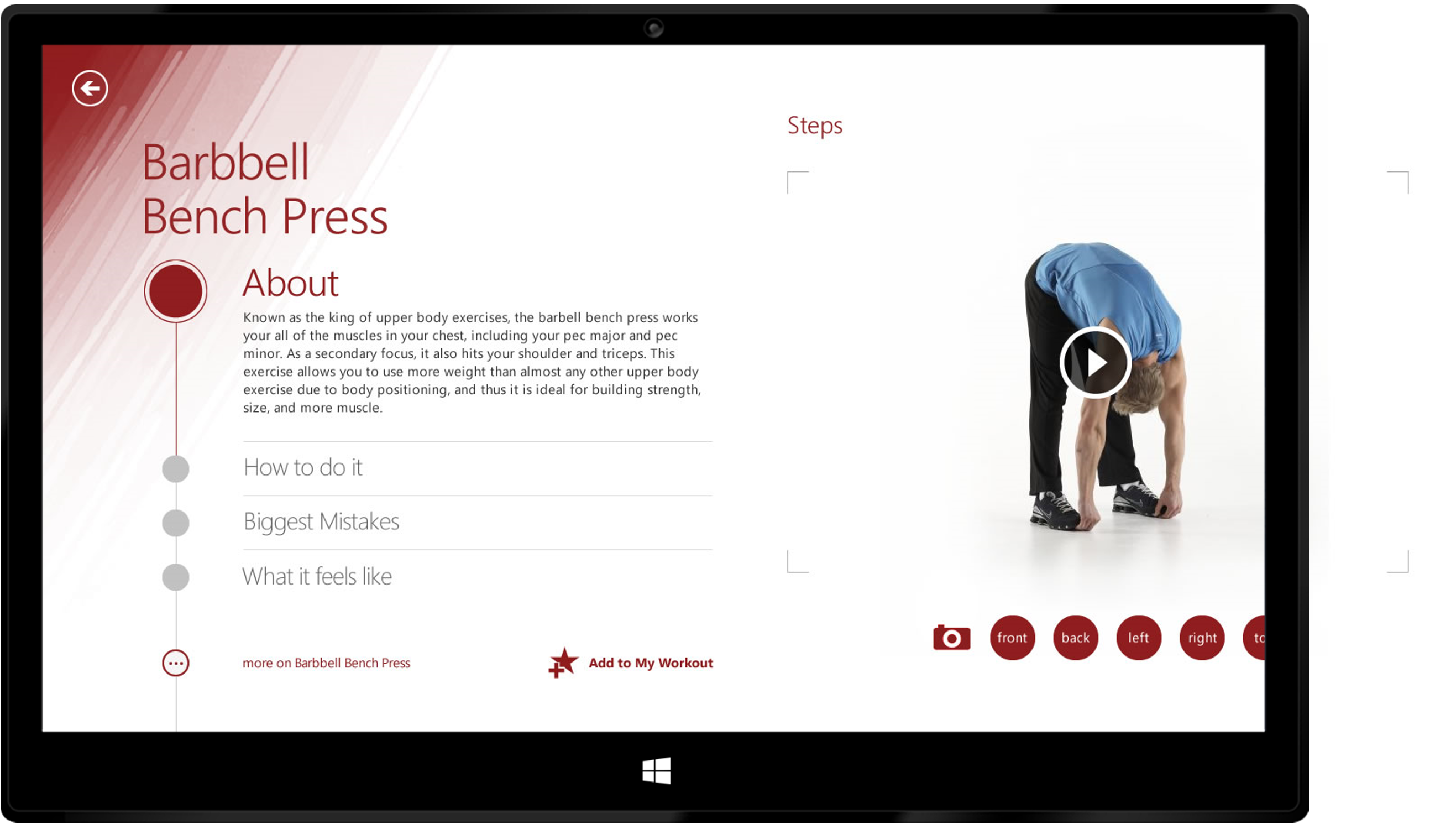
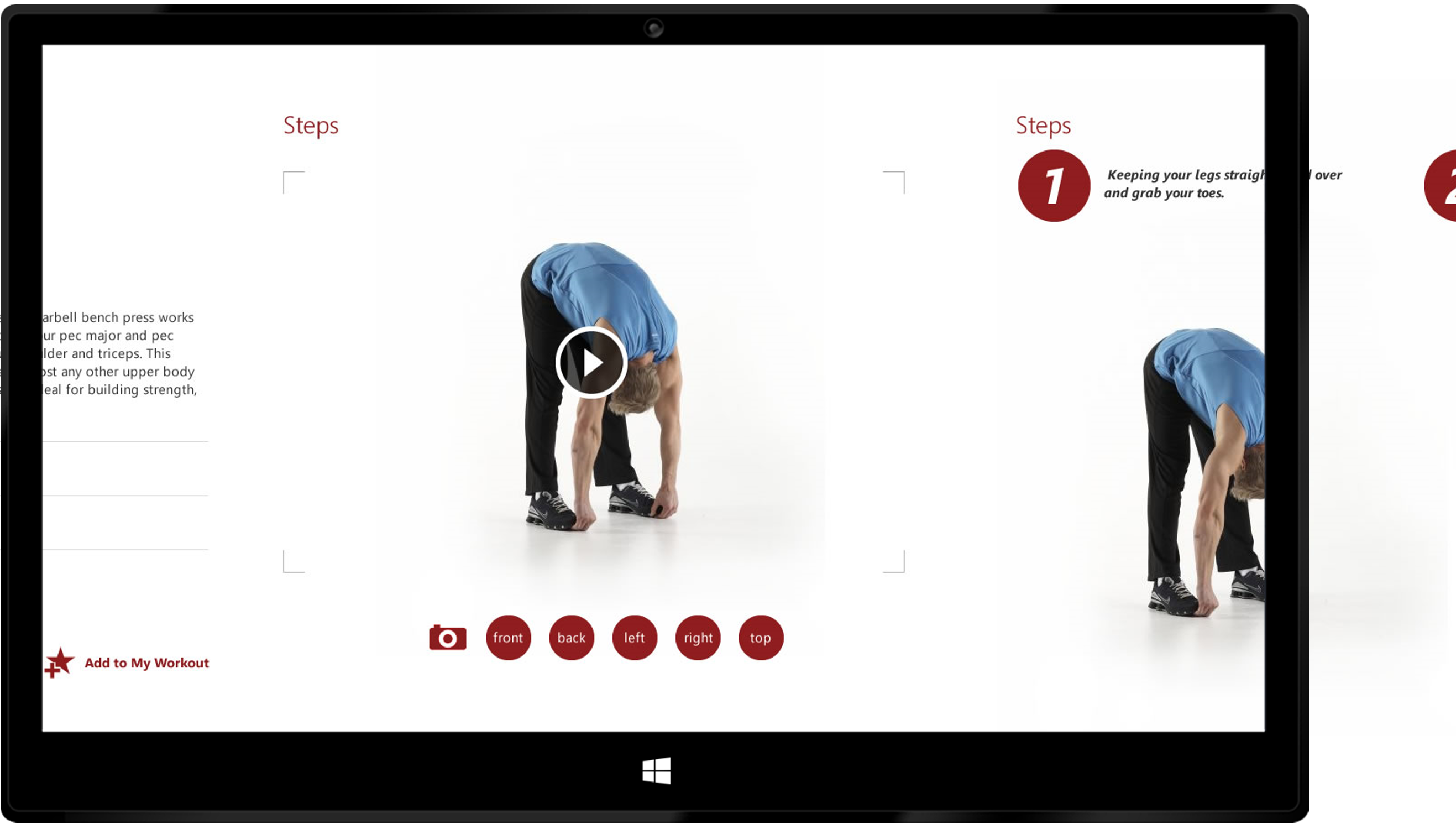
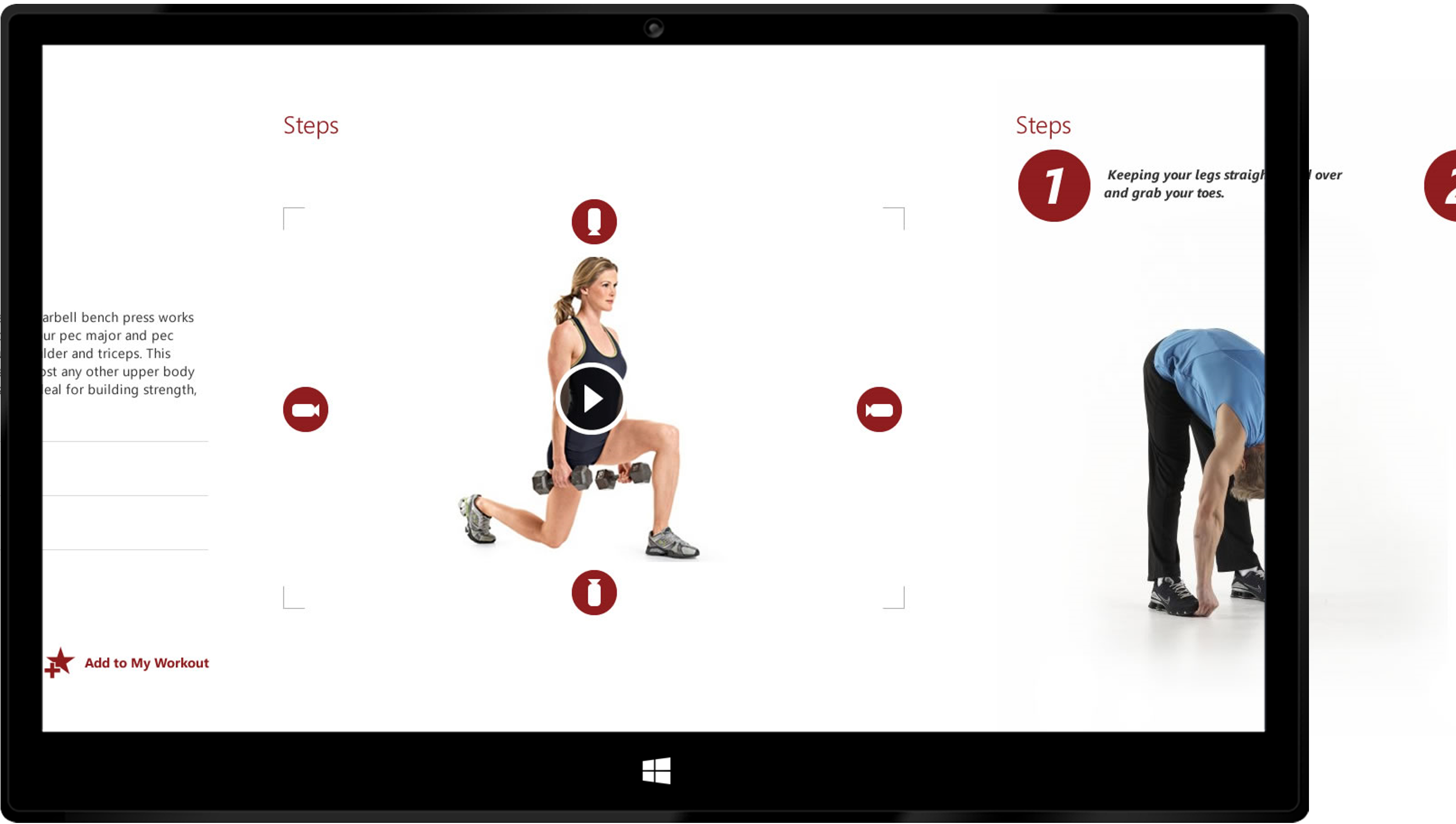
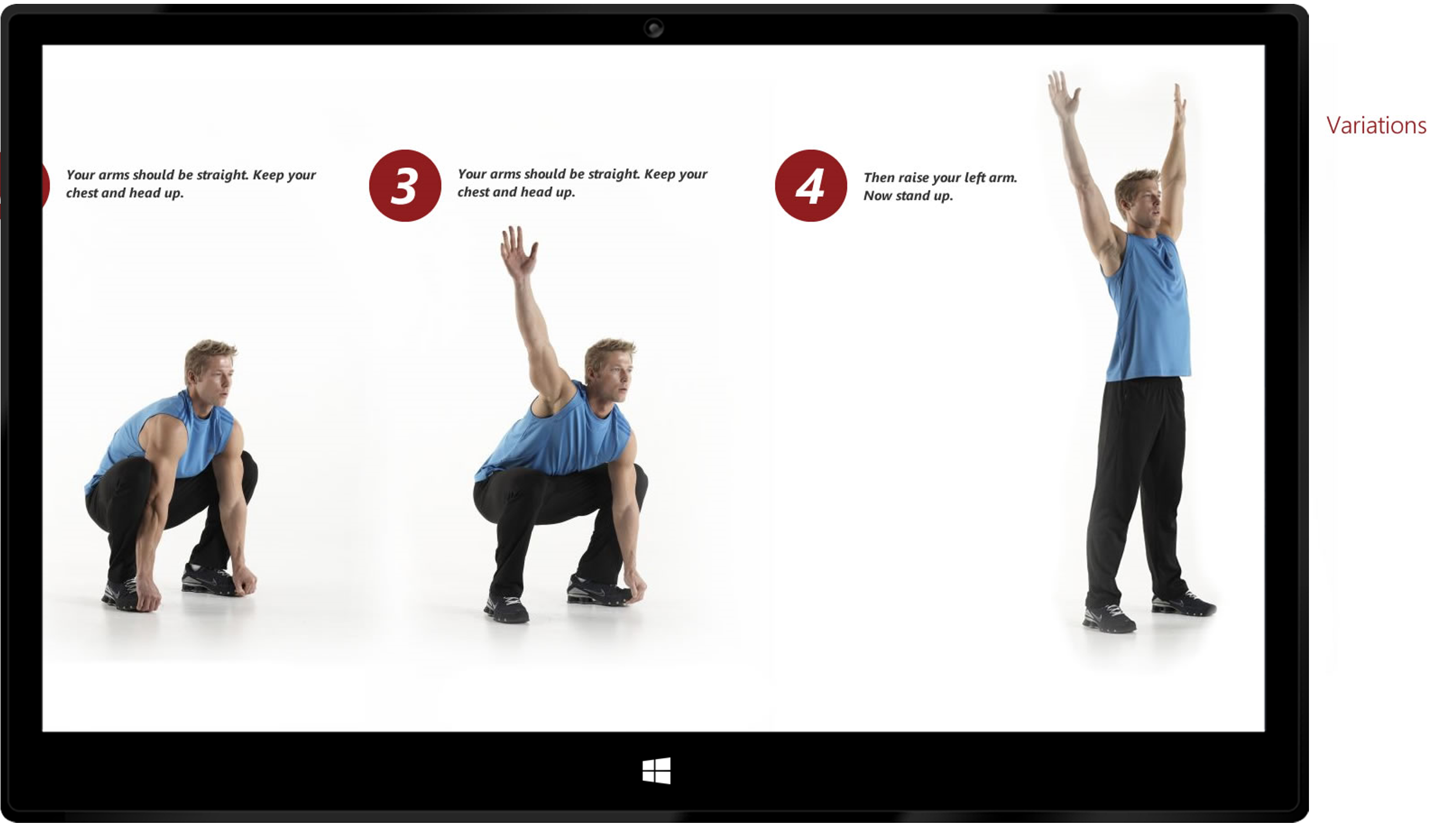
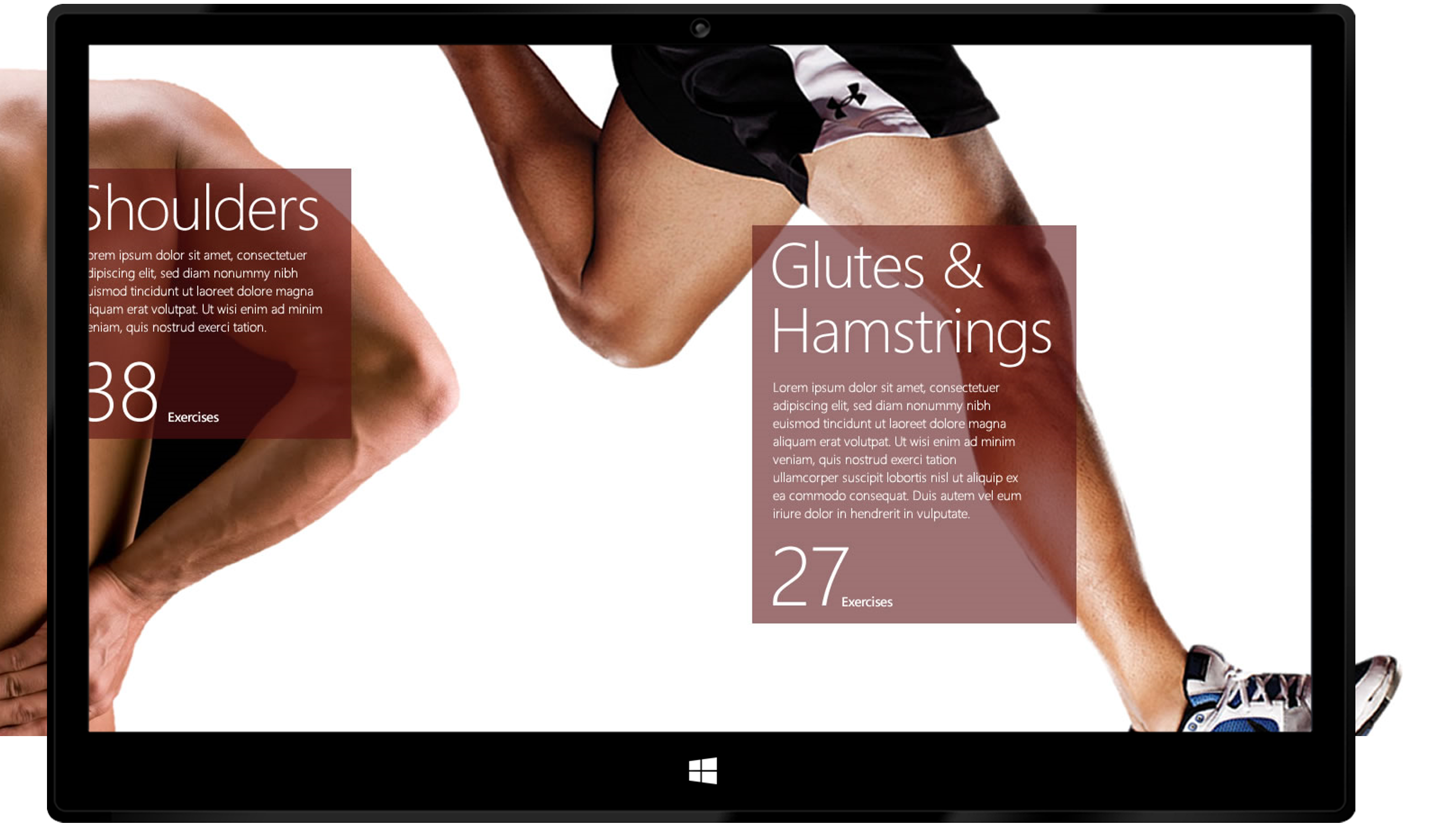
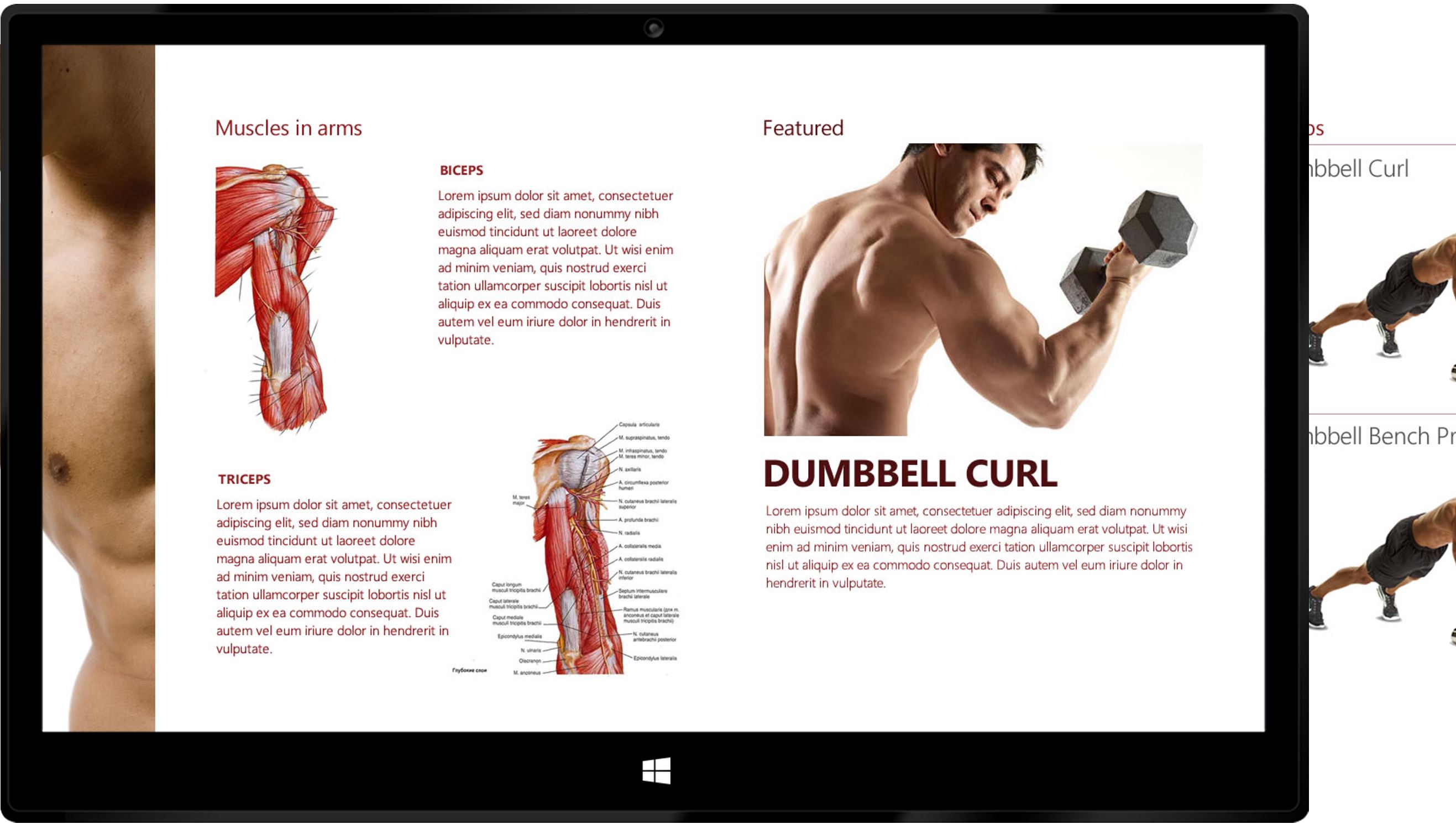
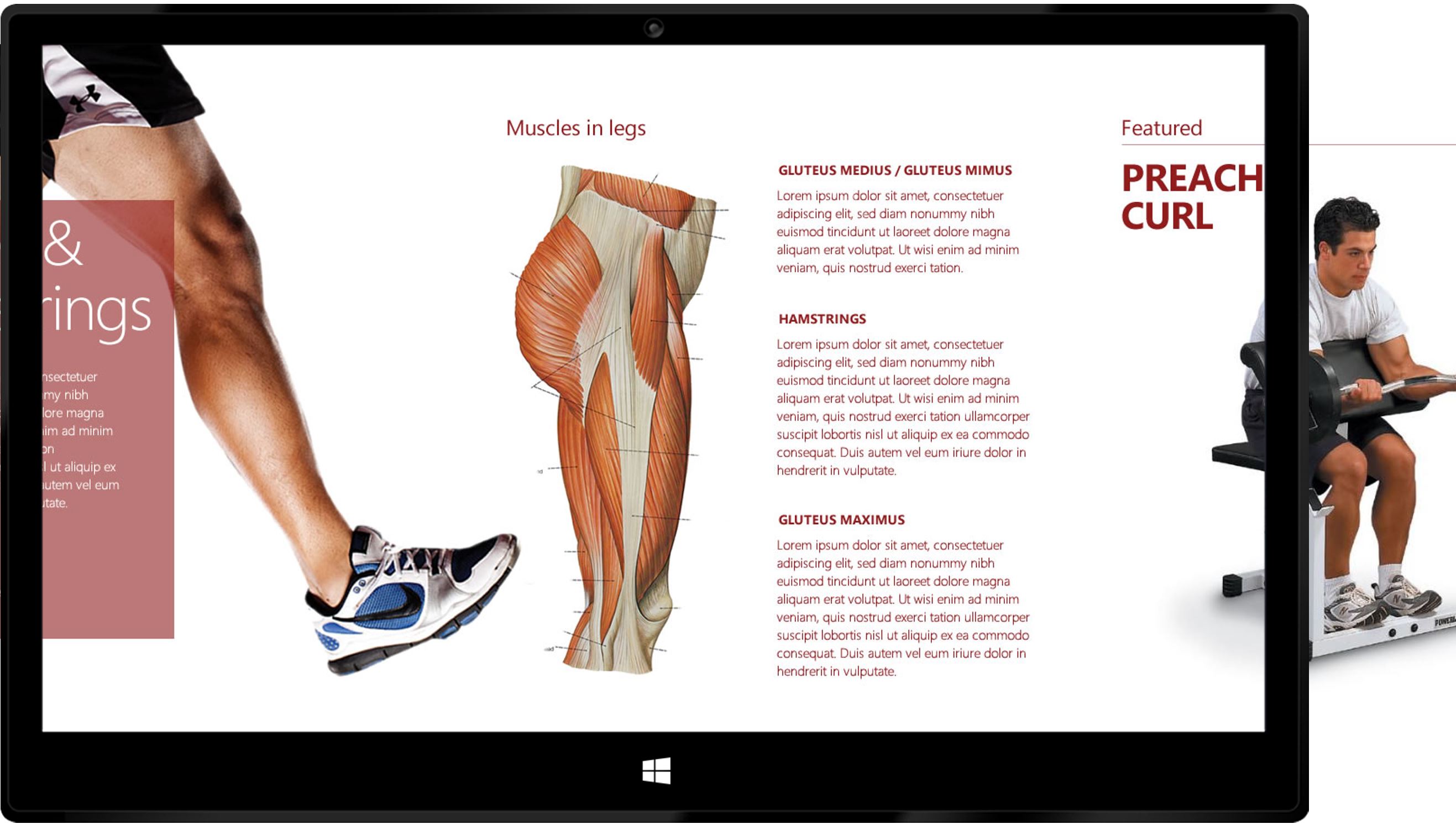
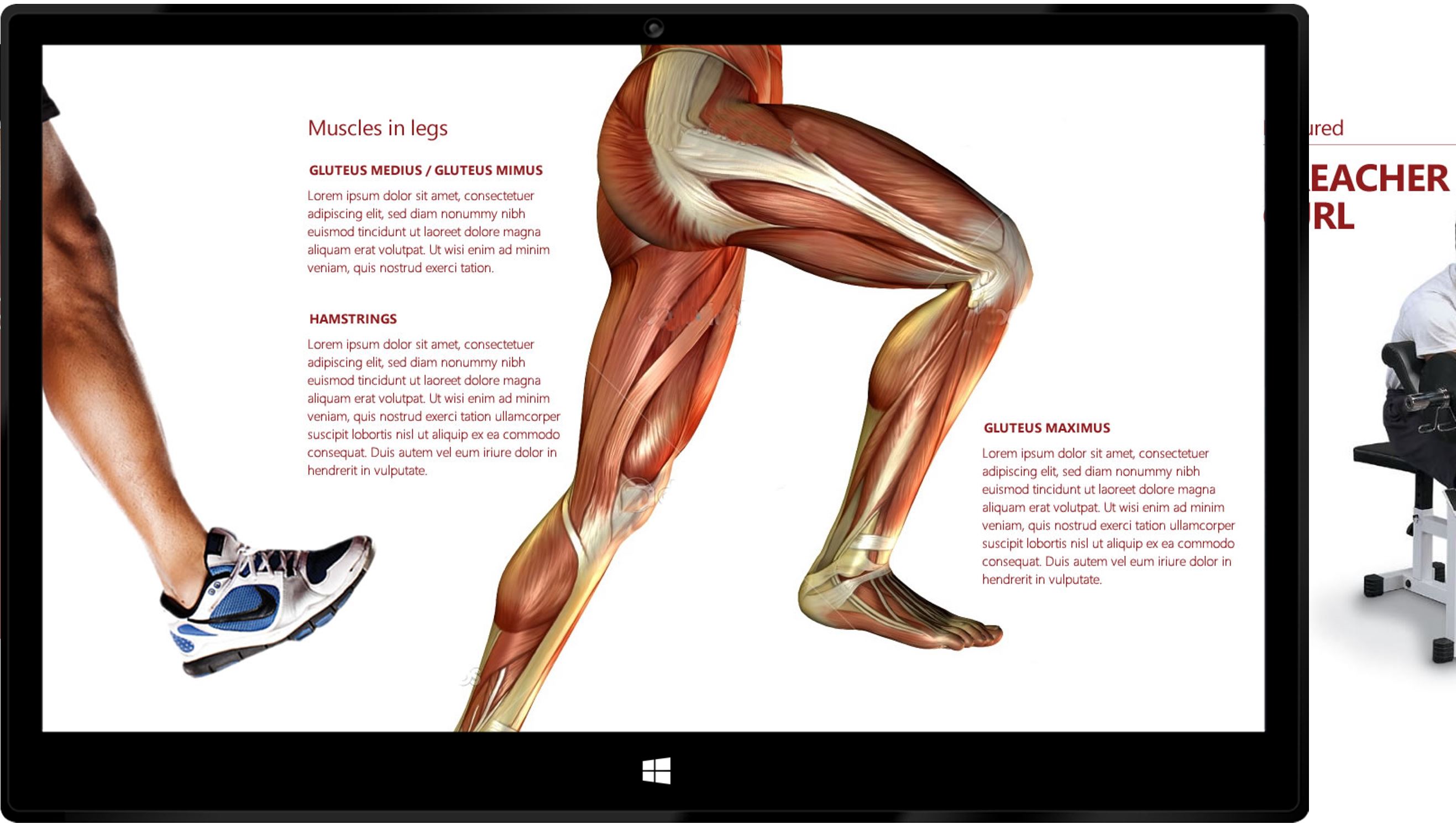
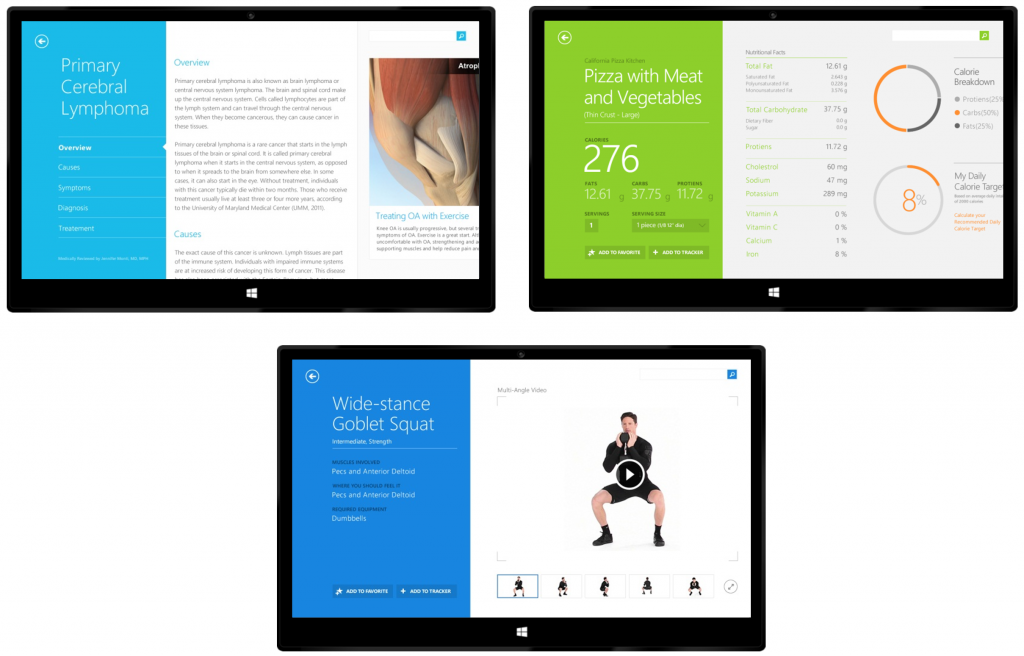
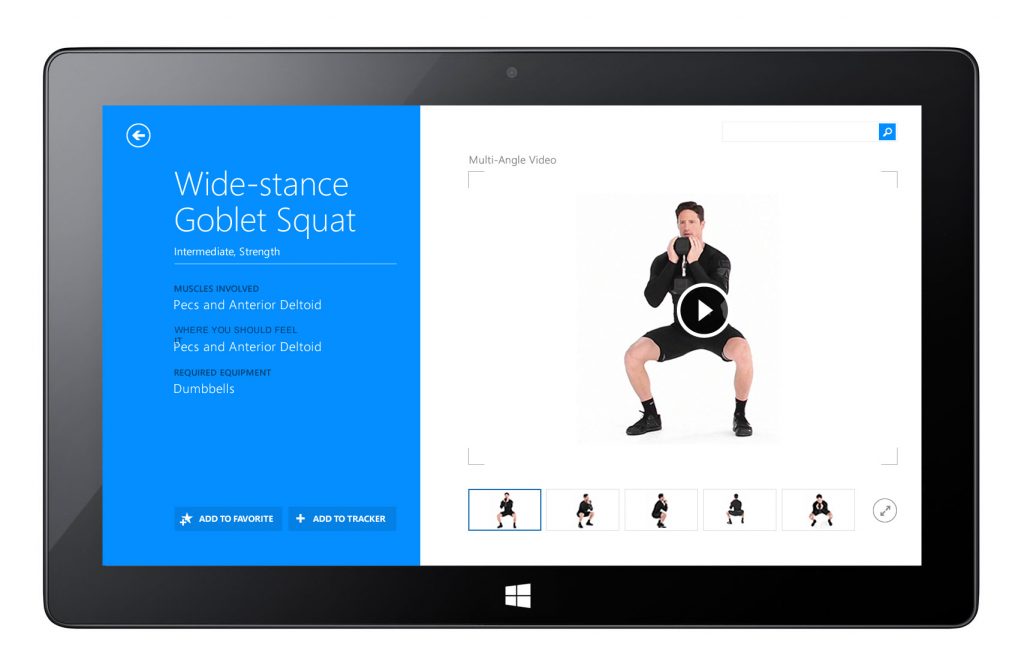
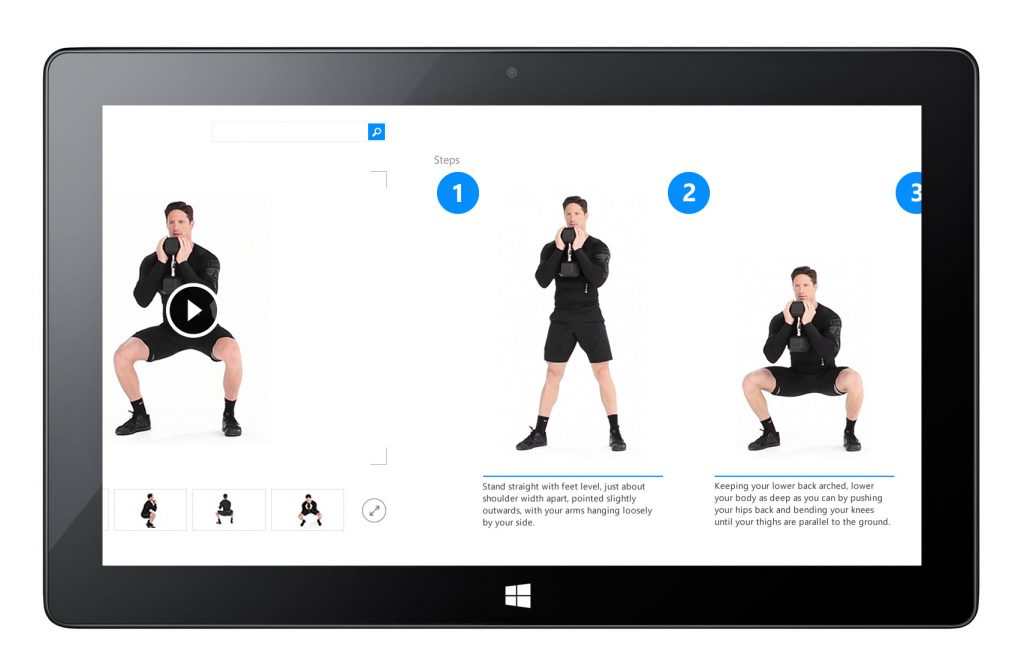
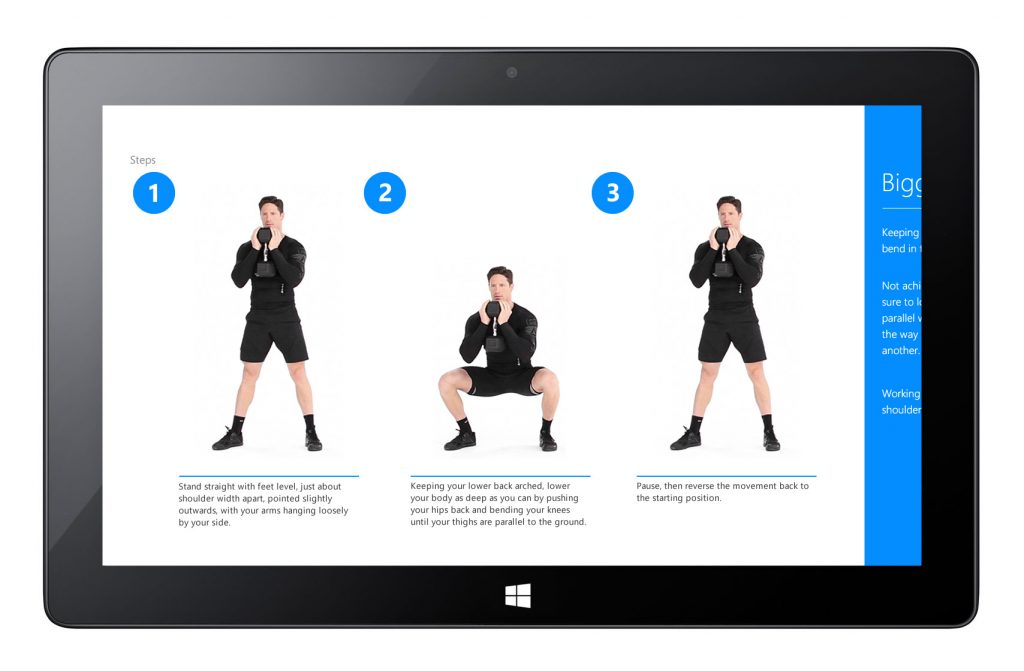
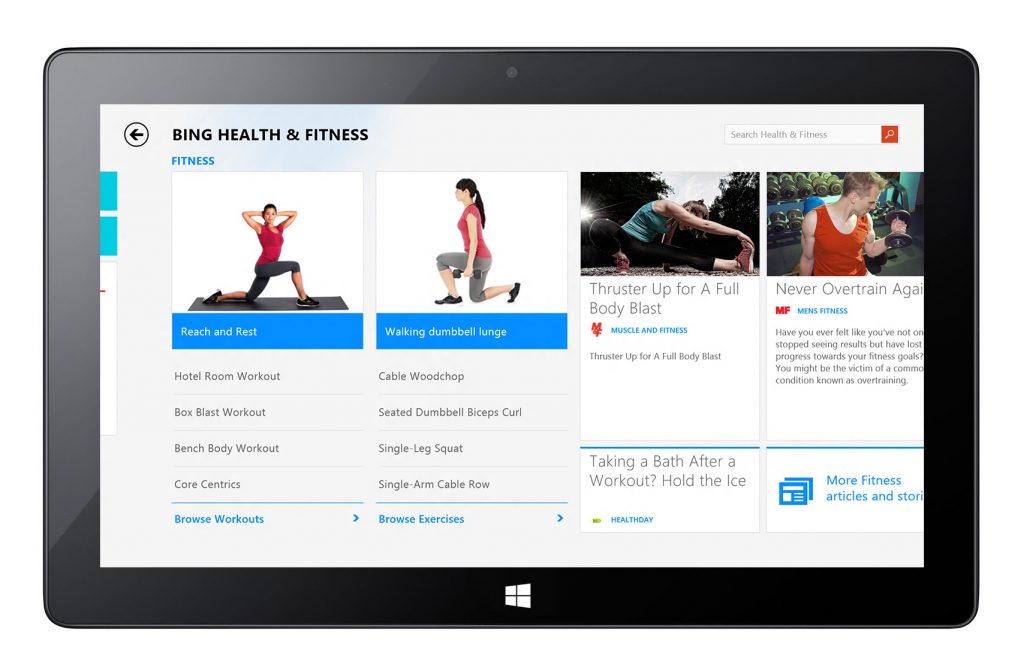
Interactive workouts and guided plans were presented through high-impact imagery and step-by-step instructions, helping users engage with daily activity goals. Design elements focused on readability and motivational clarity.
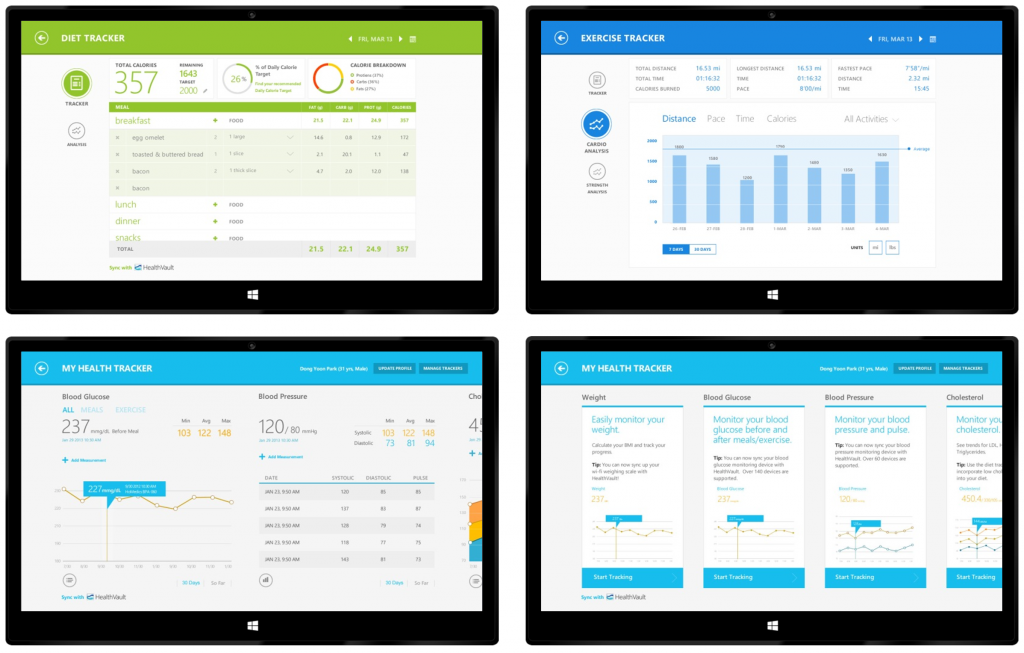
Health Tracker Views
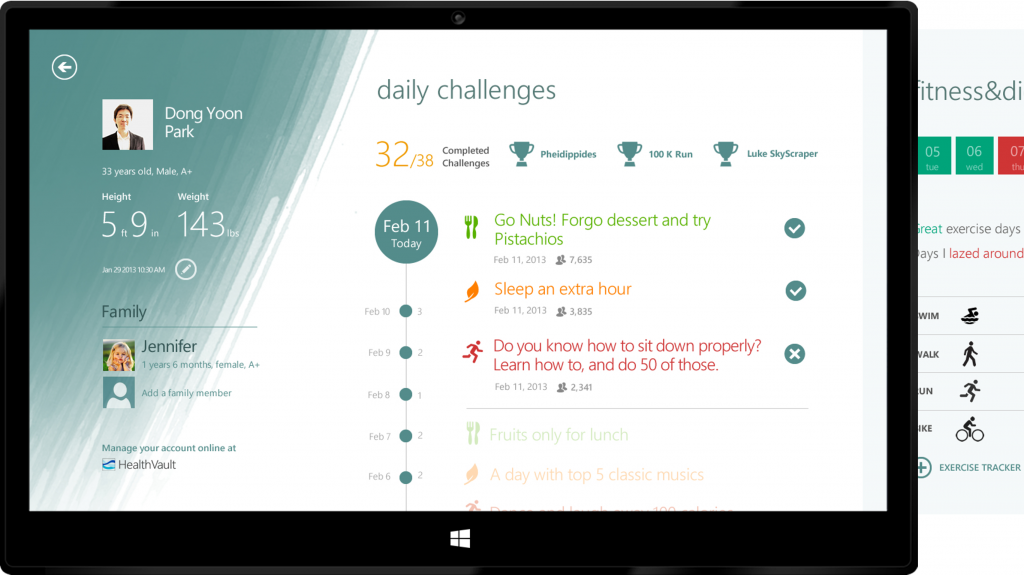
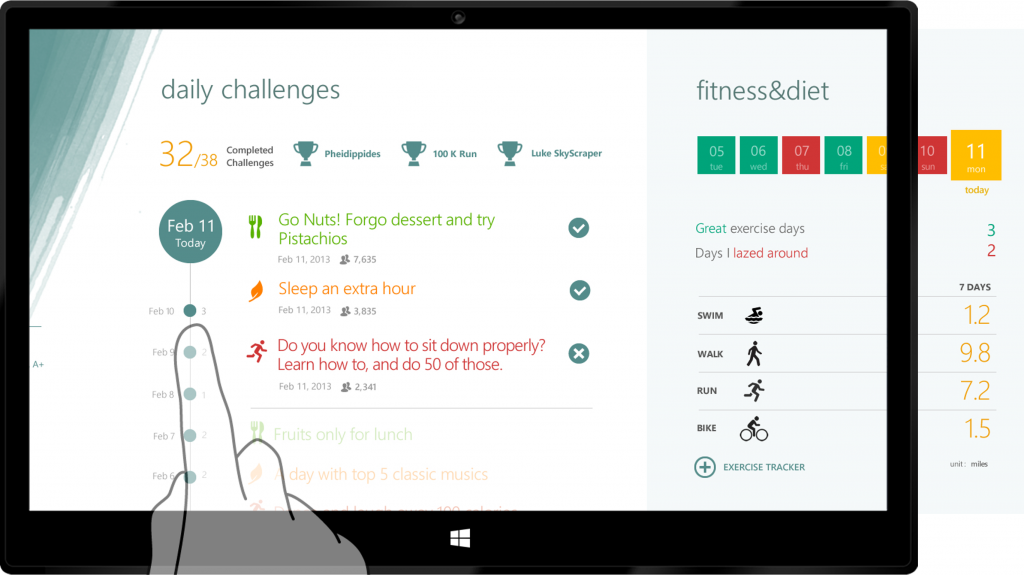
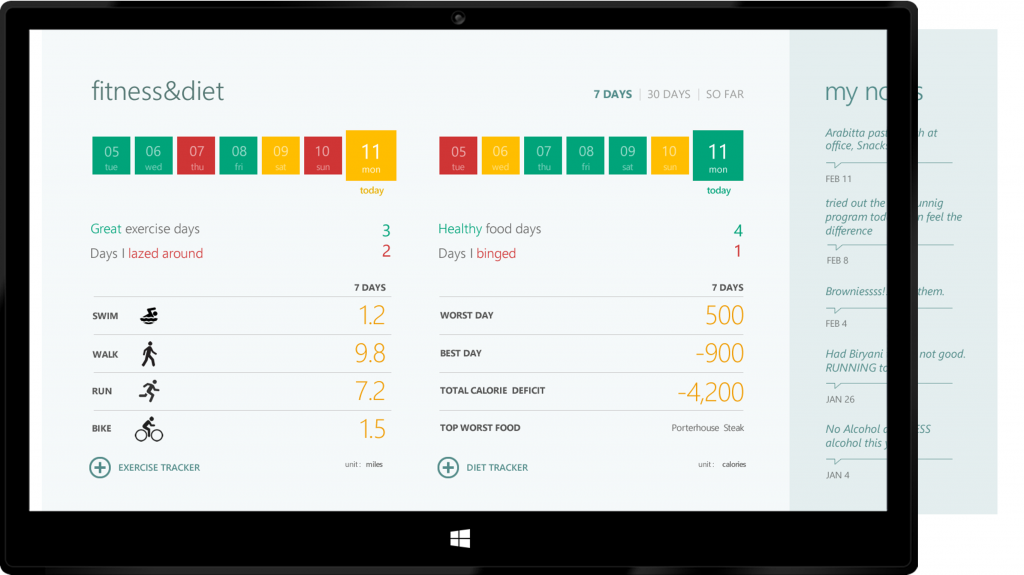
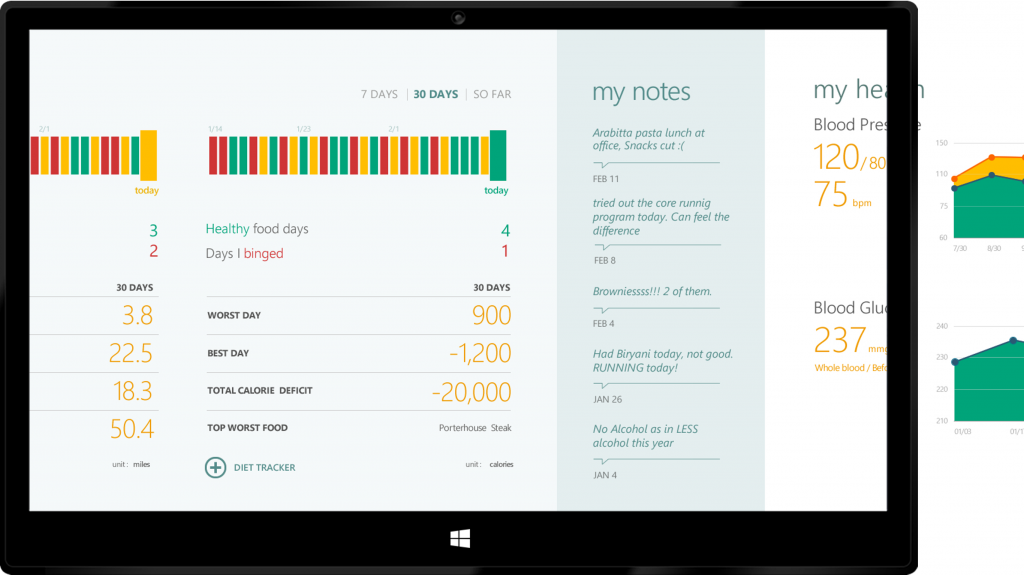
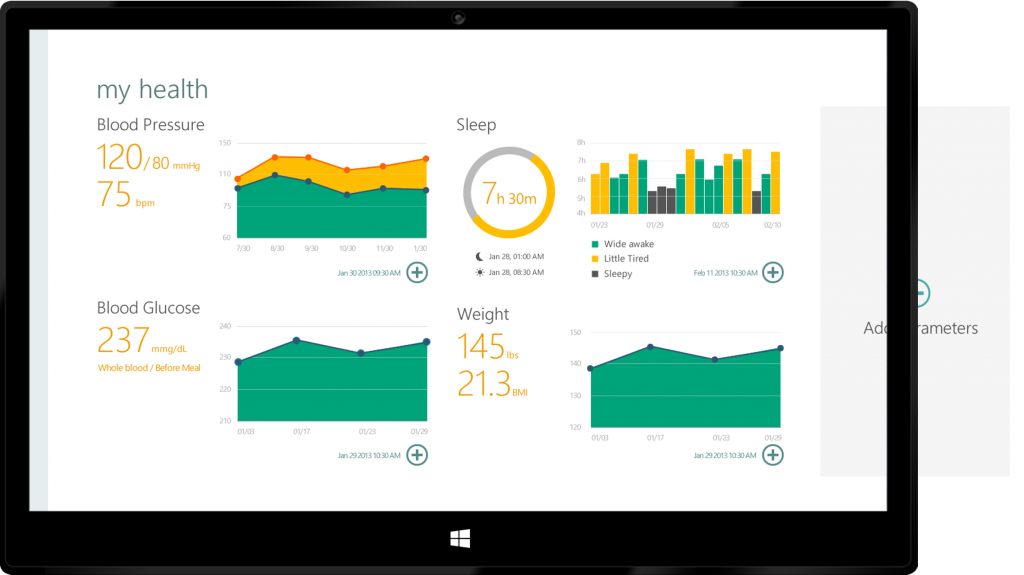
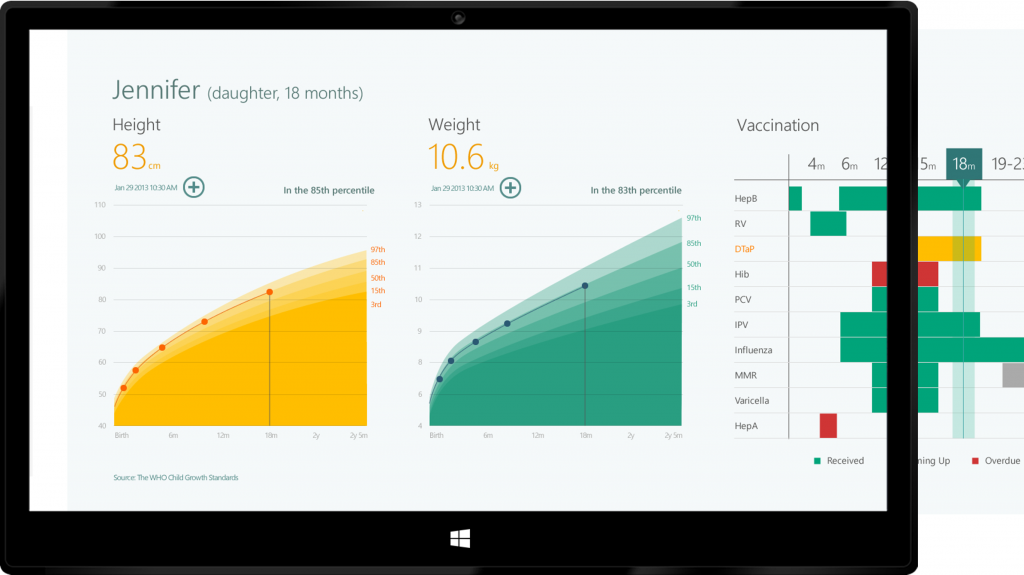
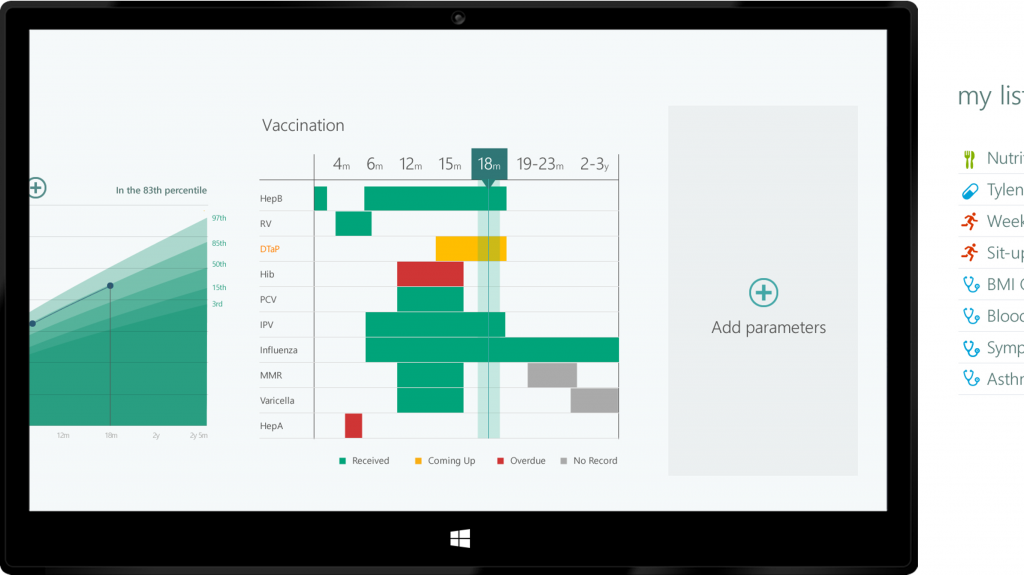
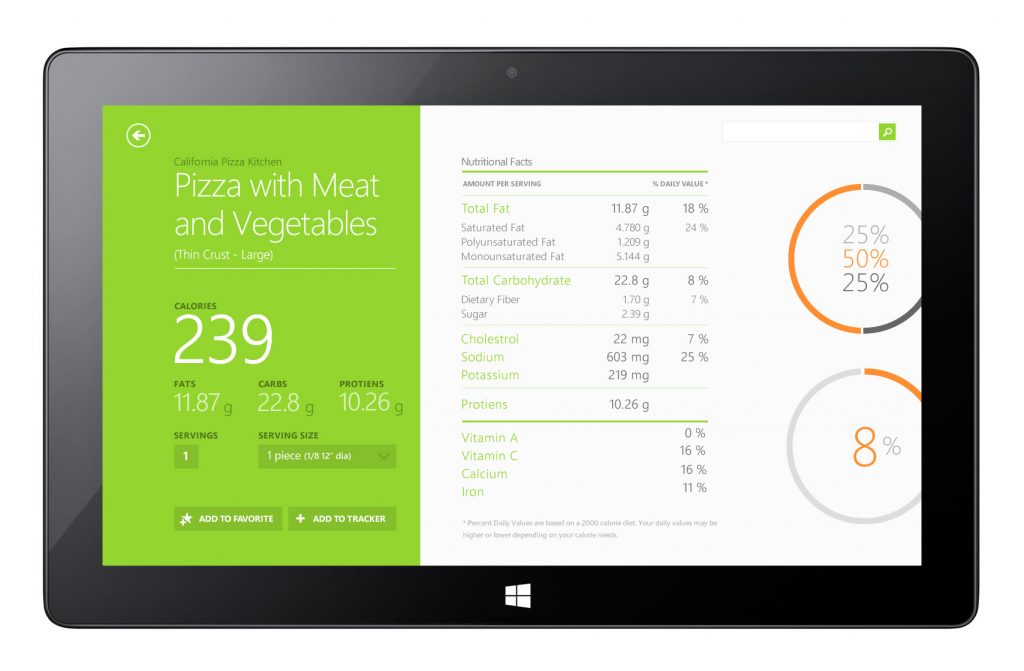
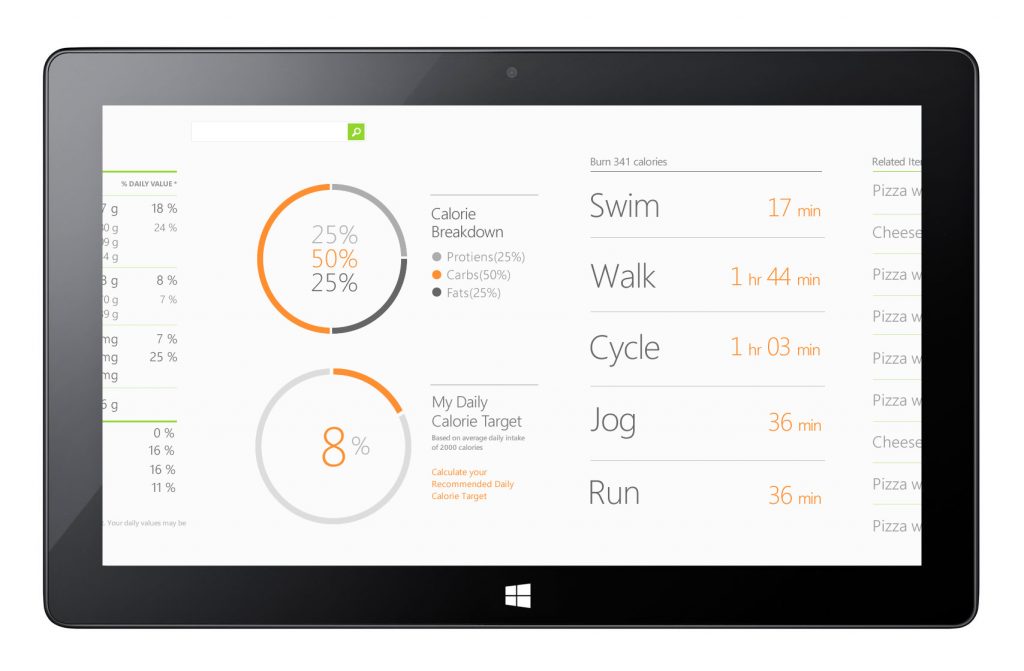
Health metrics (e.g., steps, calories, heart rate) were displayed with clear visualizations, offering quick insight at a glance while supporting deeper exploration through charts and trends.
Editorial Content & Stories
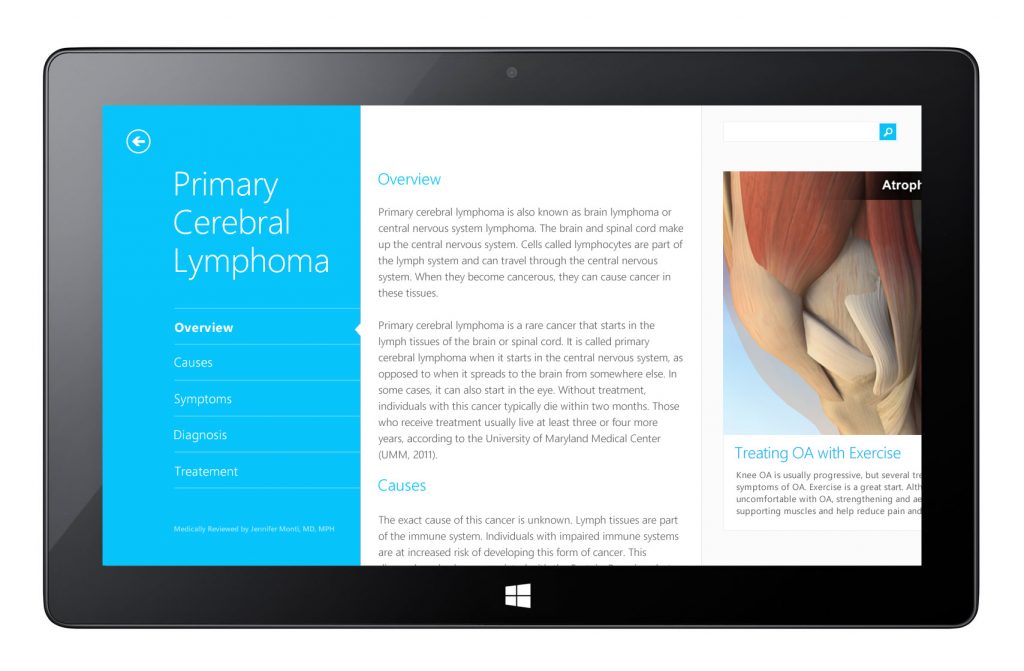
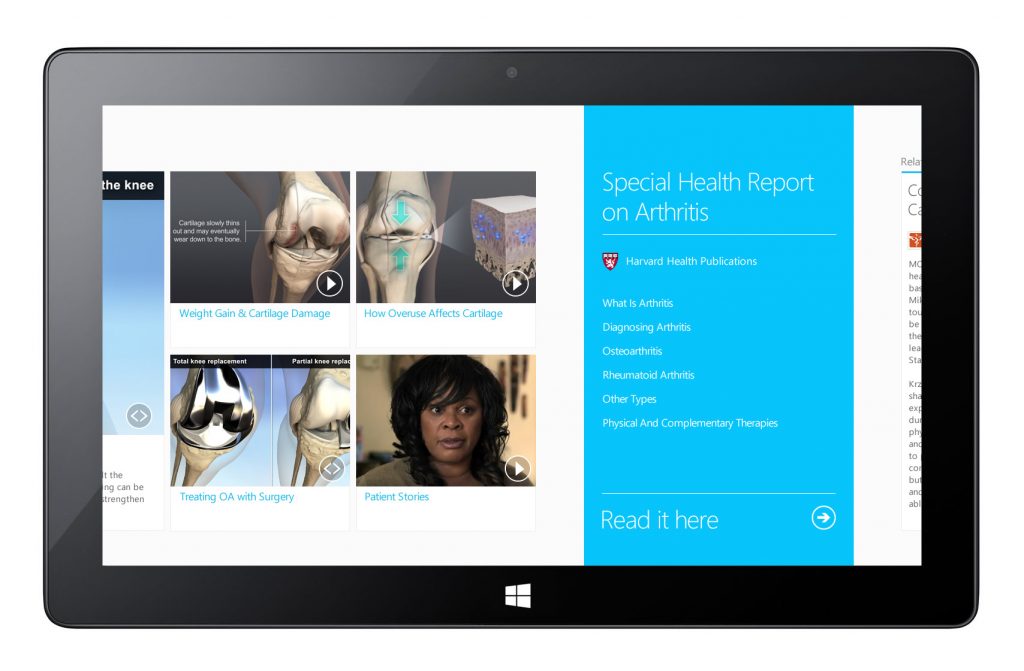
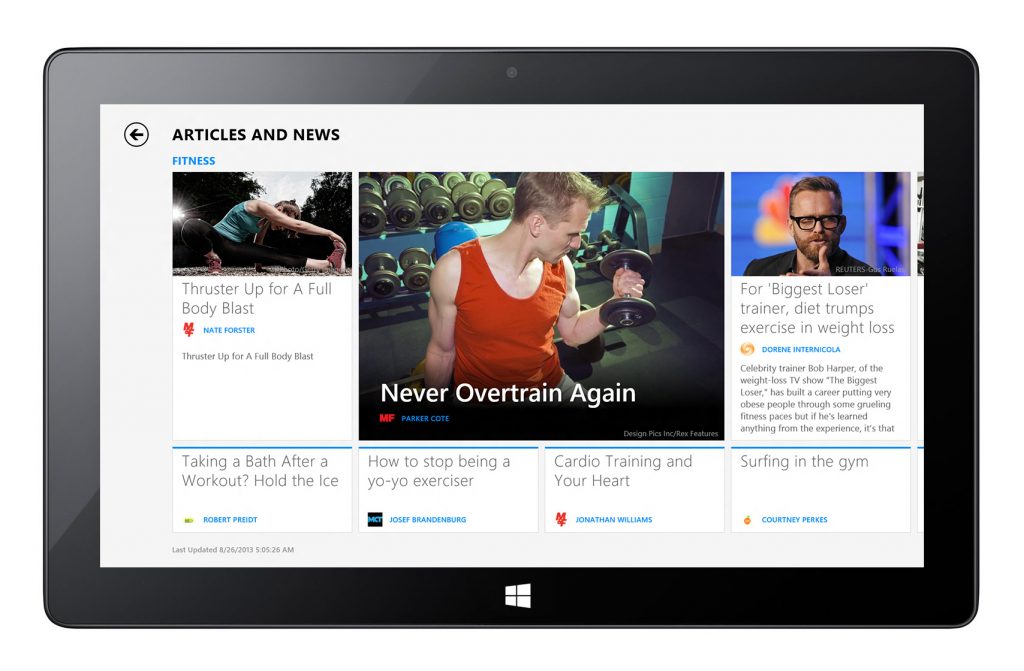
Wellness articles and health features were integrated seamlessly into the experience, using bold imagery and typographic hierarchy to balance inspiration with instruction.
Contextual Navigation & Wayfinding
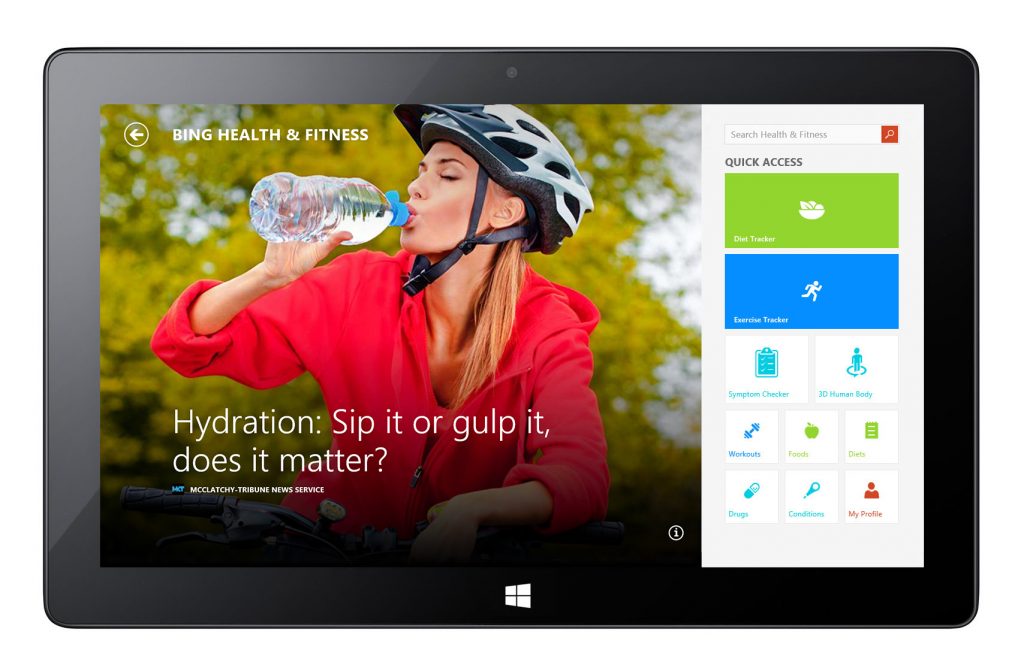
Navigation elements were optimized for effortless content browsing across categories, with visual cues and consistent layout patterns to orient users in a content-rich environment.
Implementation & Collaboration
I collaborated closely with engineering and content teams to ensure designs were implemented with high fidelity in XAML and aligned with production constraints. Regular design-engineering syncs helped elevate polish and maintain performance across devices.
Outcome
The MSN/Bing Health & Fitness app for Windows 8.1 delivered a comprehensive wellness experience that blended personalized tools with inspiring editorial content. By harmonizing rich data, motivational visuals, and intuitive navigation, the app helped users explore and track their health goals within a cohesive, modern Metro-inspired interface.
Design Explorations
Hub Page
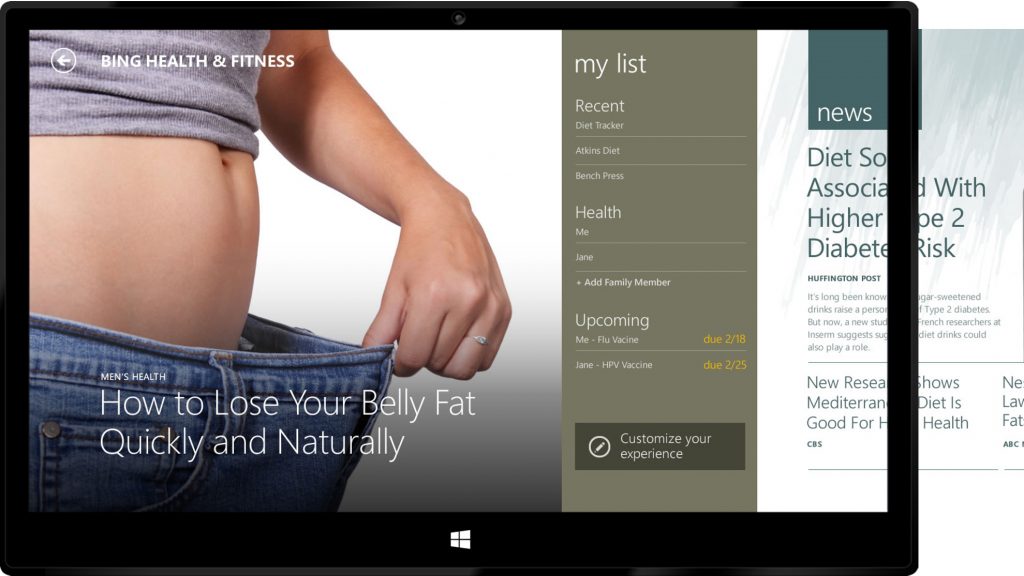
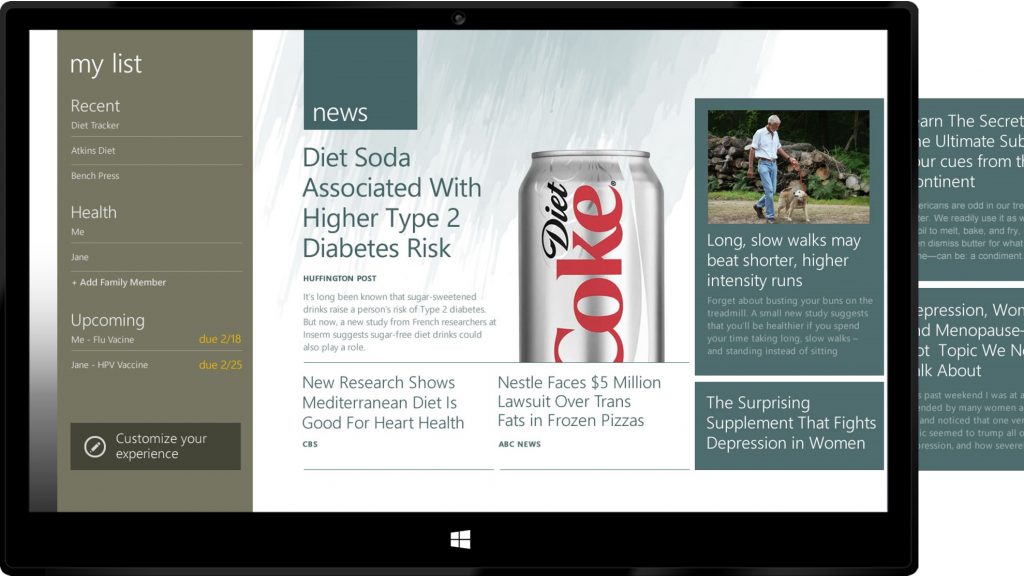
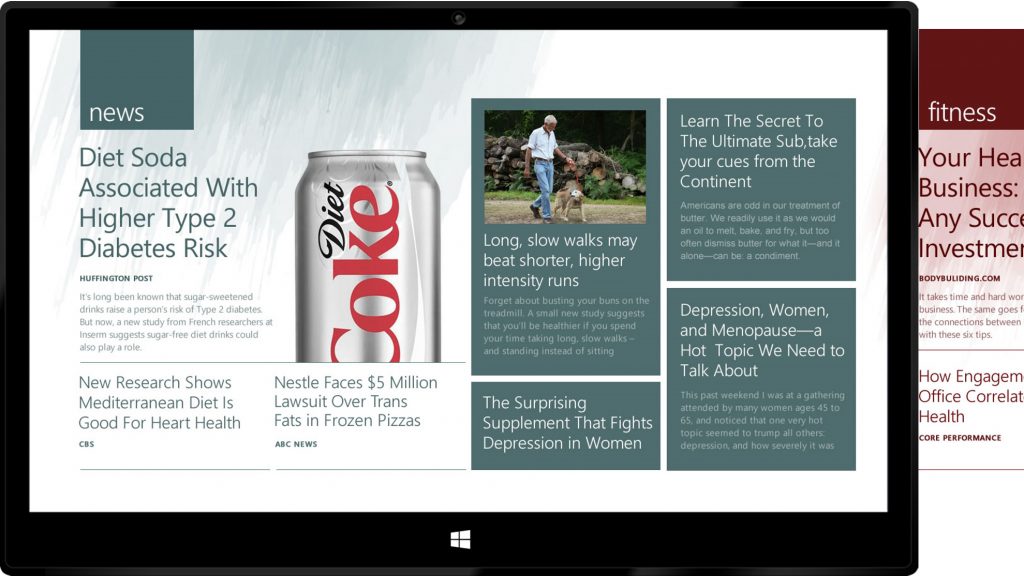
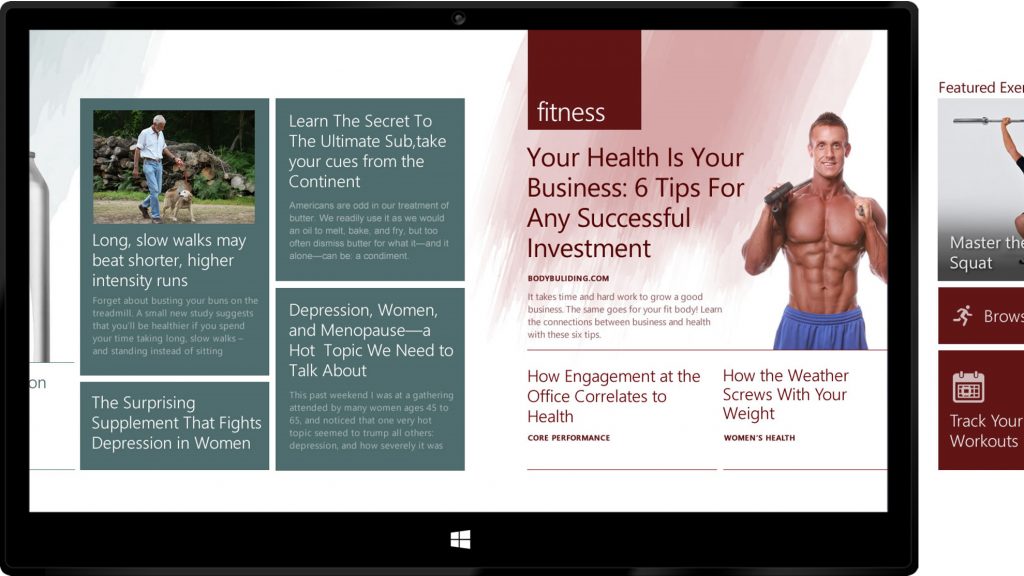
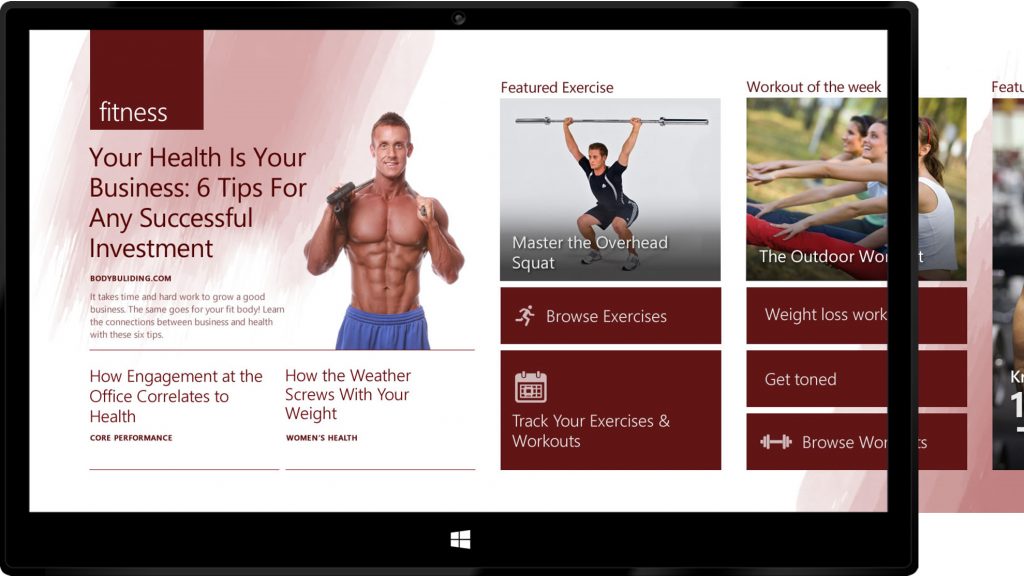
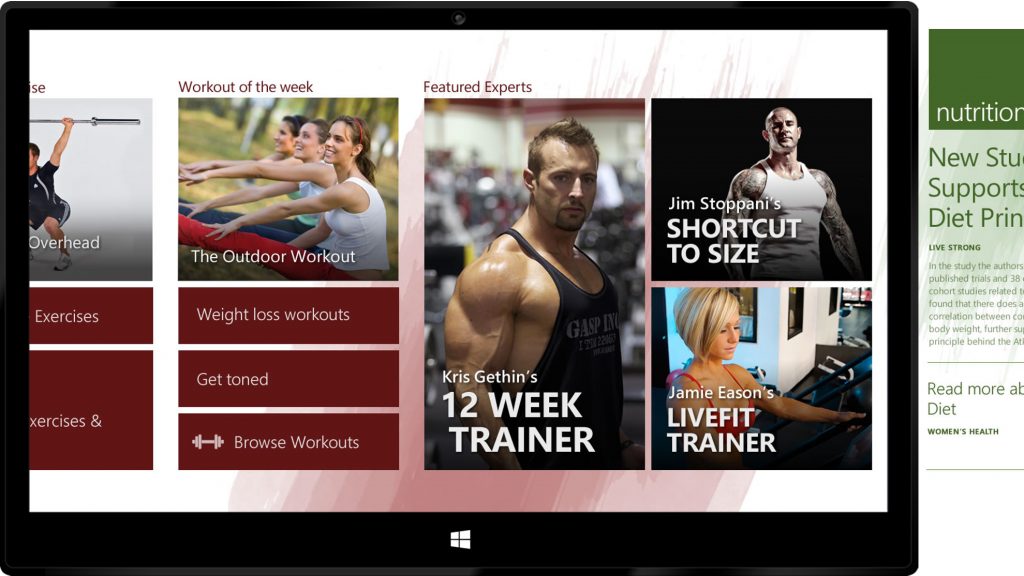
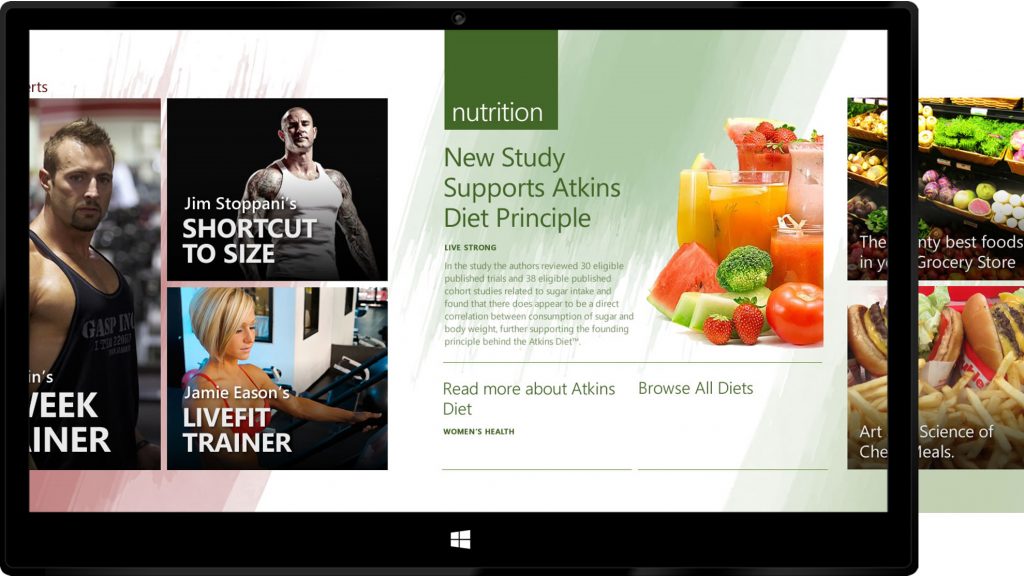
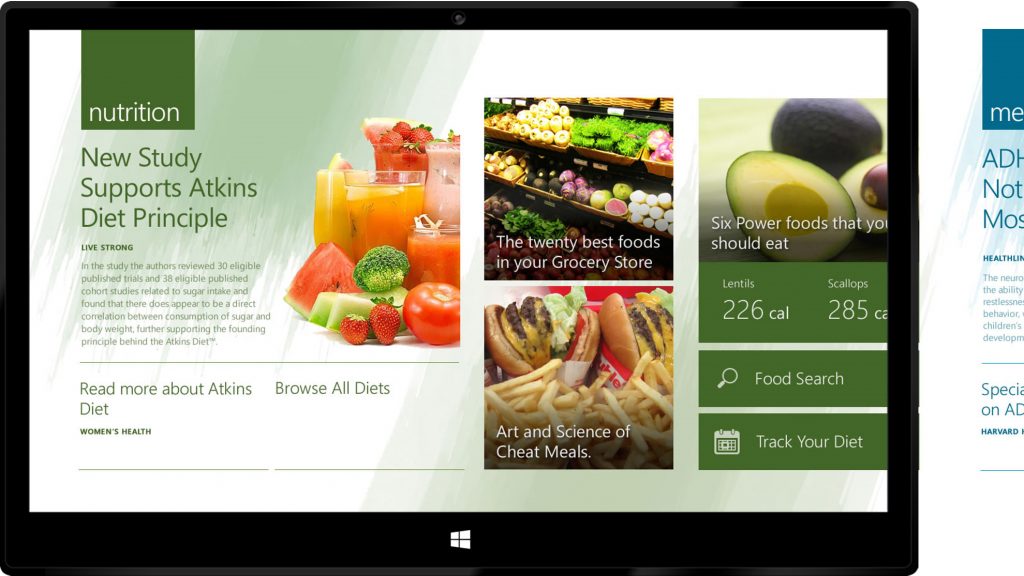
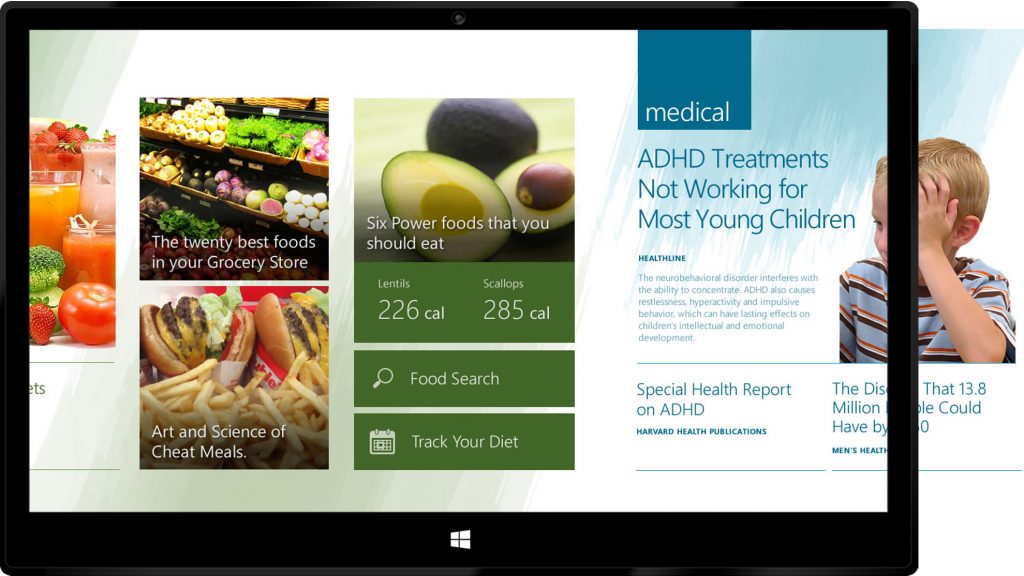
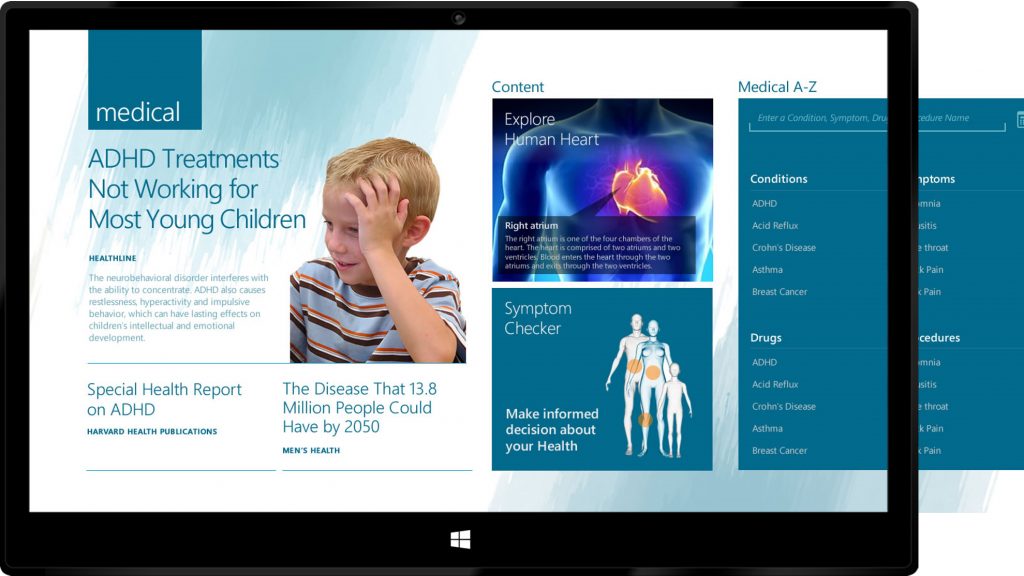
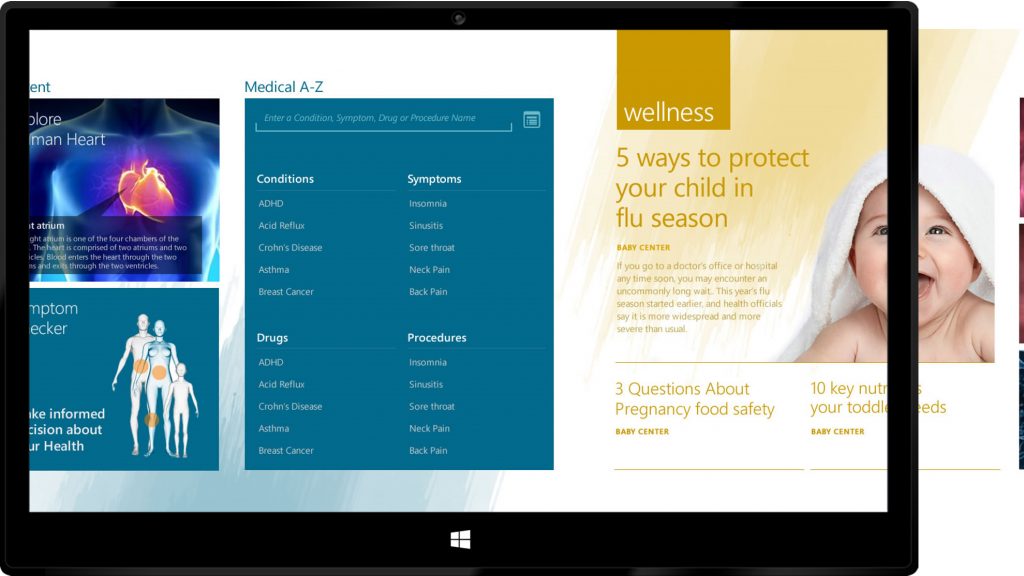
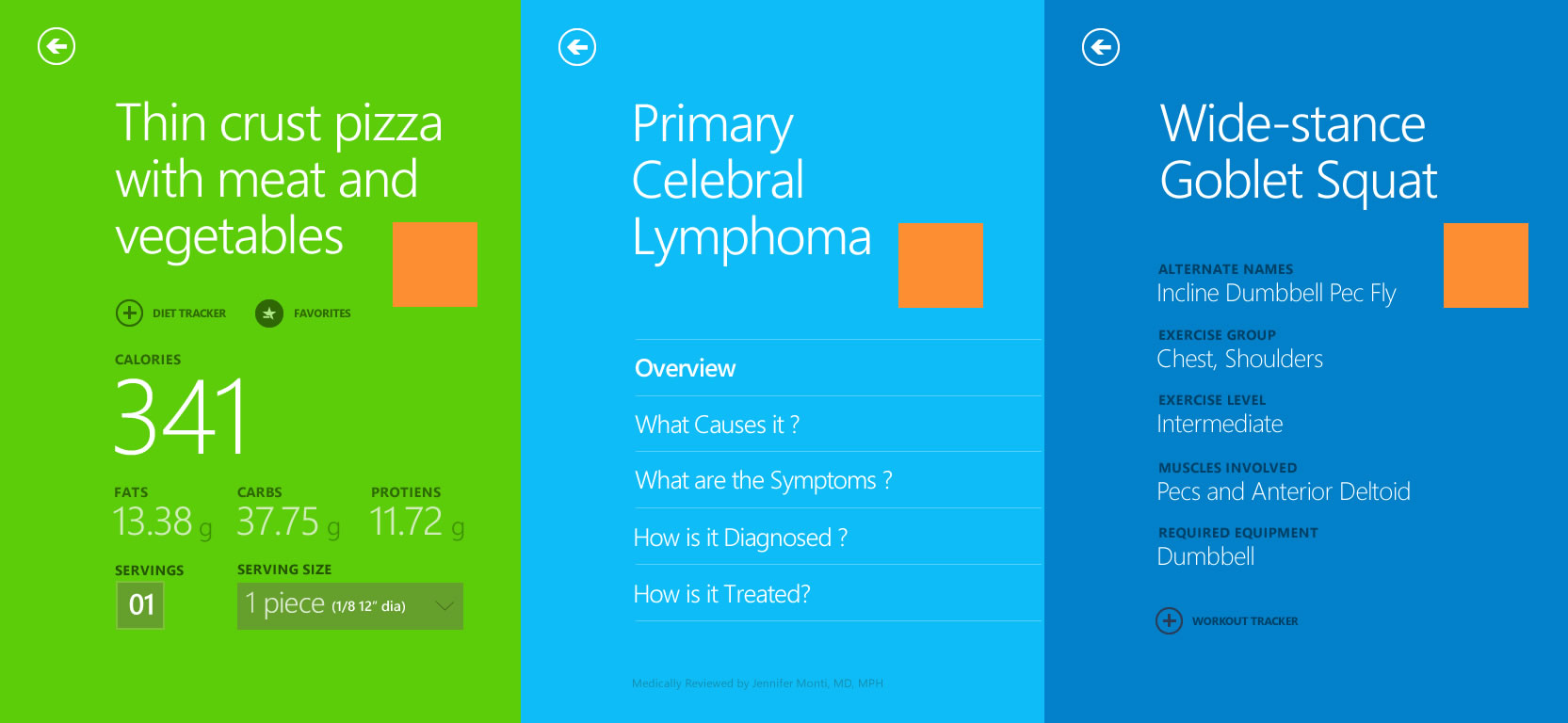
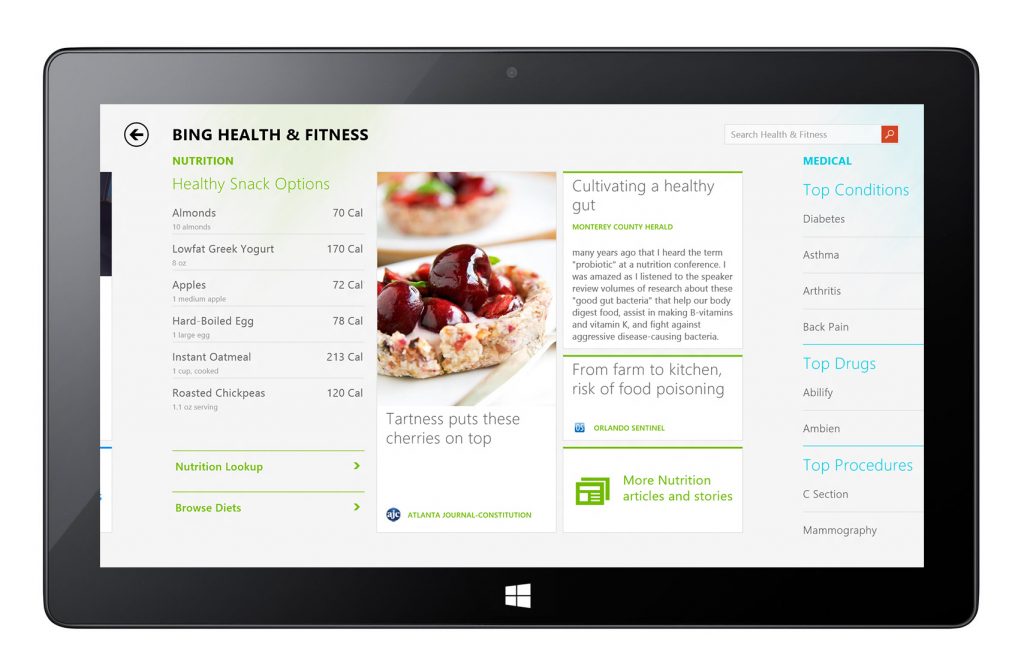
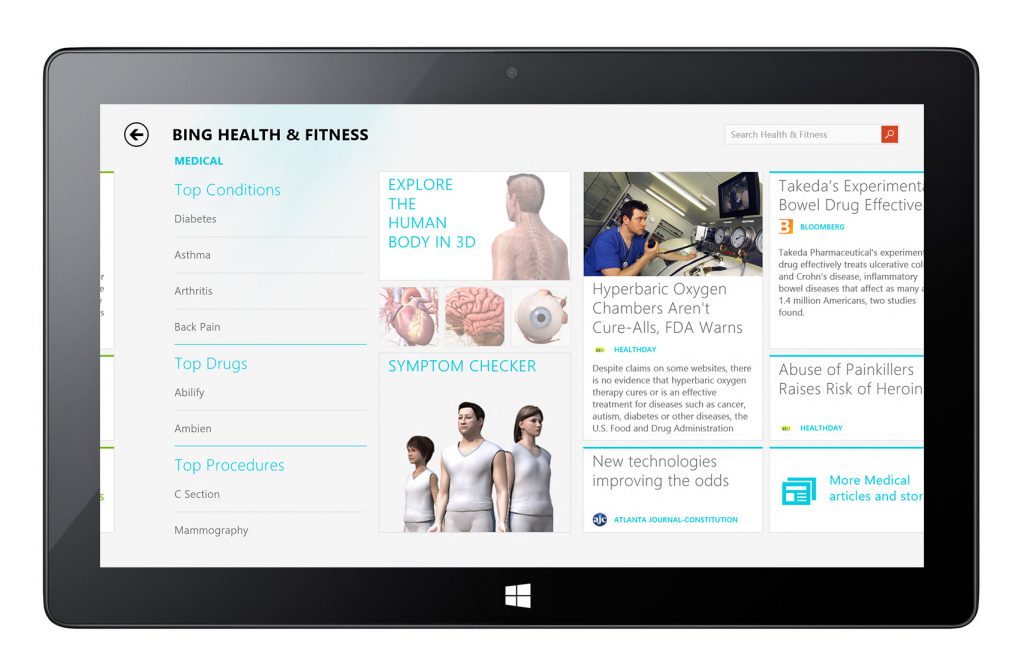
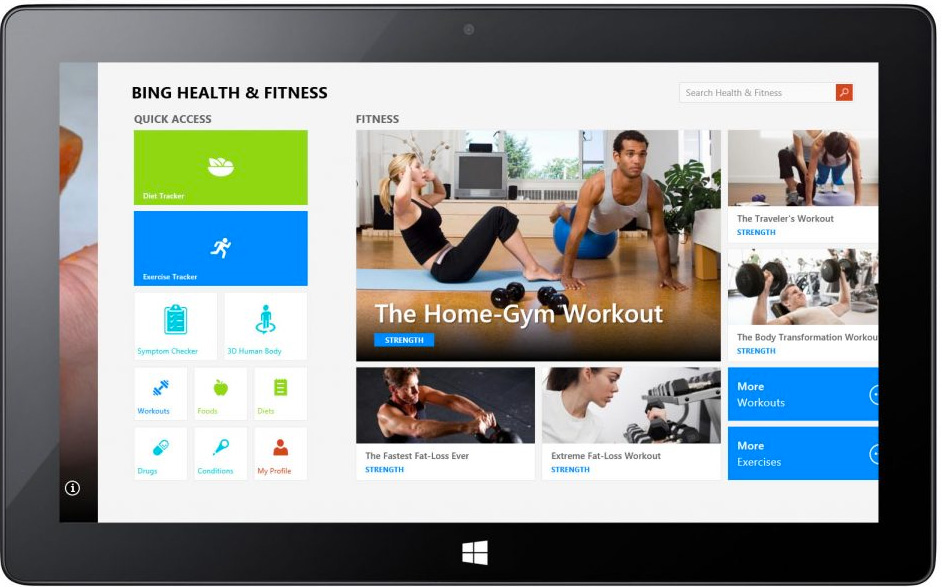
The landing panorama is composed of three major topic sections – Fitness, Nutrition, and Medical. Used different color schemes for these topics as part of the wayfinding element.
Workout Detail Page – A
Workout Detail Page – B
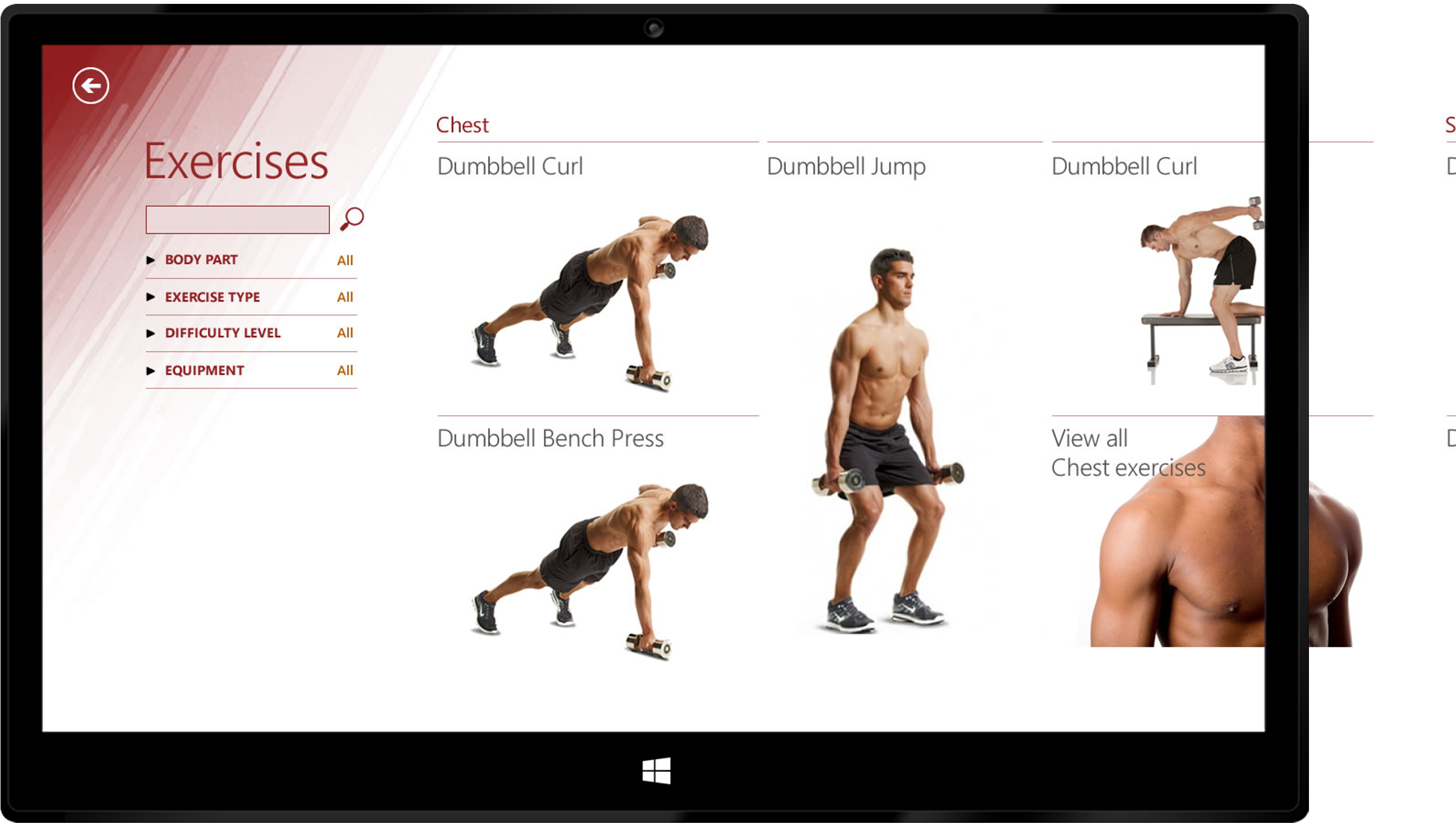
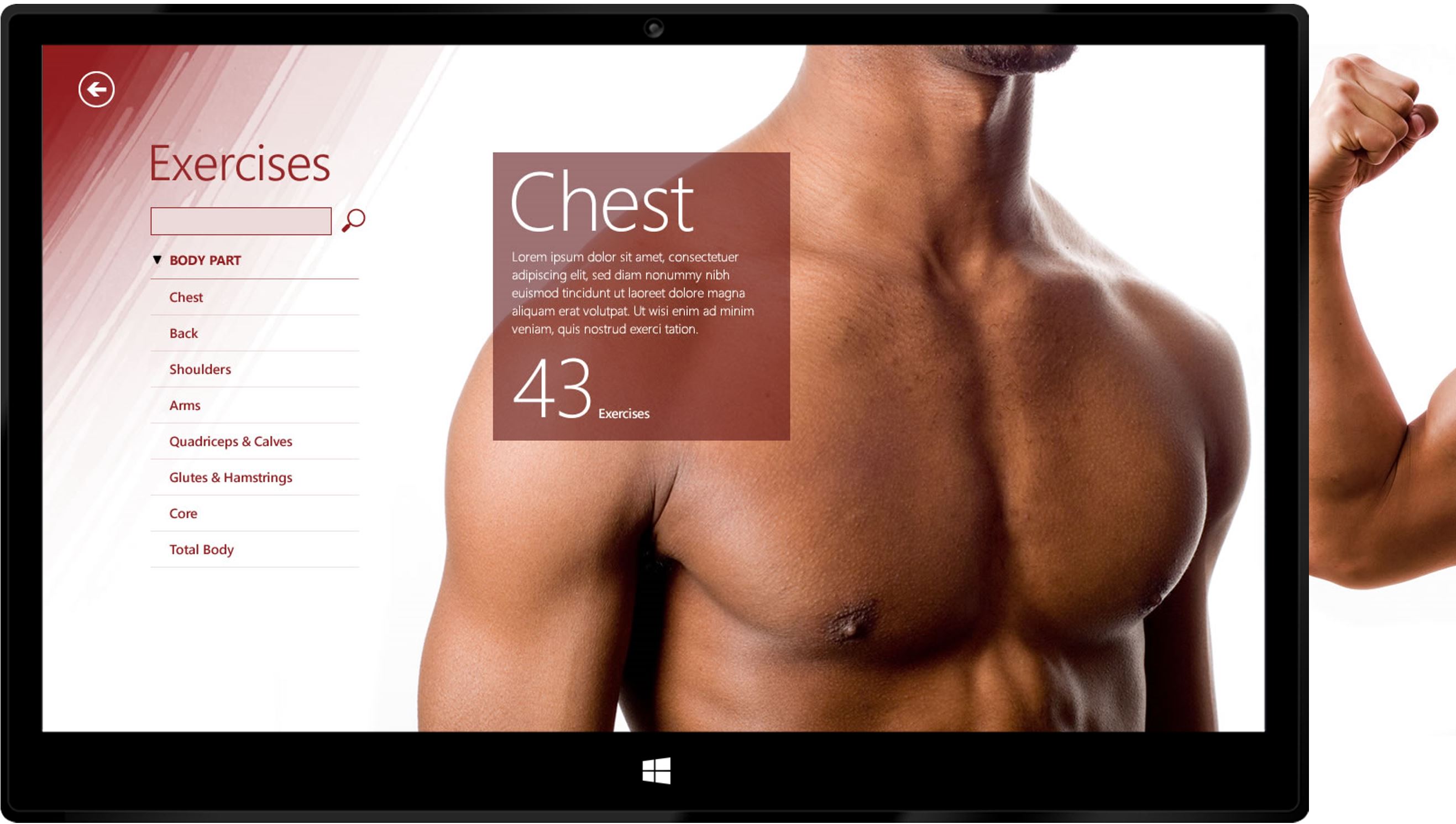
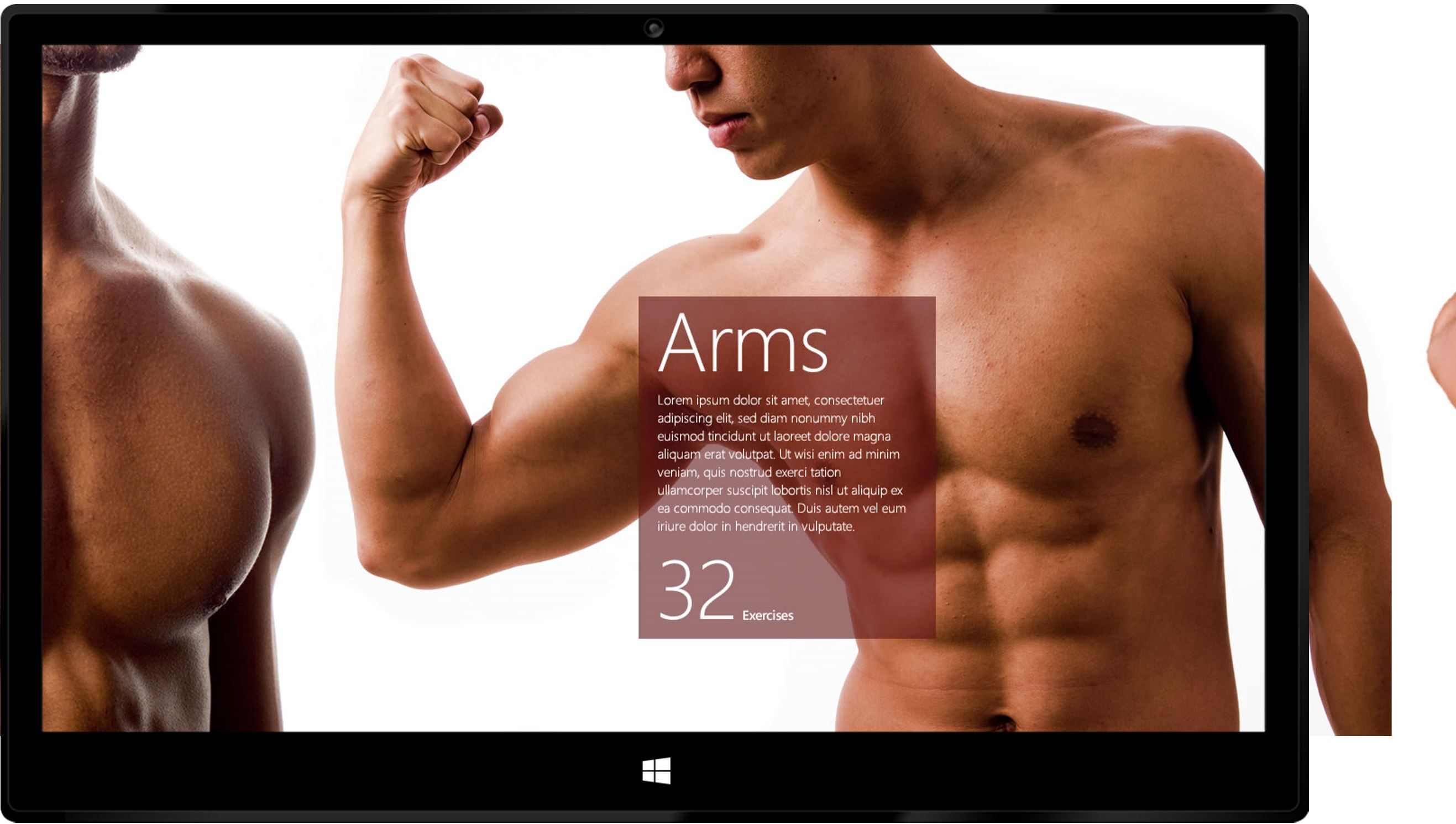
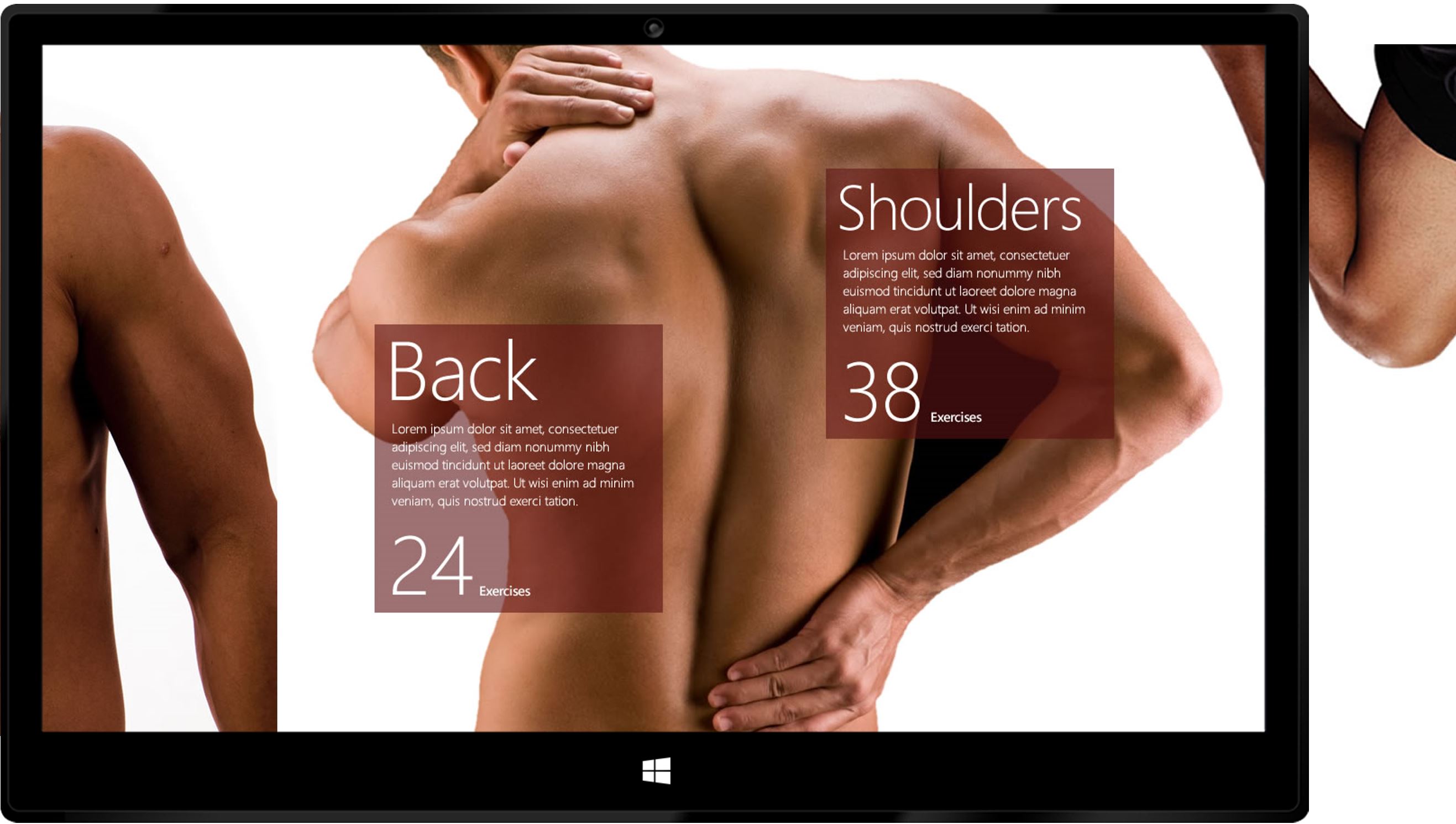
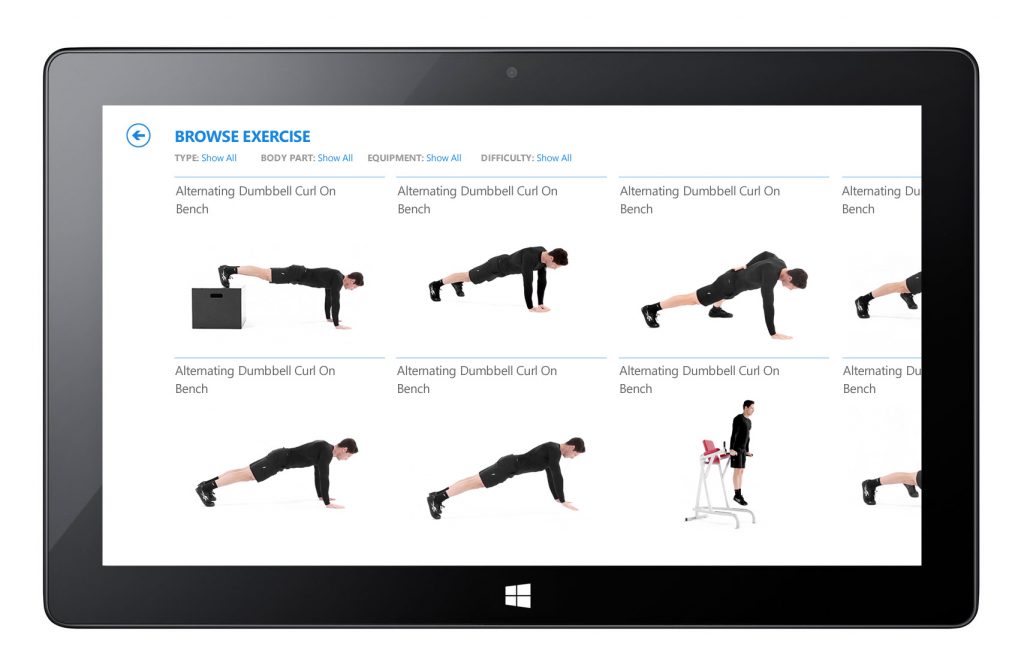
Exercise Browse Page
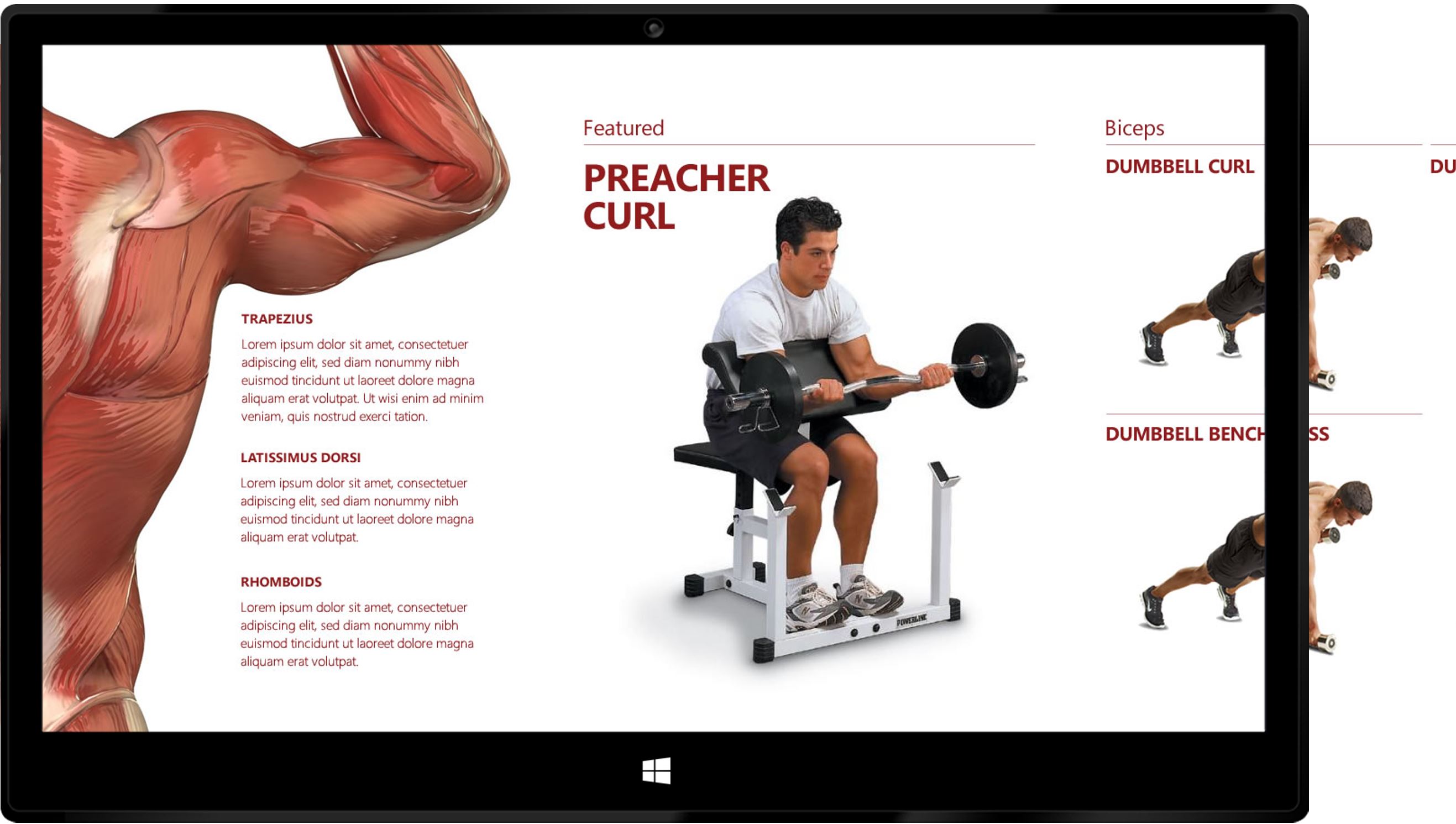
Wellness Page
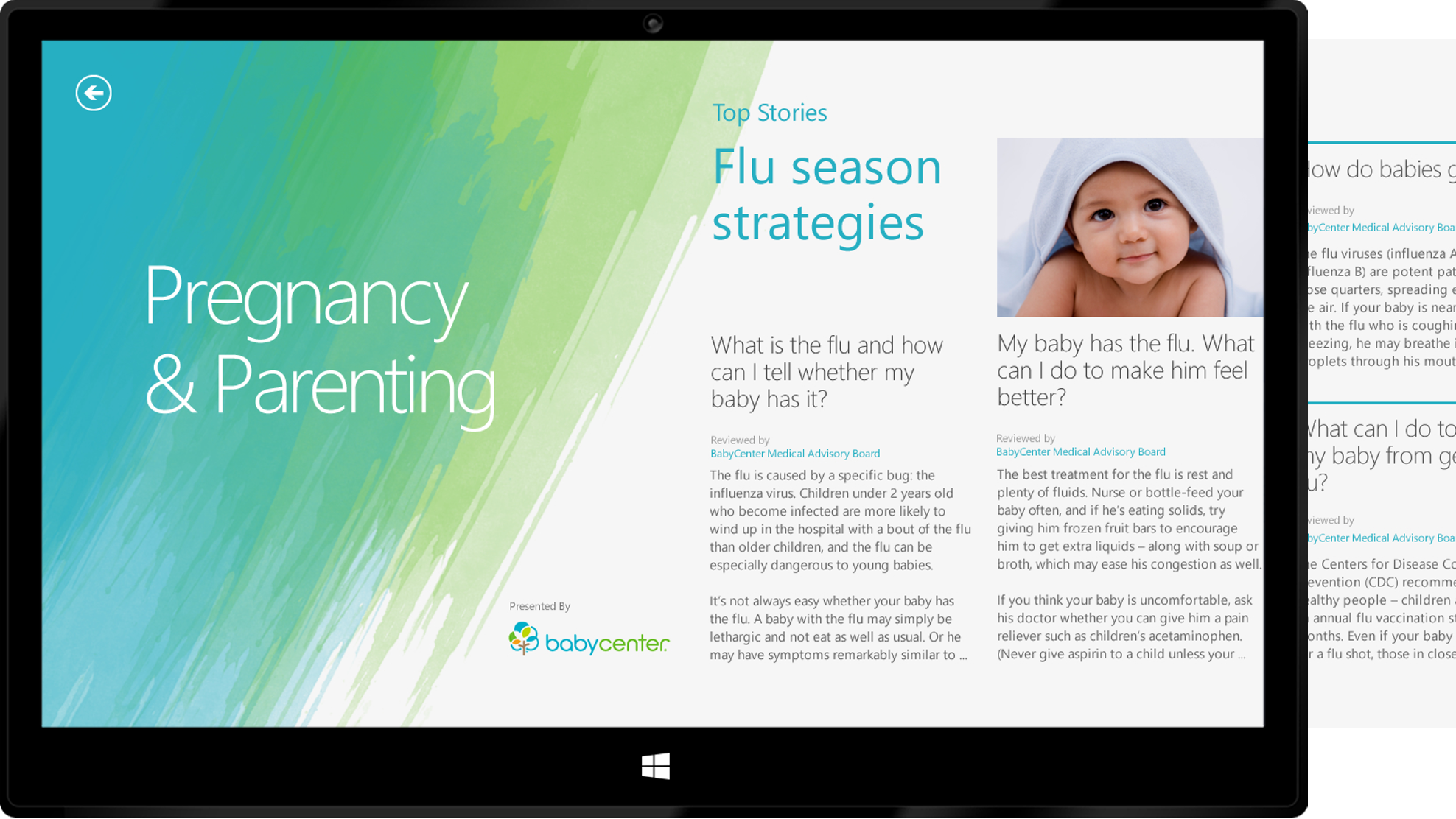
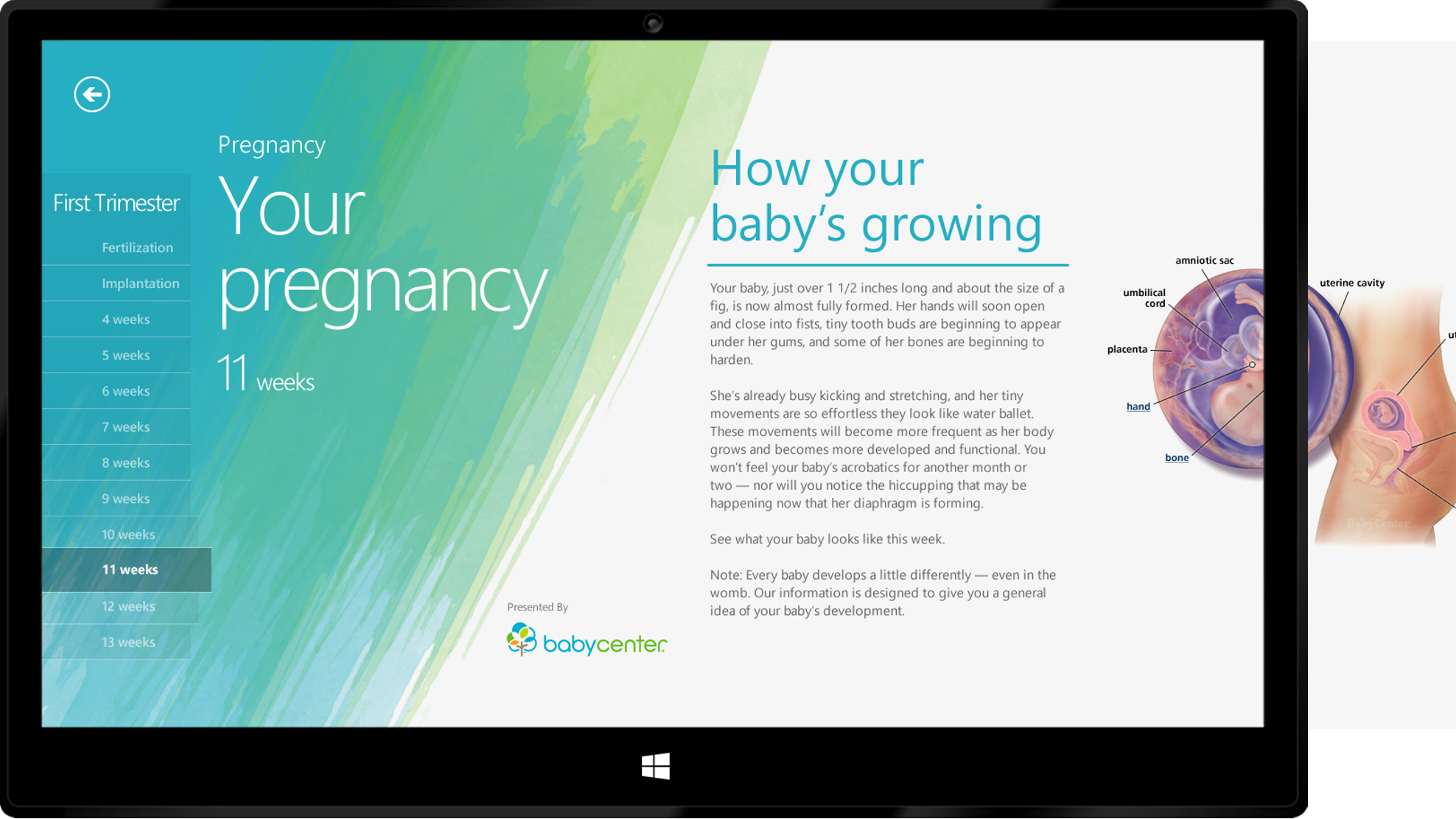
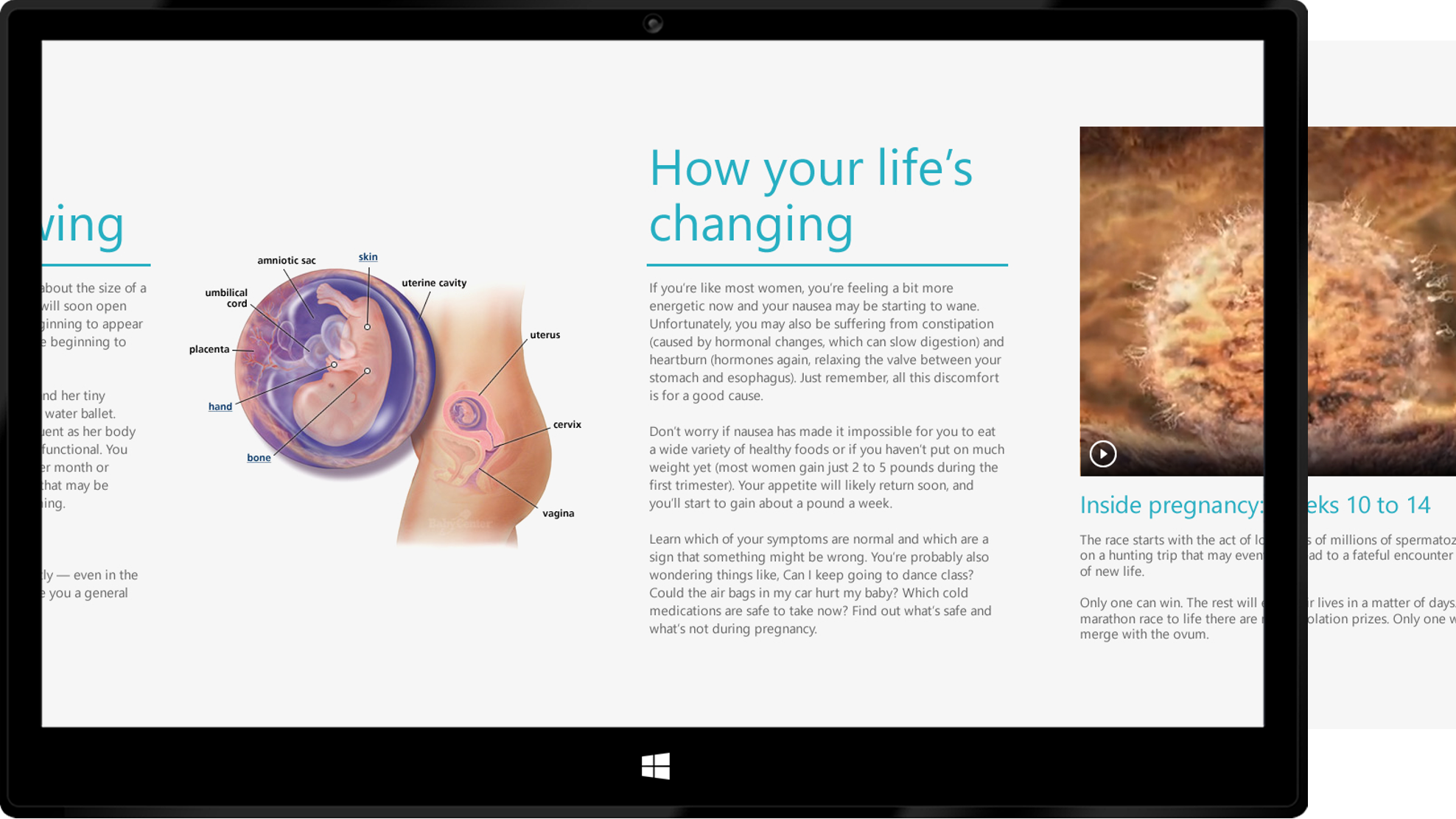
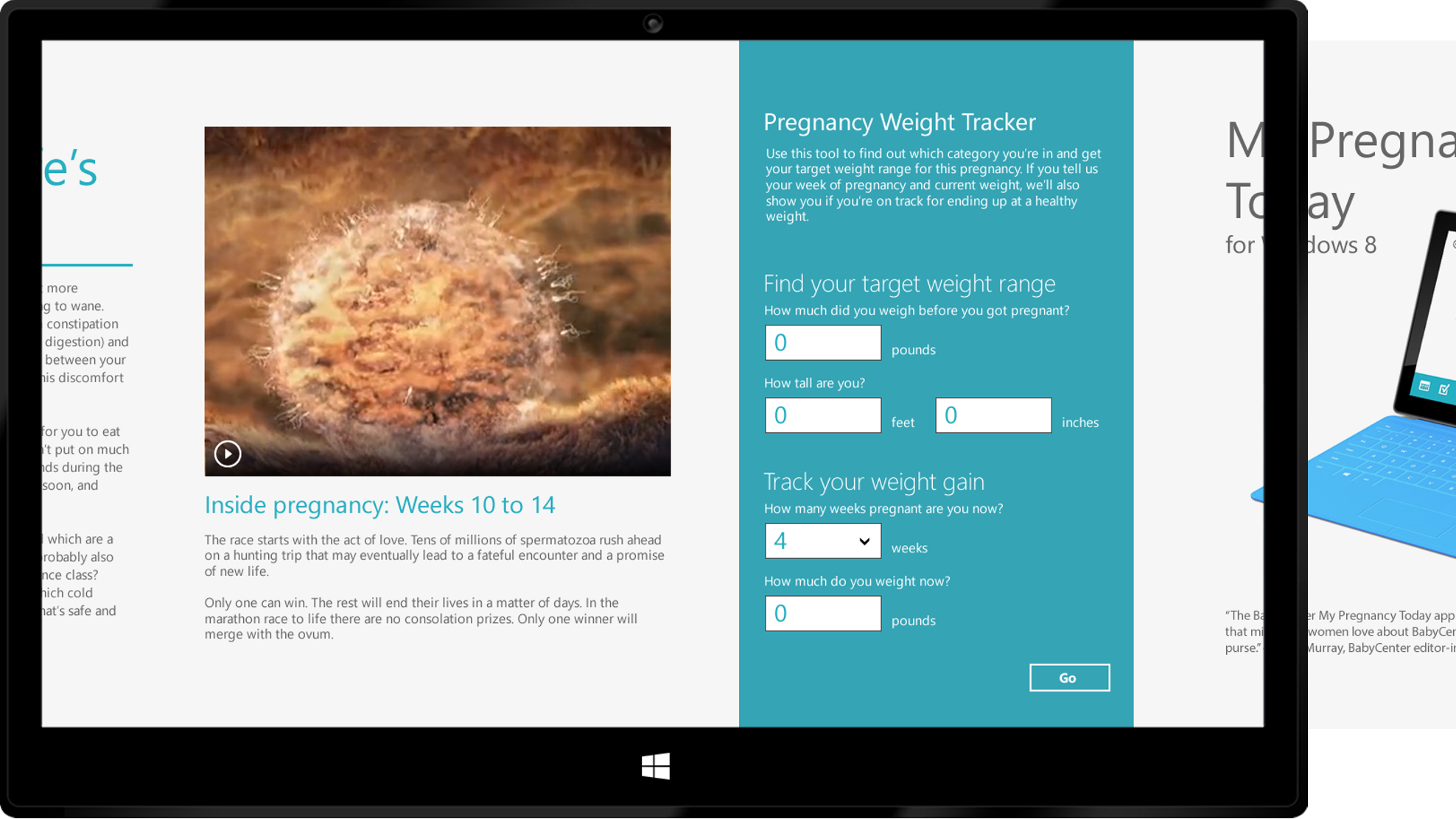
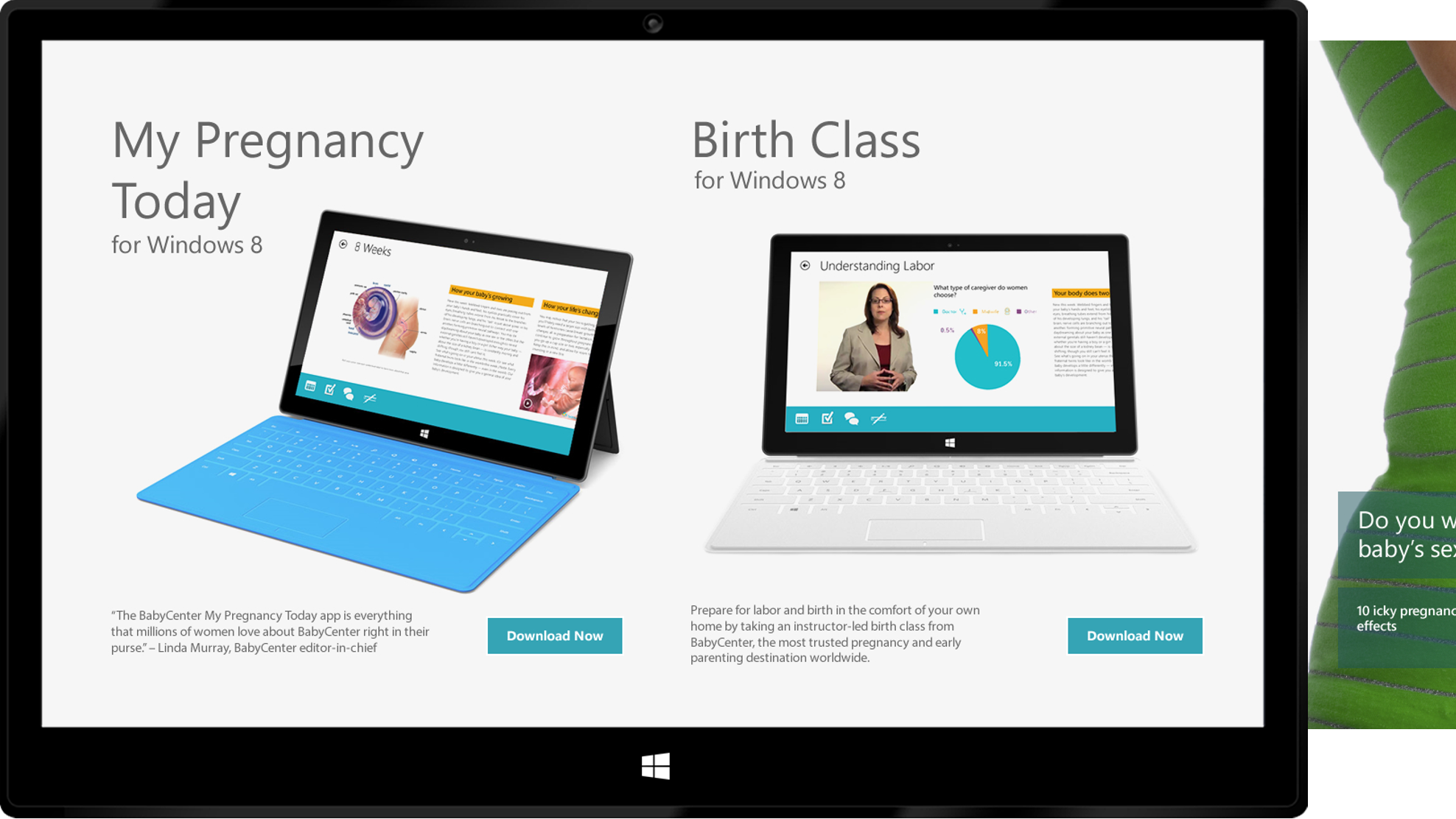
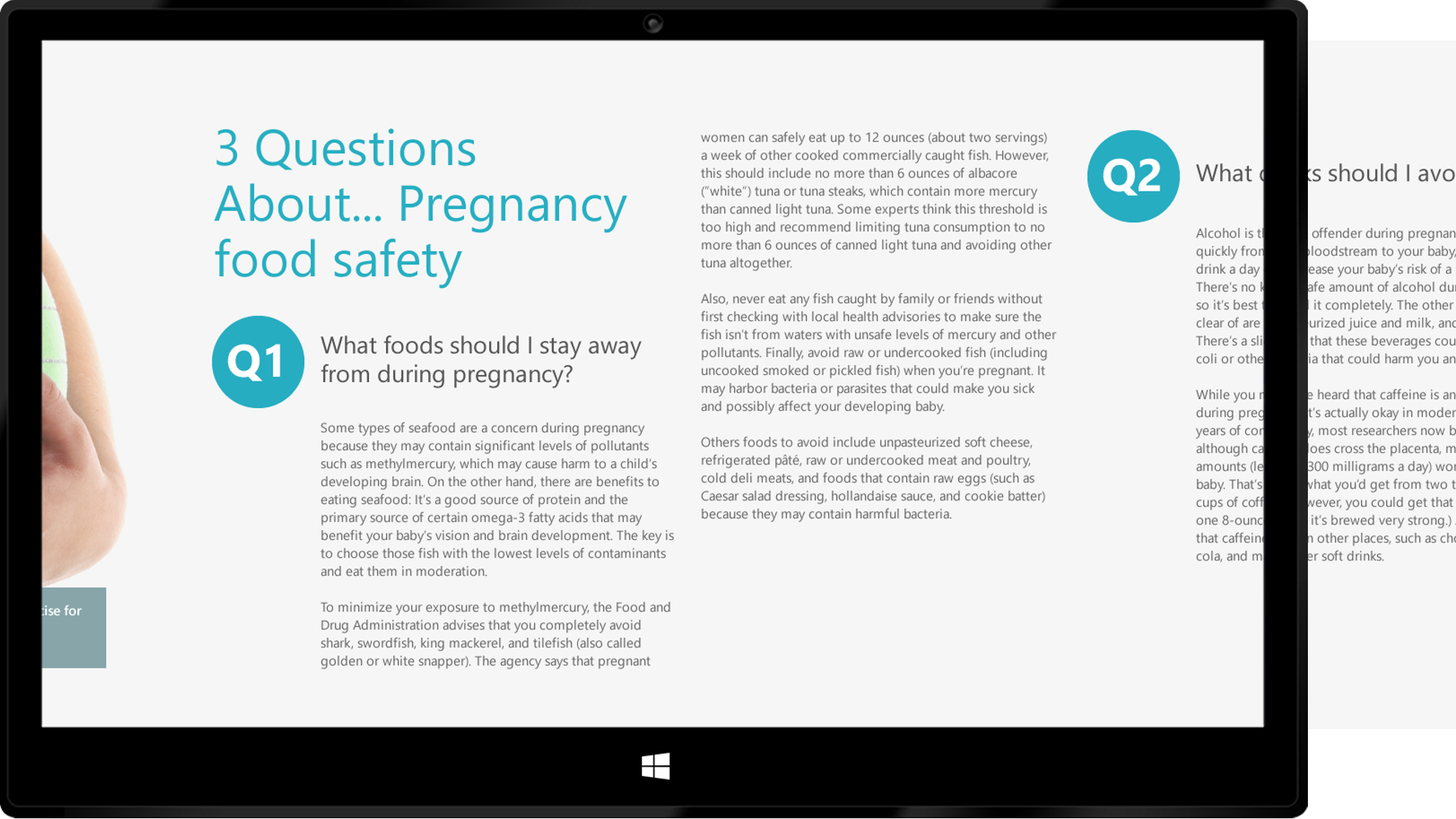
Health Tracker Page
Page Header Studies
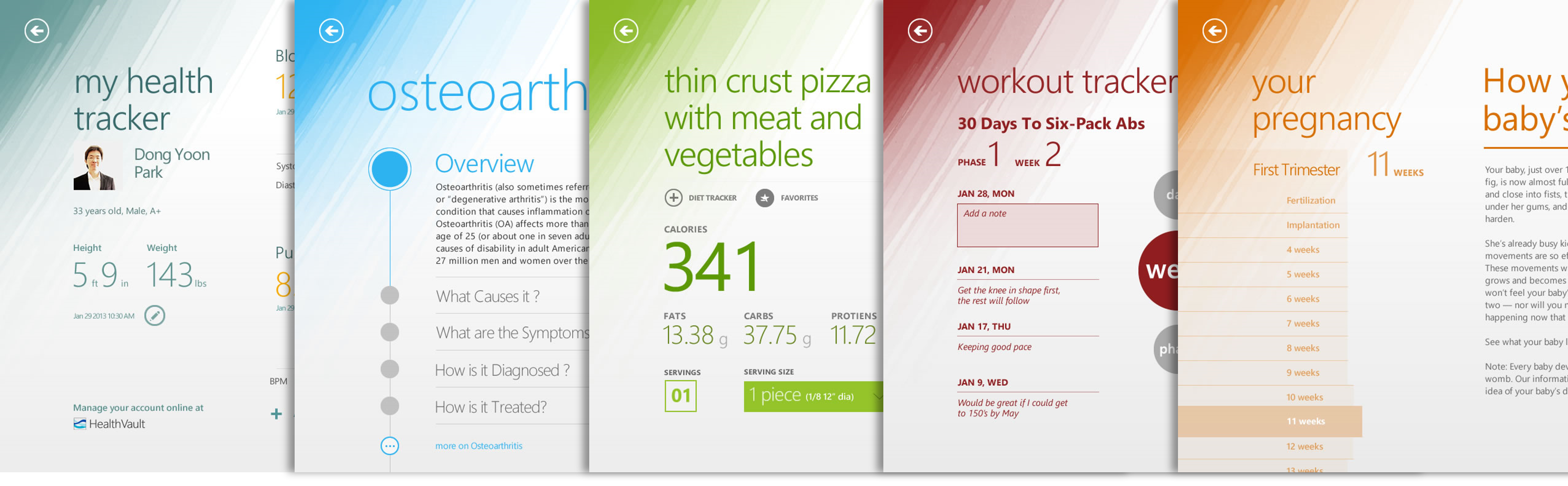
Color Studies
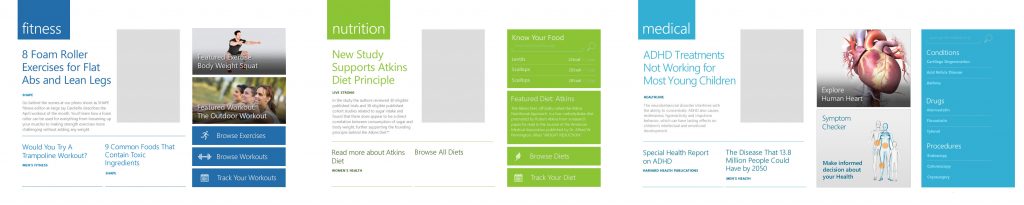
Release Version Screenshots
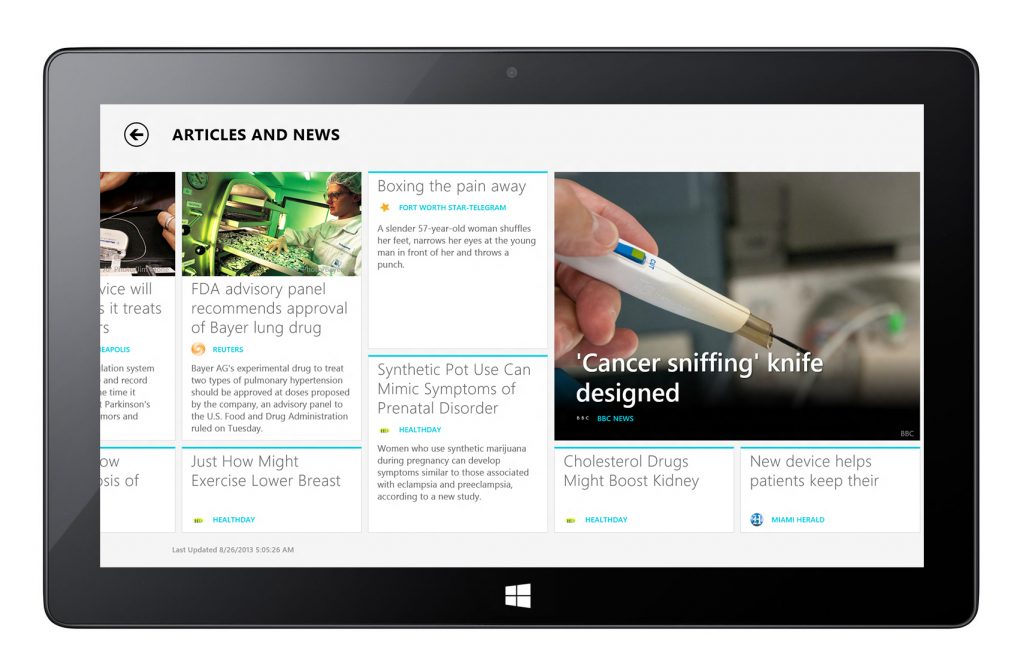
Other Works on 2D App UX Design
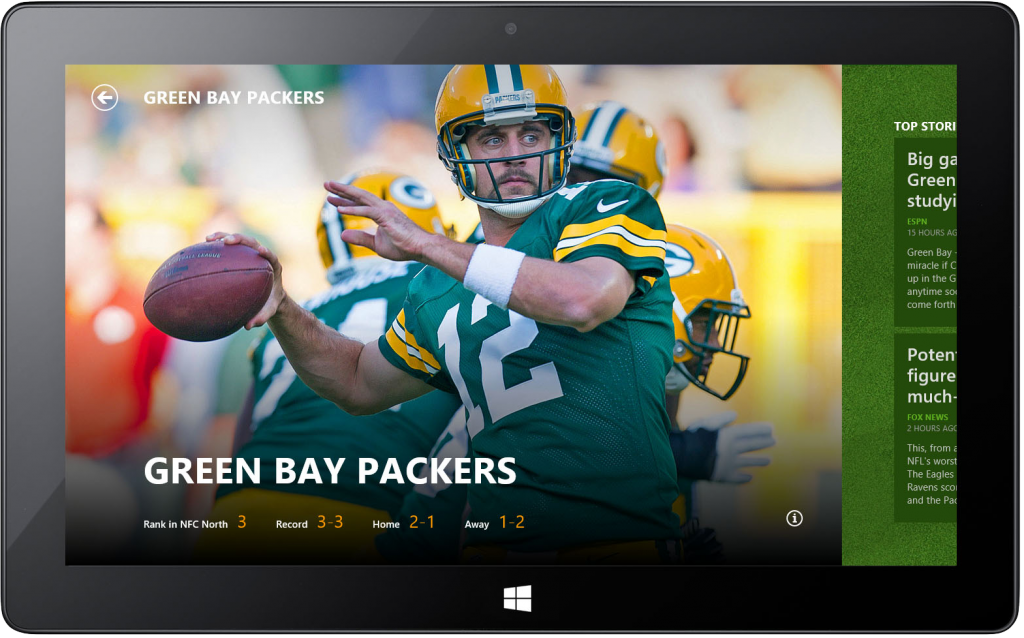
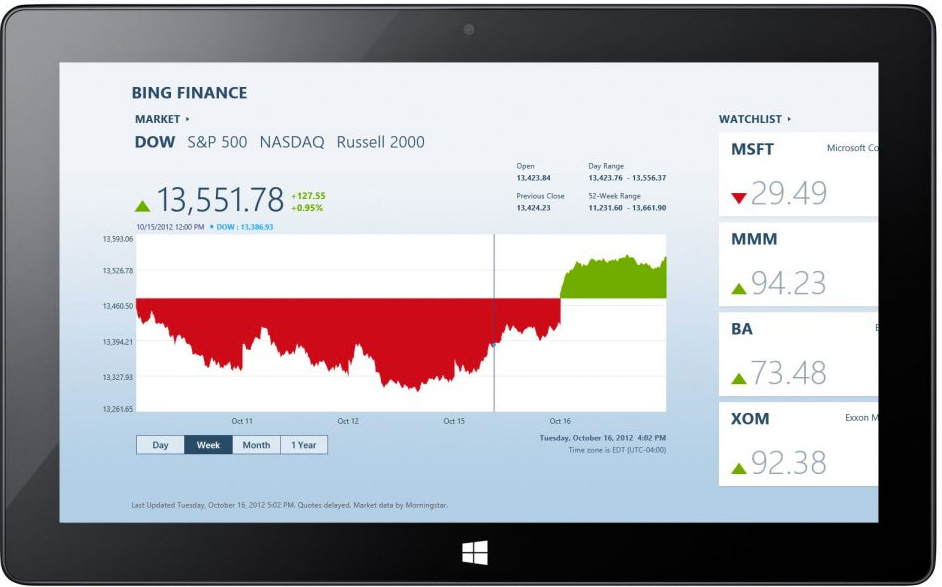
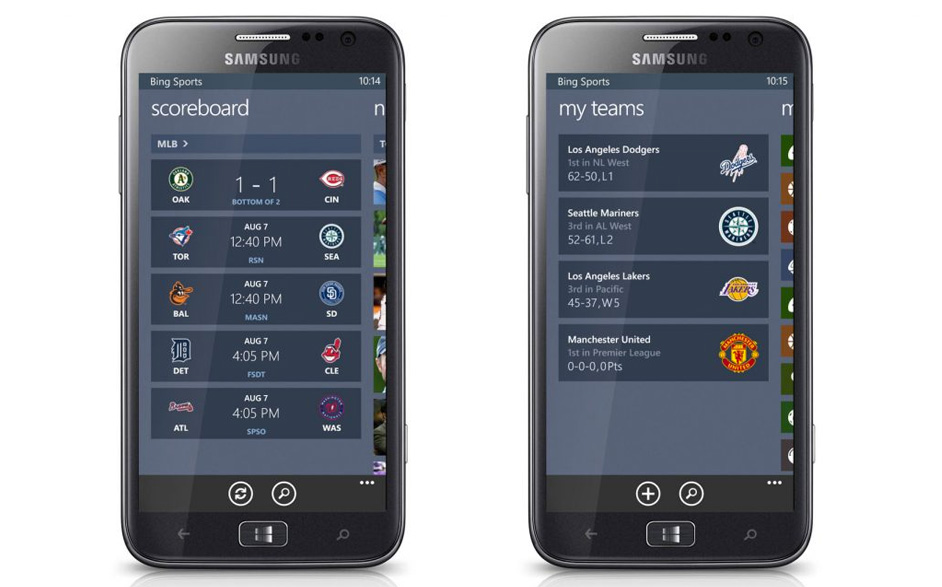
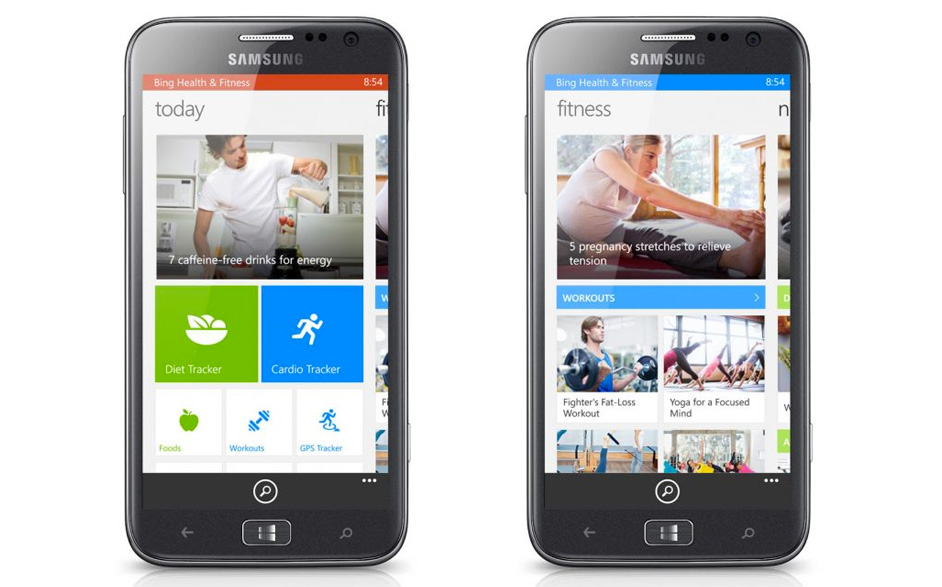
Health & Fitness App for Windows Phone 8
Metro-style default app suite for Windows 8.1