Yoon Park
Yoon (Dong Yoon Park, 박동윤) is a designer, creative technologist, and author from Seoul, Korea. He is currently a Principal Designer at Meta Reality Labs, defining spatial input modalities and core interaction systems for the Meta Quest and Horizon OS platforms.
With a background spanning electrical/software engineering and graphic design, Yoon bridges design and technology, bringing a hybrid mindset to complex interaction problems in emerging computing interfaces.
Previously, as a Principal Designer and Manager on Microsoft’s HoloLens & Mixed Reality design team, he led the design of the Mixed Reality Toolkit (MRTK), an award-winning open-source SDK that helped shape spatial UX development across the XR ecosystem.
Listed on Next Reality’s “30 People To Watch In Augmented Reality 2019.”
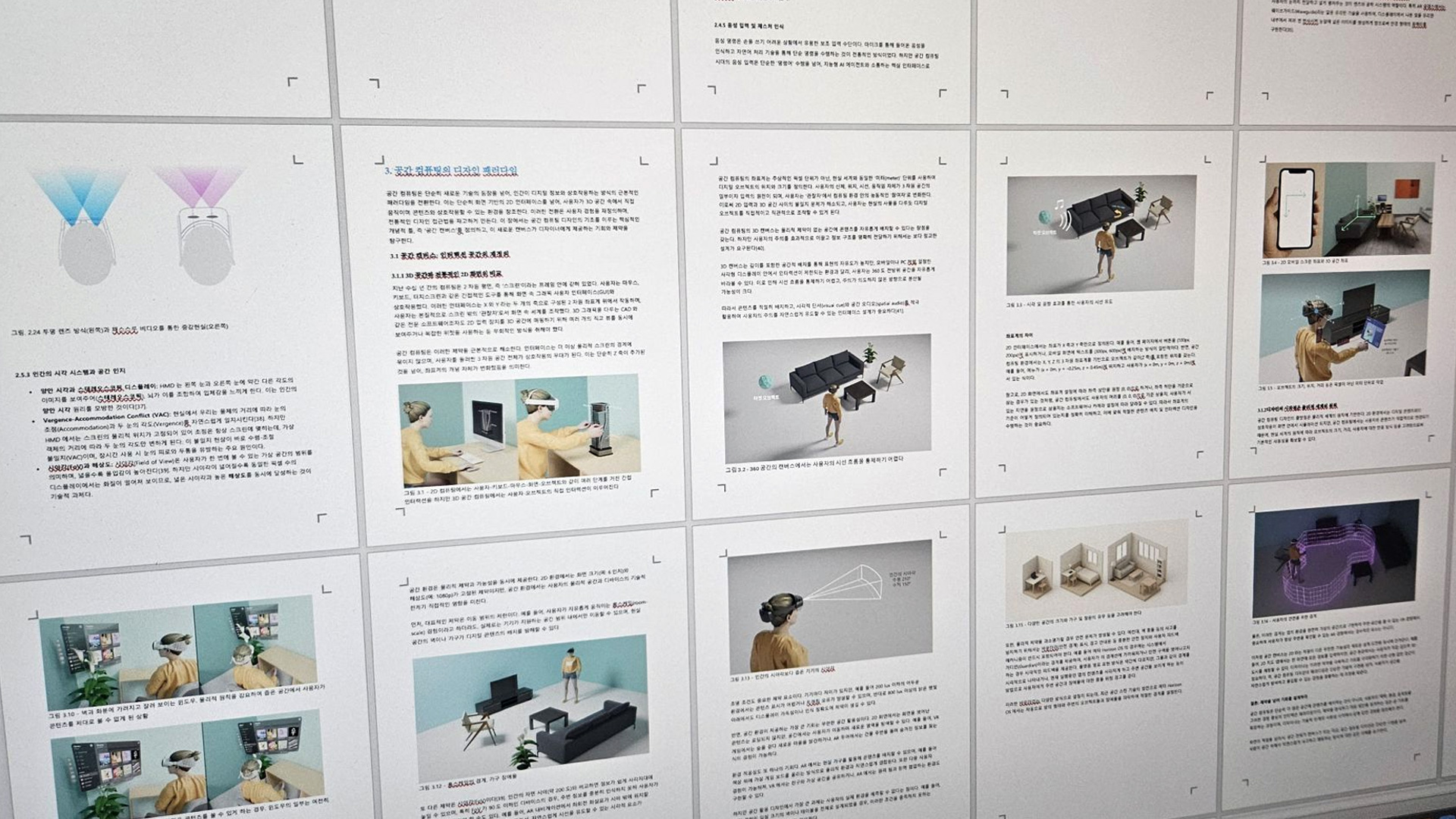
Spatial Computing Design Book
A 400-page book on Spatial Interaction Design, distilling over a decade of XR experience—from Microsoft HoloLens to Meta Reality Labs—including personal projects such as Cosmic XR. Covering OS and input systems, interaction models, developer tools, and real-world applications, the book focuses on foundational principles beyond specific platforms. The Korean edition is expected in spring 2026, with an English edition to follow.

Cosmic XR
A personal project uniting my passion for space, data visualization, and spatial interaction. Cosmic XR lets you explore and interact with the universe in mixed reality — from planets to galaxies. Featured among the Top 50 apps with a Top Rated badge.
"Every once in a while I stumble across an experience that makes me pause and say “Wow”. Cosmic XR is one of those rare gems." -
Review article by UploadVR
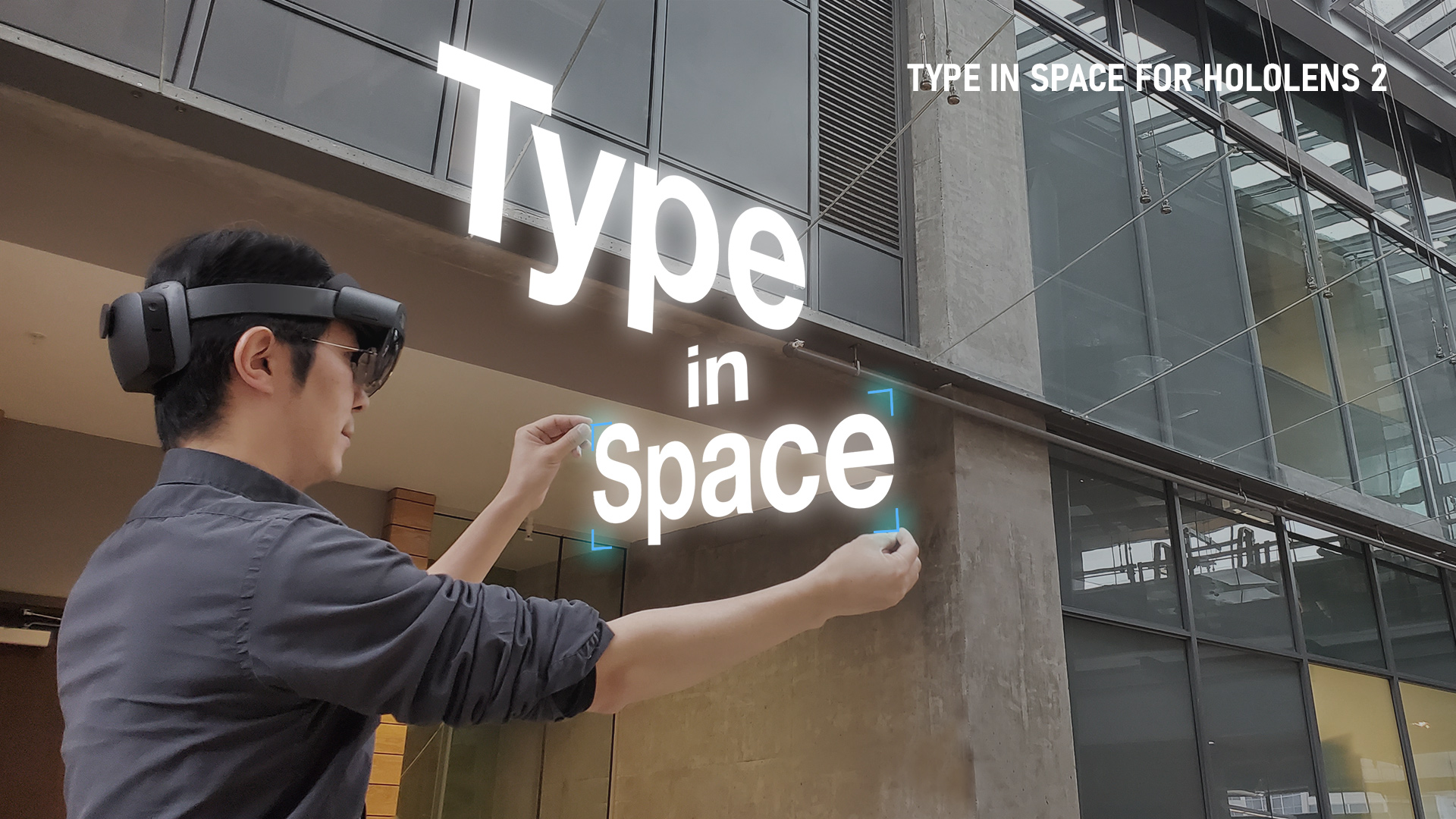
Type In Space for HoloLens 2
Type is beautiful in mixed reality. Type In Space for HoloLens 2 lets you interact directly with letterforms and compose typography in physical space using fully articulated hand tracking.
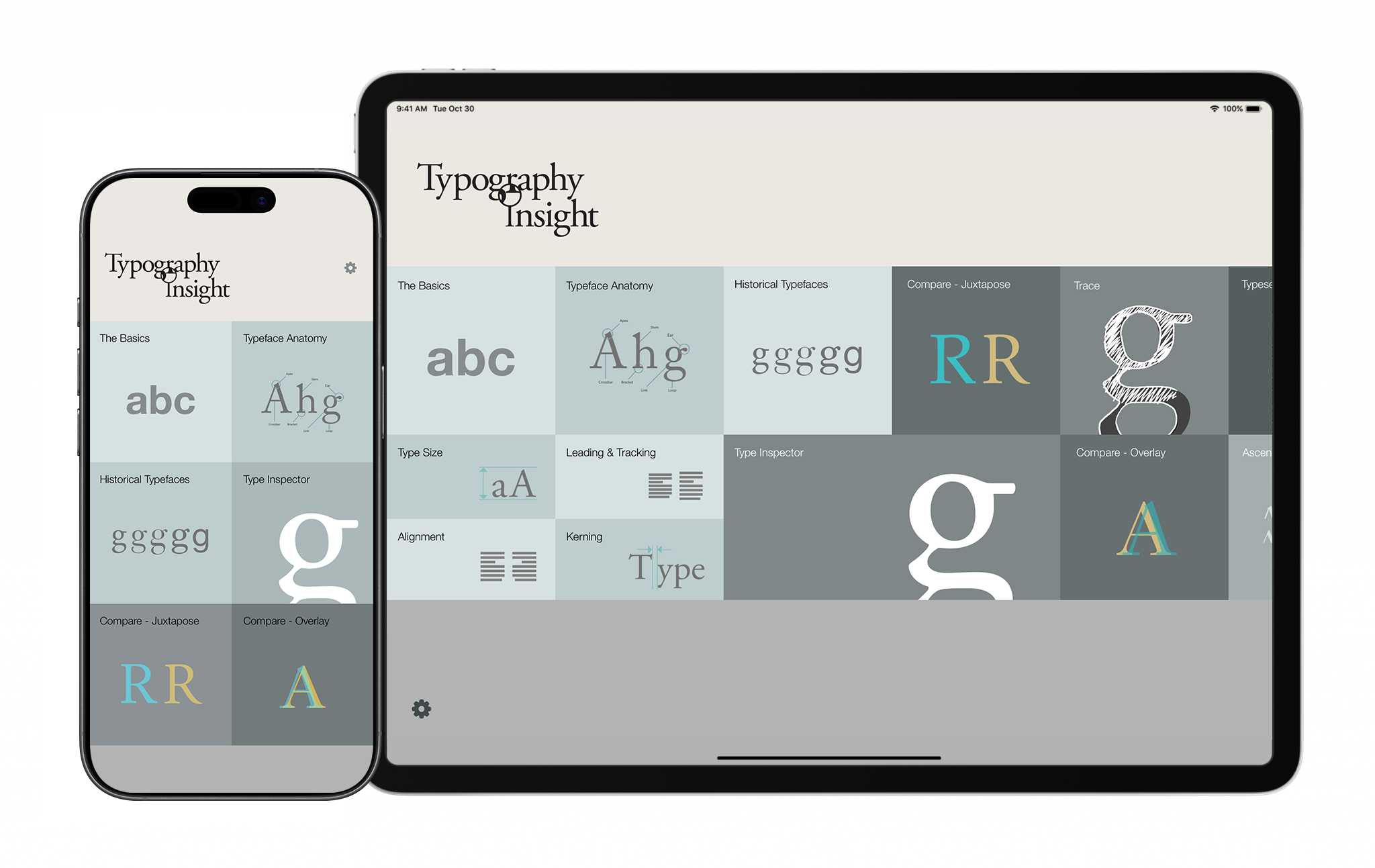
Typography Insight
“Anyone who loves books, words, history, or fine art — even in the slightest bit — will find Typography Insight as intoxicating as Wikipedia and as fun as a video game.”
Fast Company
“The app isn’t a dull list of typefaces. It’s excitingly interactive, enabling you to experiment with kerning to see how it transforms the way text looks, and to compare the same characters in different typefaces.”
Apple
Since 2011 | Available on iPad | iPhone | visionOS | Mac with Apple silicon