MSN/Bing Sports for Windows 8
Sep 2011 – May 2012, as UX Designer II, Bing App Experiences(AppEx) | Microsoft
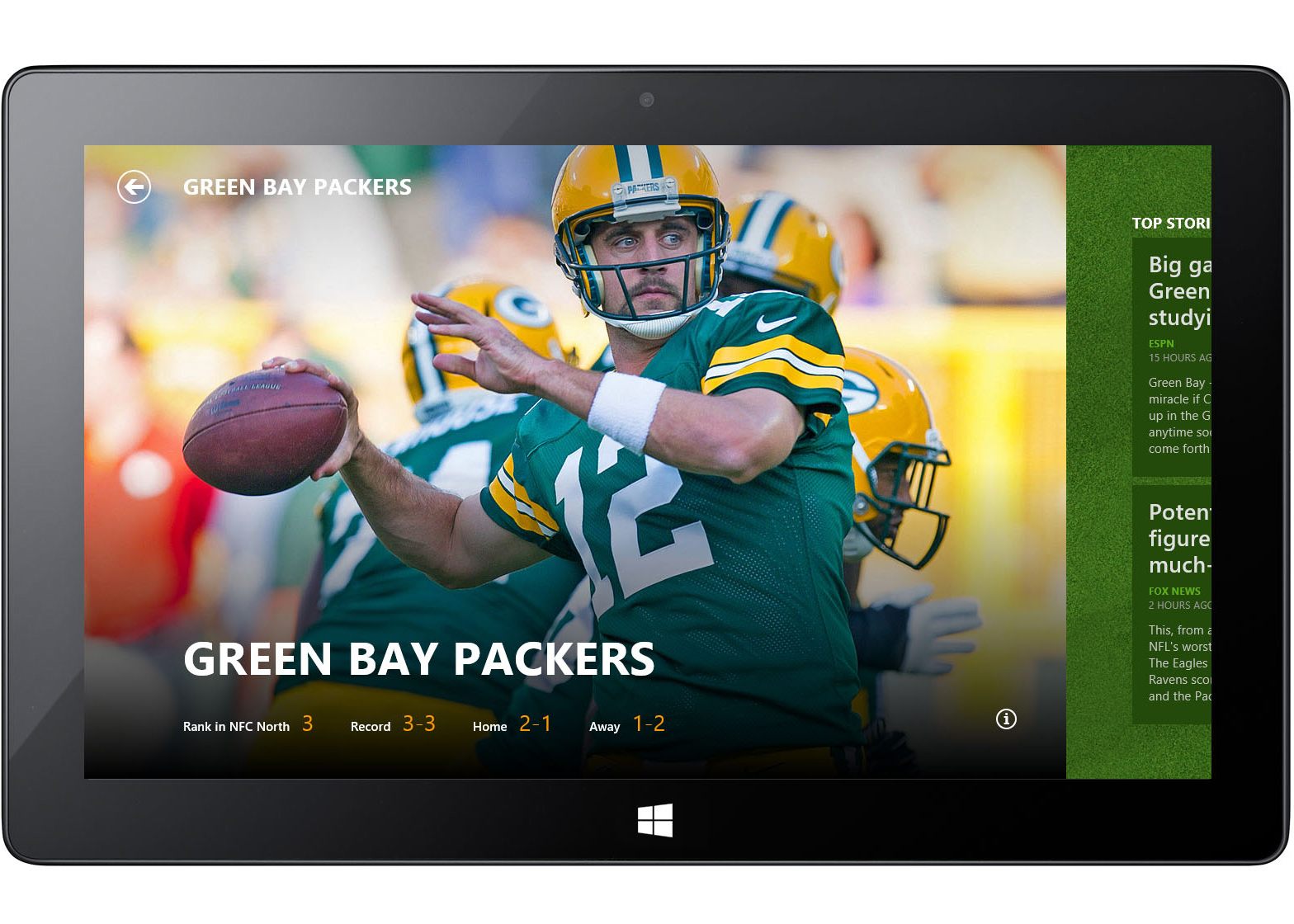
Introduced as a default app on Windows 8, the Bing/MSN Sports experience was built to highlight the expressive clarity and content-first principles of Microsoft’s Metro design language.


Goal
The core design goal was to create a rich, magazine-like content consumption experience for sports fans on Windows 8, showcasing the power and expressiveness of Microsoft’s Metro design language. Building on Windows 8’s horizontal scrolling paradigm, the information architecture was crafted to make reading flow natural, intuitive, and visually engaging — from top news stories to live scores and favorite team updates.
Role
As the lead designer on the project, I owned the overall visual and interaction design, user experience, and information architecture. I developed the full-bleed hero image concept as a signature visual element for the Bing Windows 8 app suite, and curated how rich data like game scores, player stats, news, and photographic imagery were presented at multiple hierarchy levels.
Approach
- Designed a magazine-inspired navigation and layout to surface sports content elegantly while respecting Metro design principles of bold typography, clean grids, and rich imagery.
- Collaborated closely with engineers — drawing on my engineering background — to integrate designs in production and help establish pixel-perfect implementation. This hands-on design-engineering collaboration became a model for high-quality design fit & finish, later influencing formation of a dedicated design integration practice.
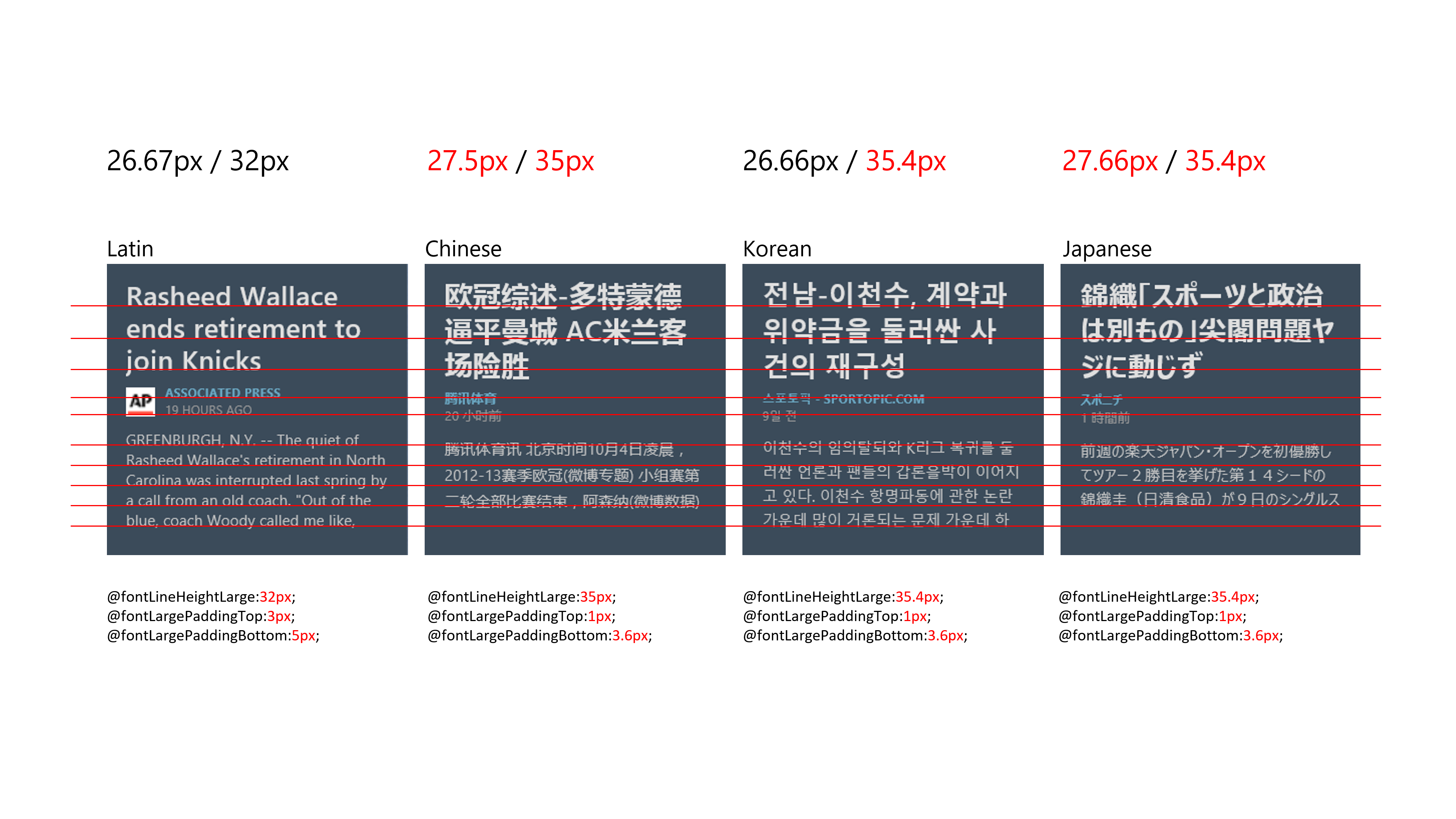
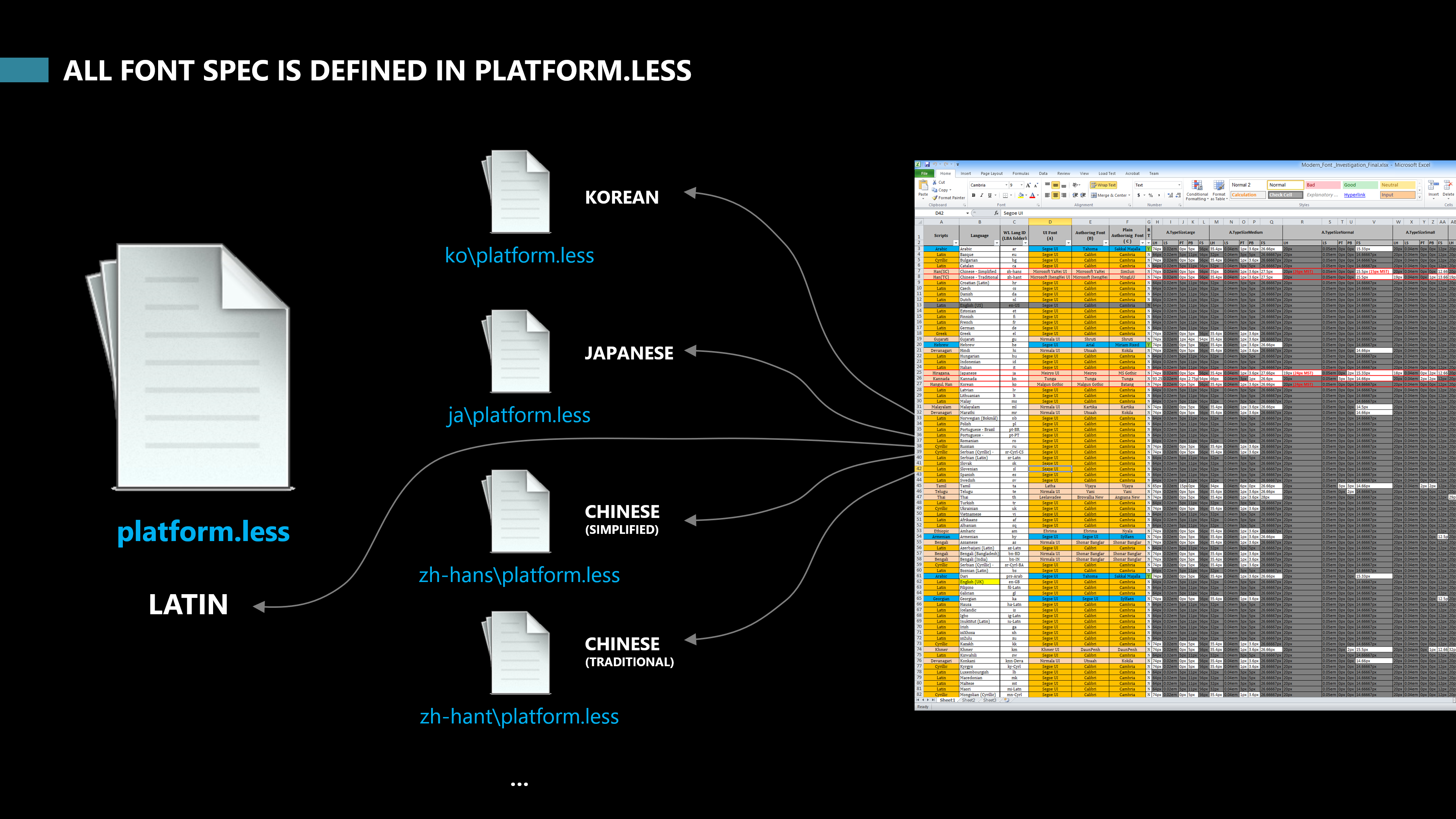
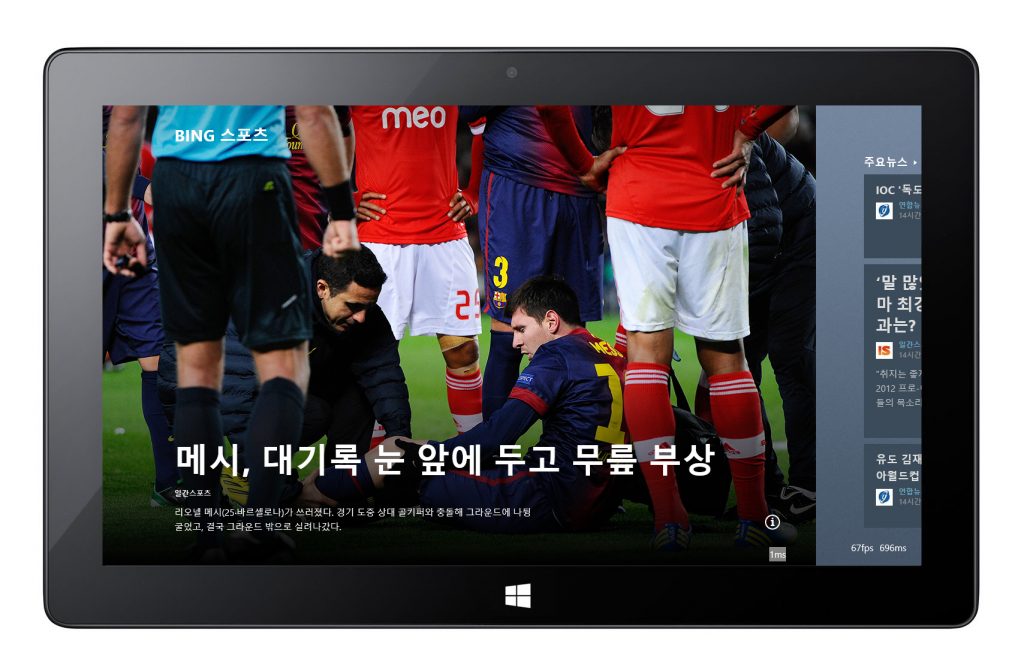
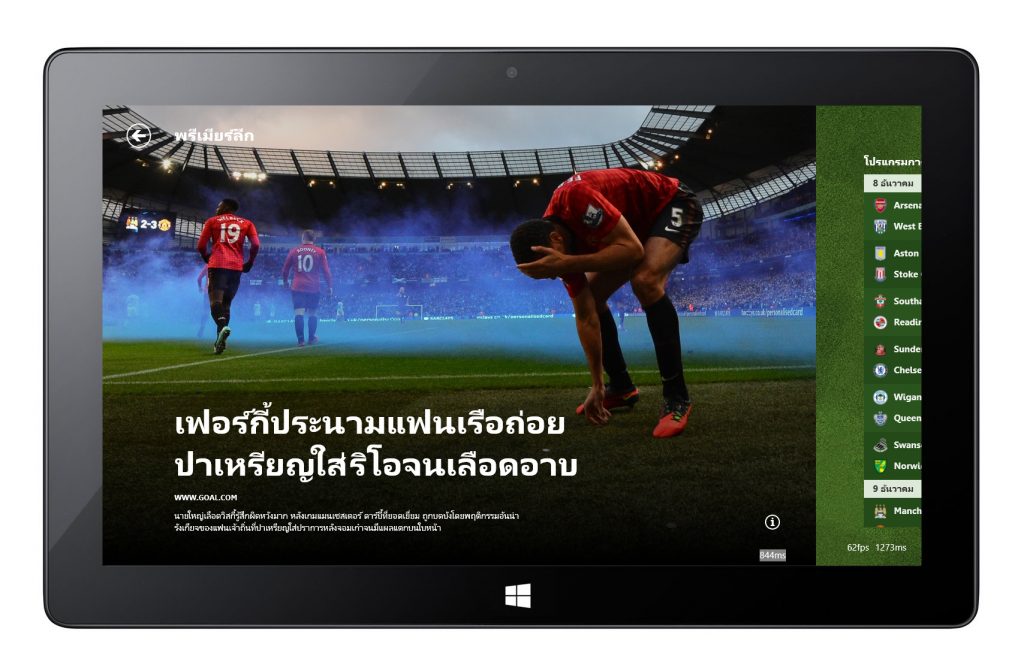
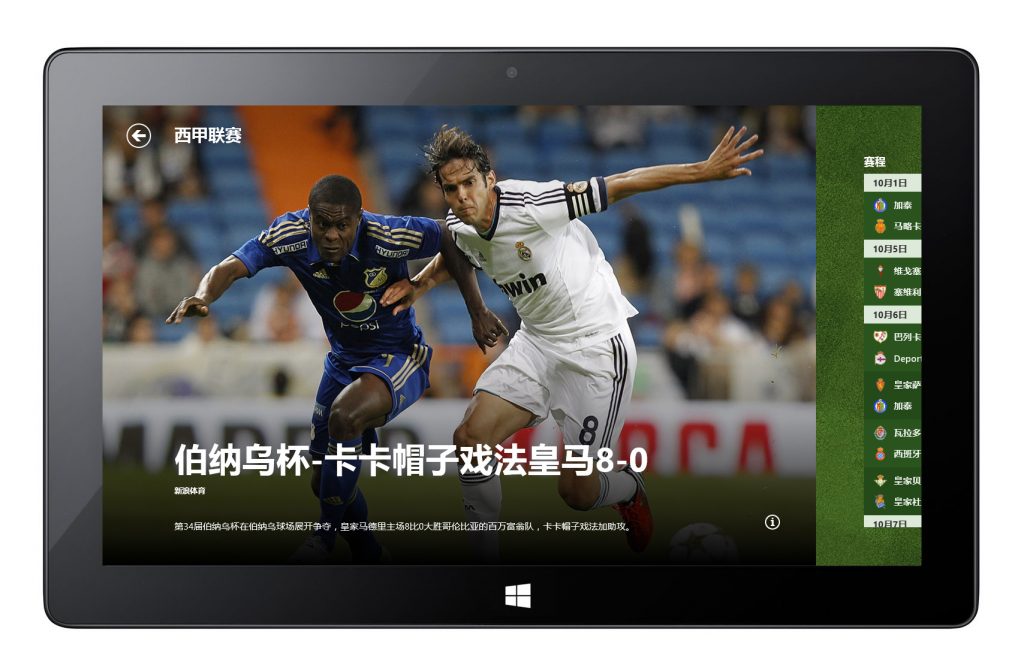
- Led internationalization and localization efforts for Korean and Japanese languages, developing layout solutions to accommodate diverse typographic systems.
As a designer who can speak Korean and Japanese, I led the internationalization and localization effort. Investigated, proposed, and integrated design solutions for the layout challenges with international fonts.
Competitive Landscape
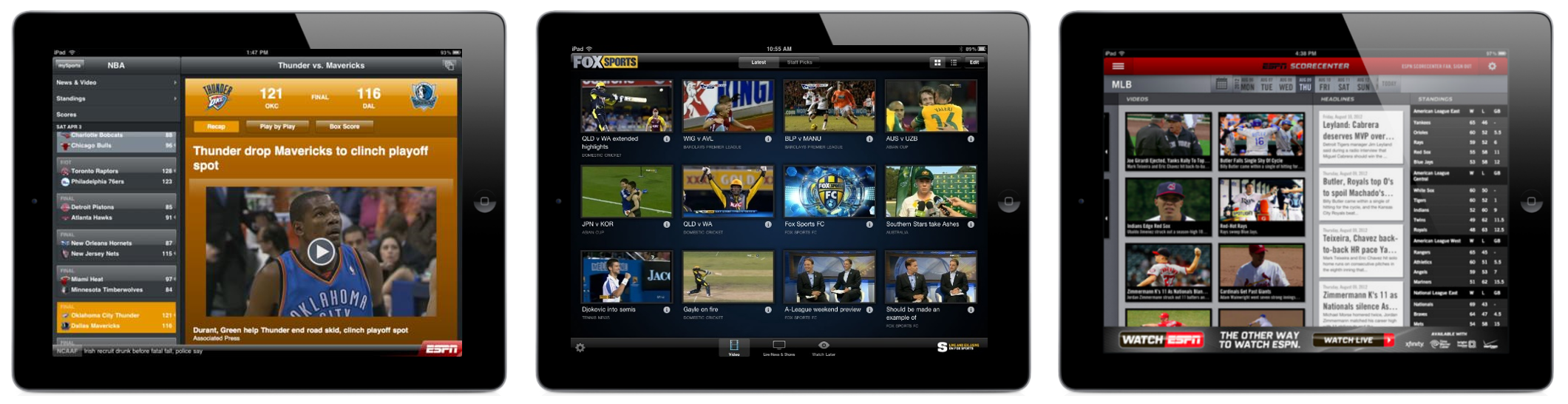
In 2011, most sports and news apps followed a skeuomorphic, chrome-heavy visual style—dense with gradients, shadows, and textured UI components. Interfaces often felt visually cluttered and prioritized ornamentation over content. This landscape presented an opportunity to differentiate with a cleaner, content-first design rooted in bold typography, whitespace, and editorial clarity.
Windows 8 Design Principles
Throughout the project, the Windows 8 Design Principles served as the foundation for every decision—shaping layout, motion, typography, and the overall content-consumption experience. My goal was to make MSN/Bing Sports a flagship example of what a Windows 8 app could be.
The core principles included:
• Pride in Craftsmanship — Design with intention, focus on clarity and hierarchy, and ensure every pixel reflects care and refinement.
• Be Fast and Fluid — Use motion and animation to create a responsive, lightweight experience that enables effortless browsing and quick access to scores and headlines.
• Authentically Digital — Embrace digital materials—flat color, grid systems, and typography—rather than simulating real-world textures.
• Do More with Less — Prioritize the content itself; remove unnecessary chrome and decoration so users can focus on what matters.
• Win as One — Deliver a cohesive family of Bing apps, aligning navigation, layout, and design components across News, Travel, Weather, Finance, and more.
Outcome
The result was a visually compelling, fluid sports experience that aggregated core fan interests — from headlines and live action to statistics and deeper player/team data — in a way that felt effortless and enjoyable. The app was released as part of Windows 8 and widely recognized as one of the standout examples of Metro-style content apps.
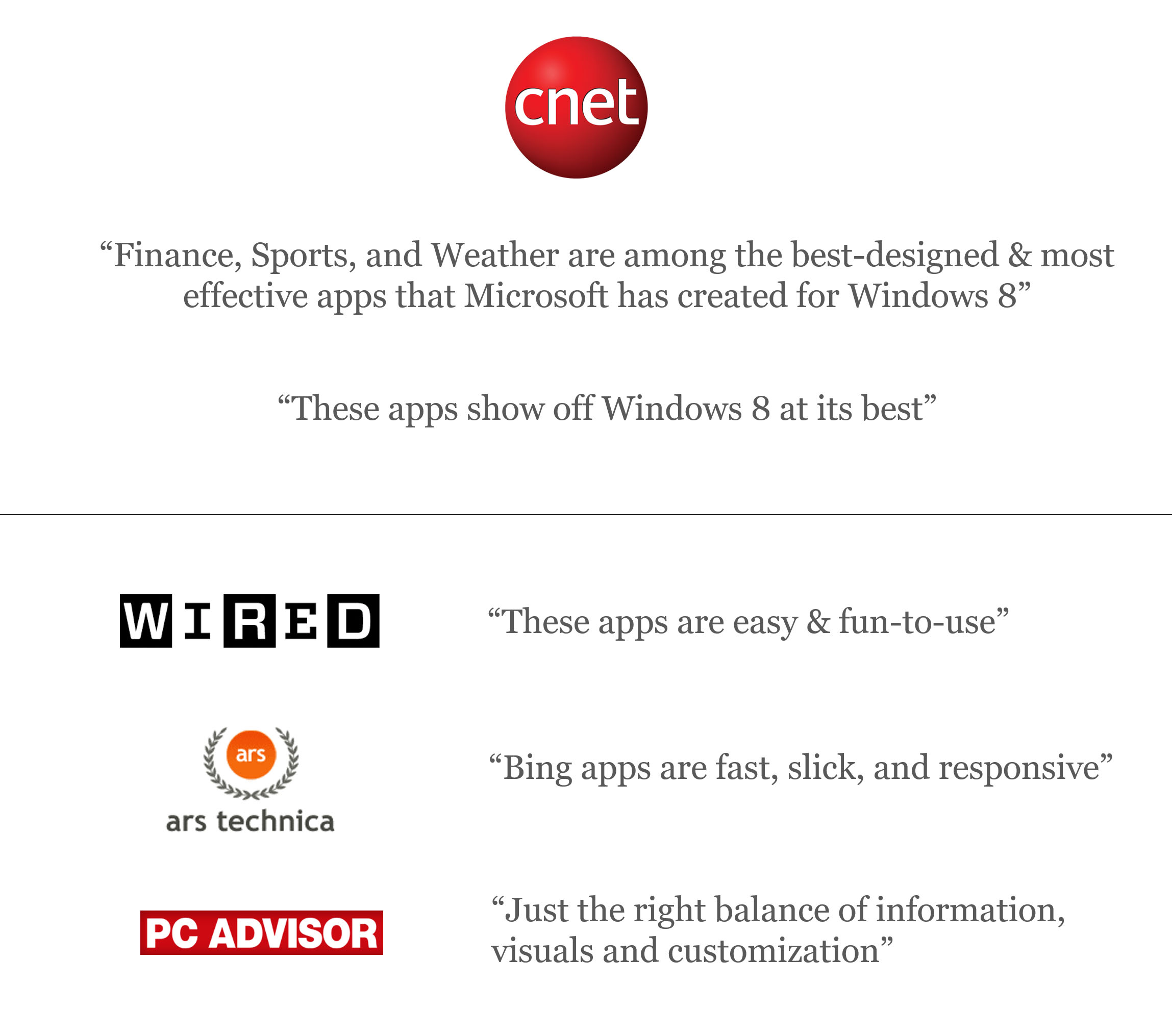
“It’s worth getting Windows 8 just for the SPORTS app”
“The BEST – even when compared to other apps in other operating systems”
“It all looks so clean-and-simple, yet so information rich”
“The BEST sports app I’ve ever seen”
“Hopefully we can see more third party apps going this route”
Key Design Elements
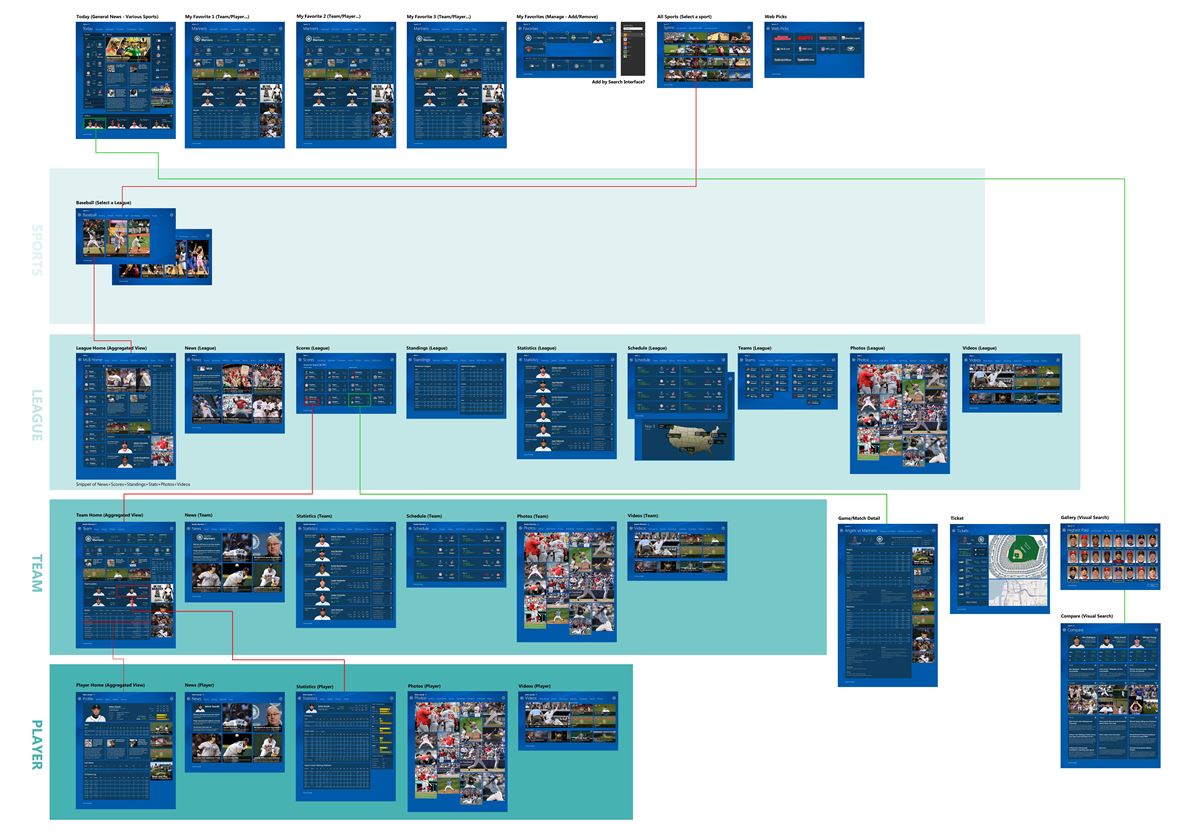
The MSN/Bing Sports app surfaces a large volume of rich sports content — images, live scores, player and team statistics, and headlines — across multiple hierarchical levels (sport type → league → team → player). Strong information hierarchy and architecture were essential to make this complex data easily navigable and meaningful for users.
Some of the key design elements included:
- Curated Full-Bleed Hero Image
- Immersive Background as Wayfinding
- Player & Team Tiles with Transparent Elements
- Data Tiles & Visualization
- Typographic Hierarchy & Grid System
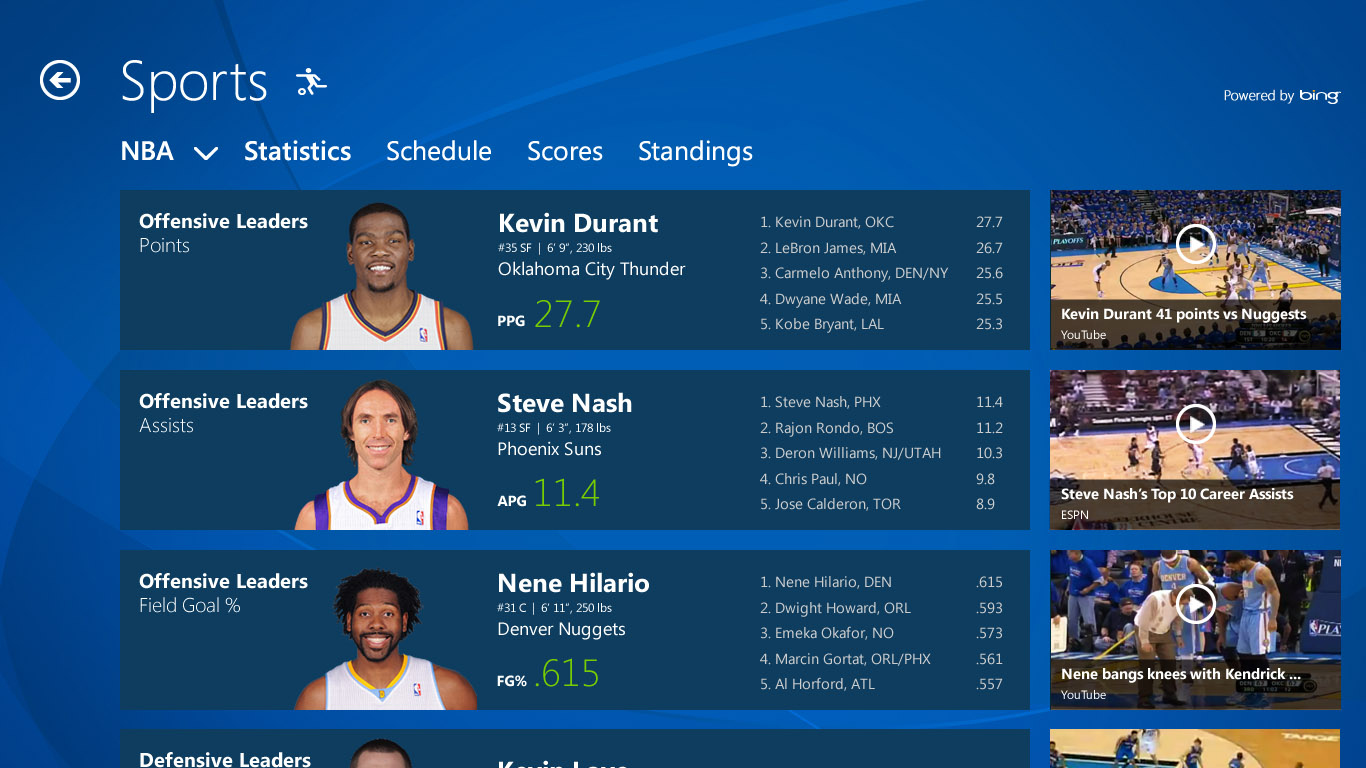
Entity levels & Navigation structure design
The Hero Image
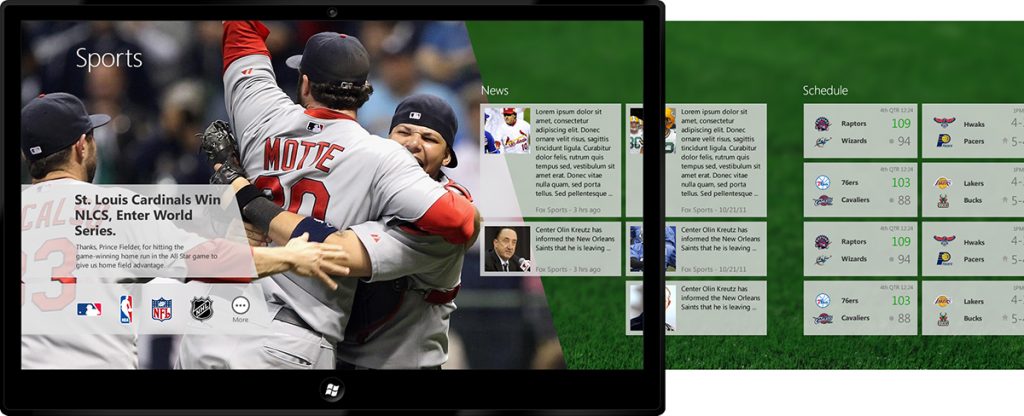
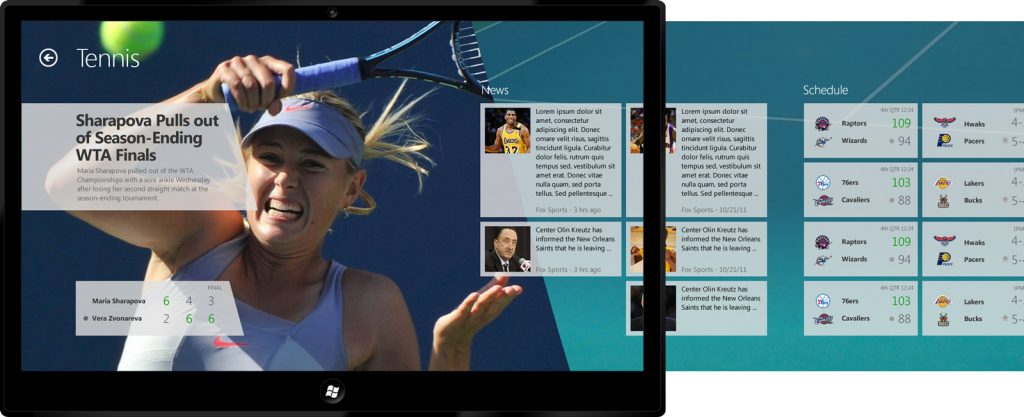
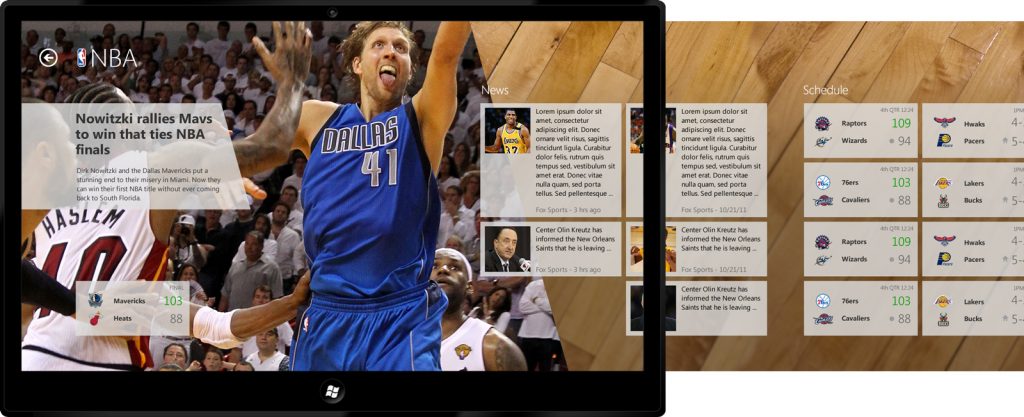
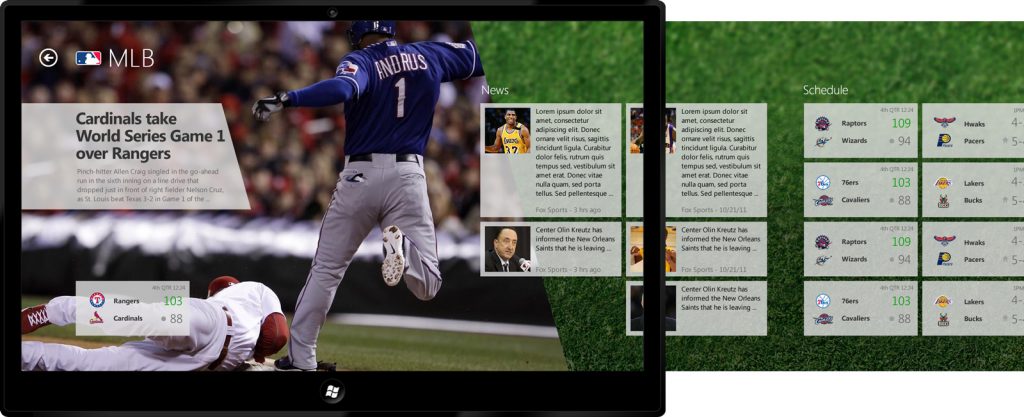
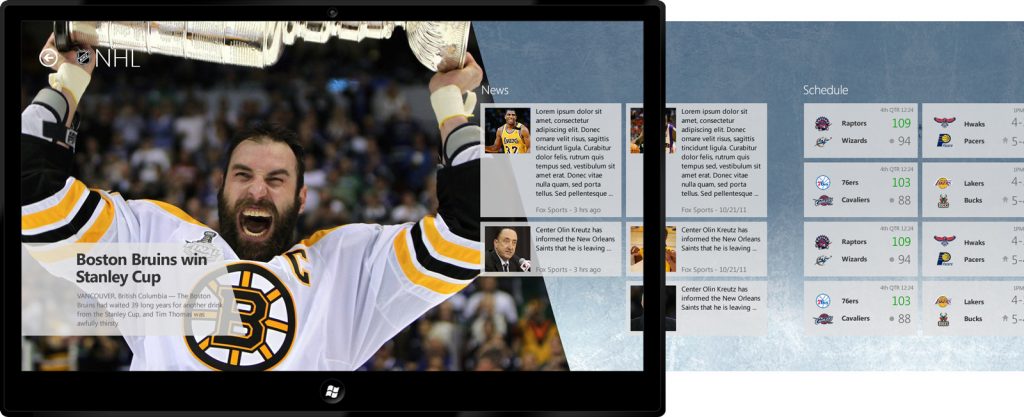
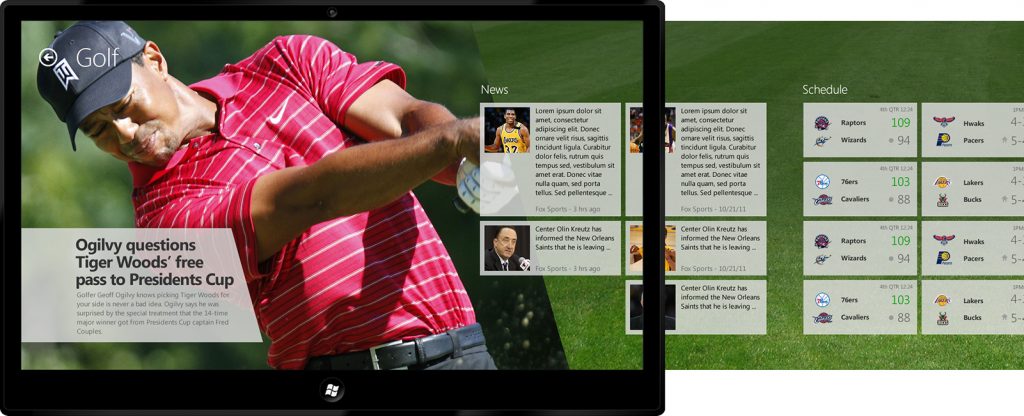
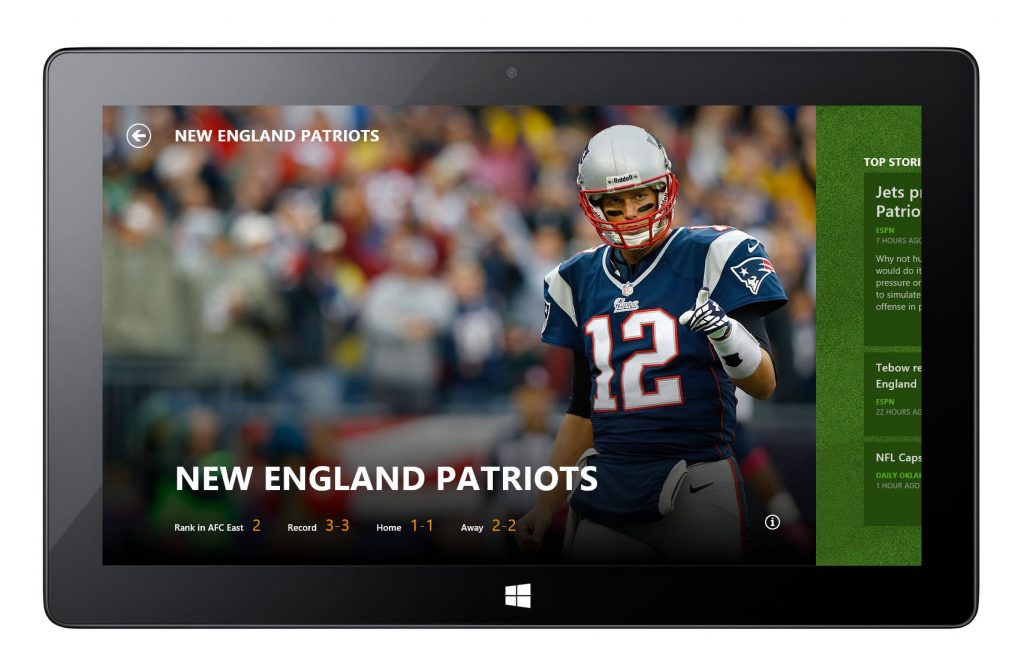
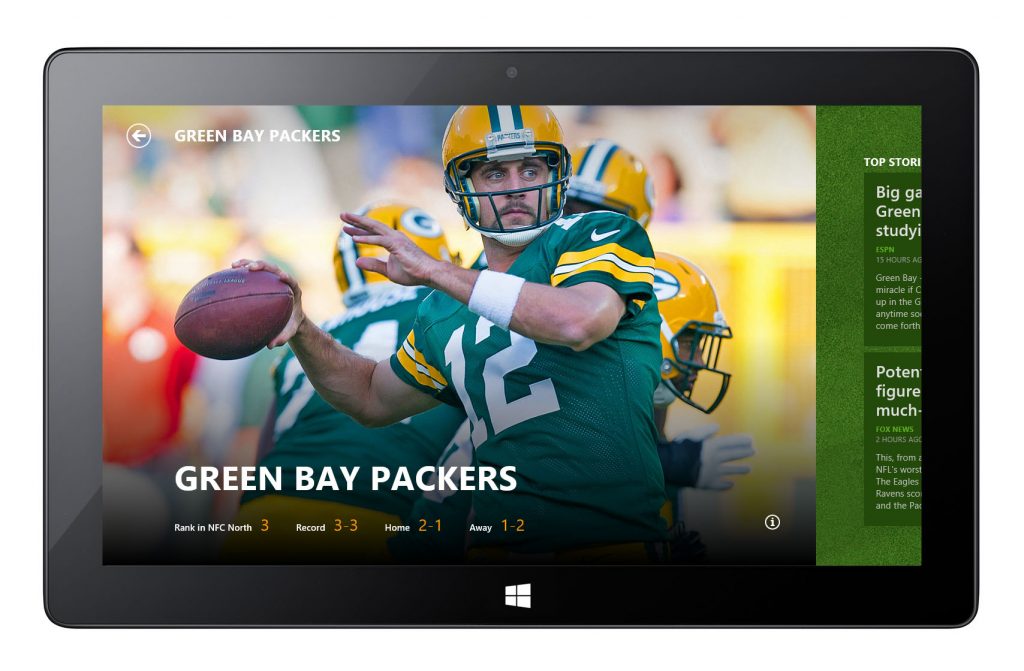
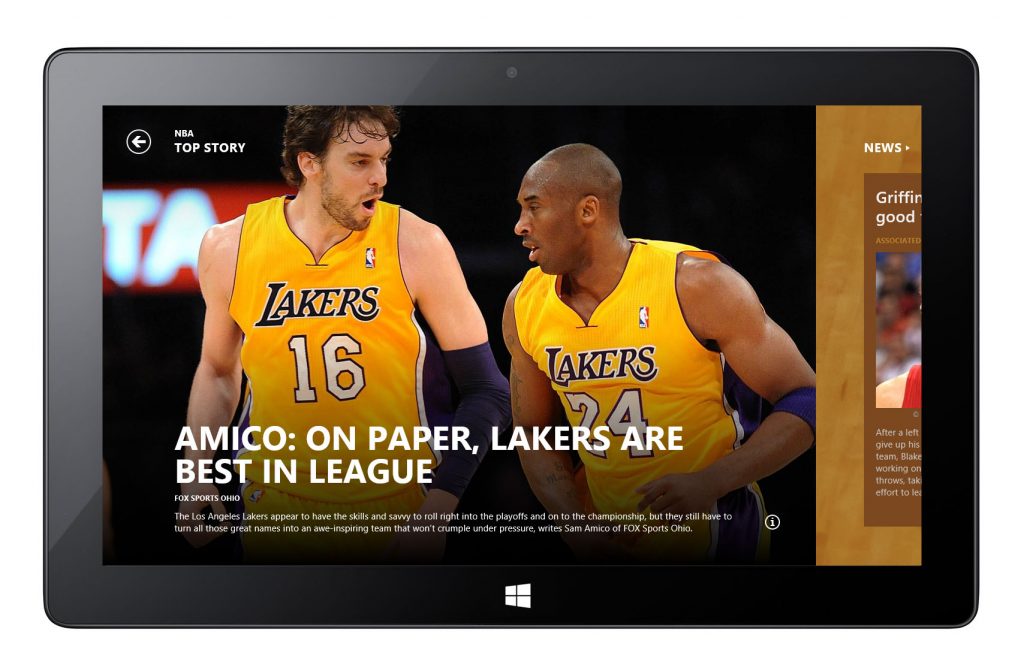
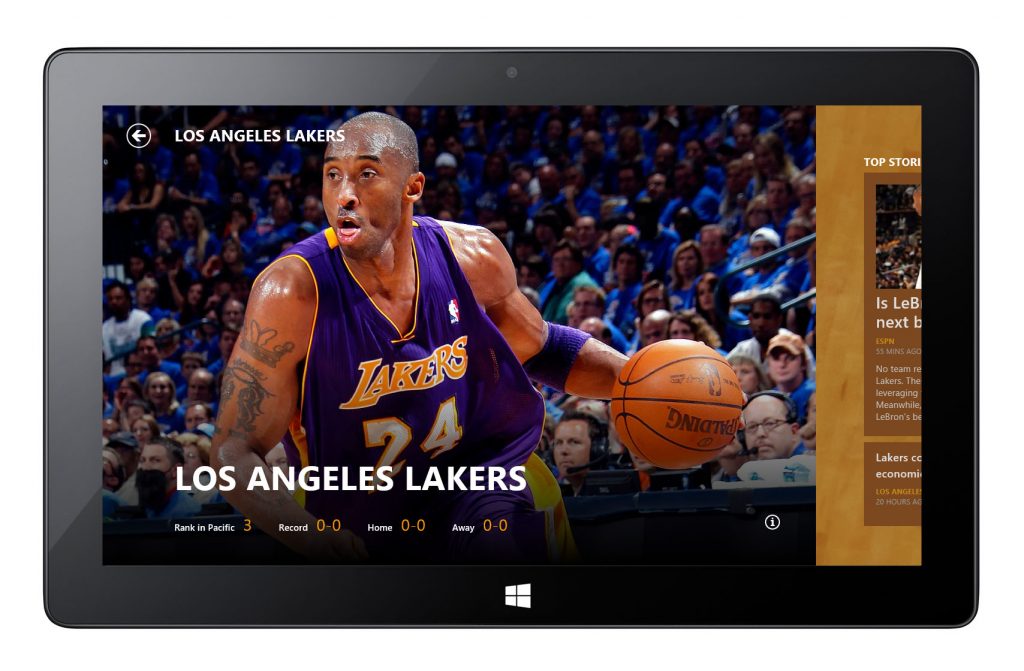
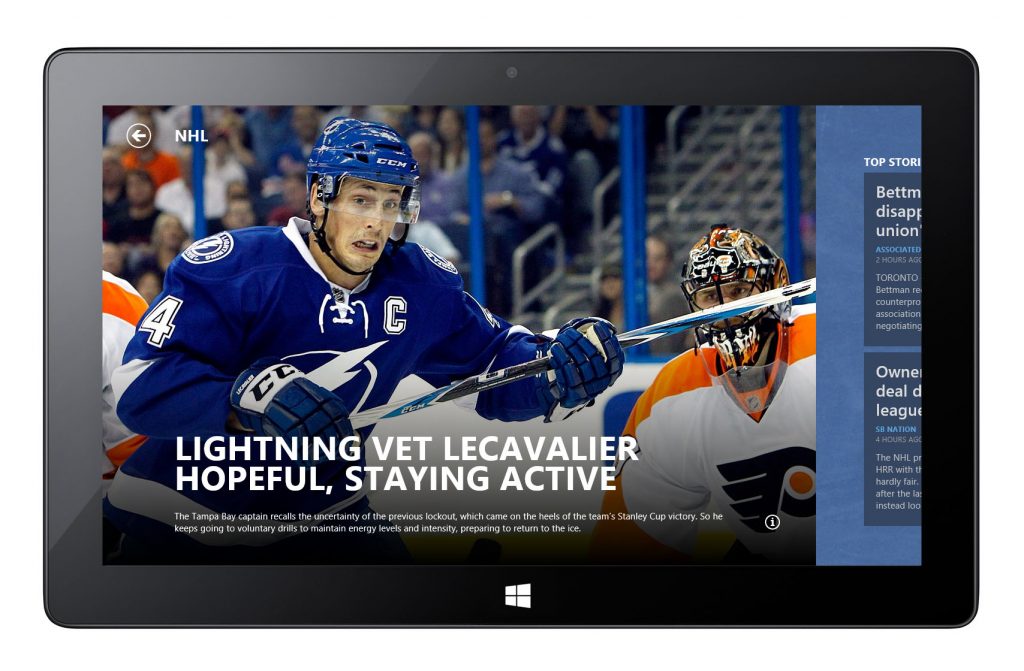
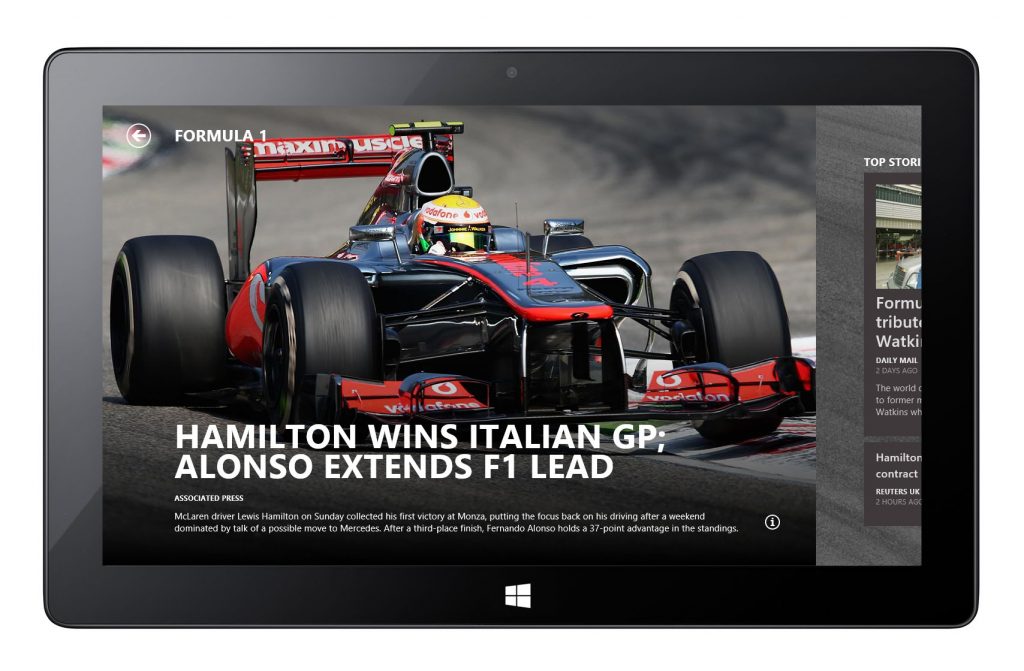
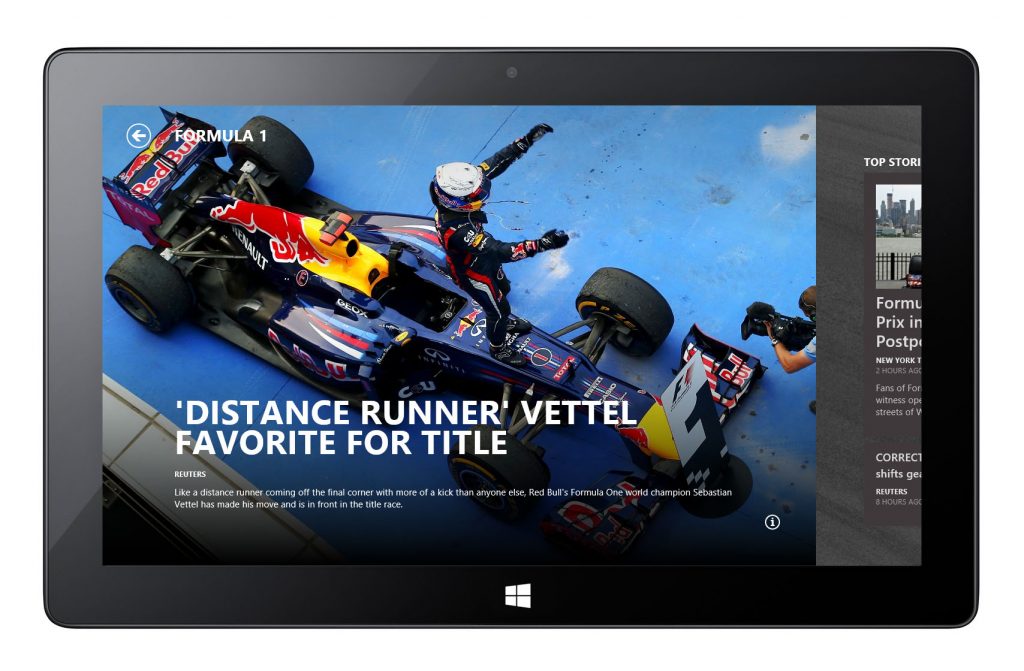
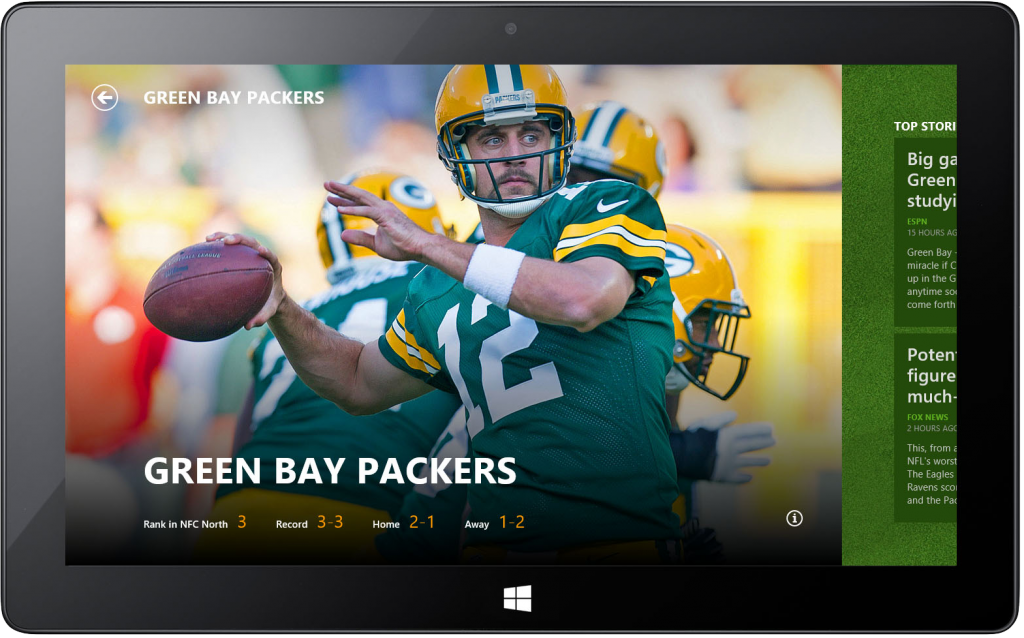
A signature visual element that showcases headline stories with impactful photography. Working with the editorial and content engineering teams, I developed an automatic image cropping system that focused on meaningful visual areas across devices and orientations, elevating the emotional impact of the stories from the moment users open the app.
Landing page design explorations
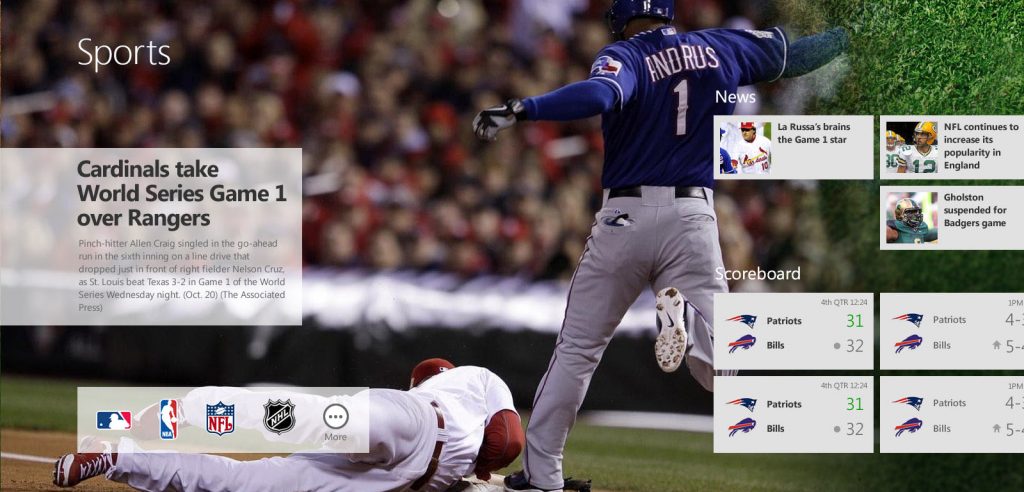
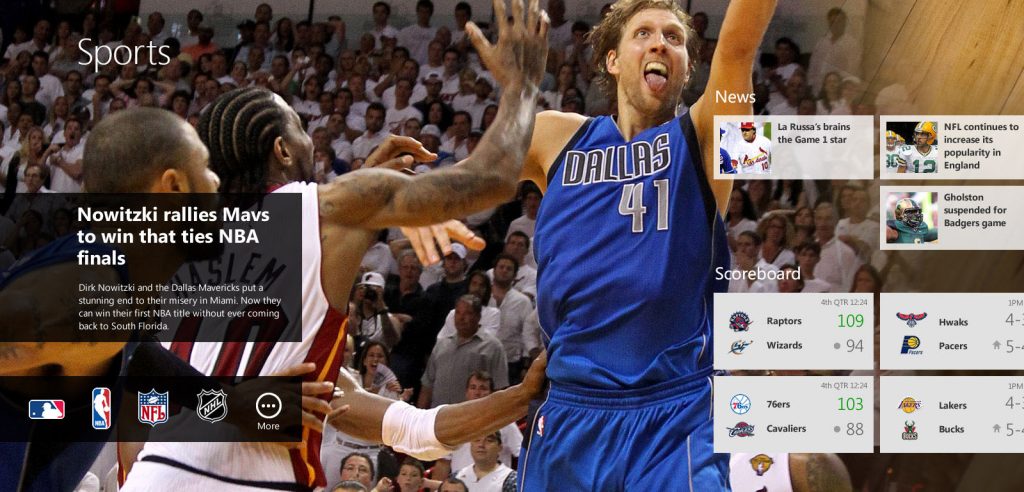
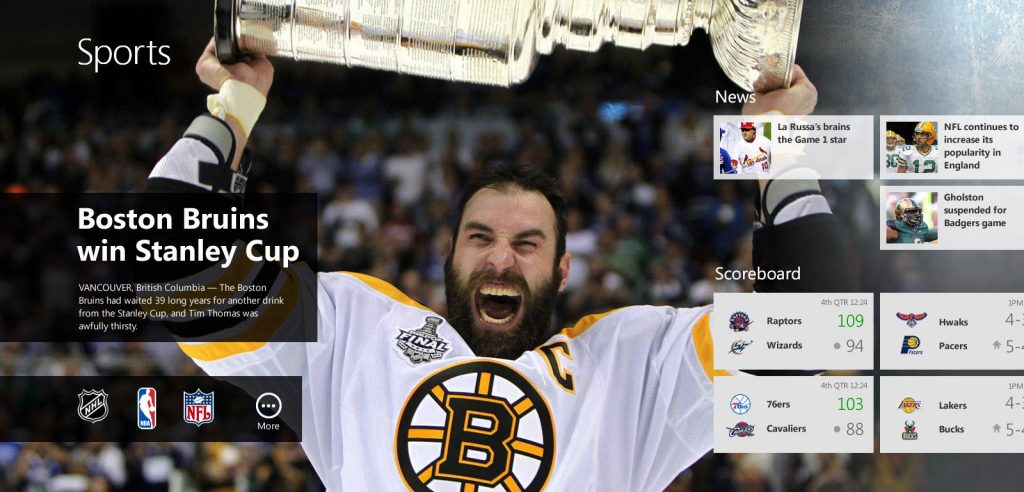
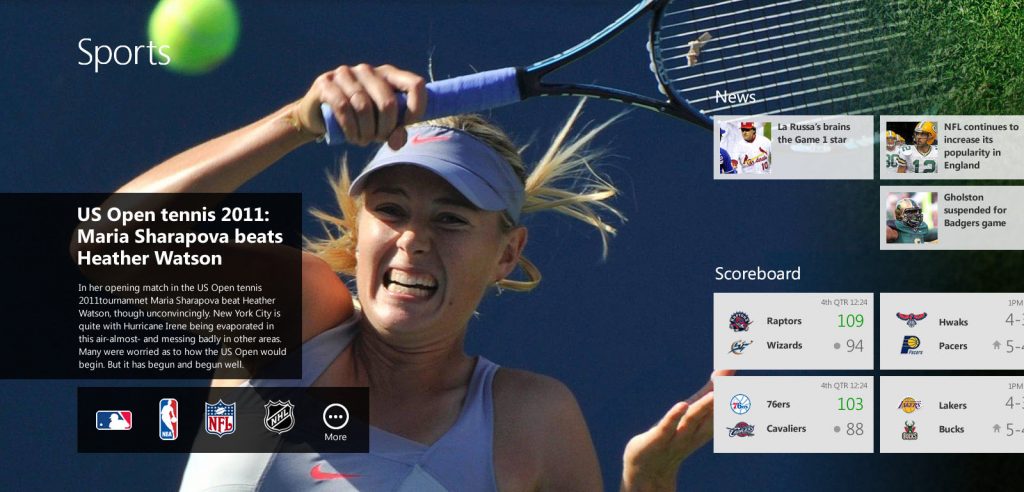
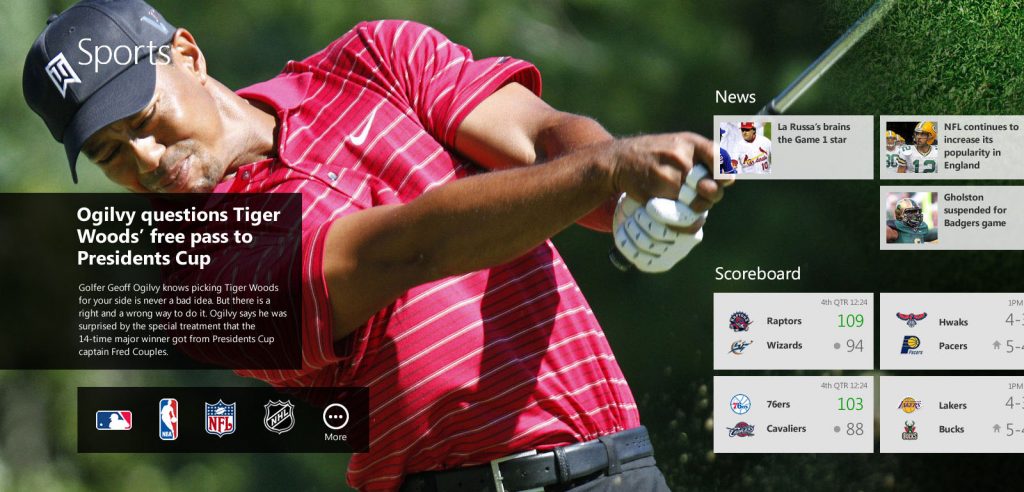
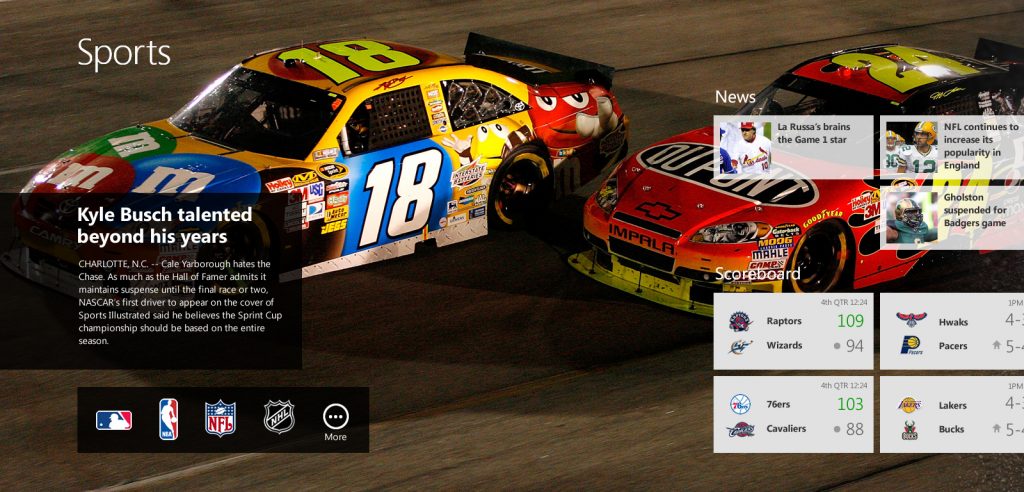
Hero Image Cropping & Overlay Elements
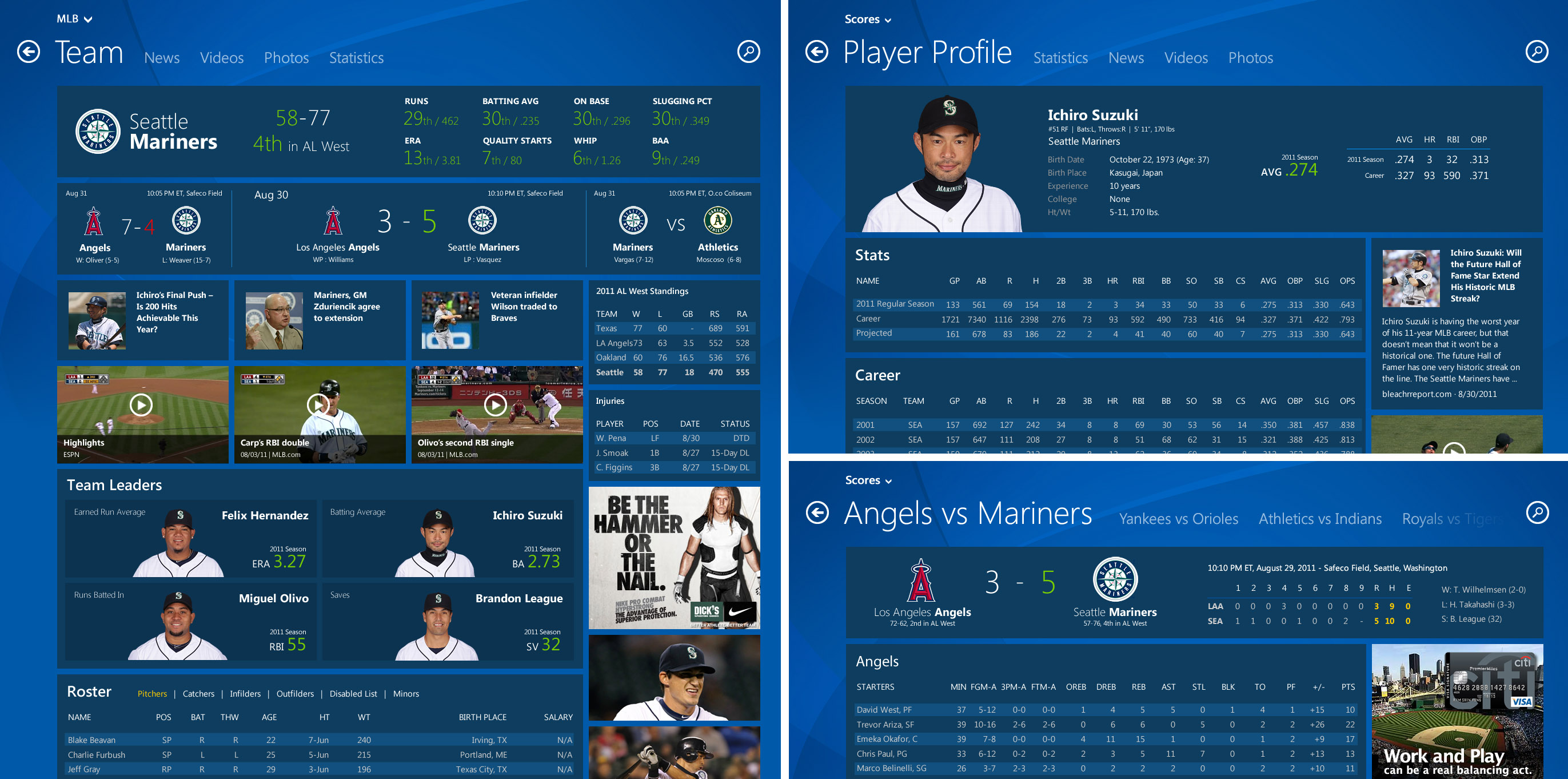
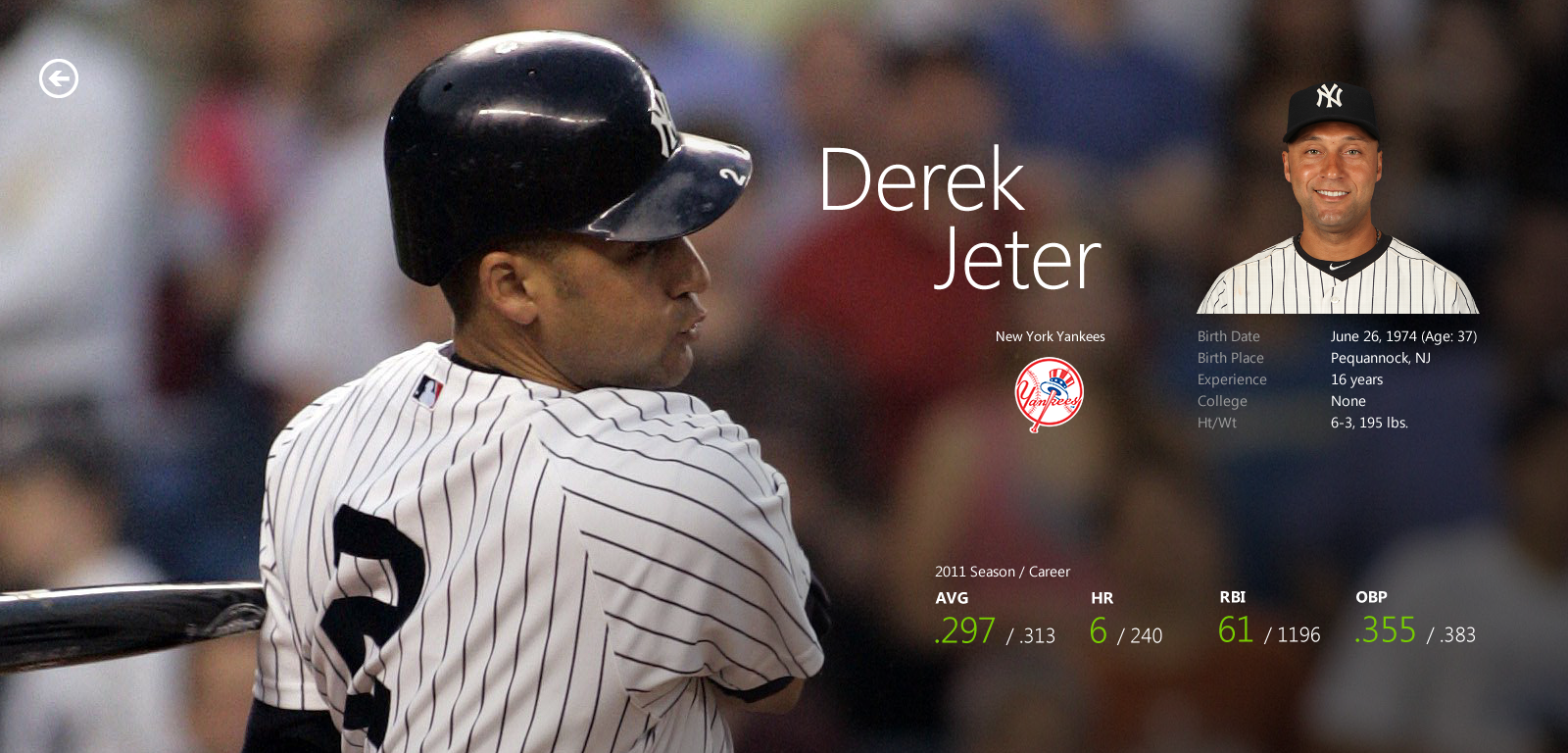
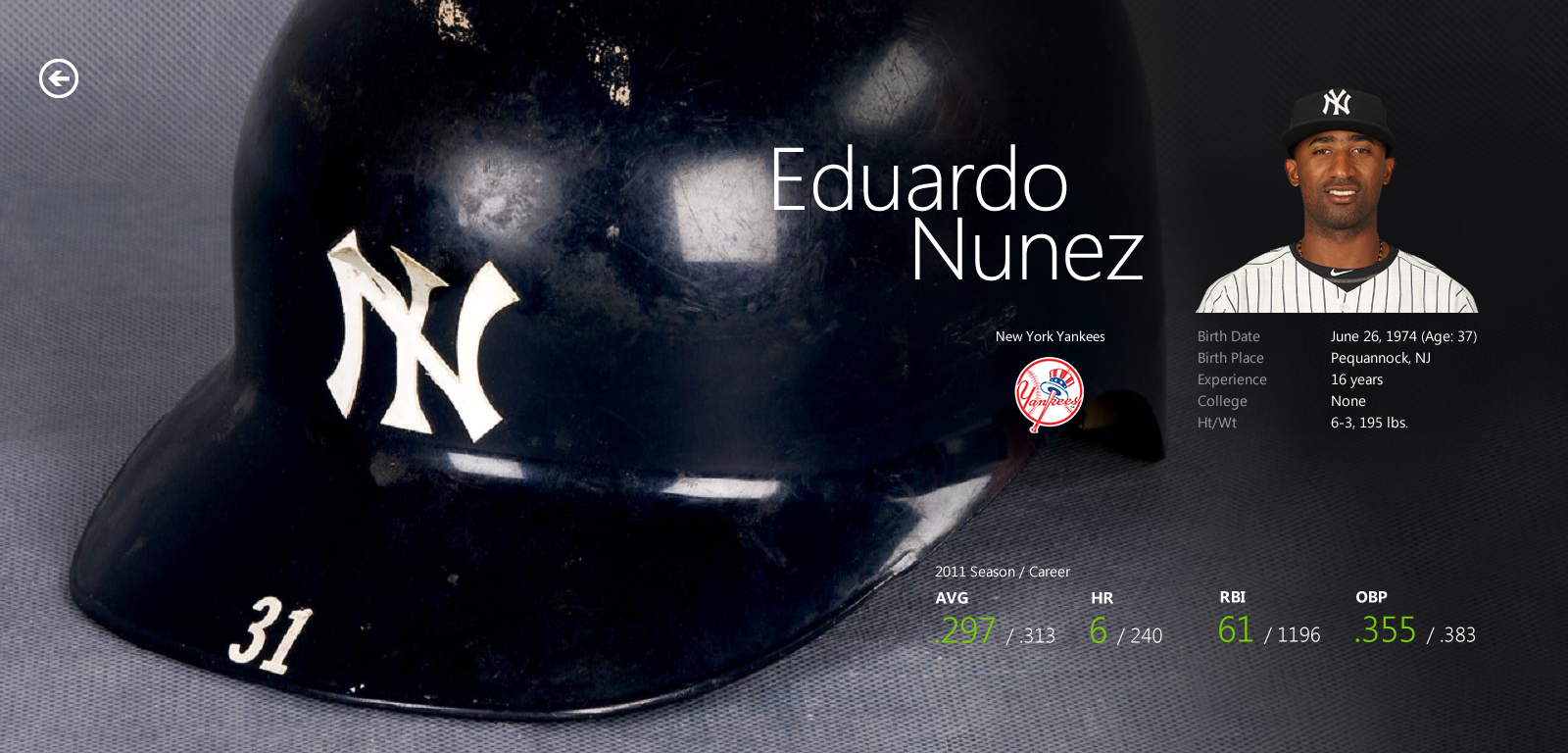
Player page design explorations


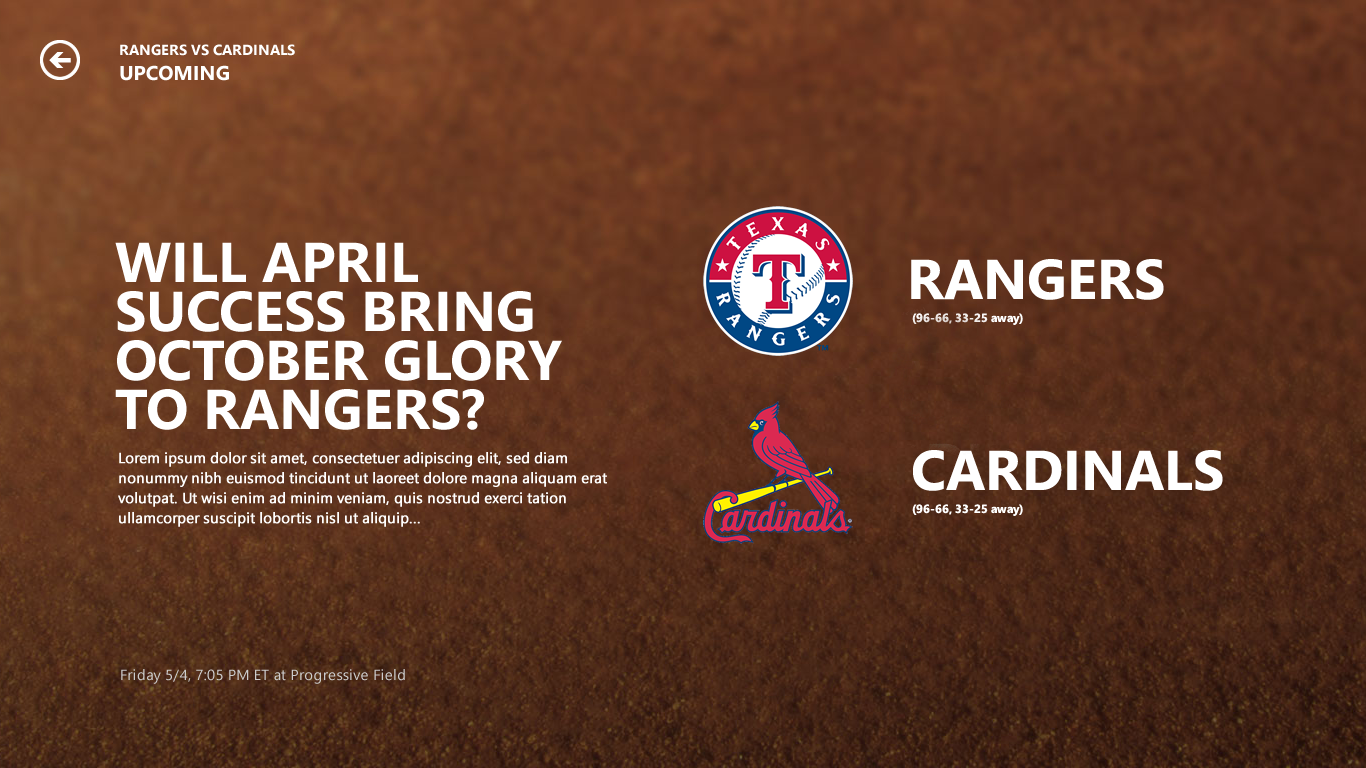
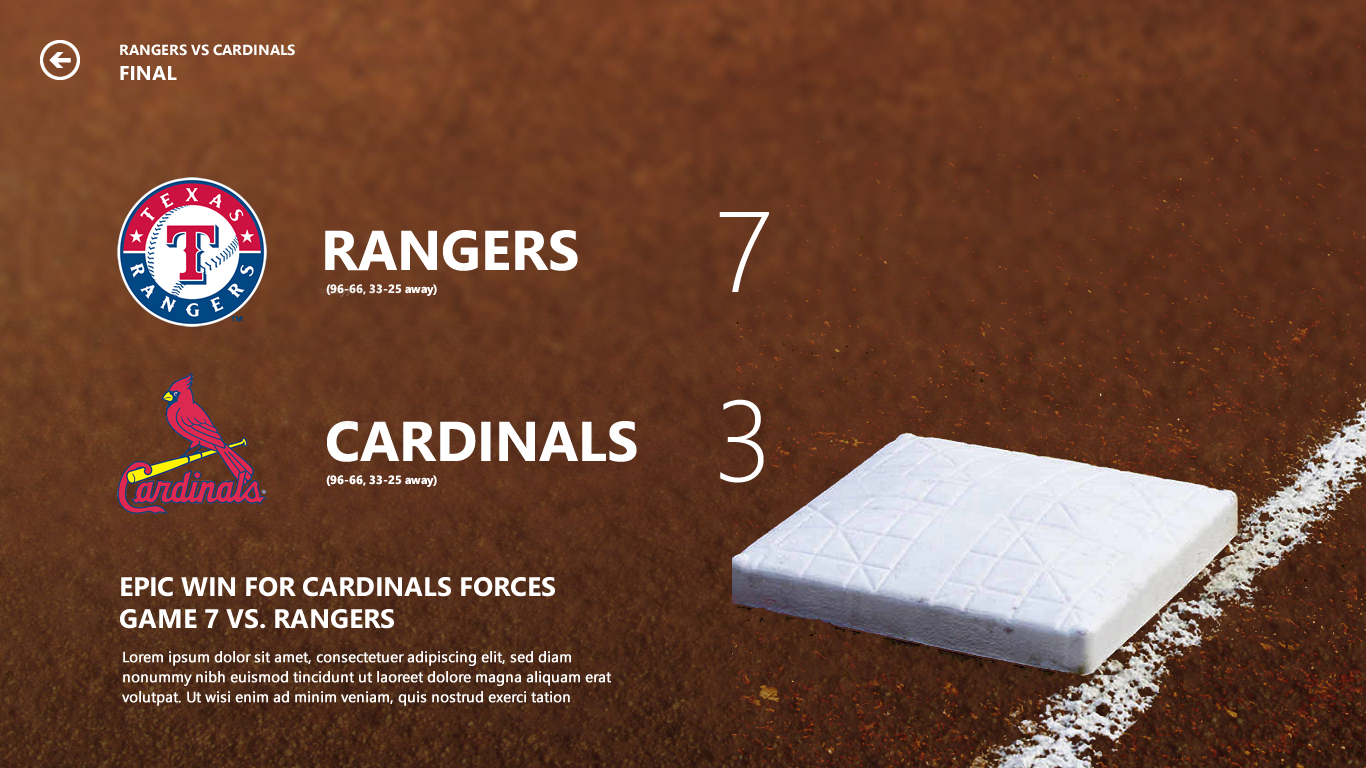
Matchup page explorations
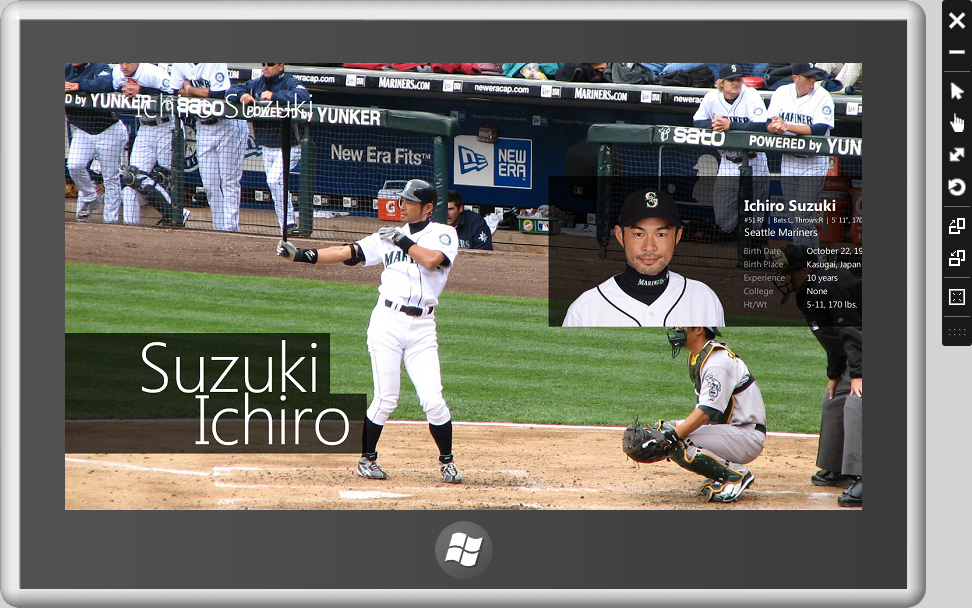
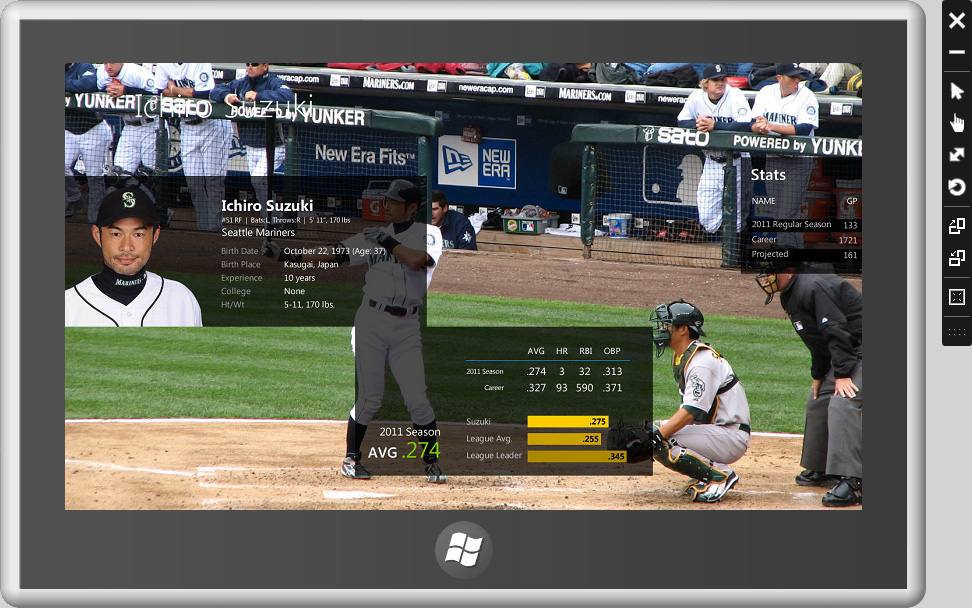
Prototypes for Parallax Effect
Created working prototypes using Windows 8 SDK to demonstrate interactive experiences such as parallax background scrolling effect and the flow of the content.
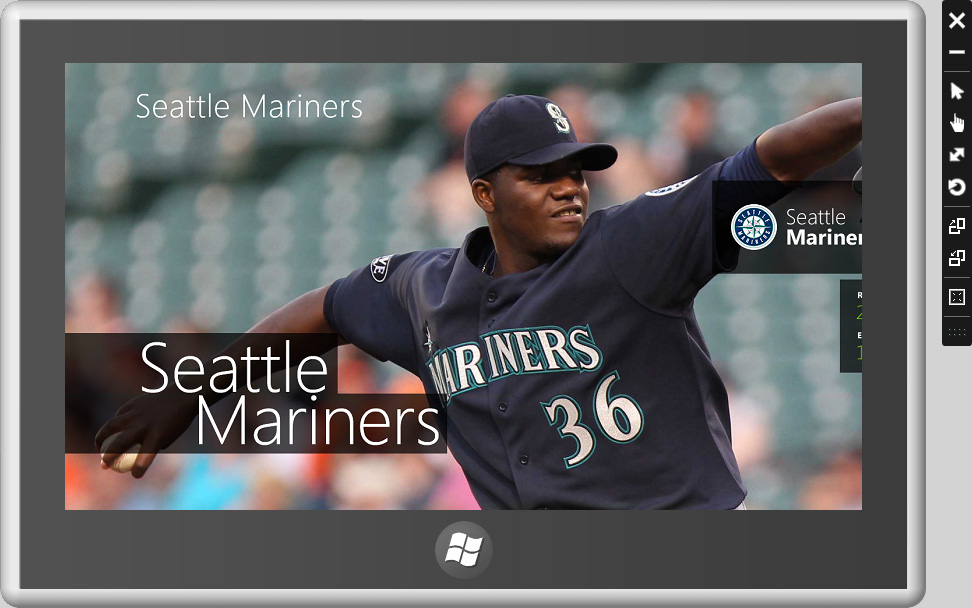
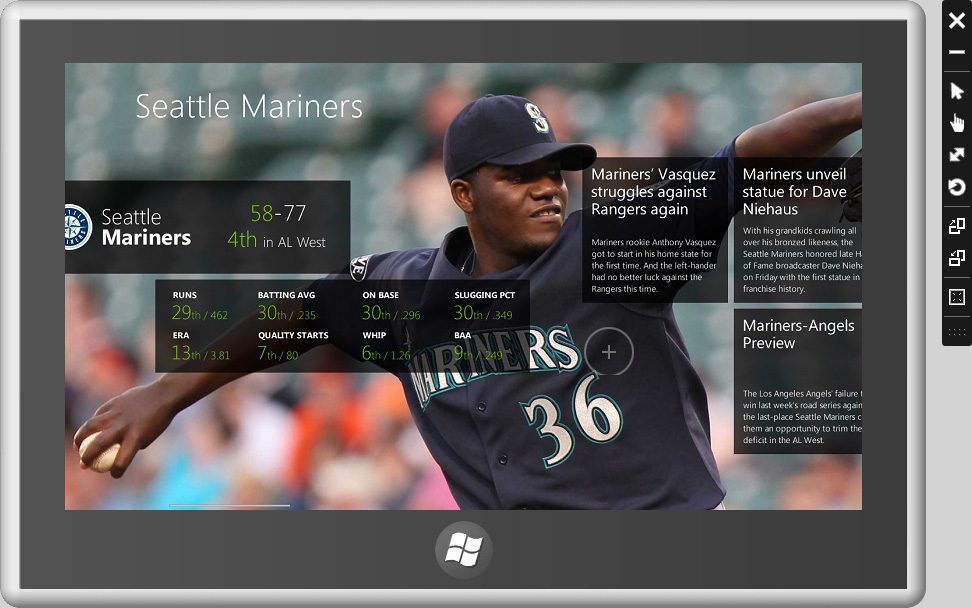
Immersive Background as Wayfinding
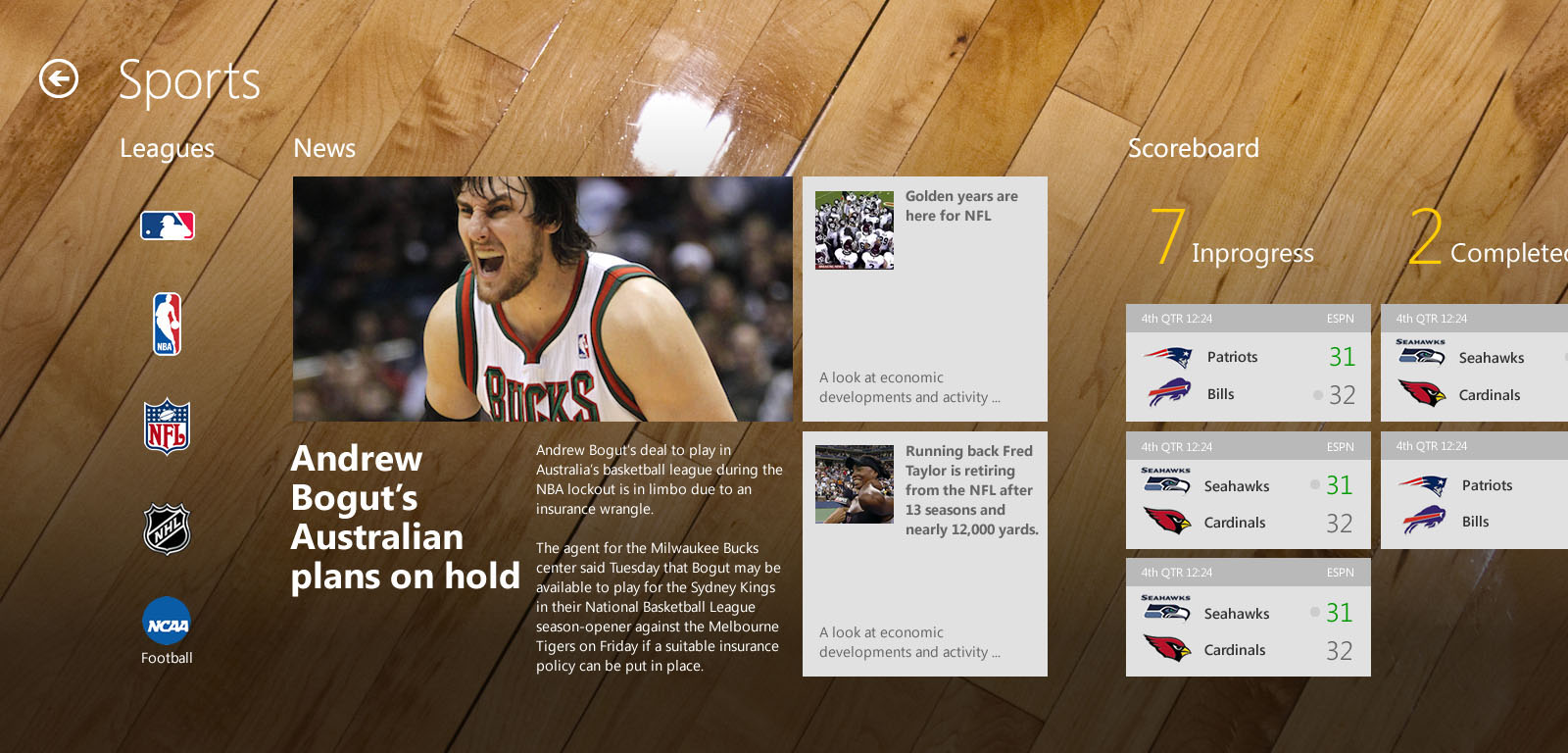
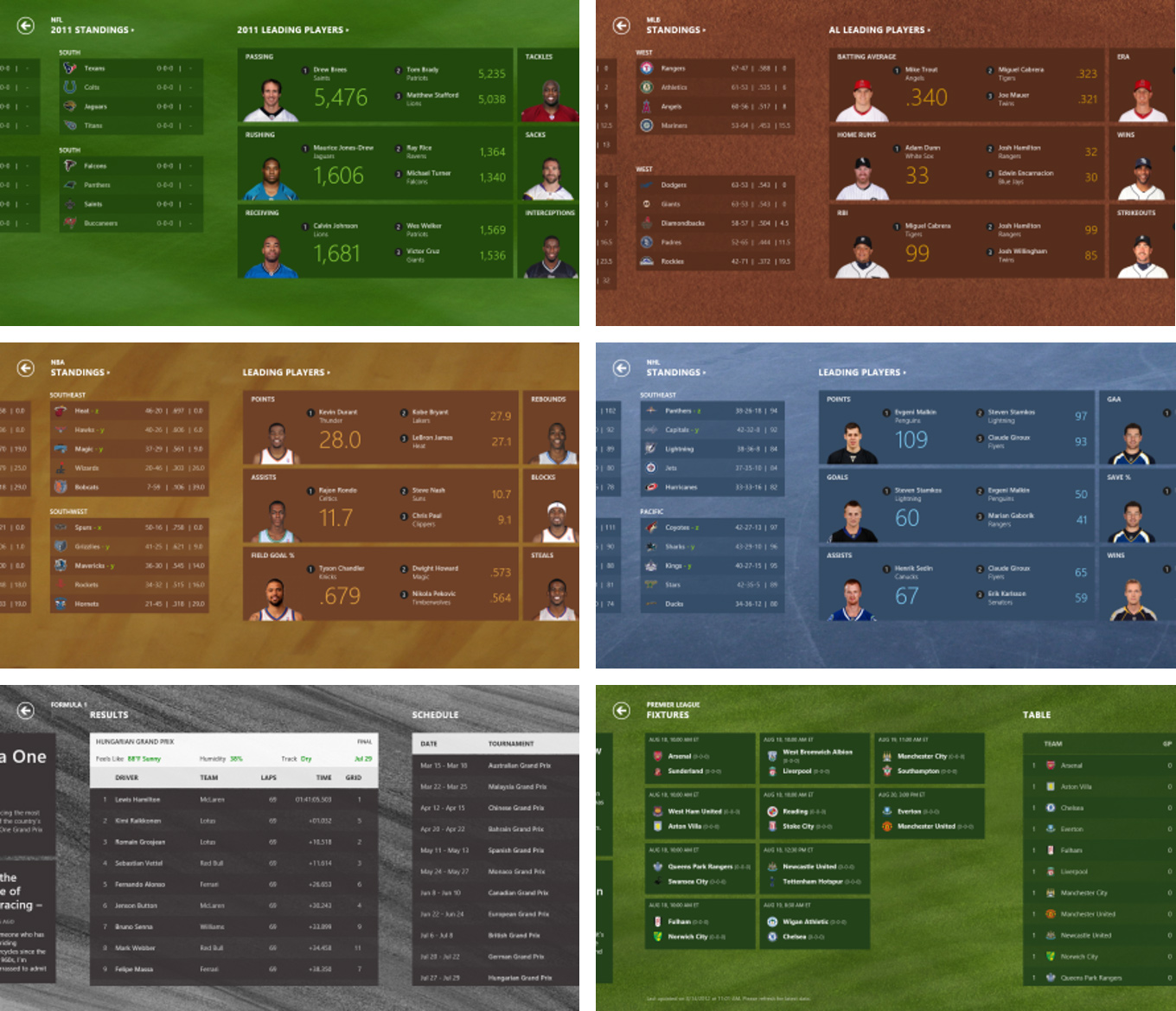
Photographic backgrounds tied to sport categories helped orient users within the app. By visually anchoring each sport, users could immediately recognize which league or content area they were browsing, enhancing wayfinding and context awareness.
Early design explorations
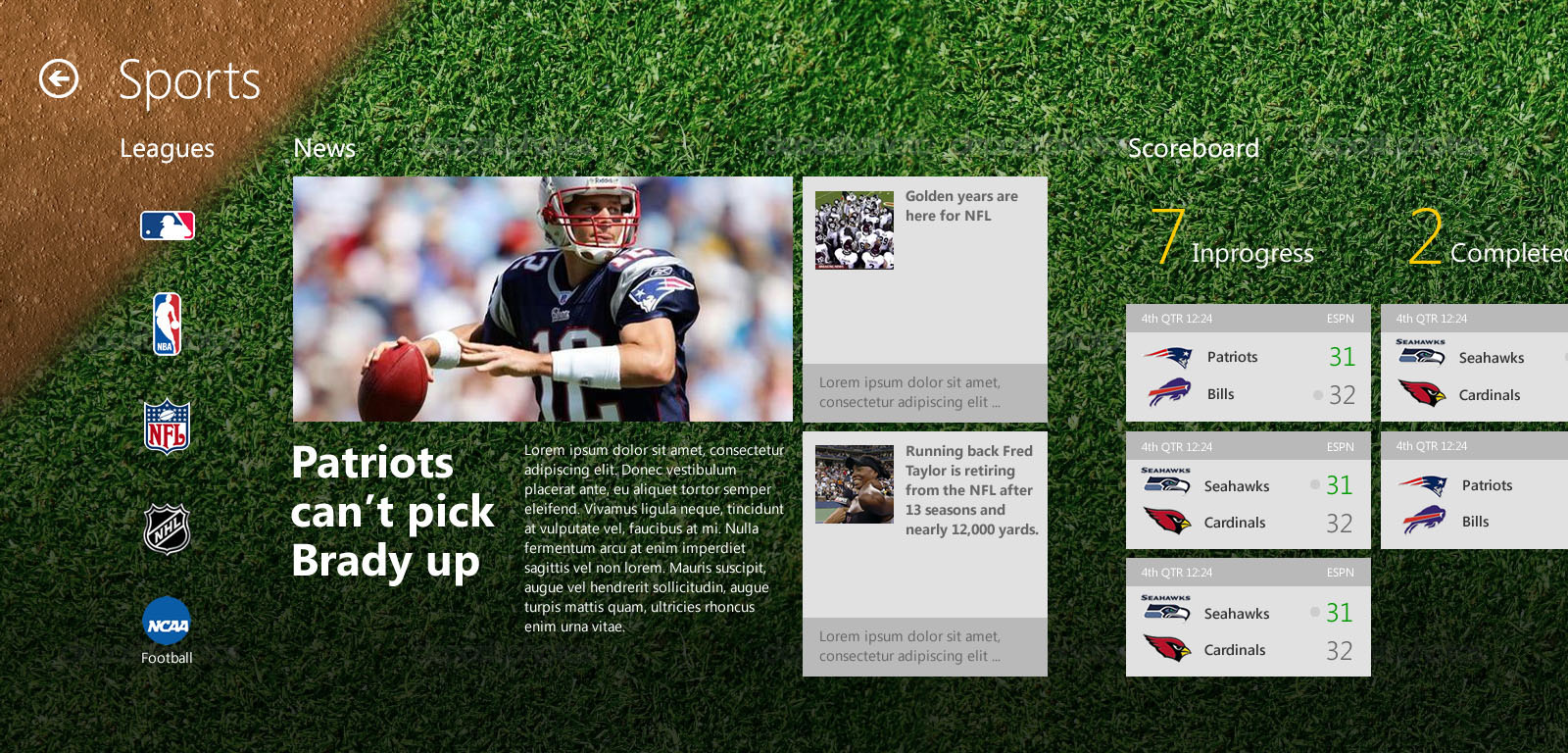
Final background design & color schemes
Data Tiles
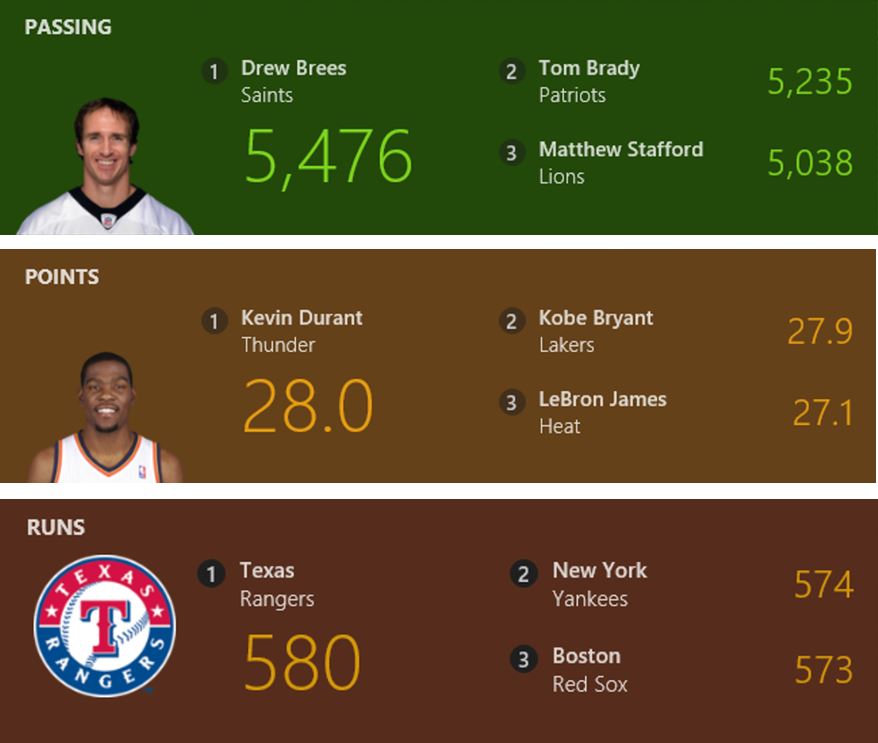
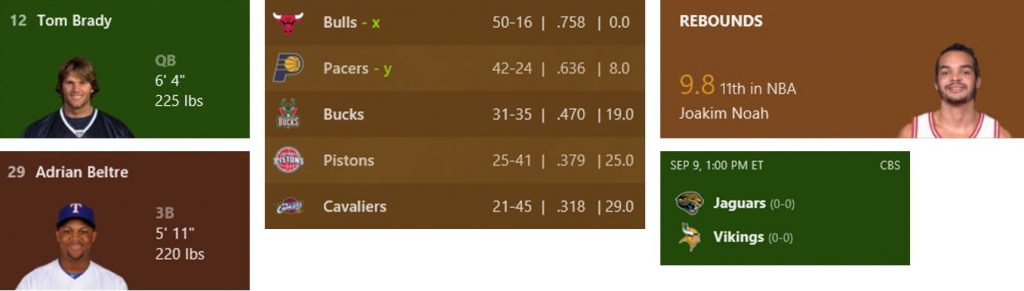
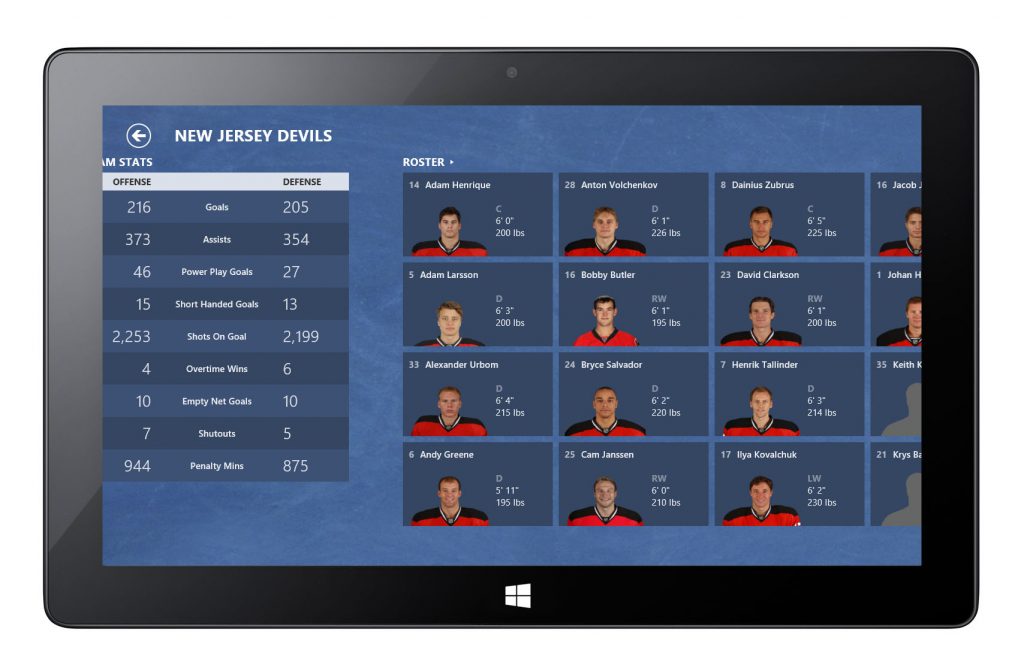
Player headshots and team logos were presented with transparent backgrounds to achieve visual clarity and consistency across different tile types, contributing to a cohesive grid system.
Data Visualization
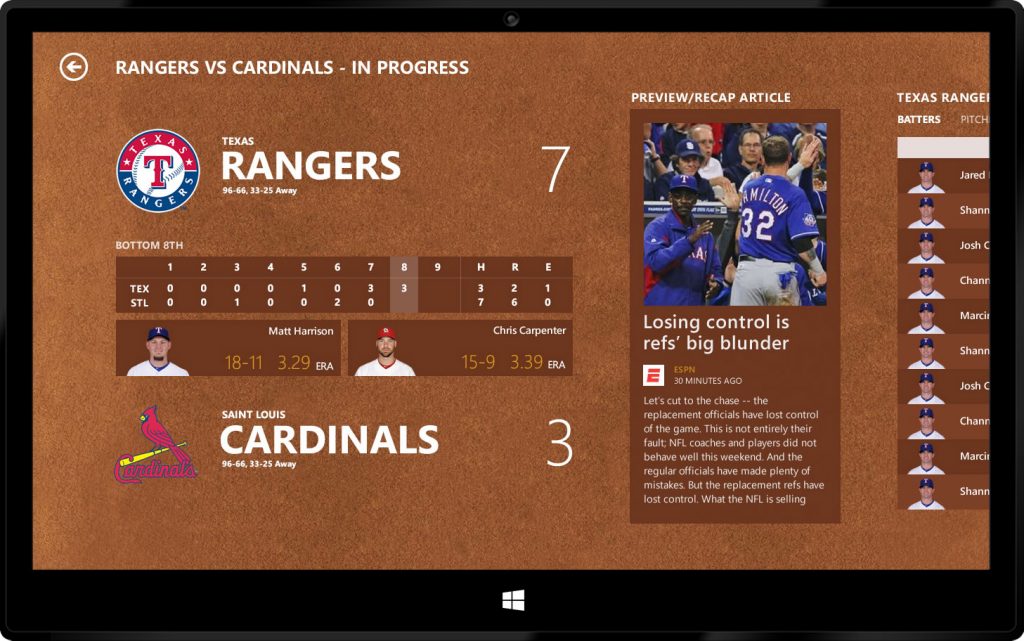
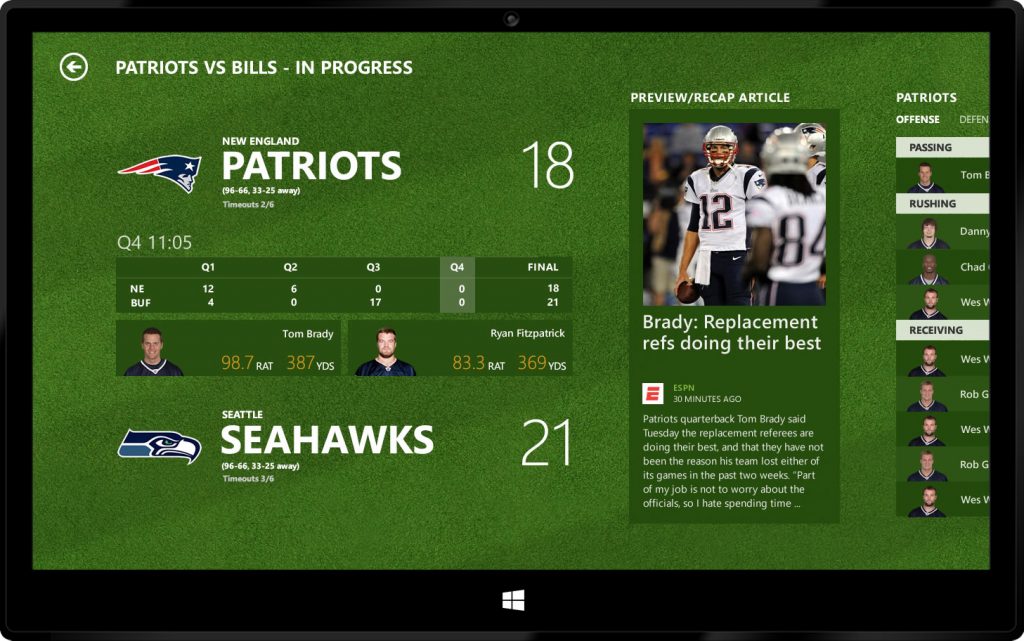
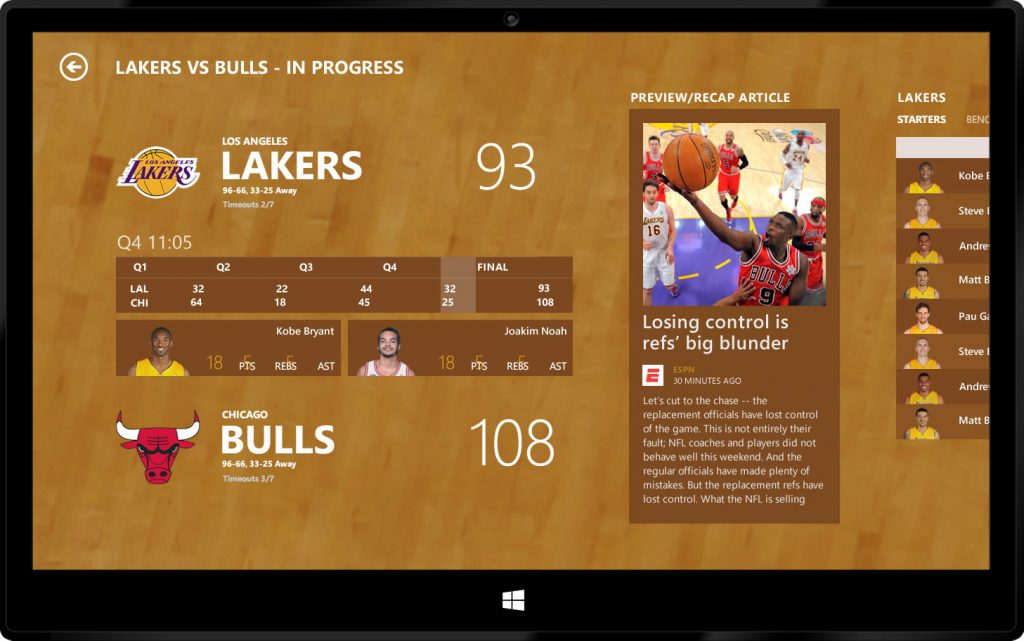
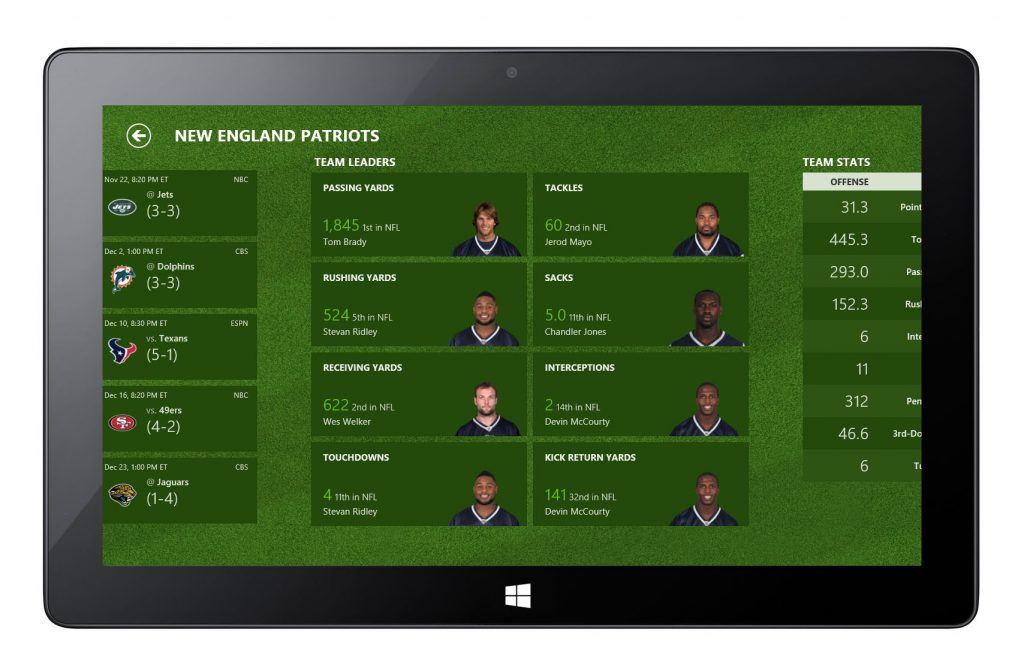
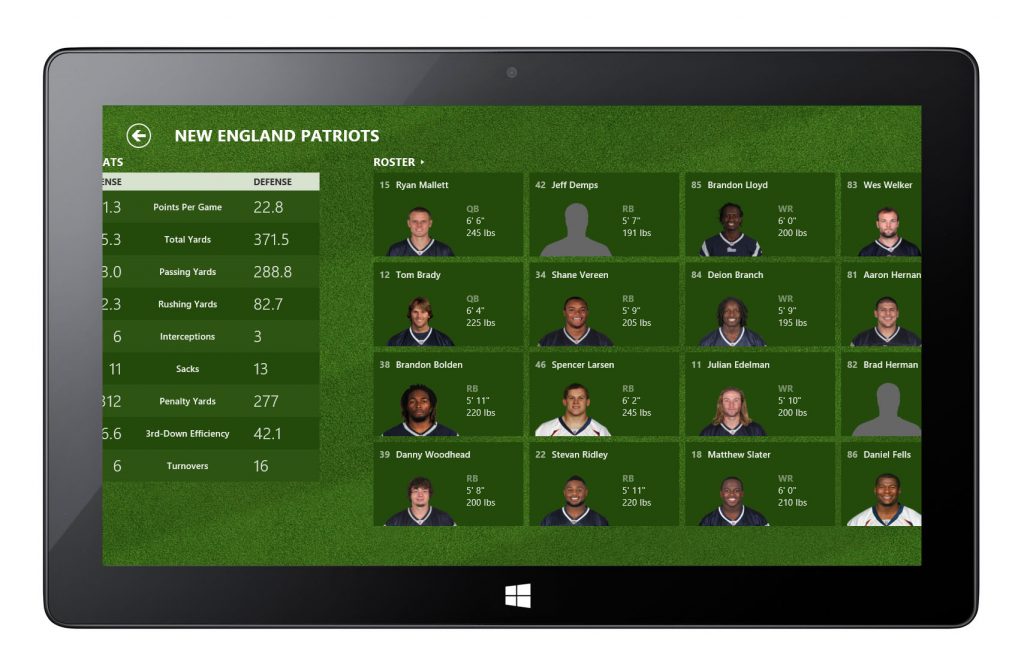
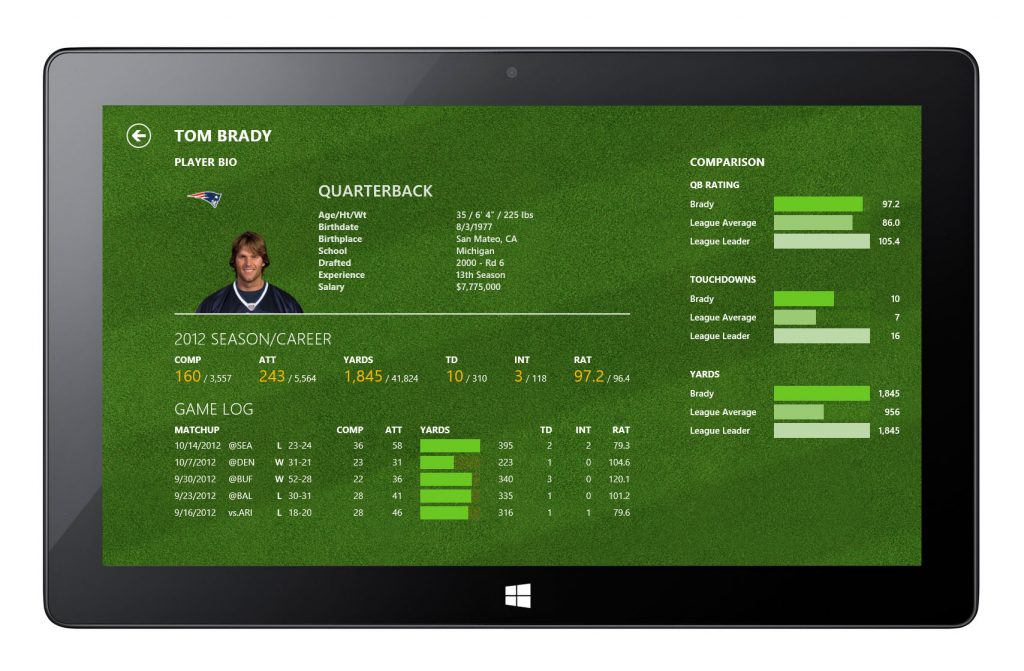
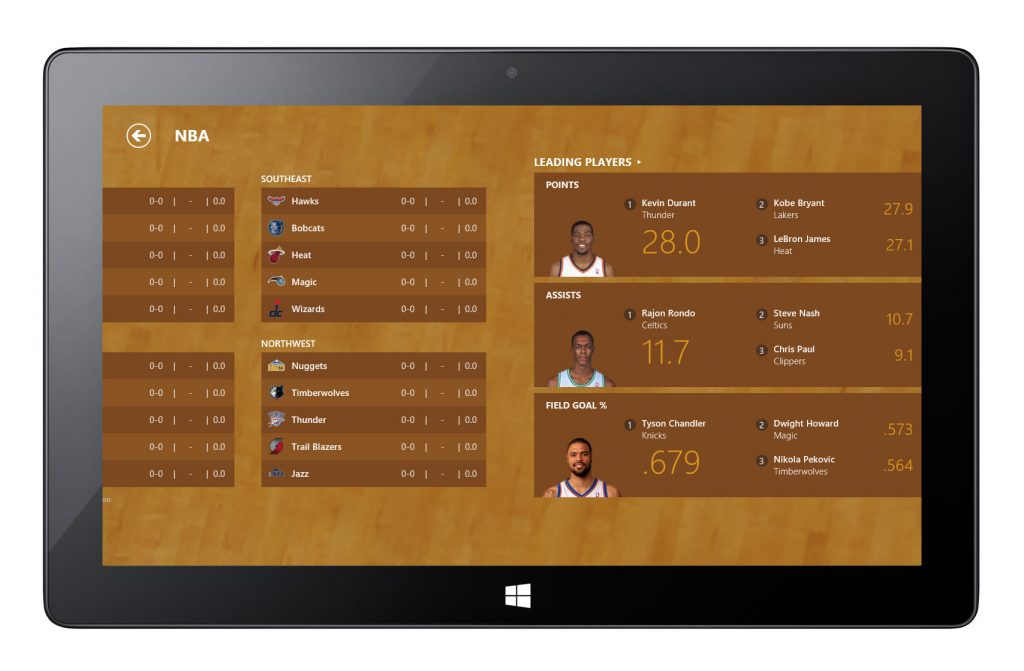
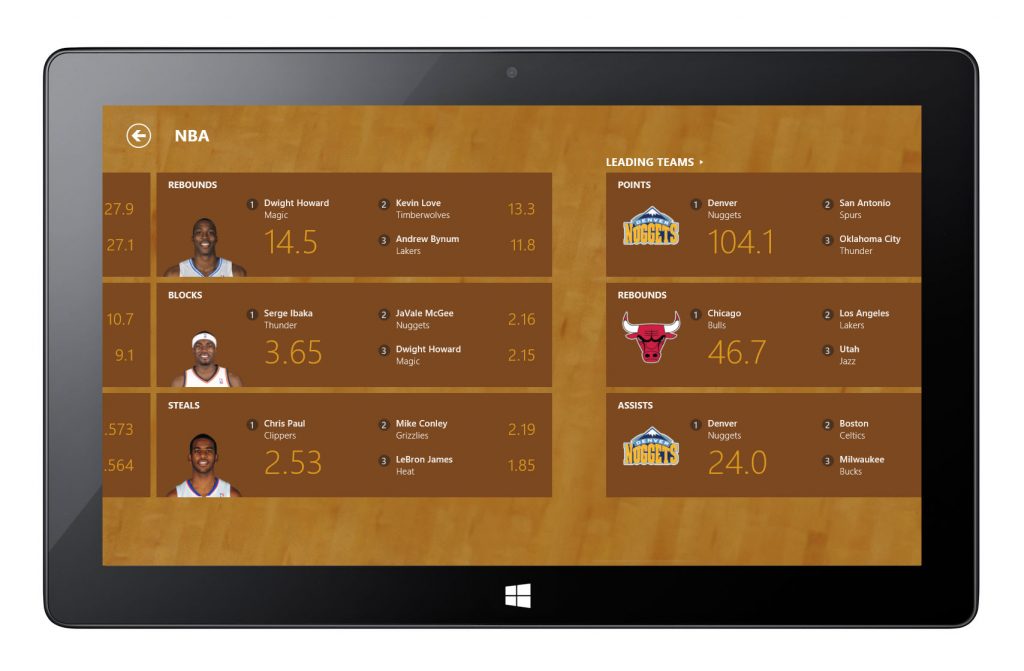
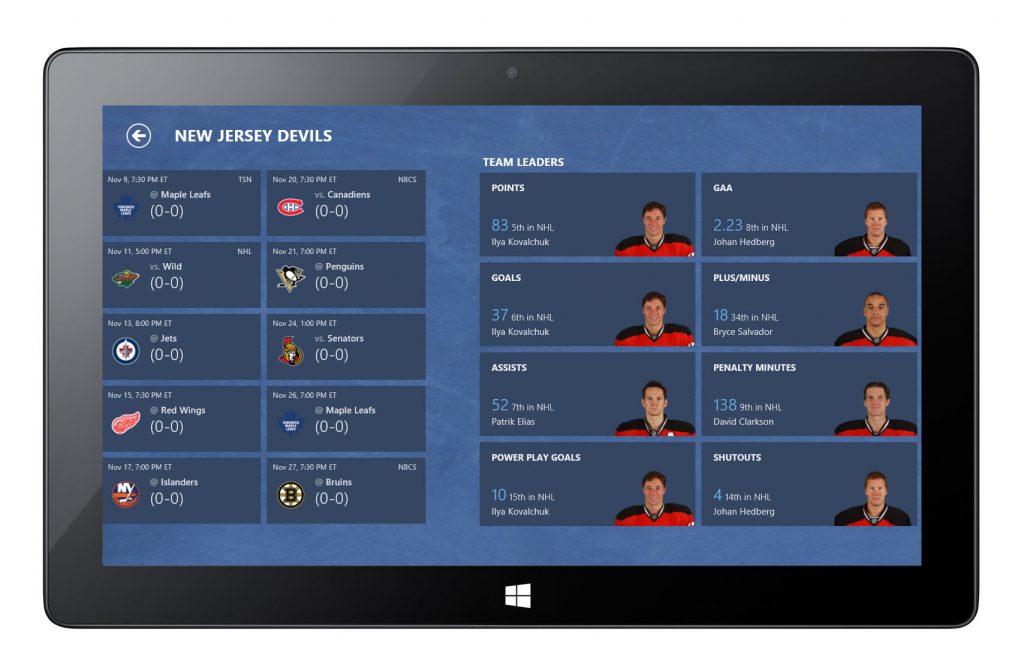
Various content tiles combined imagery with real-time data (scores, timelines, statistics) to help users quickly scan and compare information. Consistent use of typography and grid systems ensured readability and visual balance even with dense data.
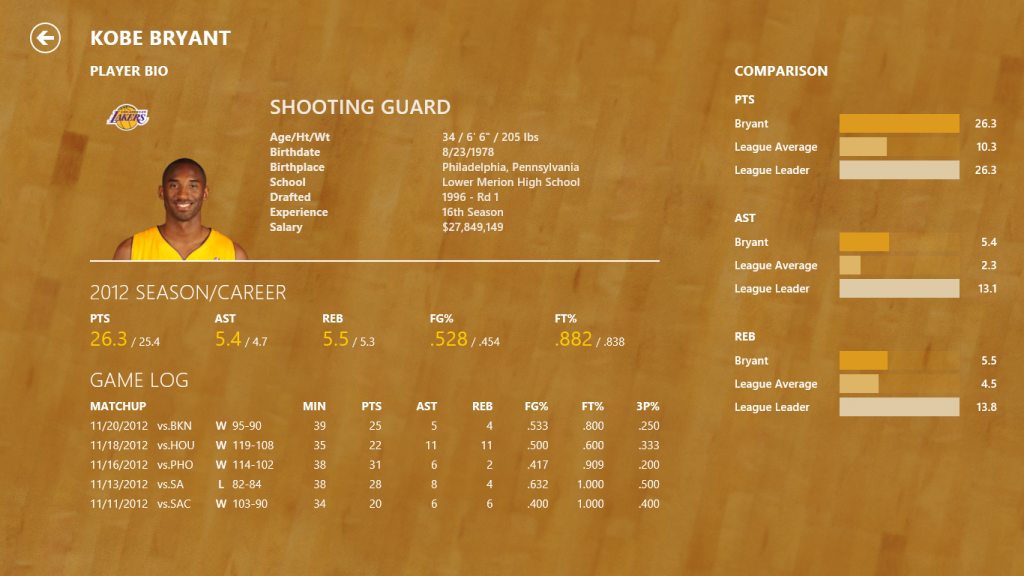
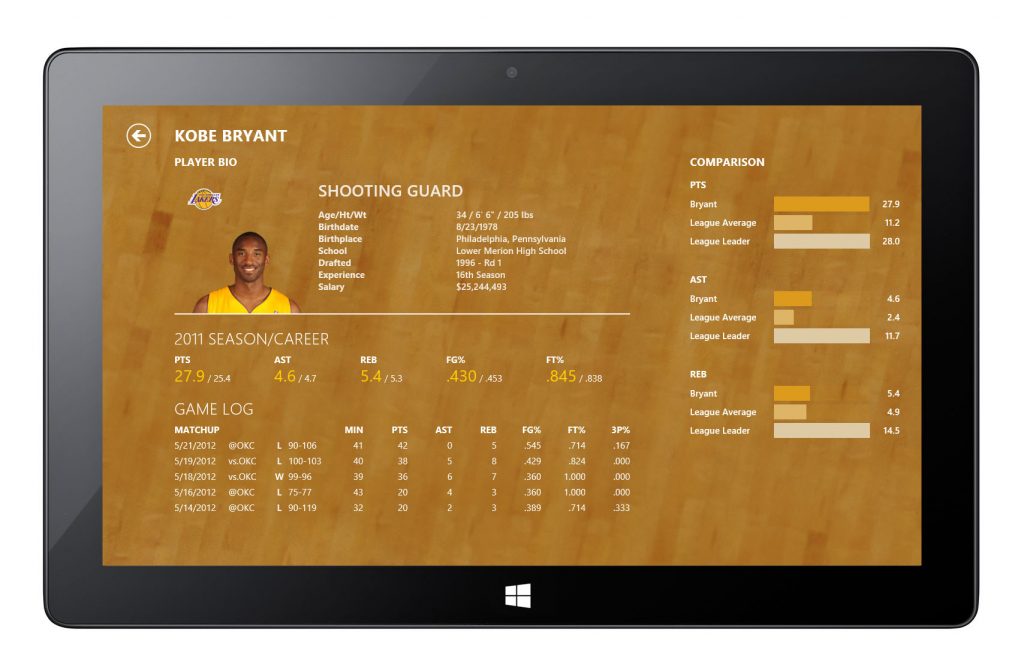
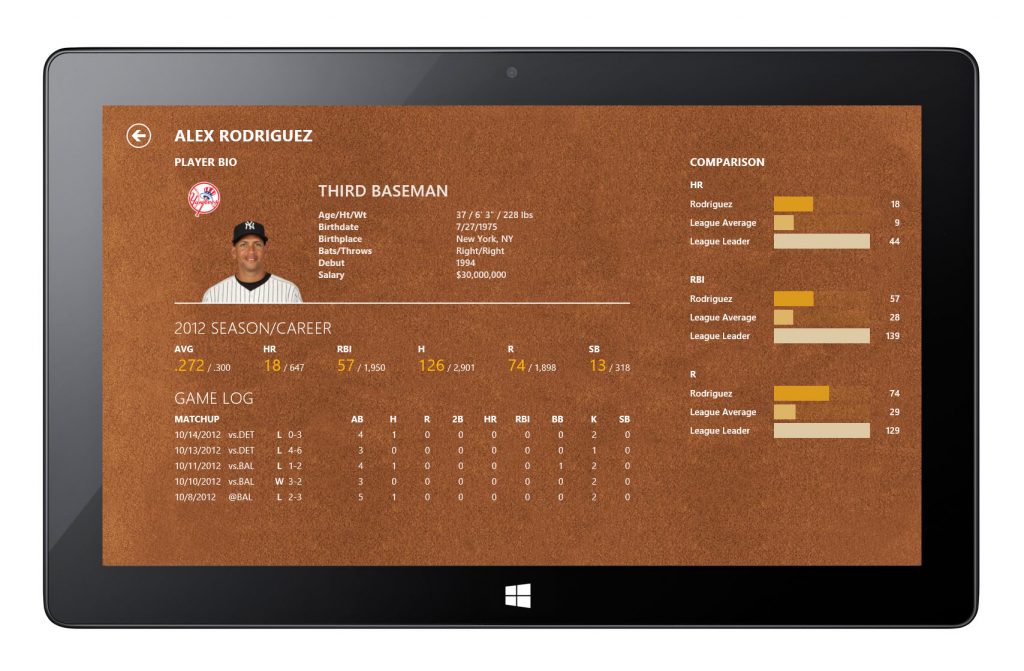
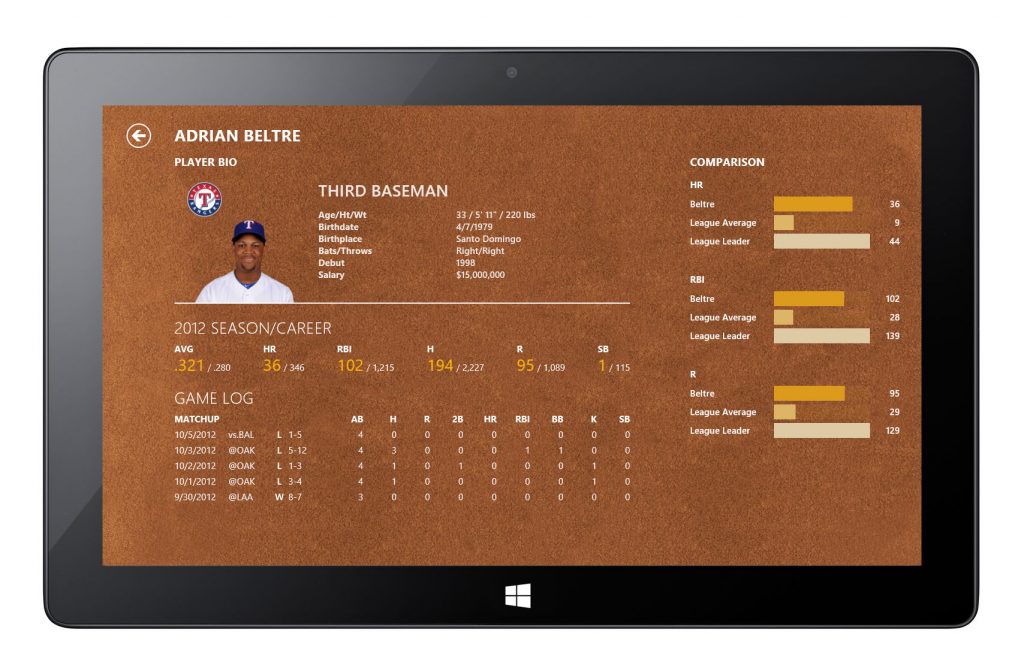
Player Stats
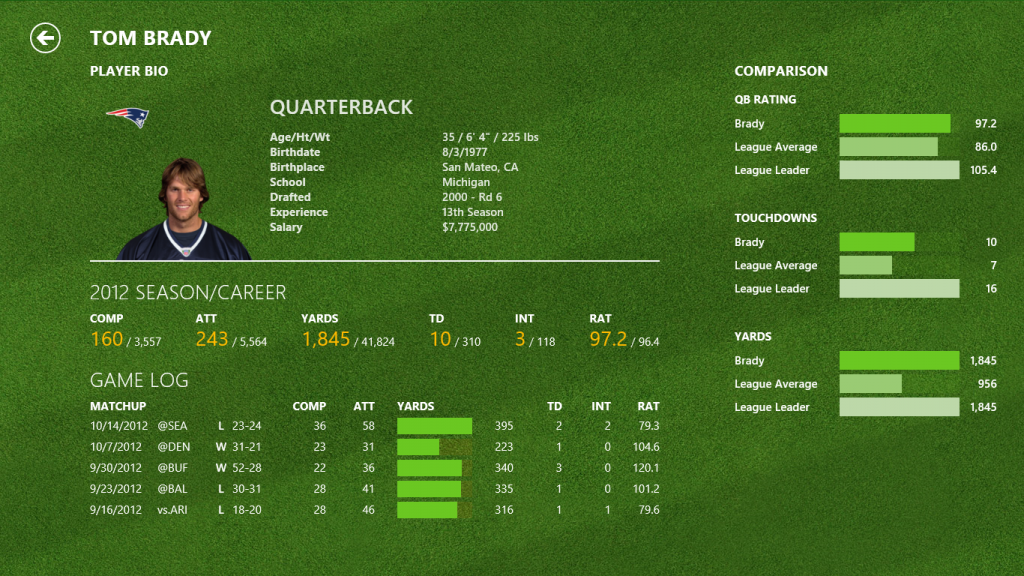
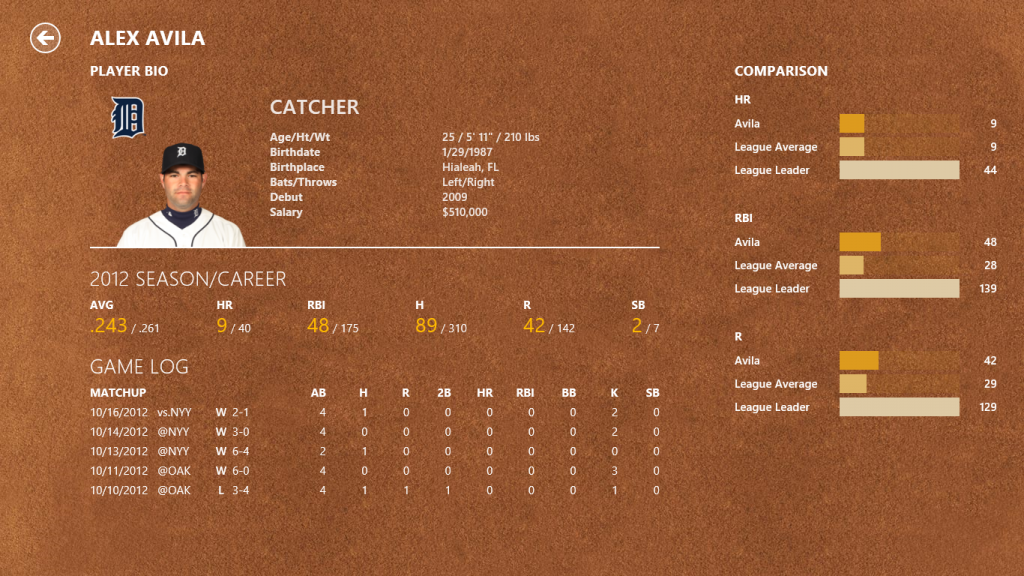
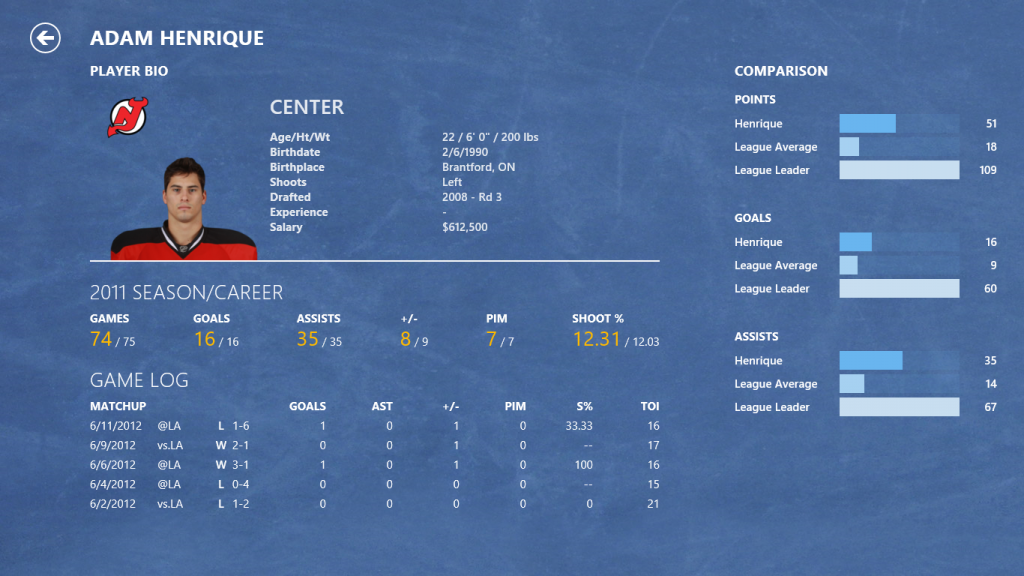
Matchup Page – Score and Timeline
Typographic Hierarchy & Grid System
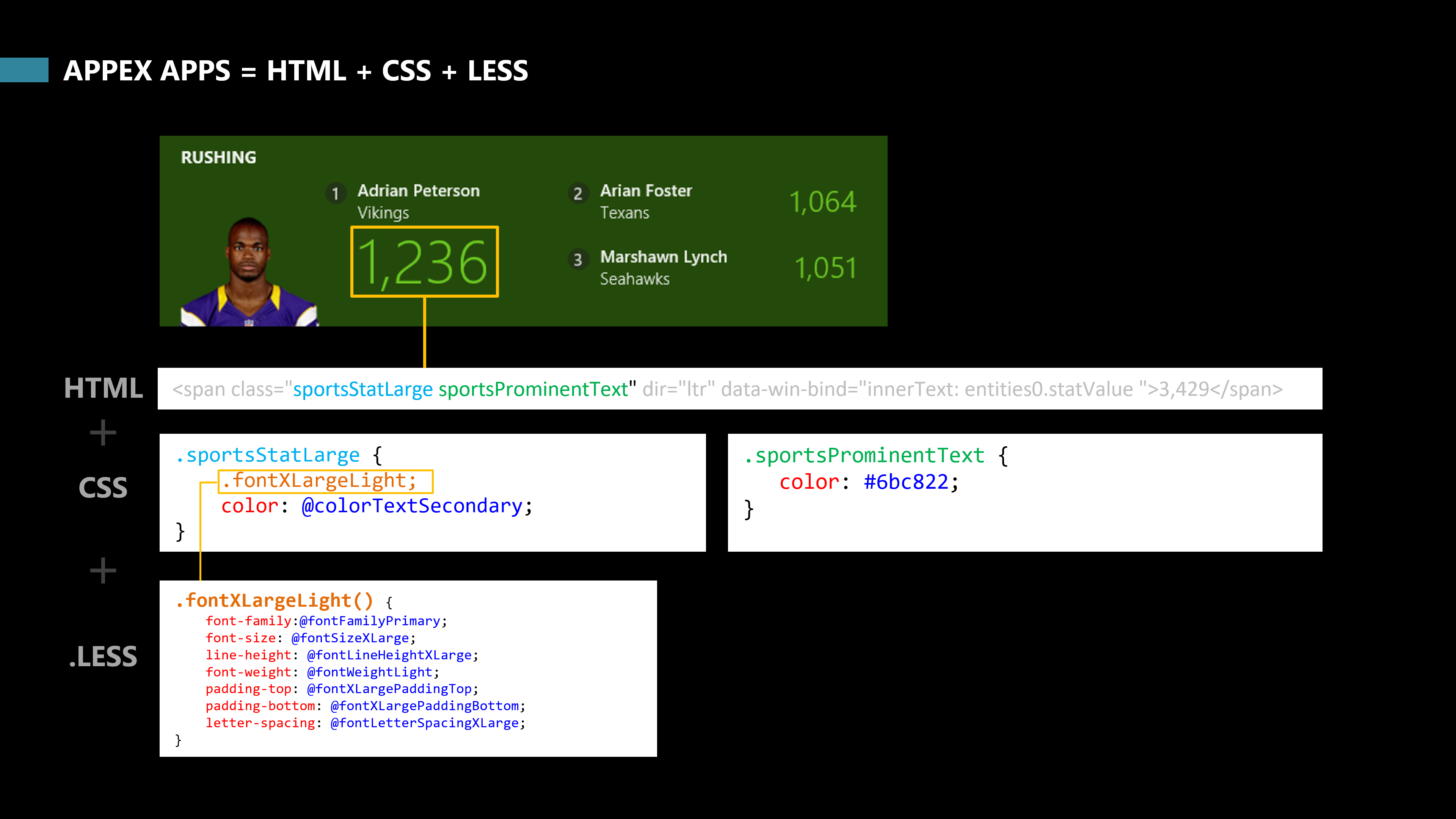
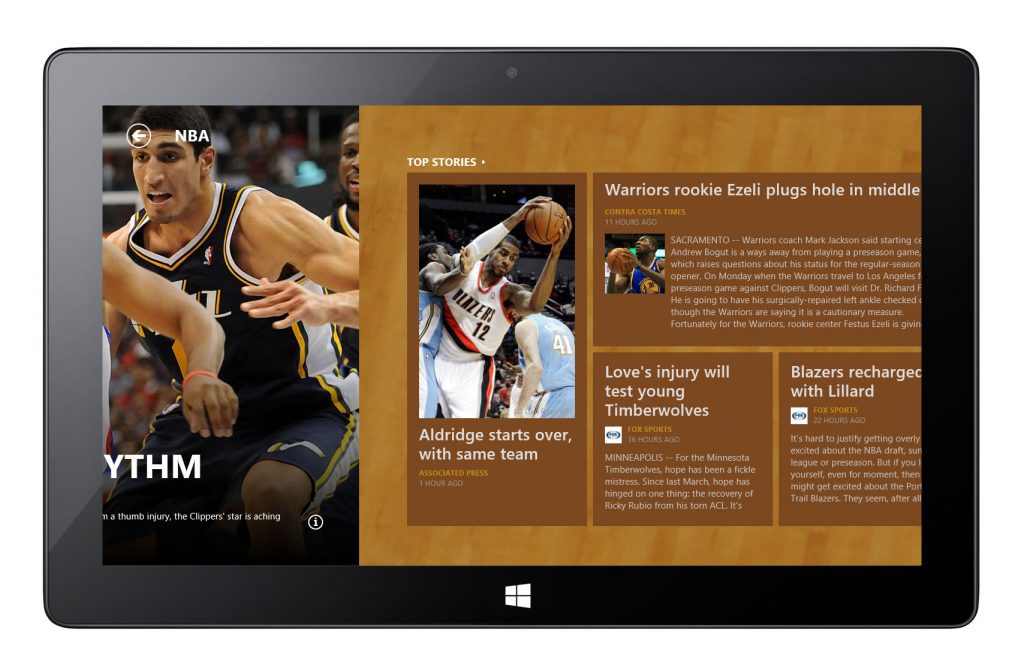
Foundational design structures — including typographic hierarchy and responsive grid layouts — were used to organize data at every level, from top-level headlines to deeper pages such as matchup details and player performance.
Internationalization & Localization
As a designer who can speak Korean and Japanese, I led the content optimization for the Asian languages. Investigated, proposed, and integrated design solutions for the layout challenges with international fonts.
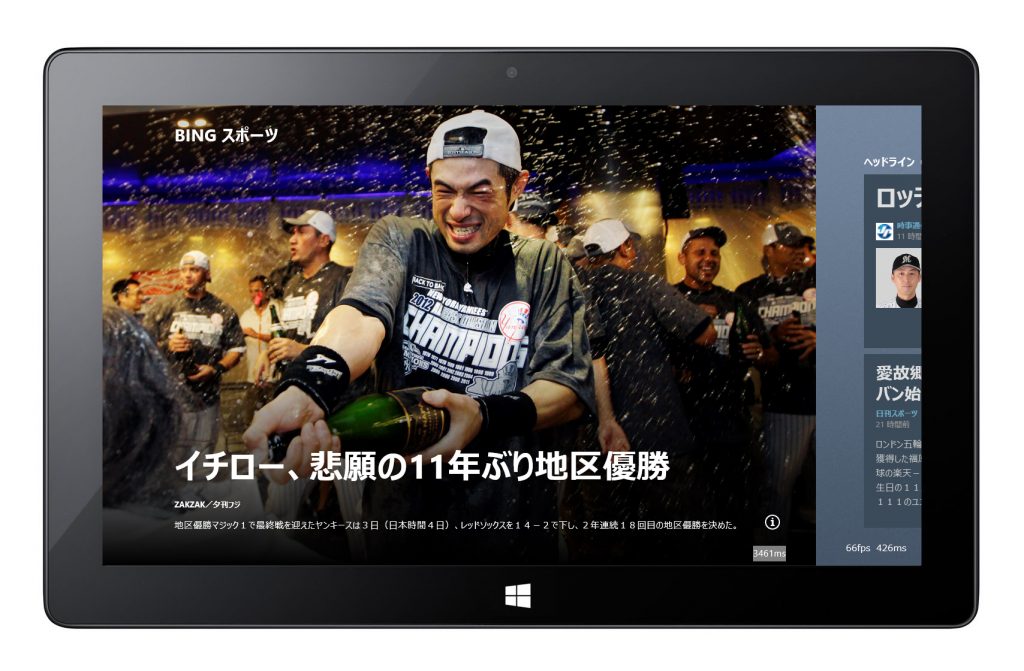
Portrait mode
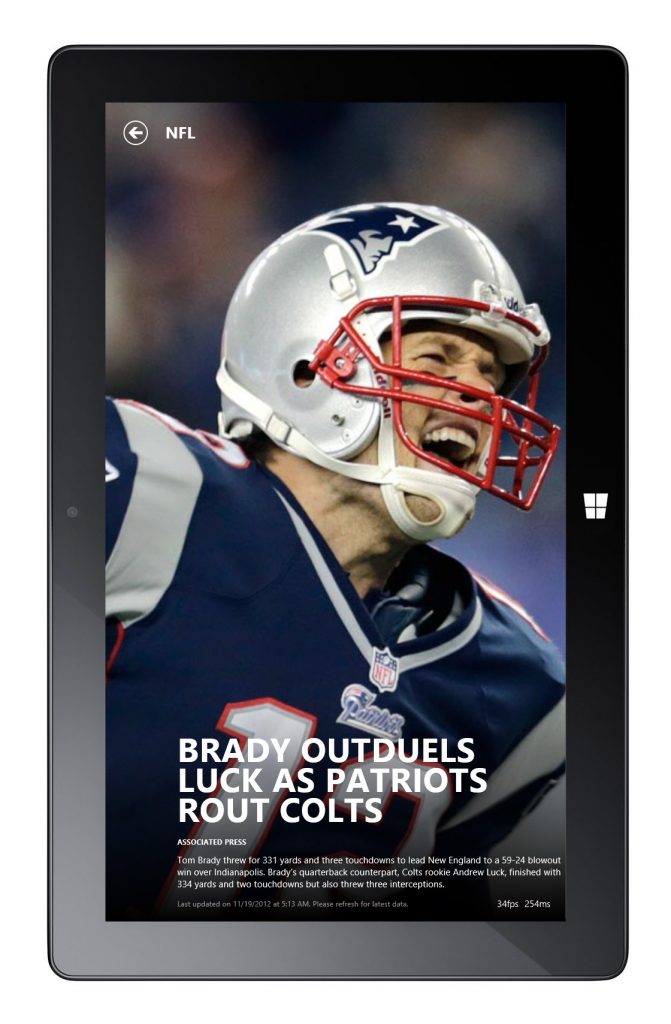
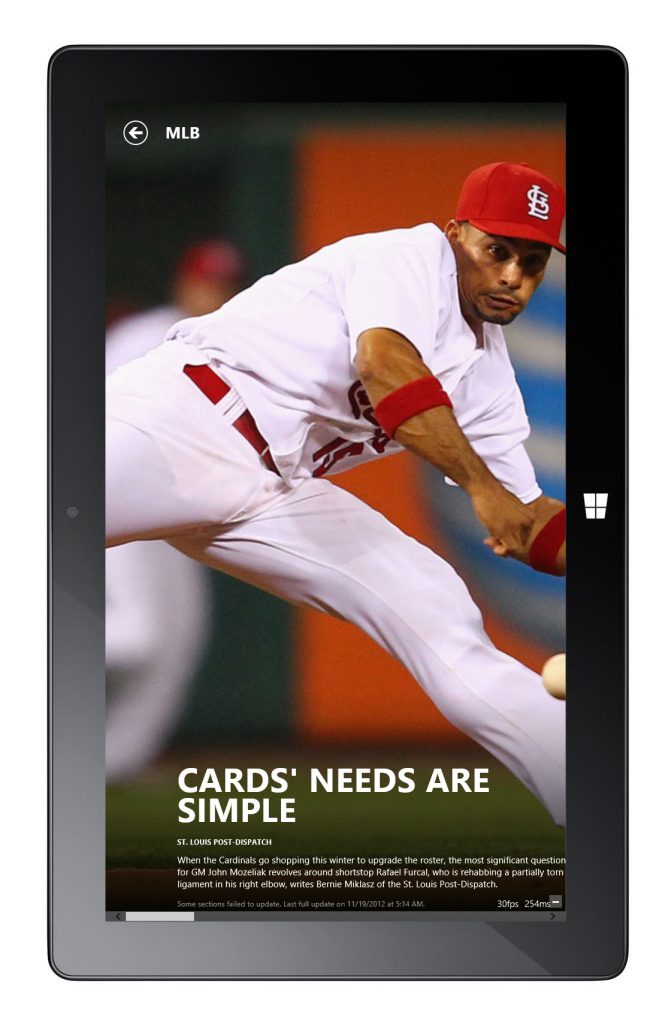
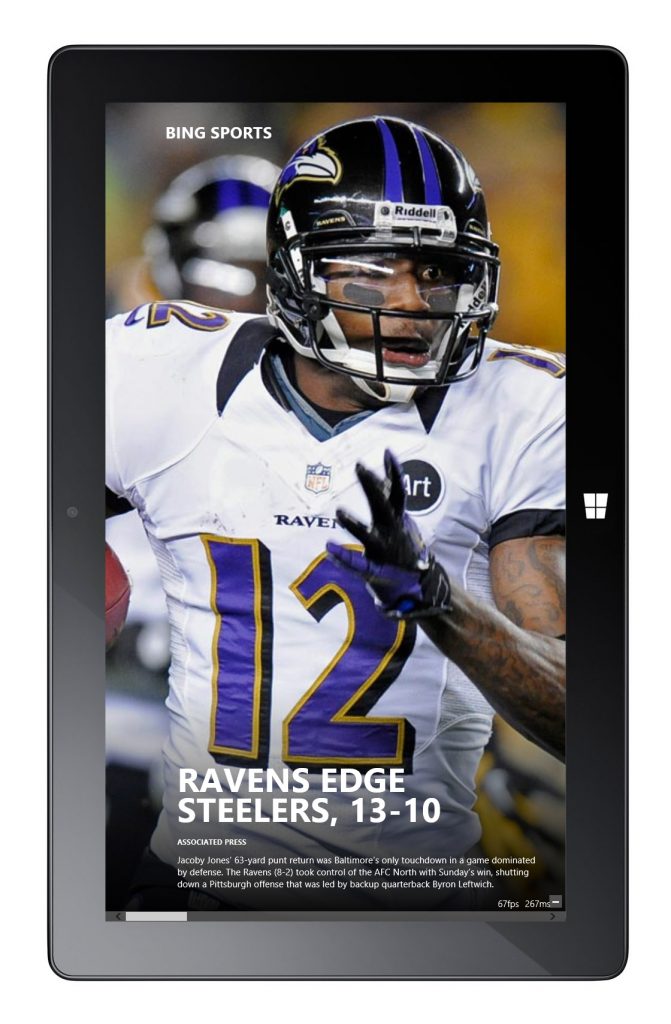
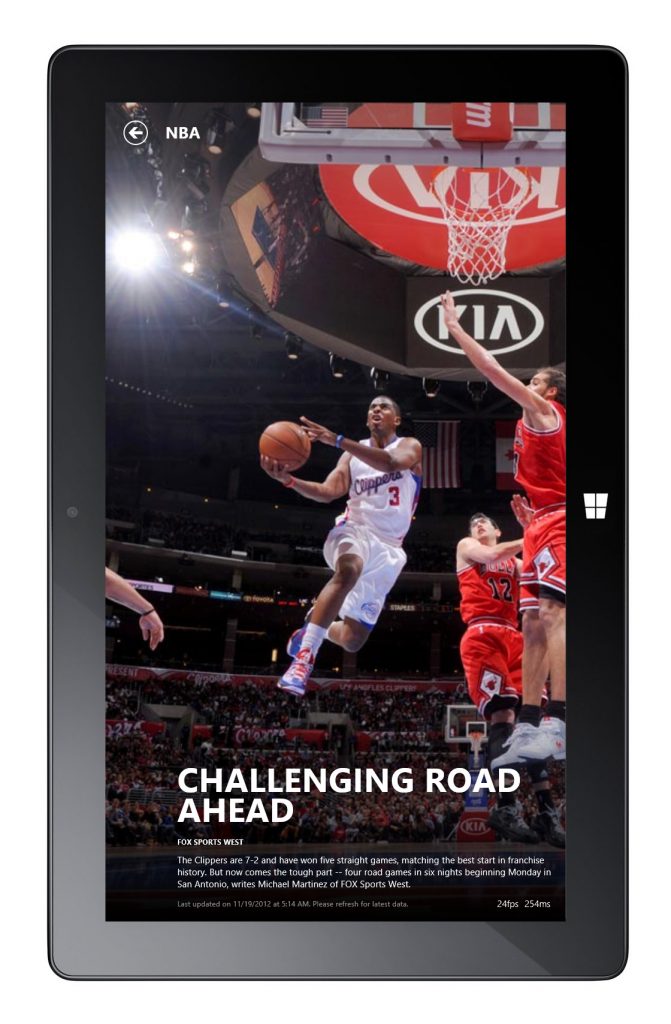
Release Version Screenshots
Sports app was released as part of Windows 8 on August 1st, 2012.
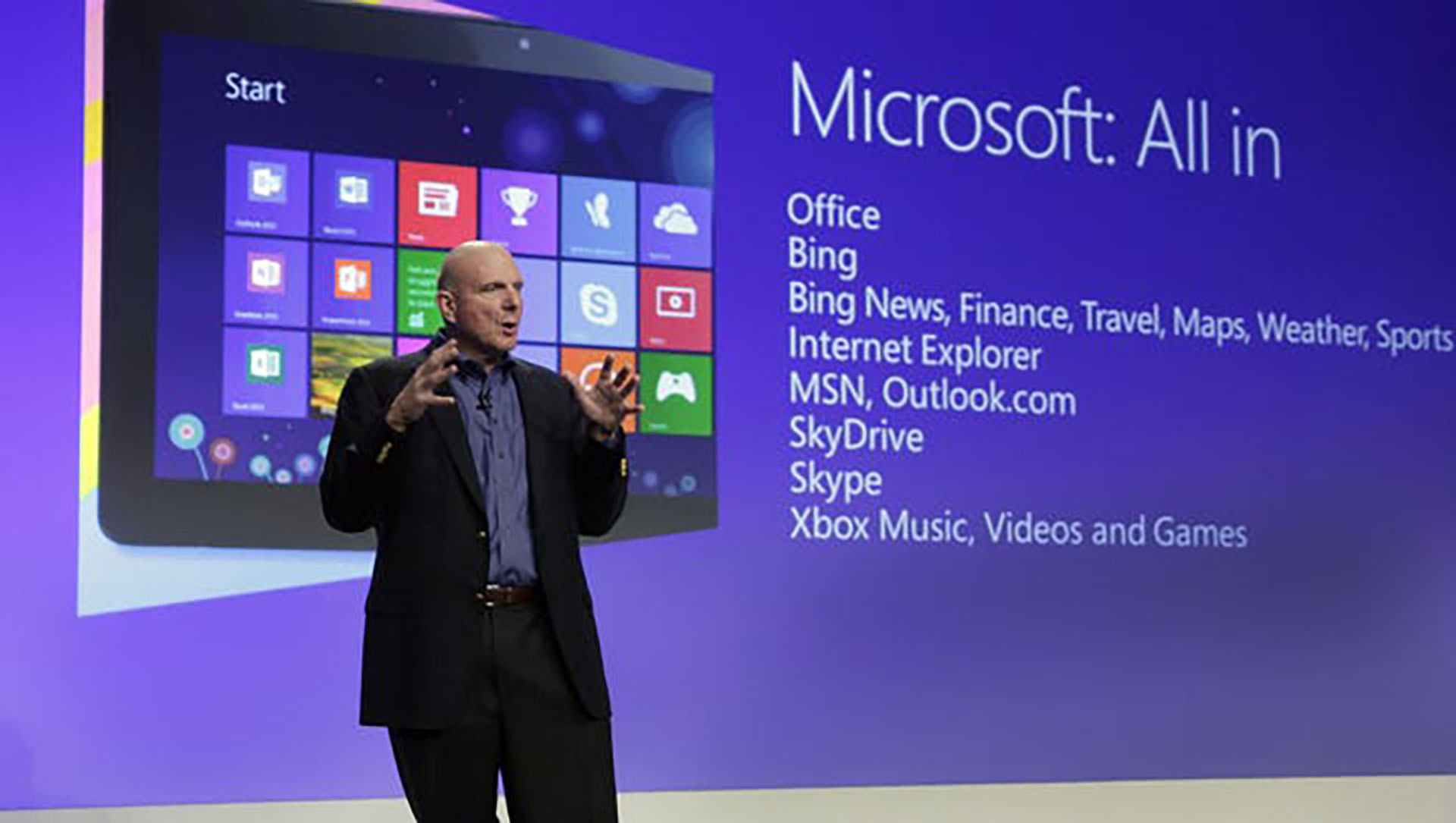
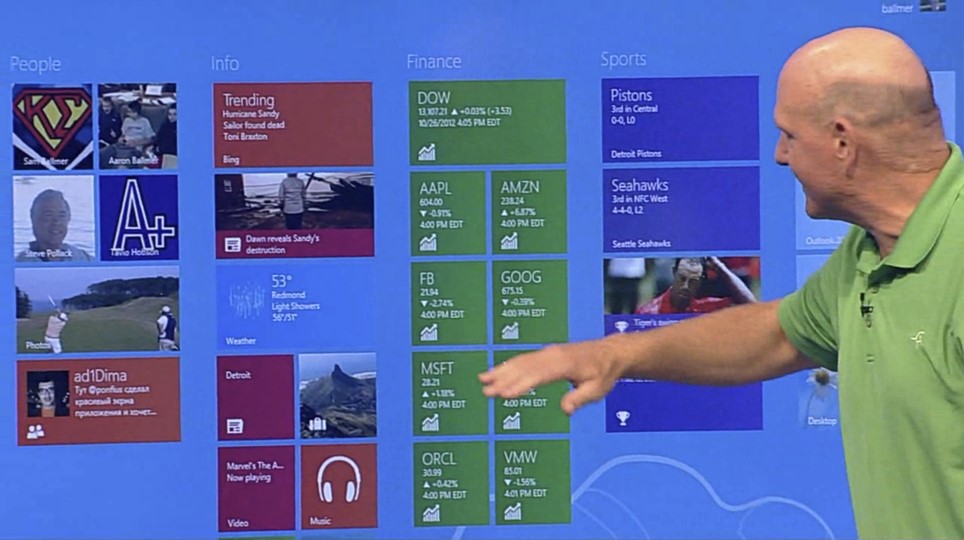
Sports App Landing Page
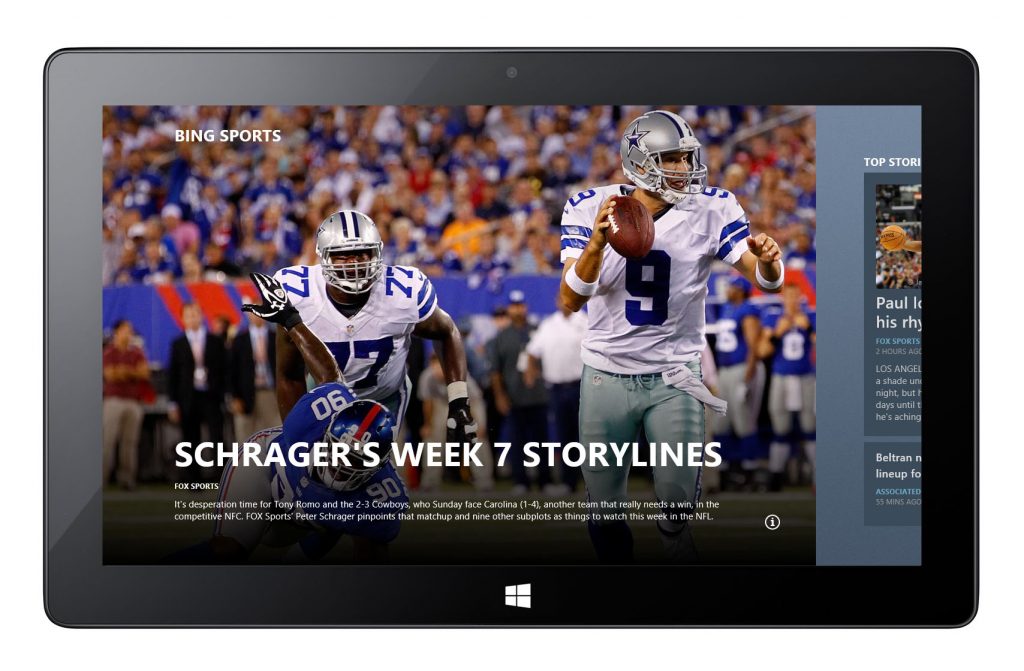
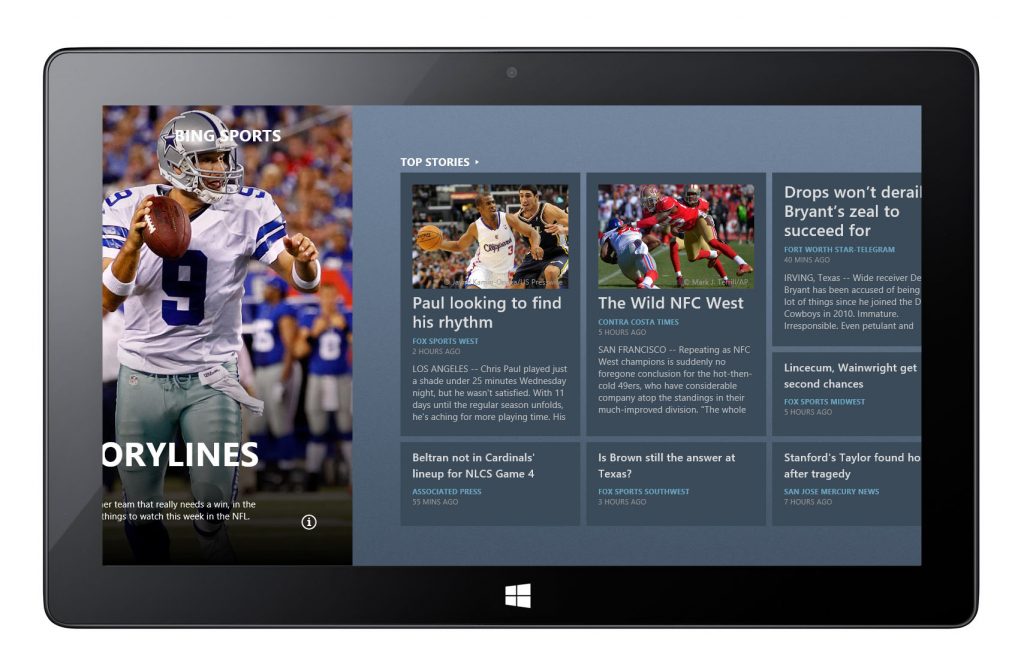
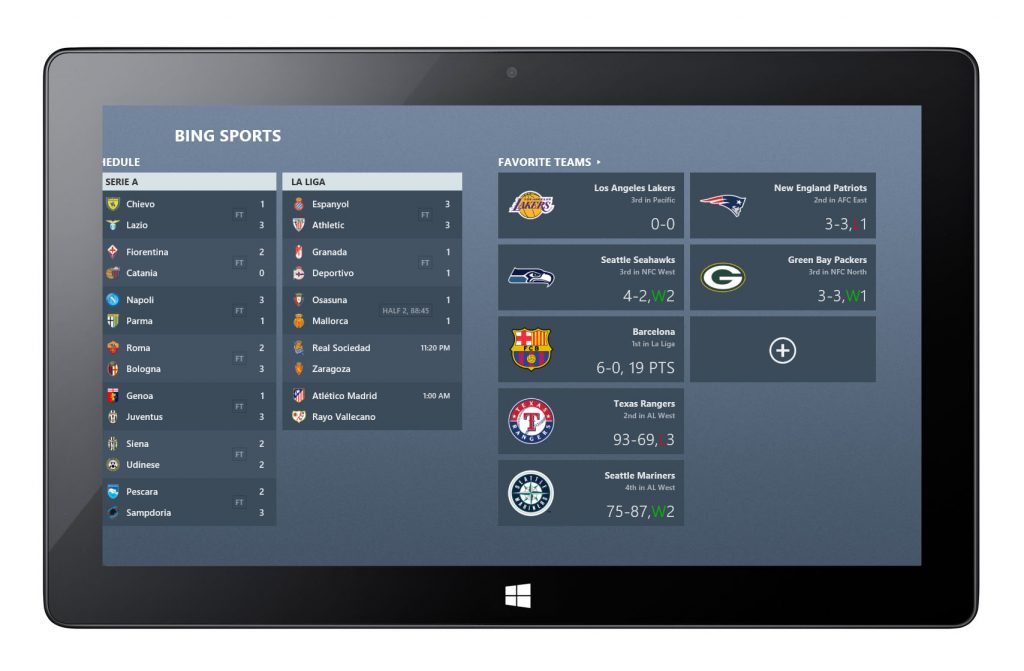
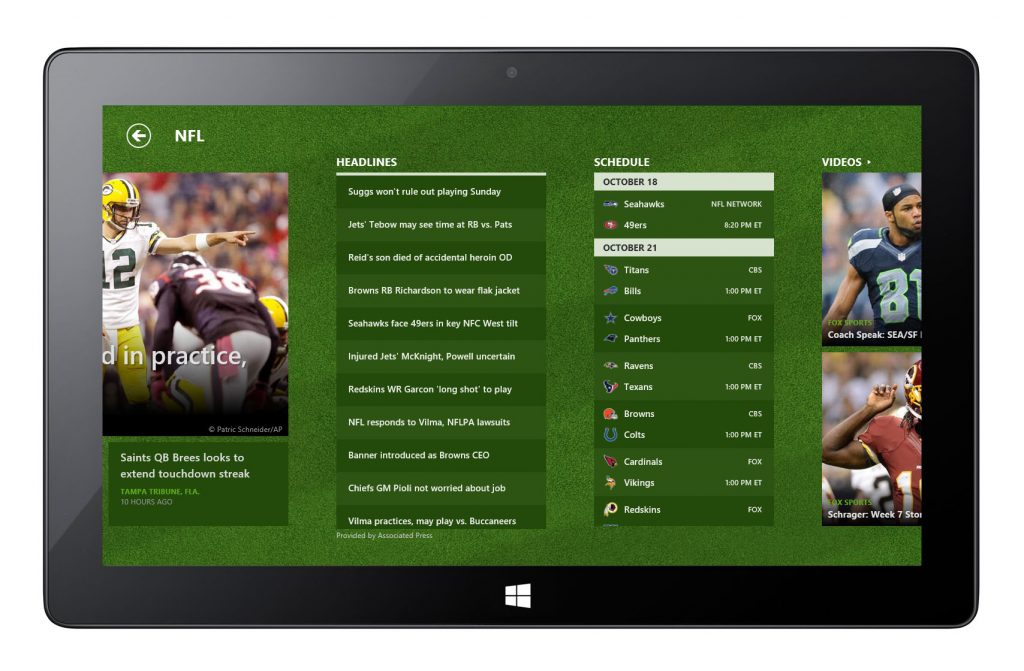
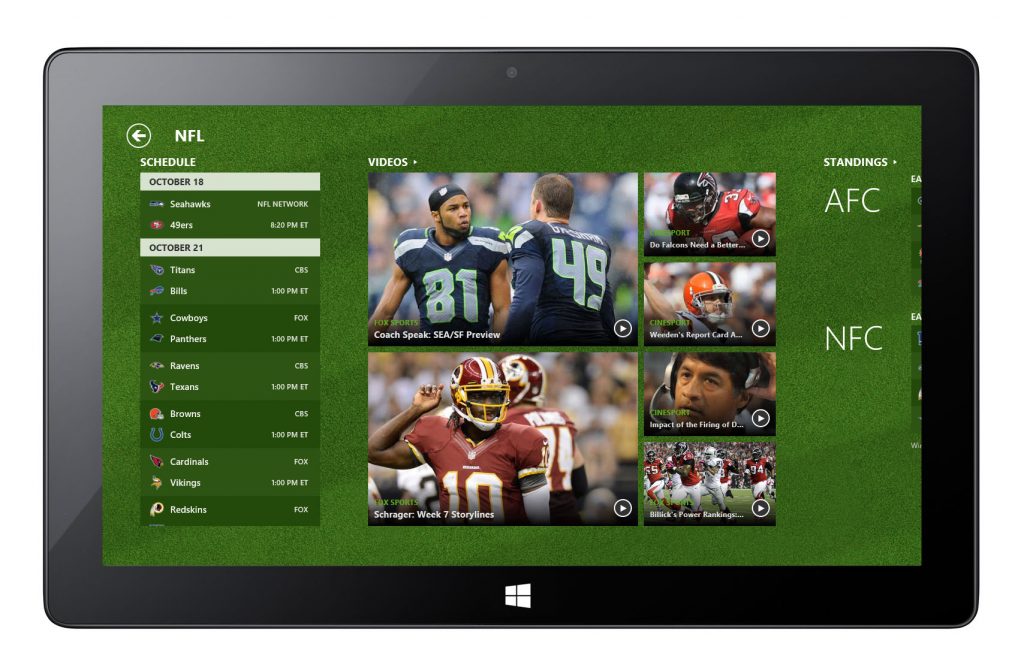
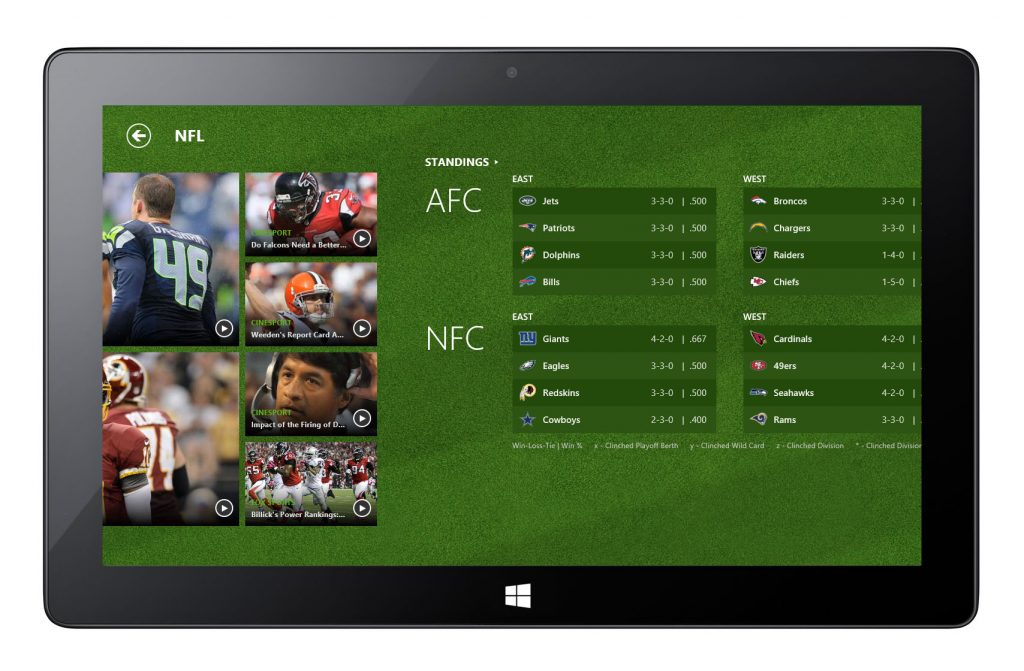
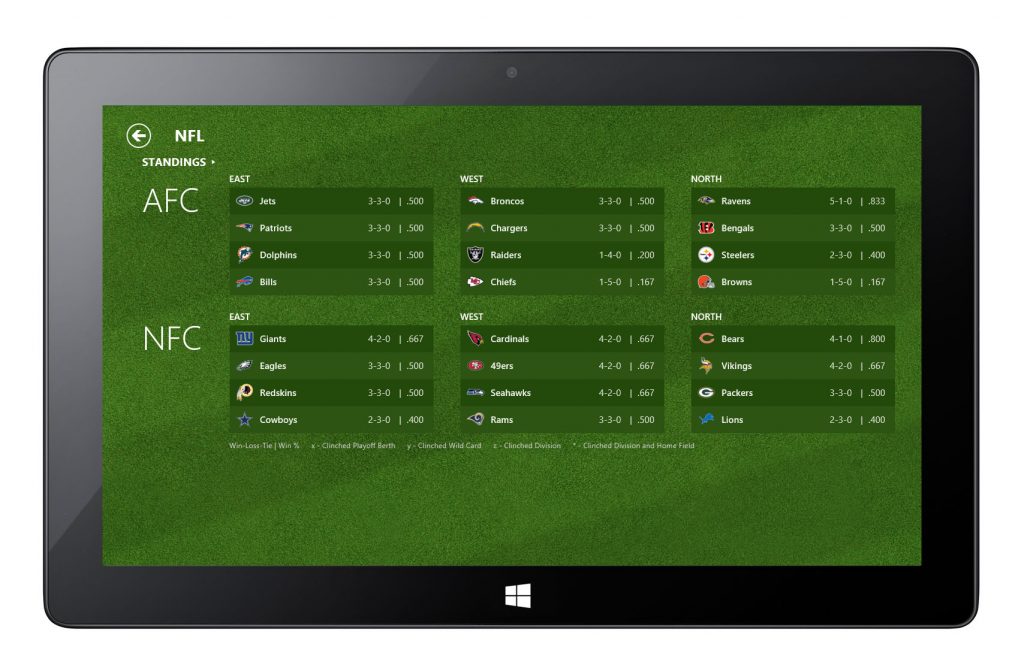
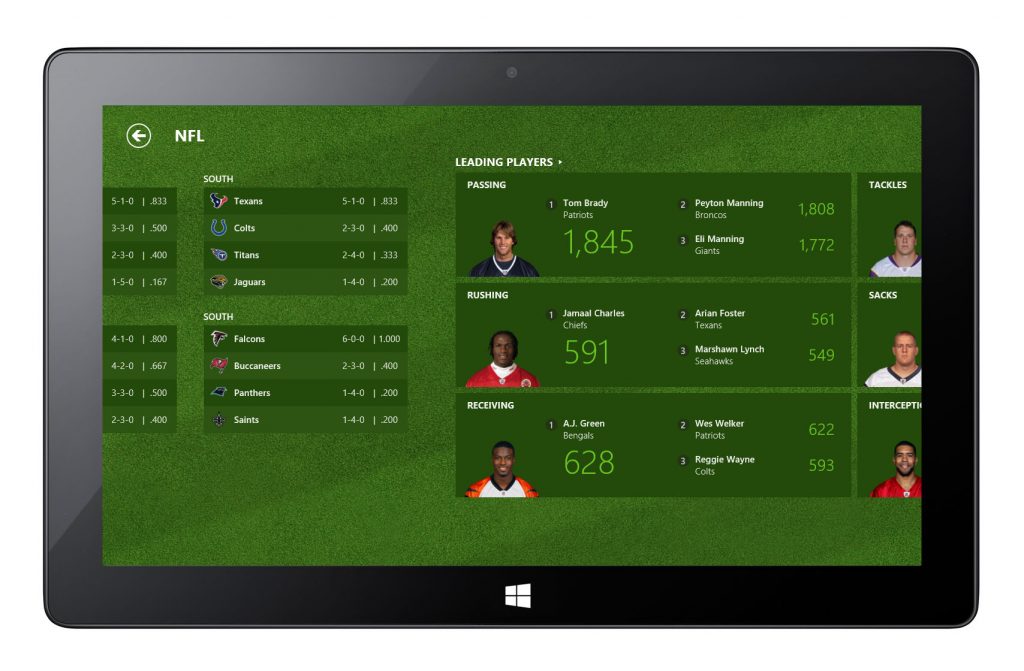
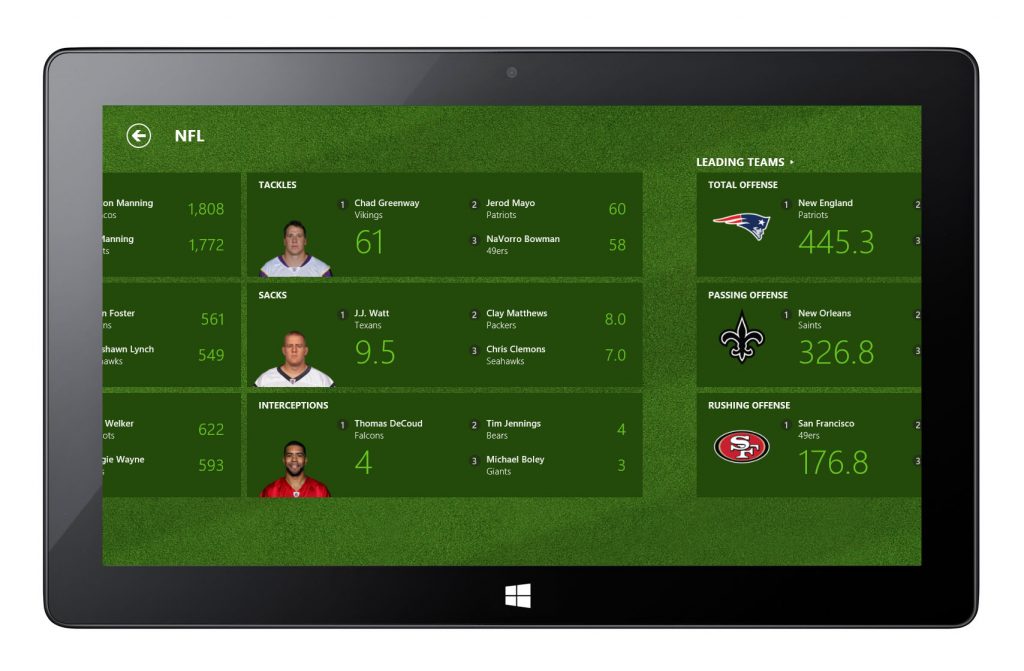
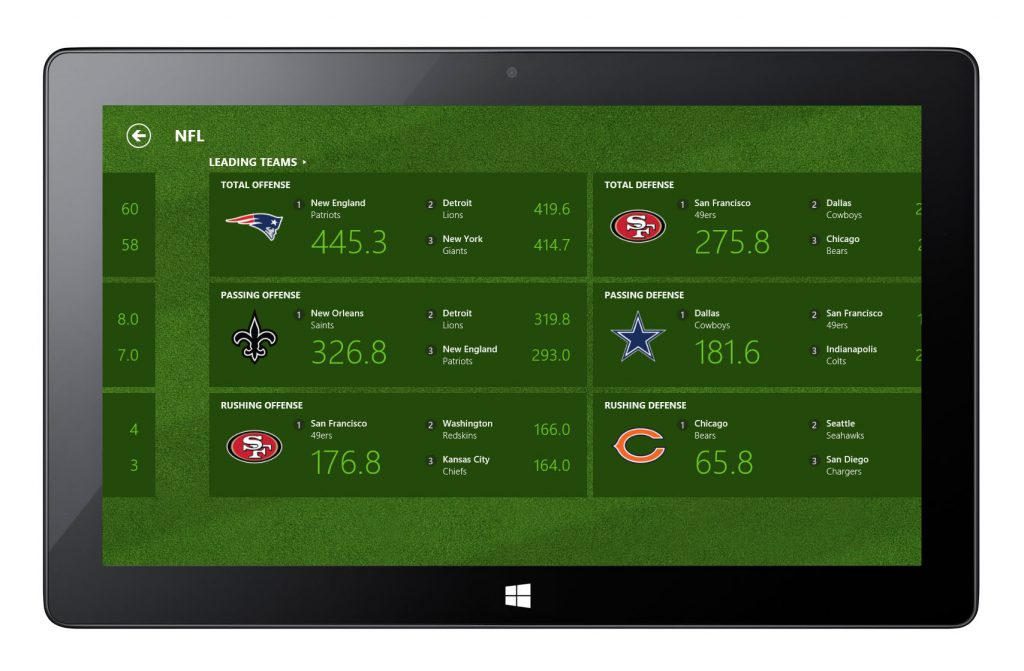
NFL – League Page
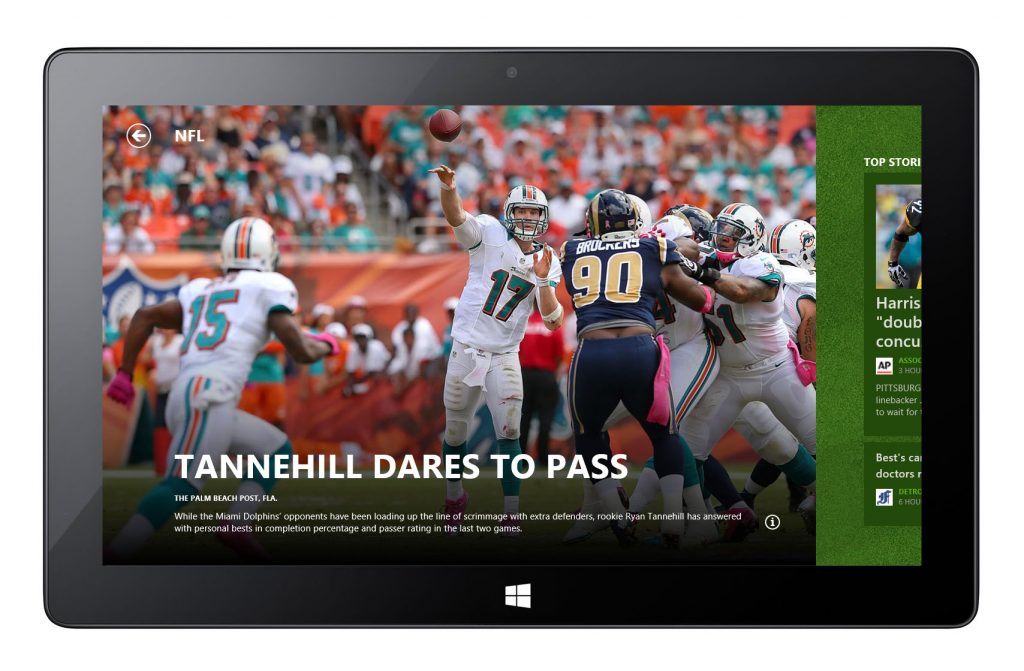
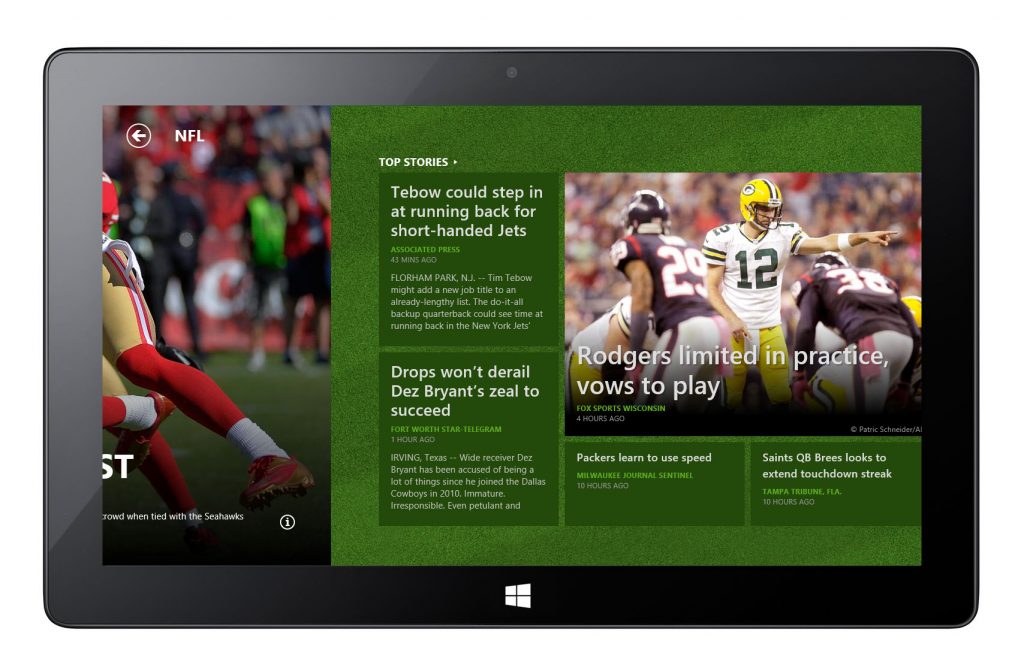
NFL – Team Page
NBA – League Page
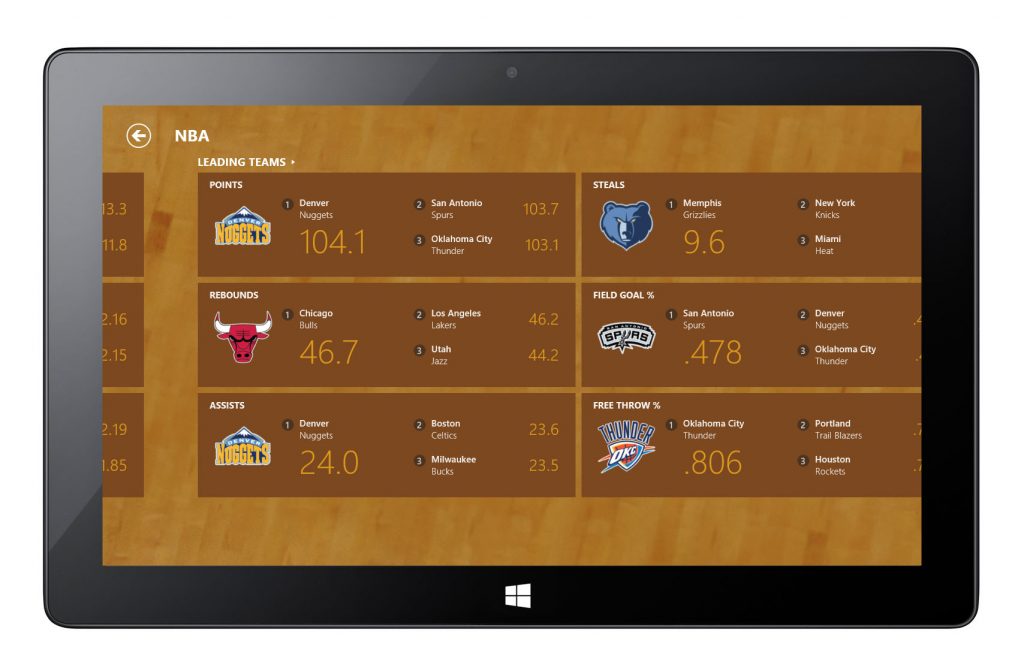
NBA – Team Page
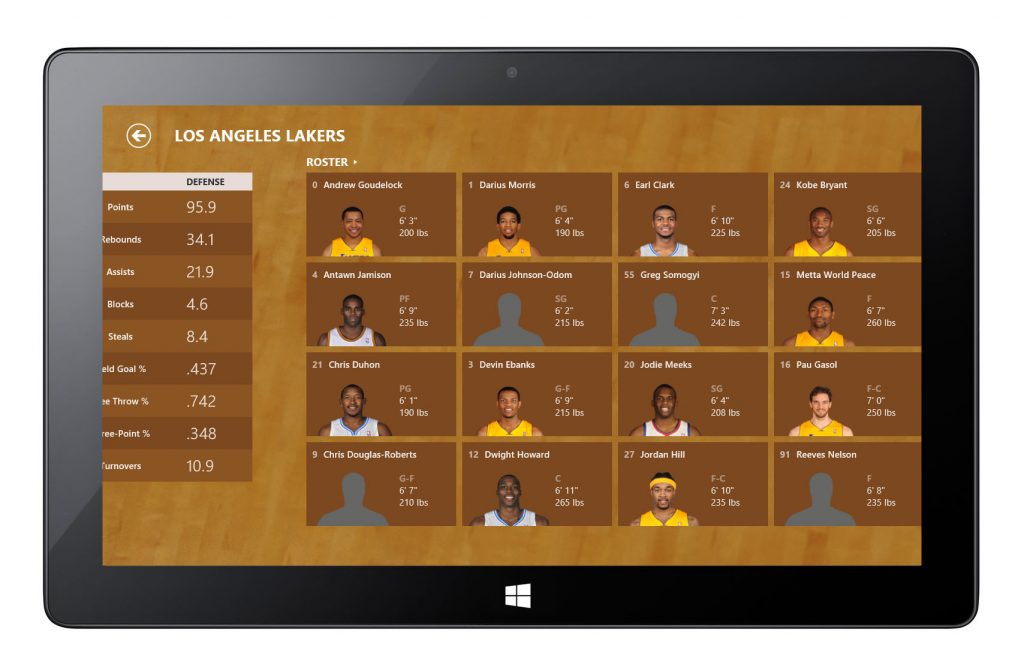
NBA – Player Page
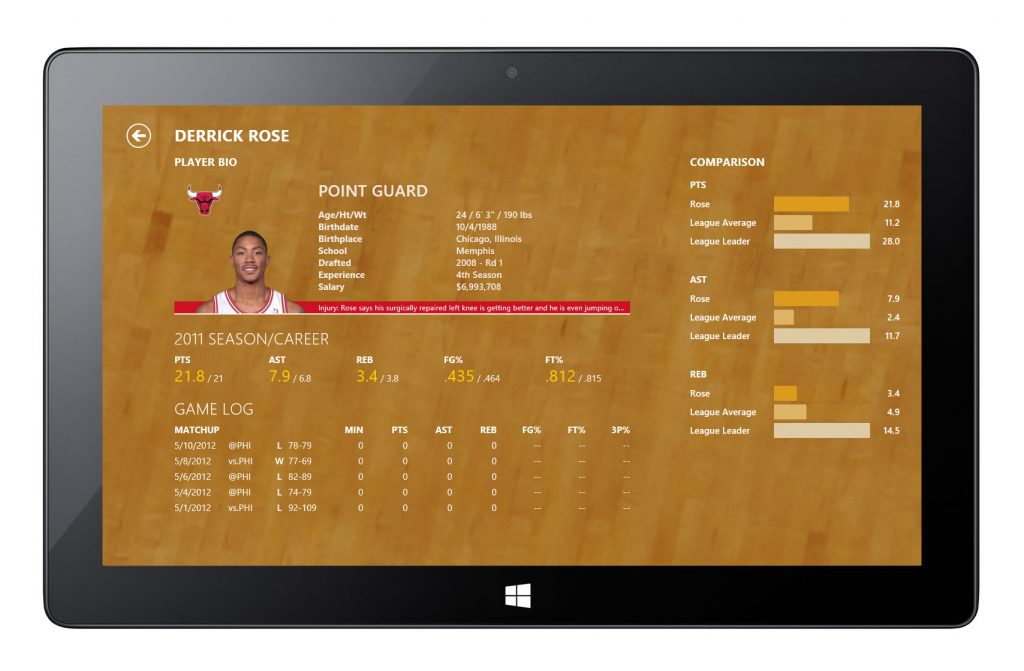
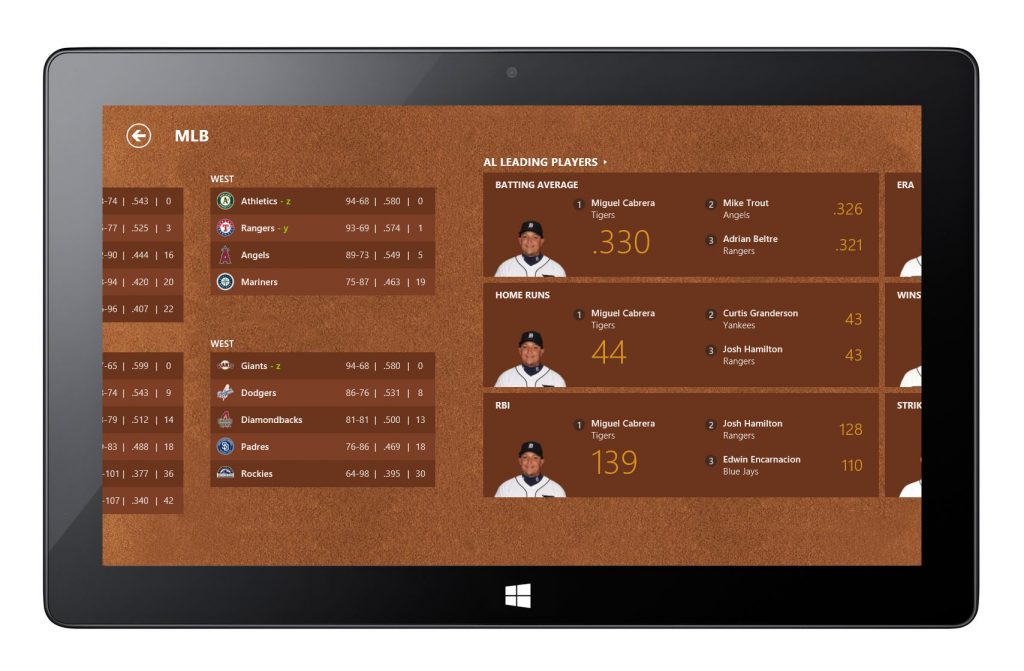
MLB – League Page
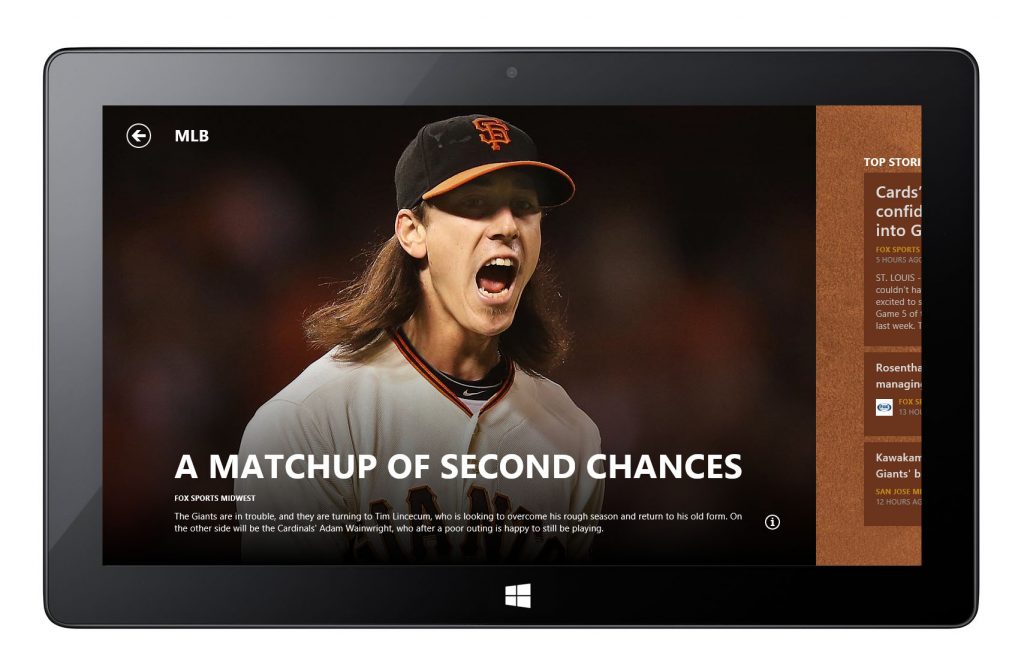
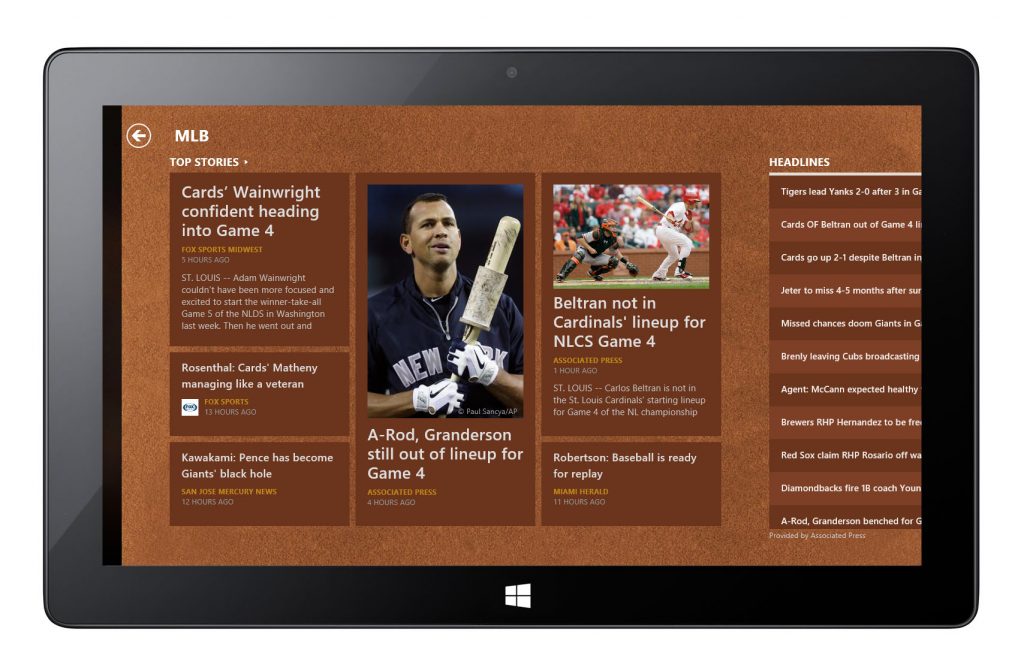
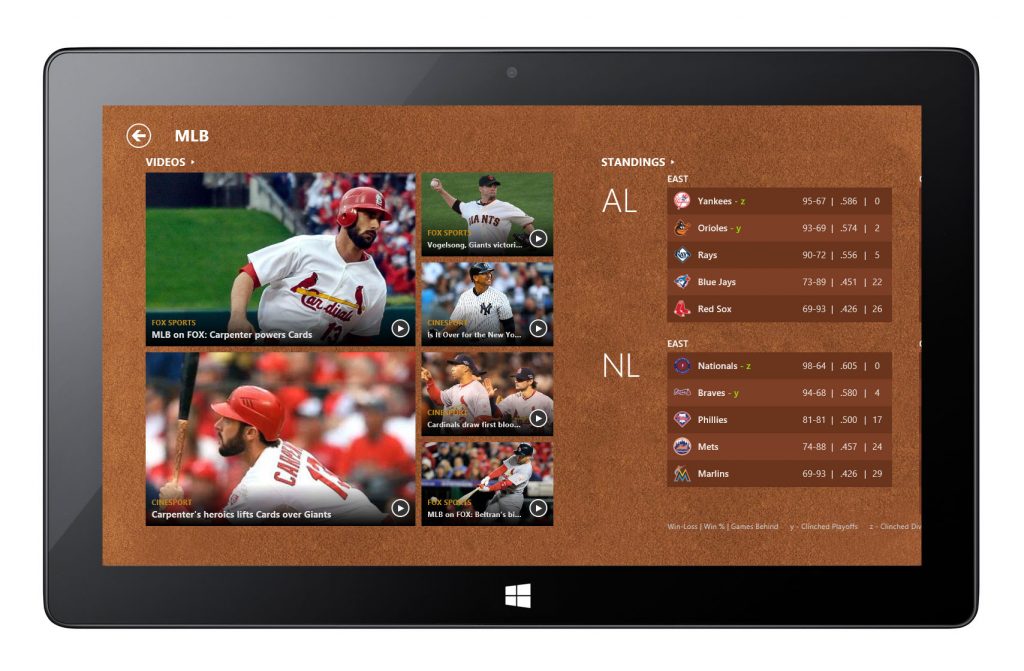
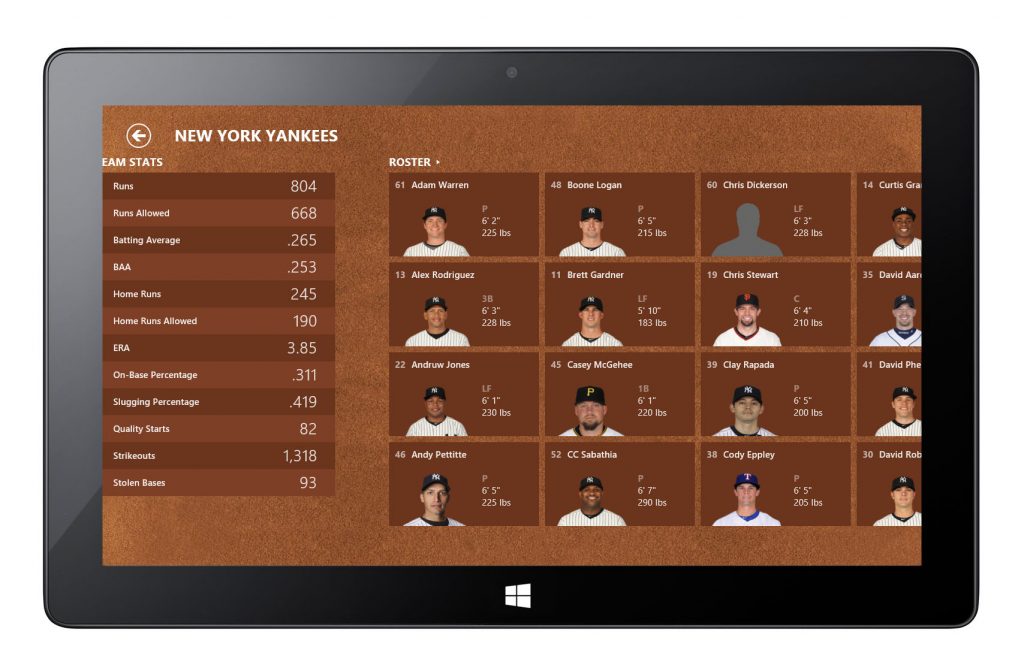
MLB – Player Page
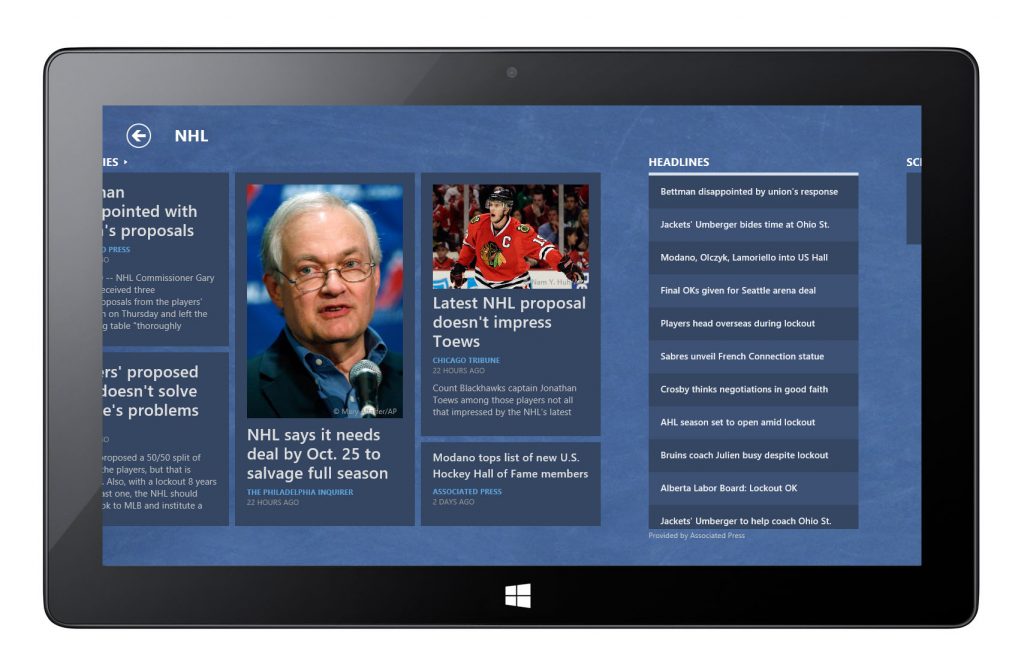
NHL

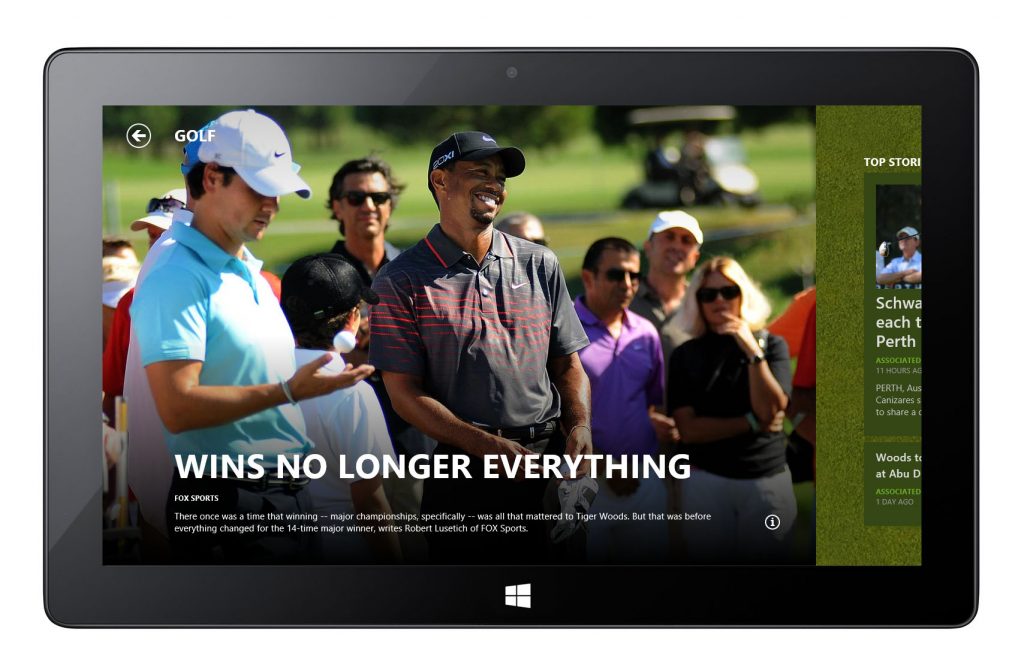
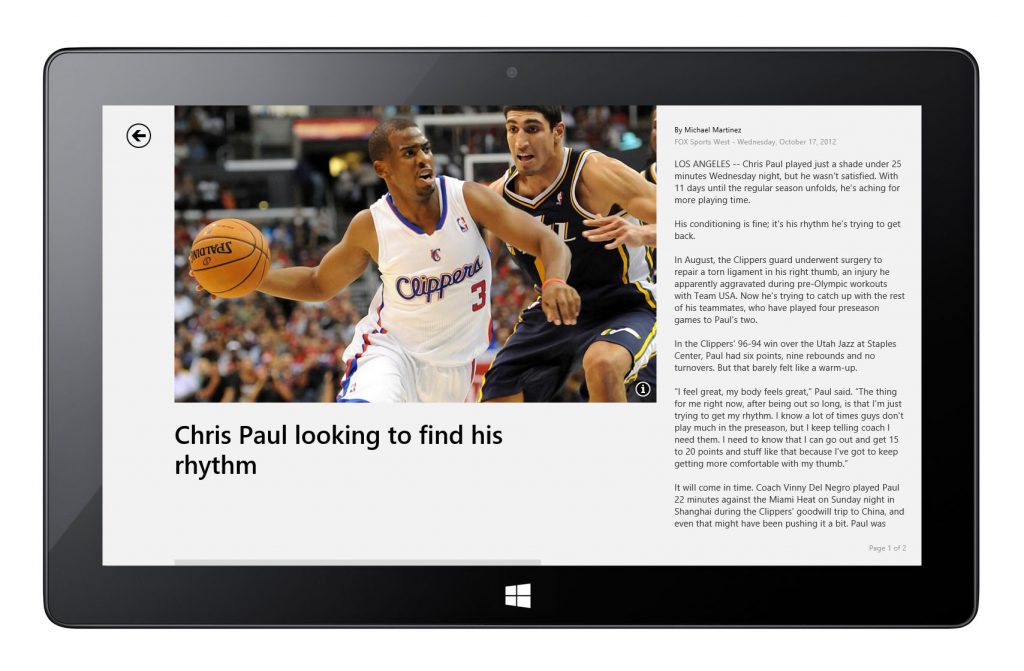
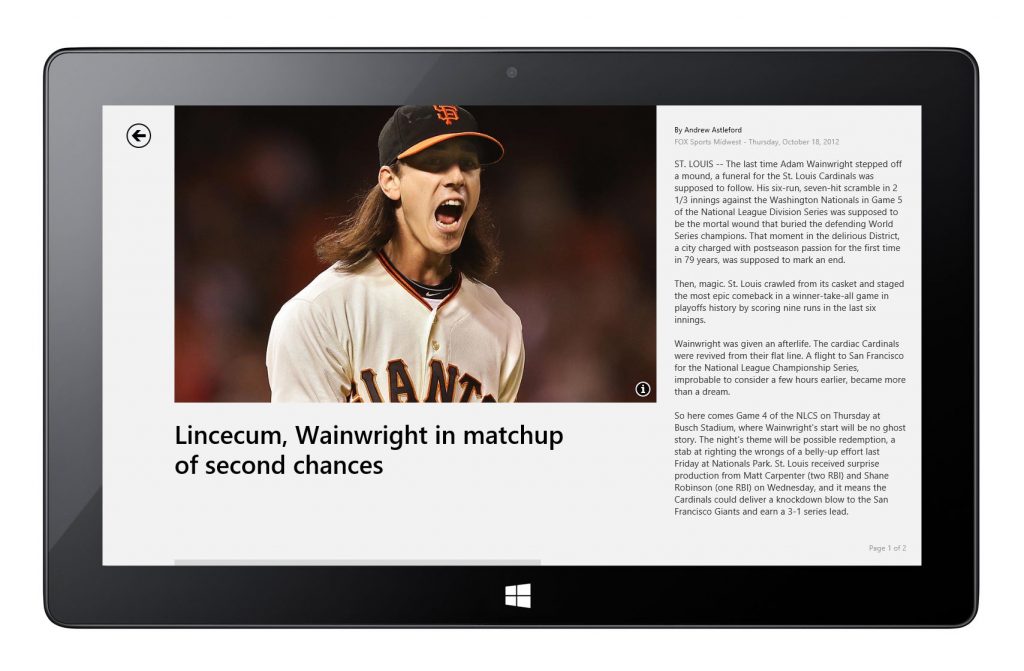
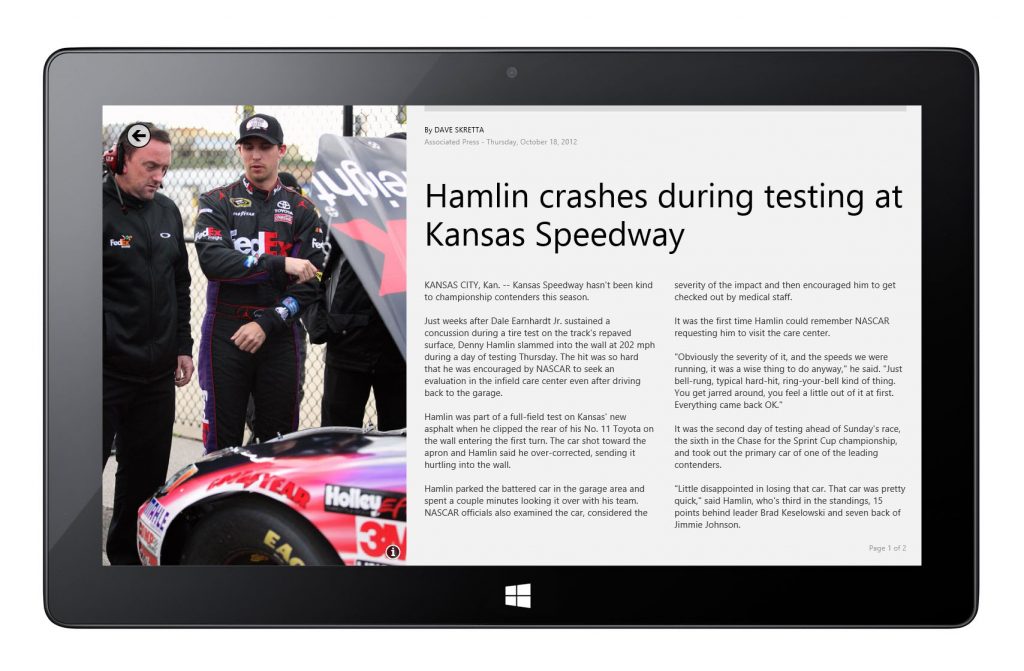
Article Reader
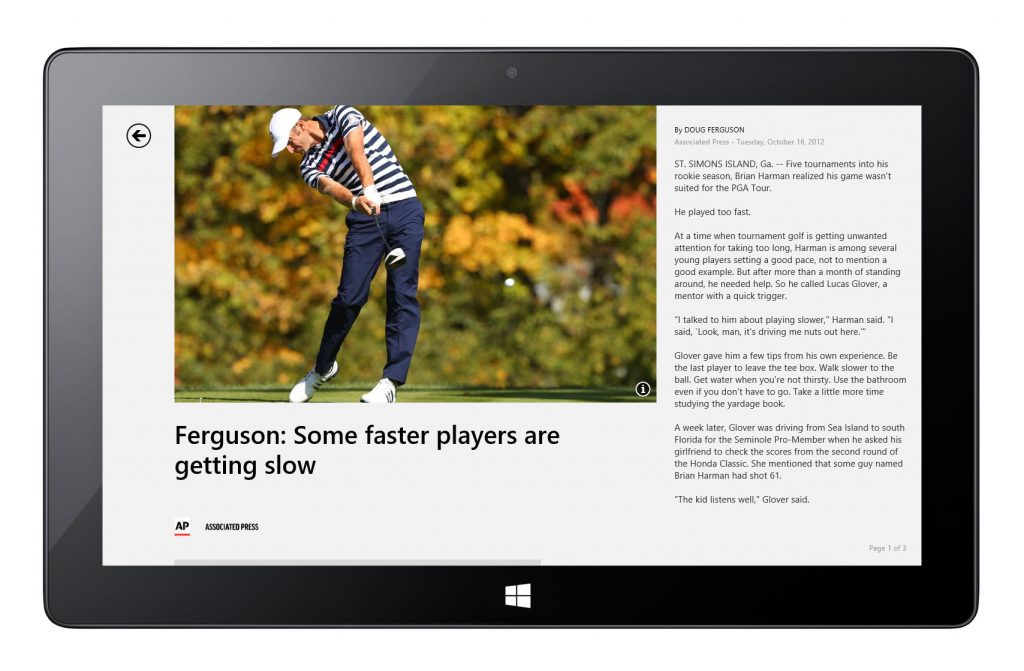
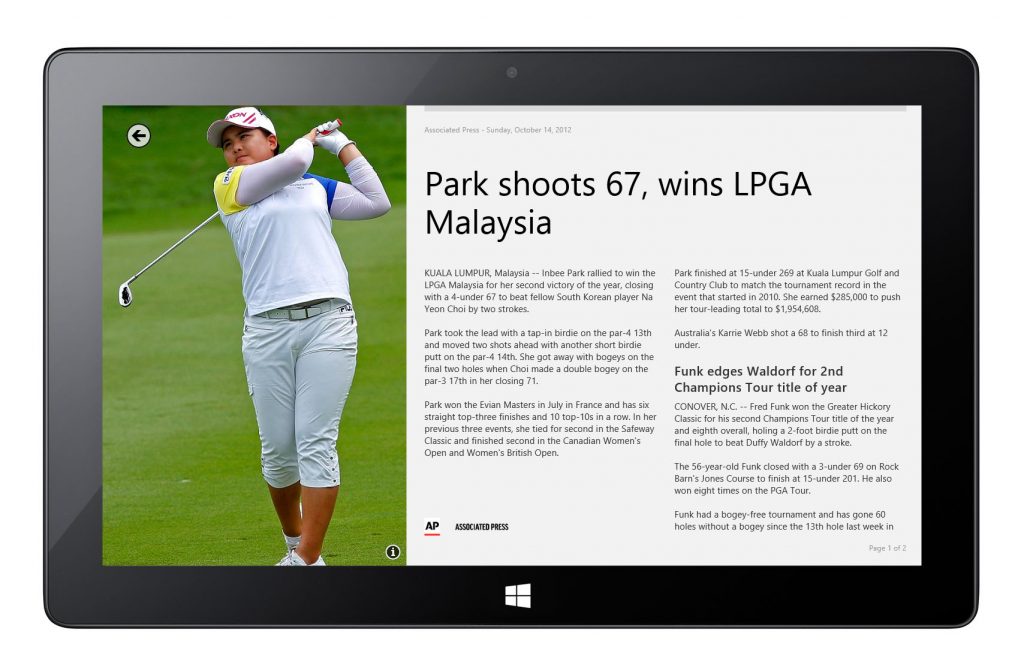
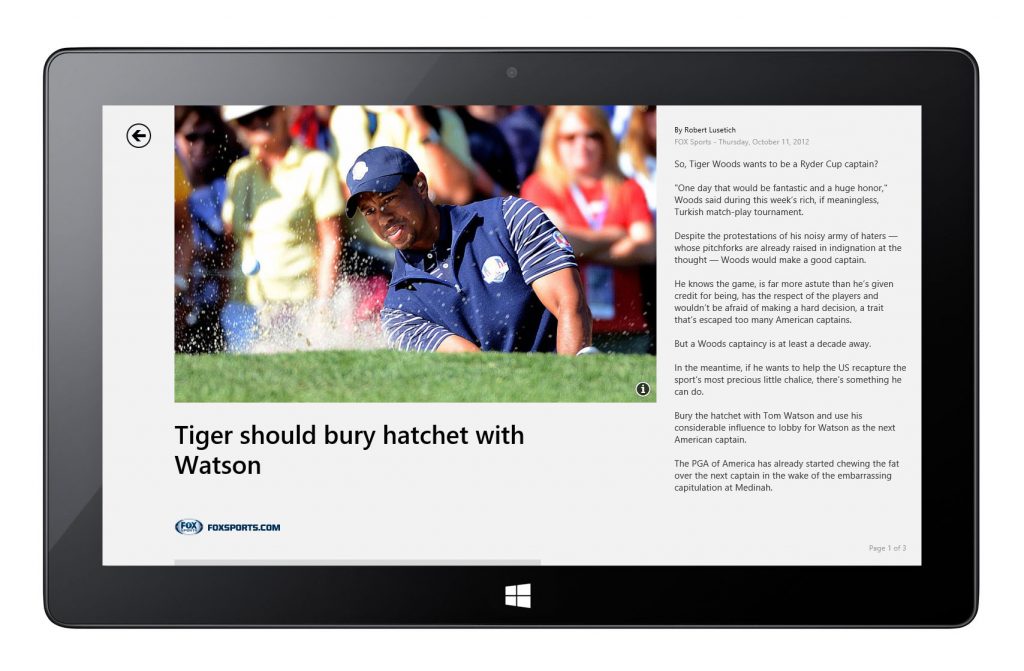
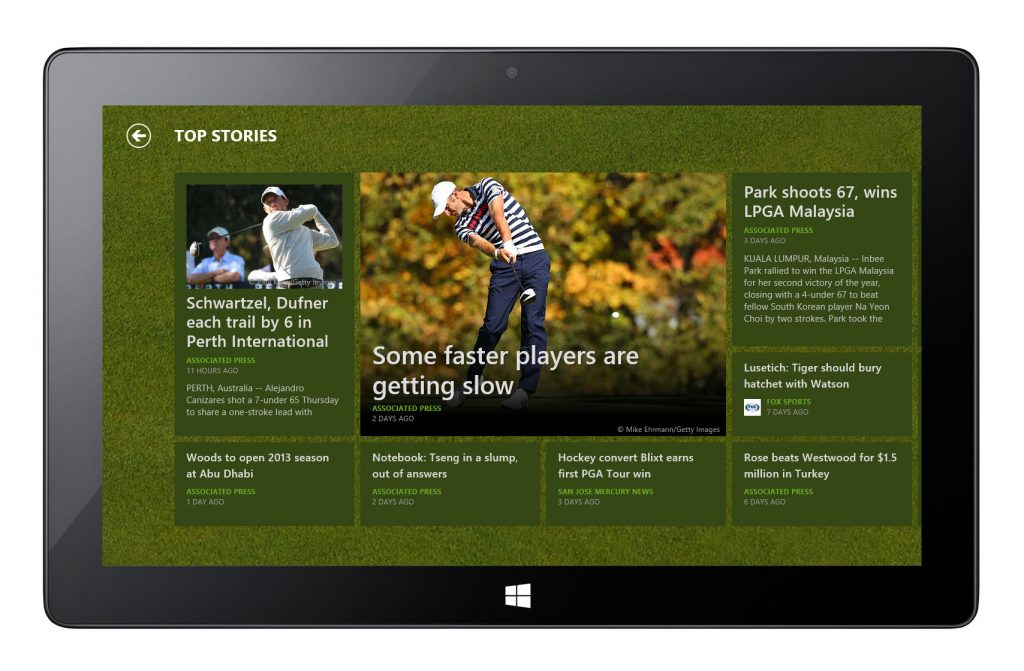
Golf
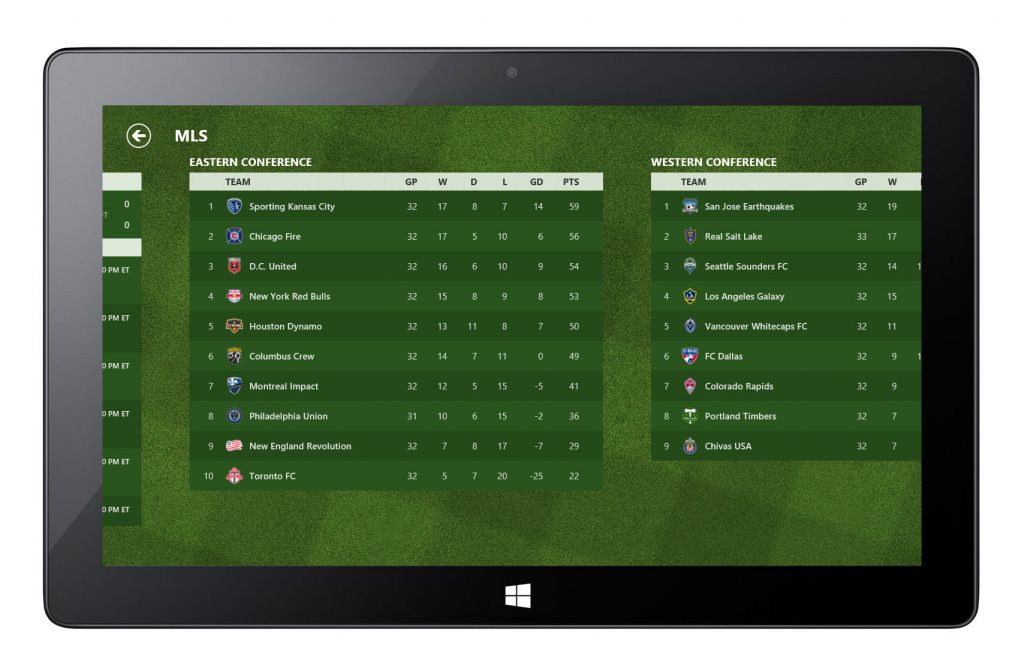
MLS
Formula 1
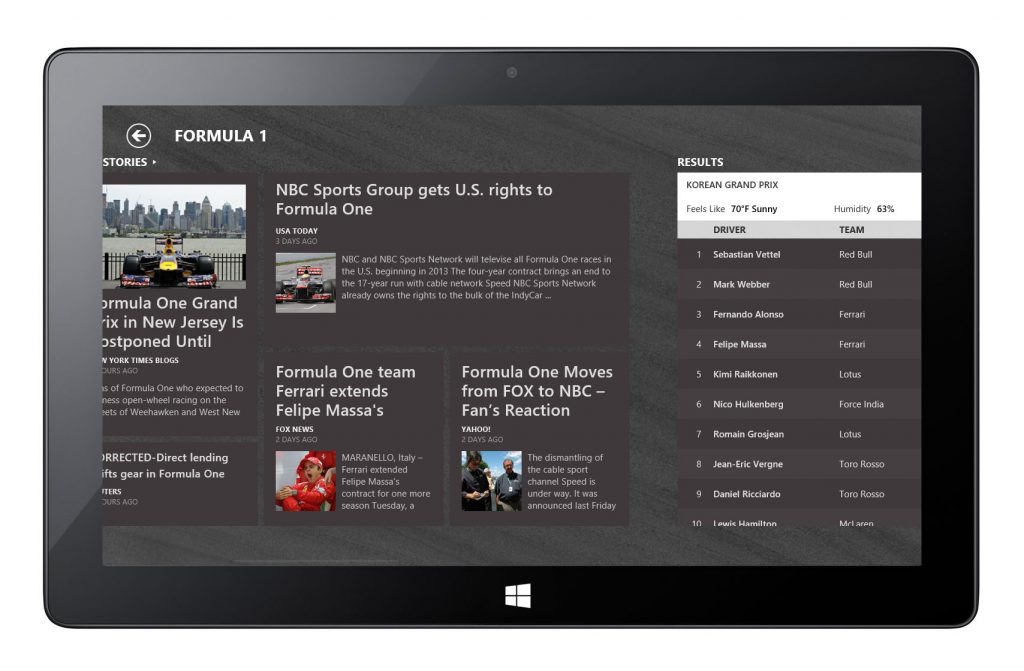
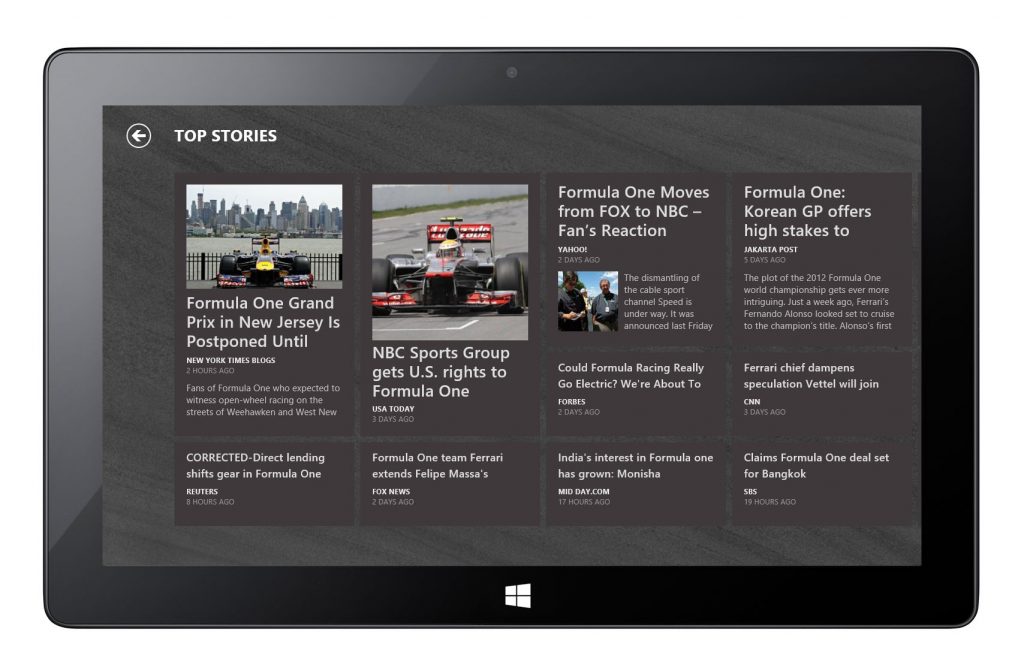
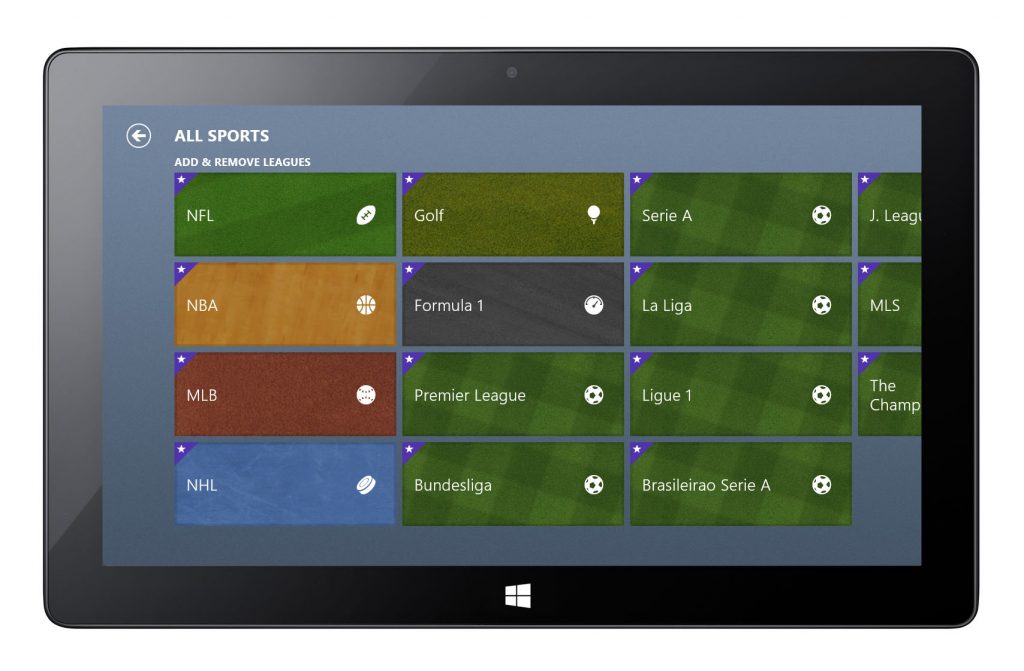
Premier League
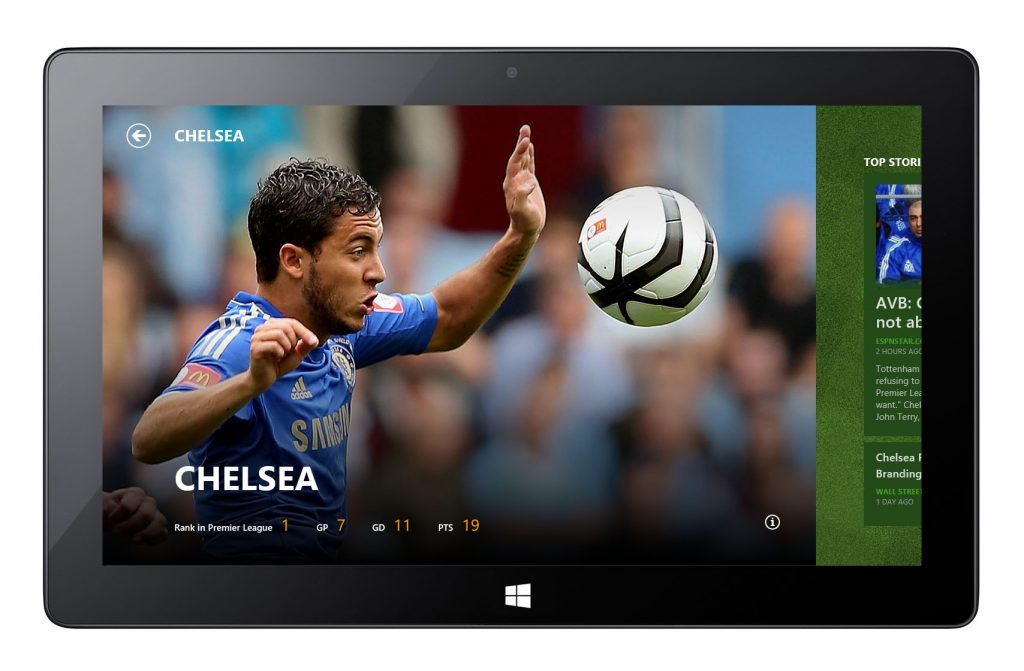
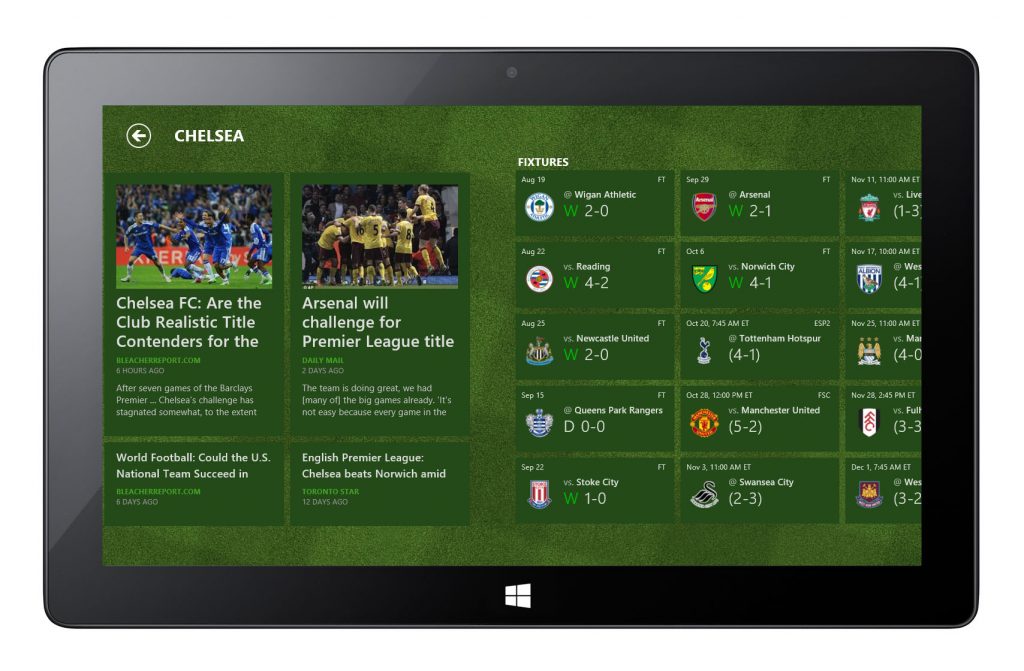
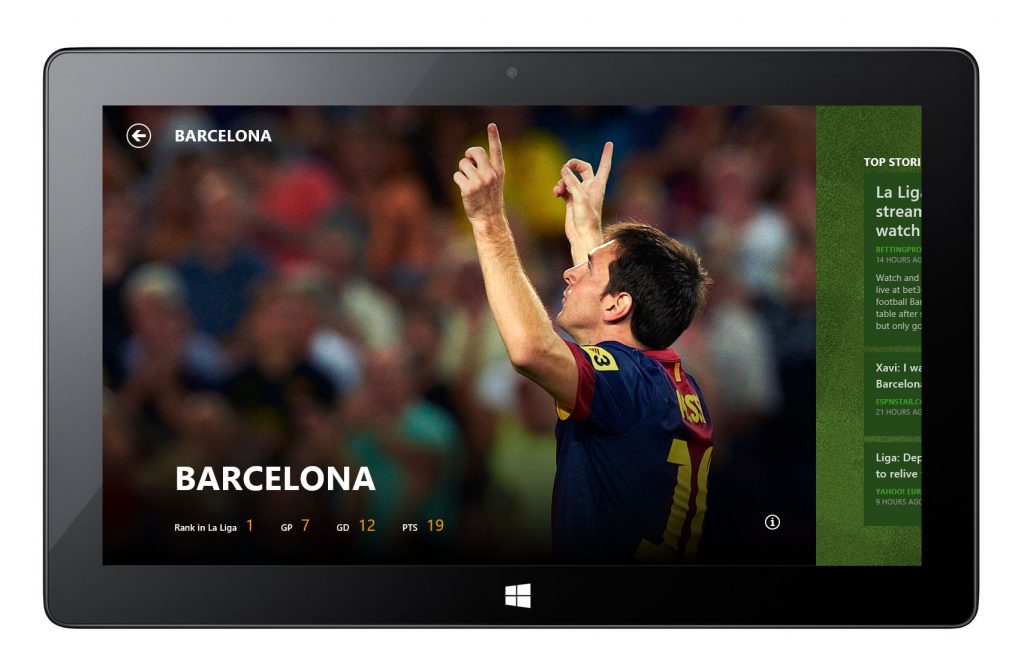
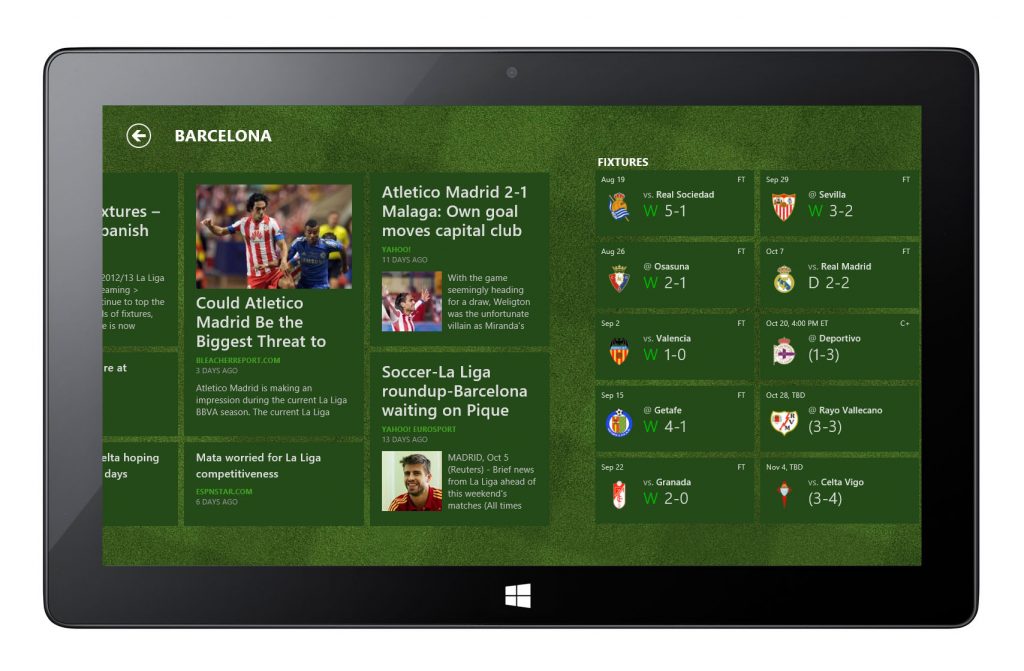
La Liga
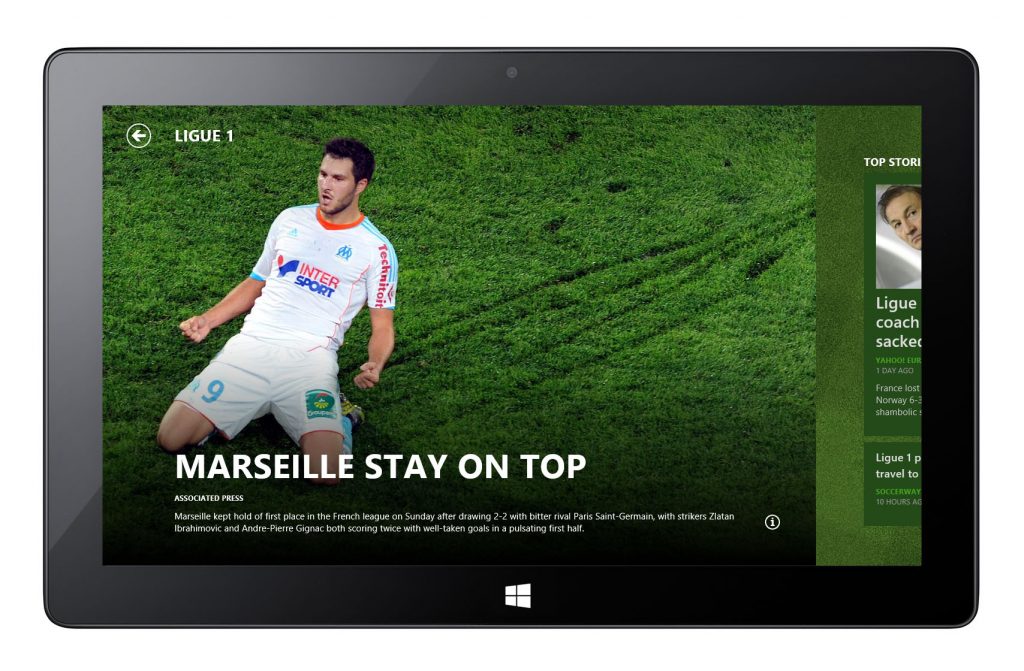
Other Works on 2D App UX Design
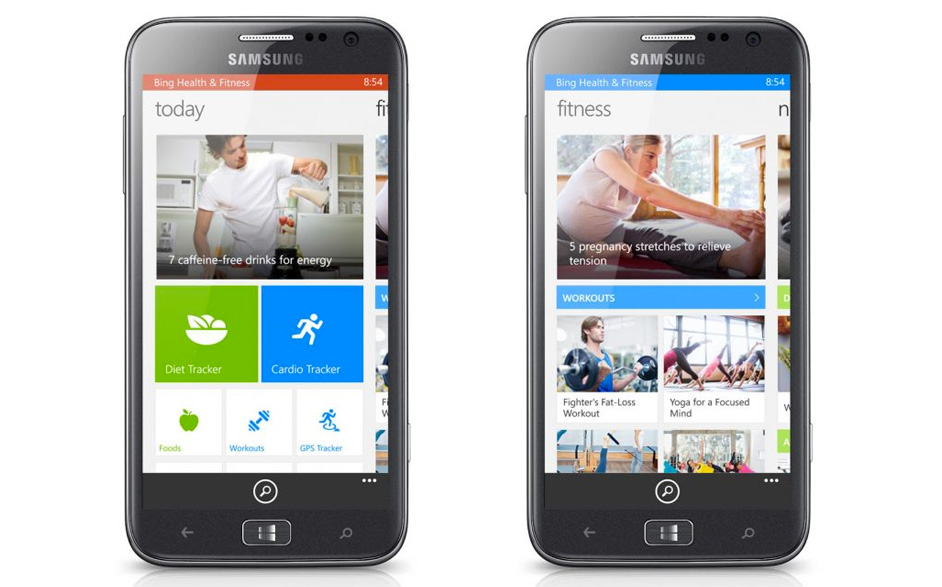
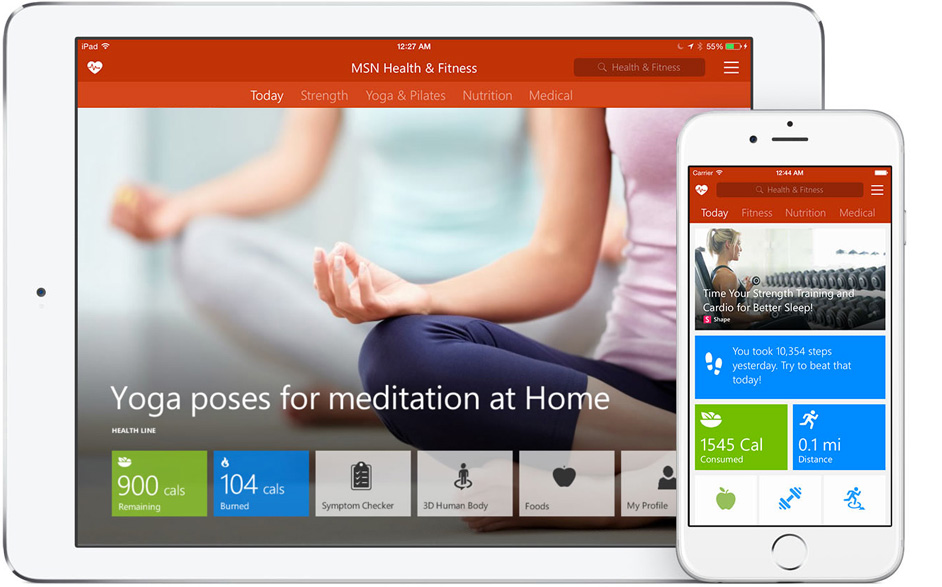
Health & Fitness App for Windows Phone 8
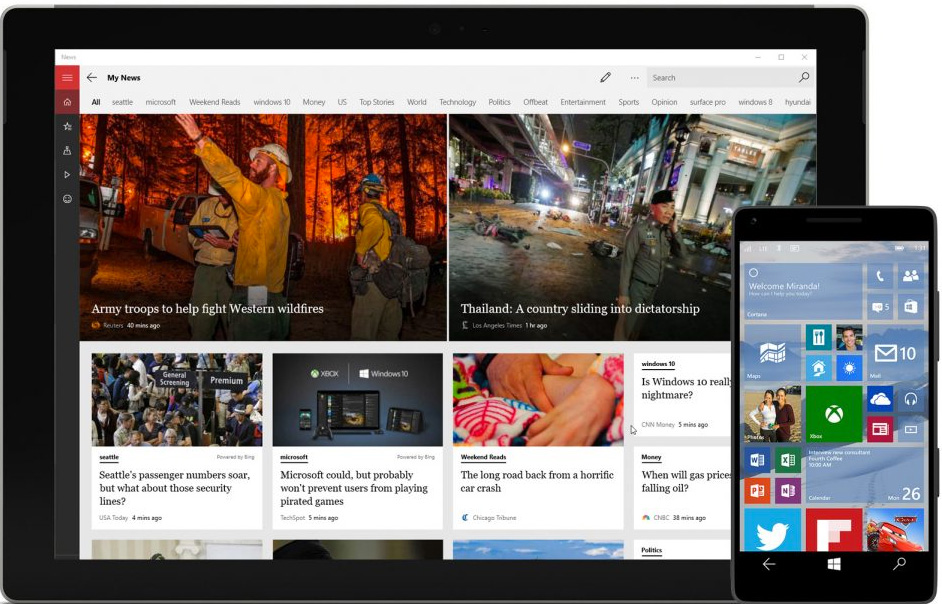
Metro-style default app suite for Windows 8.1