SPATIAL COMPUTING DESIGN | VISUAL SYSTEMS & PRODUCT CRAFT
VISUAL SYSTEMS & PRODUCT CRAFT
Featured Systems Case
MSN Cross-Platform Design System
How I unified information architecture, navigation, interaction patterns, visual language, and product branding across Windows 8, Windows Phone, iOS, Android, Windows 10, and the web.

Before moving into spatial computing, I designed content-rich product systems for Microsoft across Windows, iOS, Android, and the web. The work spanned news, weather, sports, finance, travel, health, and food, and required a shared design language that could scale across platforms, data types, and interaction models.
Working within a small team of 5 to 10 designers, I owned product strategy through execution, including information architecture, navigation, data visualization, interaction design, visual systems, motion, prototyping, and brand expression.
My engineering background enabled direct collaboration with development and hands-on design integration. The resulting MSN and Bing suite became a widely recognized expression of Microsoft’s Metro design language, combining information density with clarity, motion, and high implementation fidelity.
Core Craft
- Product branding
- Visual systems
- Information architecture
- Data visualization
- Cross-platform interaction
- Motion and prototyping
- Design-engineering integration
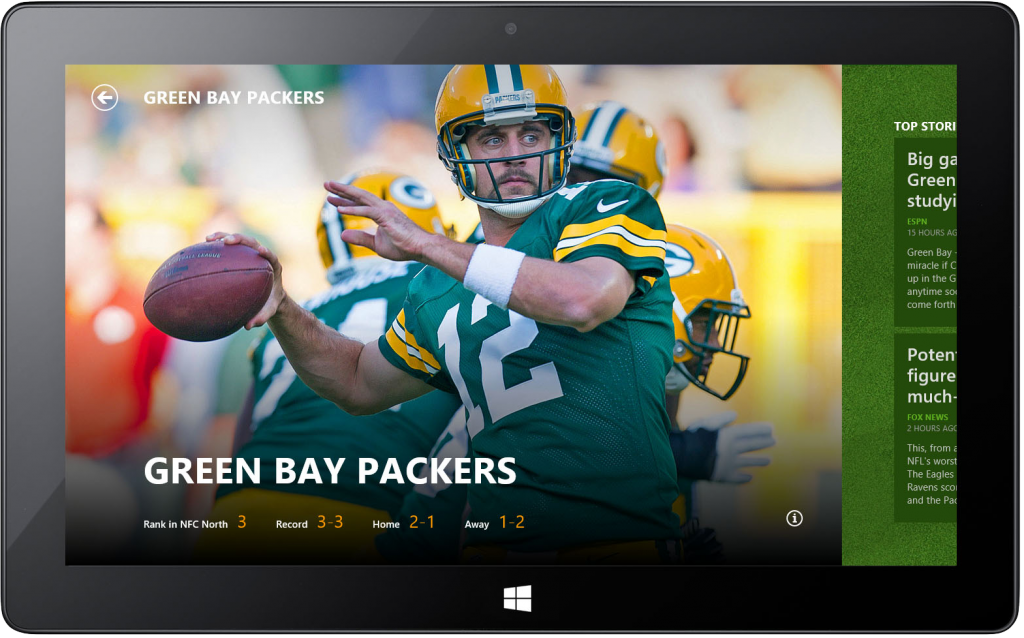
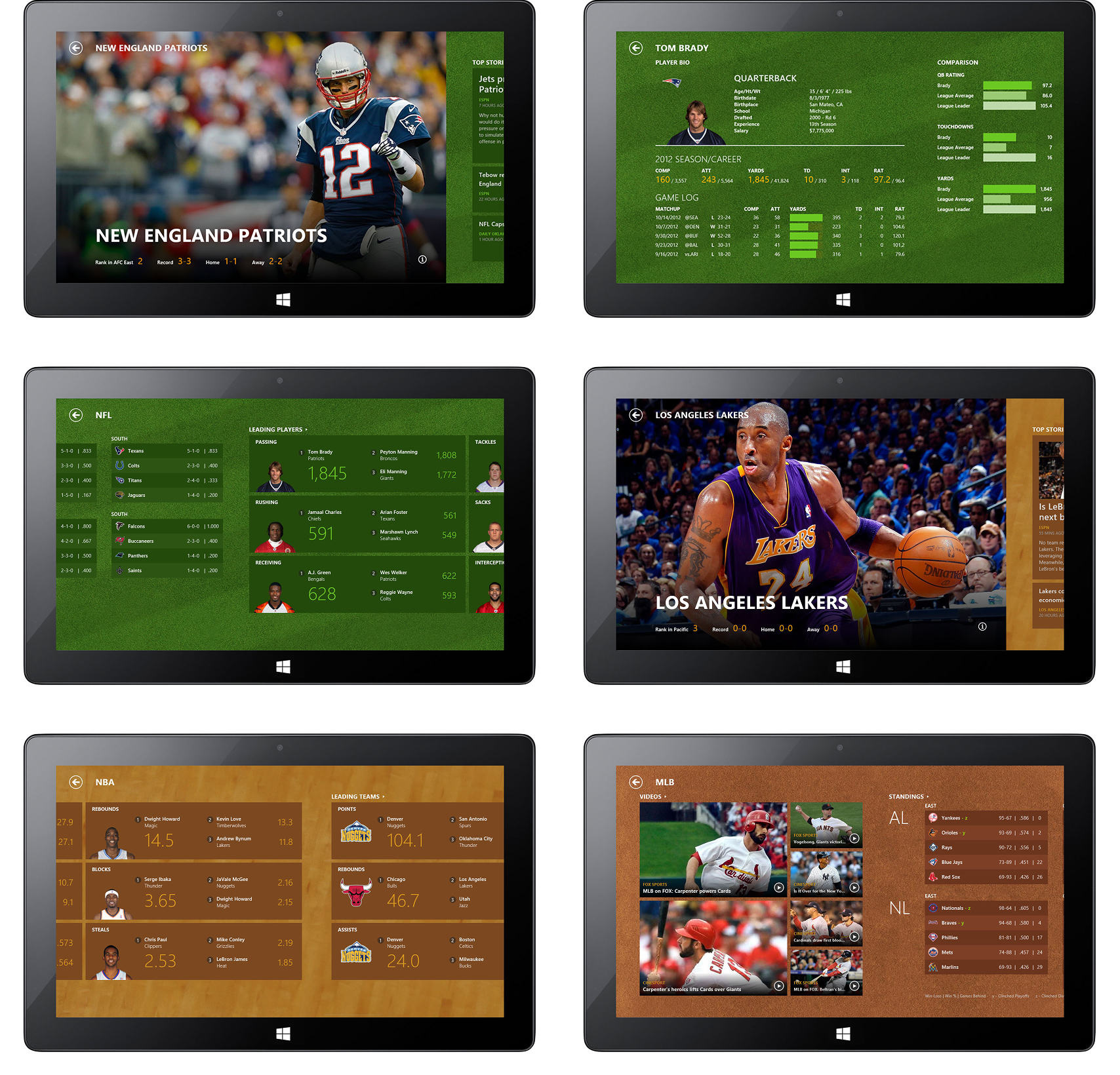
Sports App for Windows 8
The built-in MSN Sports app for Windows 8 delivered live scores, news, statistics, and team information in a touch-first, immersive experience. I led the UX, information architecture, visual design, and interaction design, creating a content-rich Metro-style interface with fluid navigation, dynamic layouts, and interactive prototypes built with the Windows 8 SDK.
Version 1.0 Published in 2011
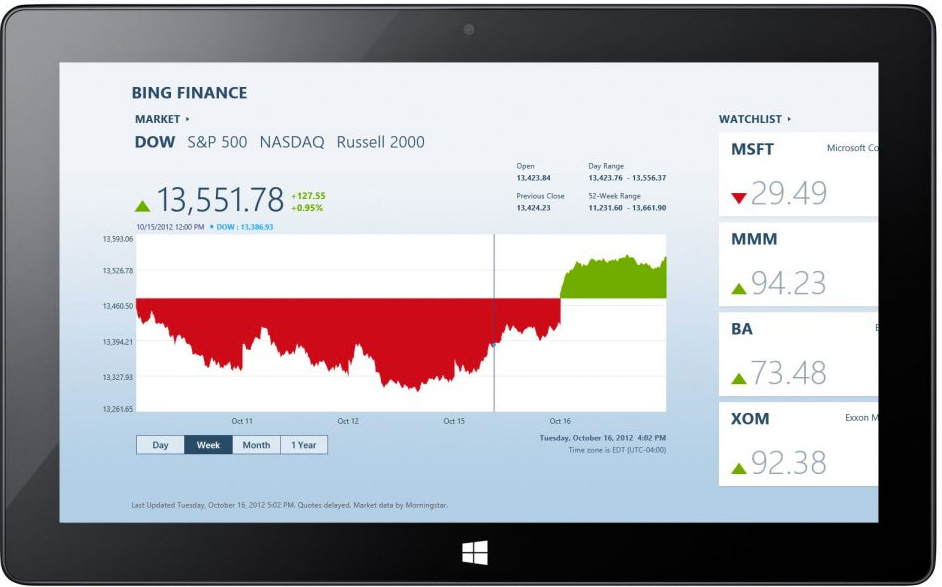
Finance App for Windows 8
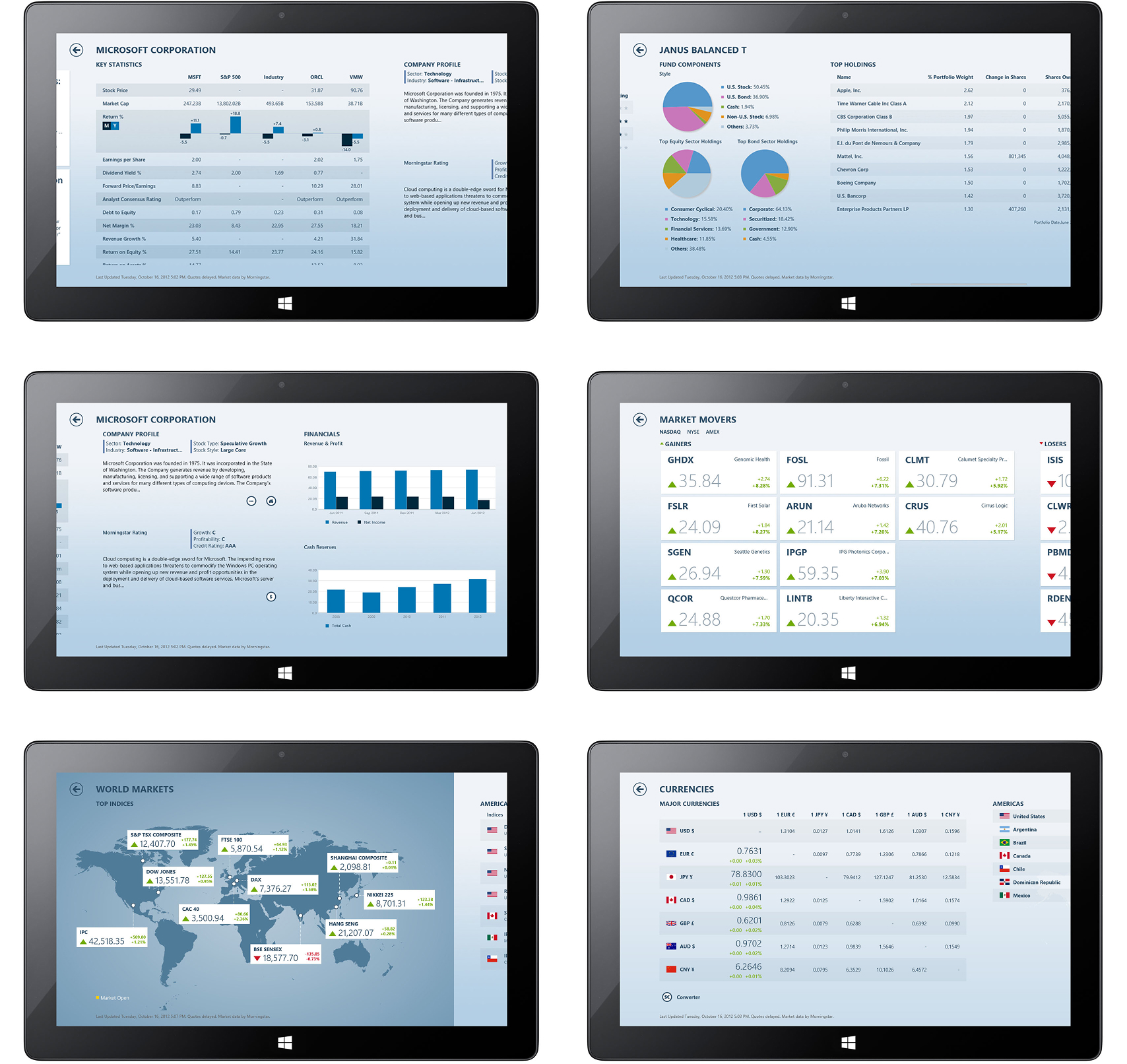
The built-in MSN Finance app for Windows 8 provided an immersive way to explore financial markets, combining real-time stock quotes, market news, interactive charts, watchlists, and financial tools in a touch-first experience. I led the UX, information architecture, visual design, and interaction design, creating a magazine-style interface that transformed complex financial data into clear, engaging, and visually rich experiences while establishing key design patterns for the Windows 8 MSN app suite.
Version 1.0 Published in 2011

MSN Cross-Platform Design System
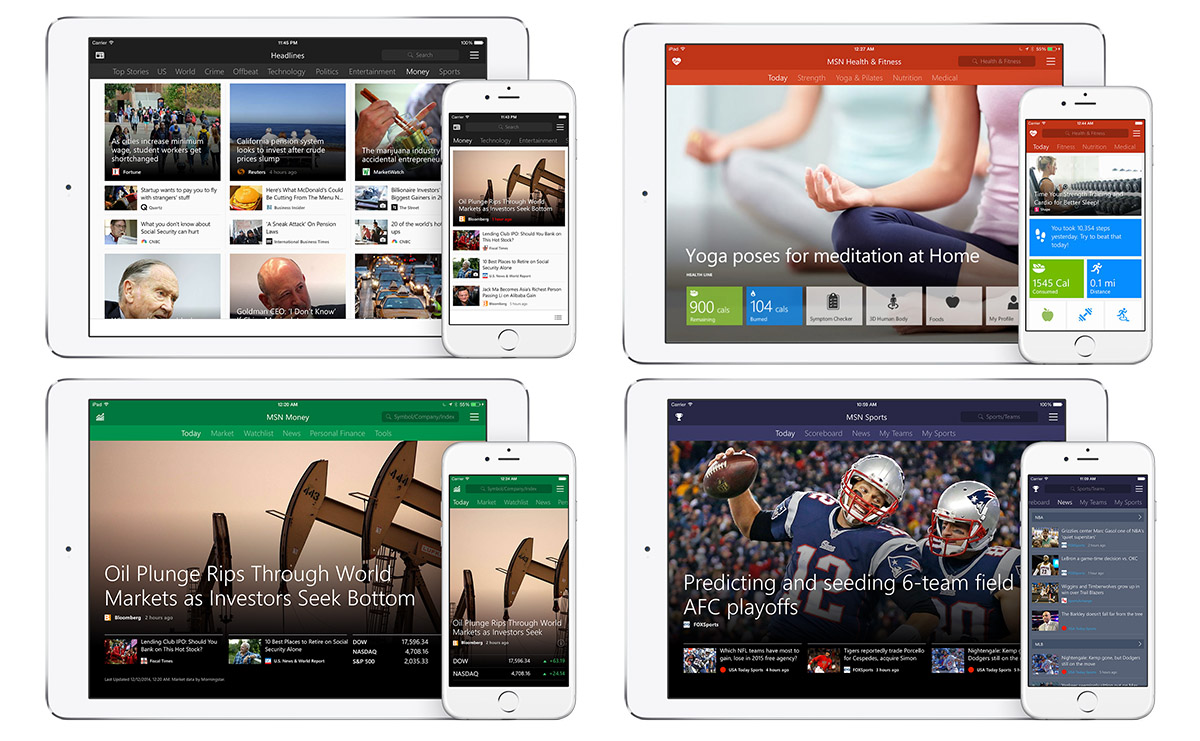
Led the design of a cross-platform system spanning Windows Phone, iOS, Android, Windows 10, and the web. Rather than treating each surface as a separate product, I established a shared information architecture, visual language, navigation model, and reusable interaction patterns that kept the MSN suite coherent across platforms.
The system translated Microsoft’s content-rich Metro design language across touch, mobile, desktop, and web experiences while respecting each platform’s conventions and technical constraints. Working closely with product and engineering teams, I connected strategy with implementation so sports, health, finance, news, and other MSN products could share a consistent brand and interaction model without becoming identical.
2013 – 2015
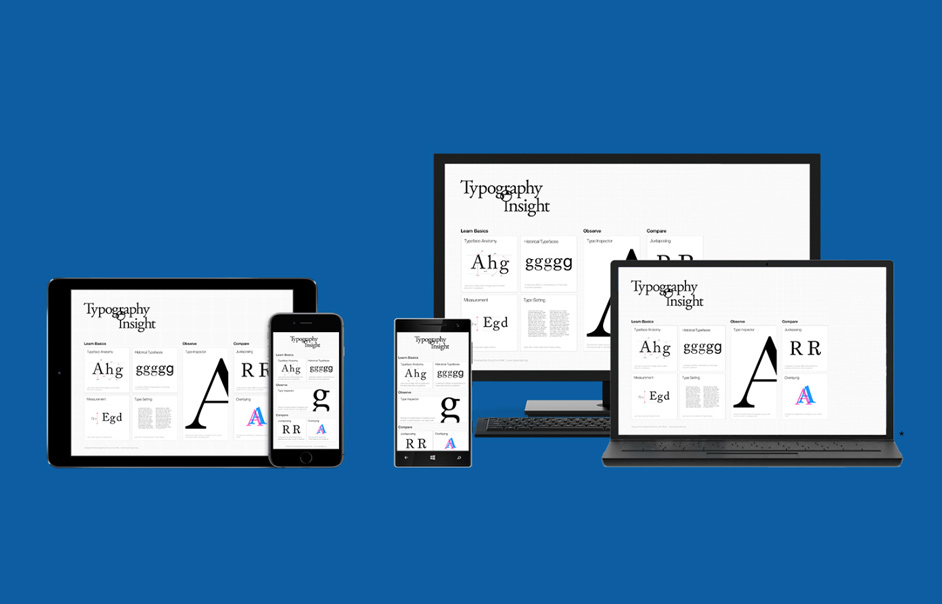
Windows Bridge for iOS
Microsoft open-source project and iOS bridge solution that enabled developers to bring Objective-C applications to Windows.
Oct – May 2015
INDEPENDENT PRODUCTS
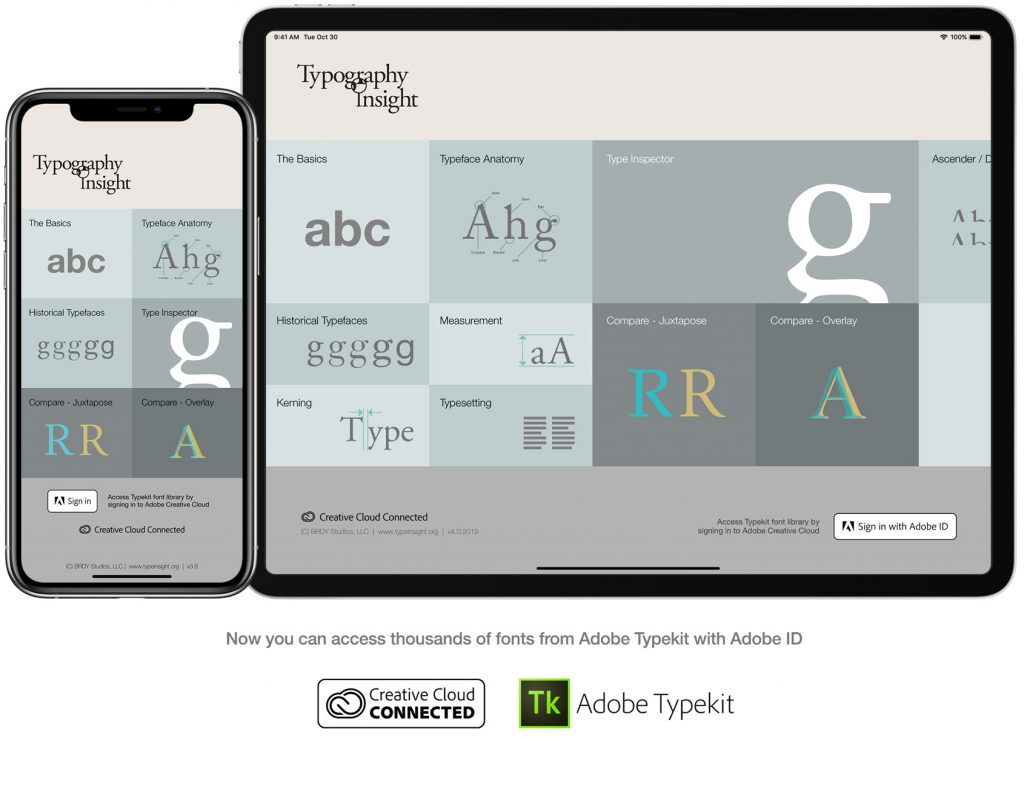
Typography Insight
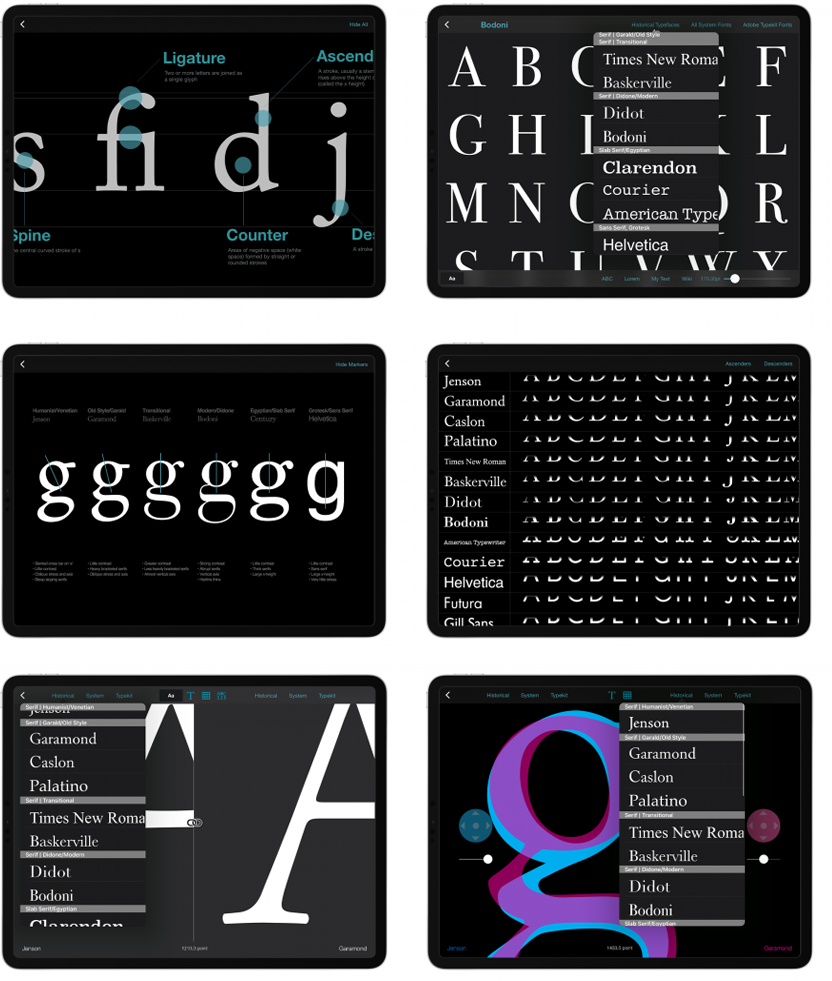
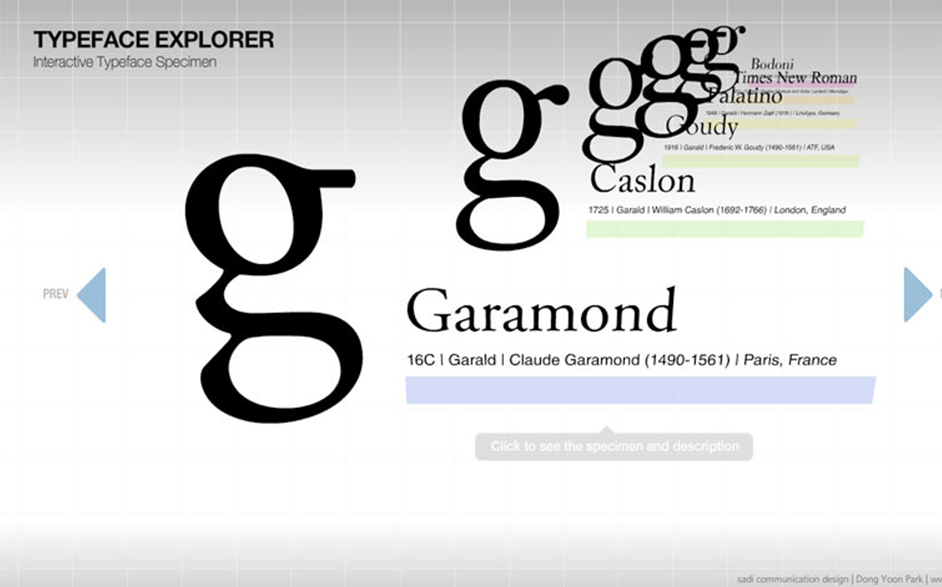
Typography Insight is an independent product for learning and teaching typography through close visual comparison. Since its launch in 2011, it has been featured by Fast Company, The Atlantic, and Gizmodo, ranked No. 2 among paid U.S. education apps, and featured as App of the Day by Apple.
v1.0 Published in 2011. Available on App Store.